Introduction
Thank you for choosing the VODESON Key Finder. This device is designed to help you quickly locate lost items such as keys, wallets, remote controls, and more. With its intuitive operation and reliable performance, you can easily find your personal belongings.
The VODESON Key Finder system includes a transmitter remote and two slim receivers. The high-frequency radio signal can penetrate walls, floors, and cushions, allowing you to locate items even when they are out of sight.
Package Contents
- 1 x VODESON Transmitter Remote
- 2 x VODESON Receivers (one with red button, one with blue button)
- CR2032 Button Cell Batteries (pre-installed or included for replacement)
- Key Rings
- Adhesive Pads (for attaching receivers to non-keyring items)

Image: The VODESON Key Finder system, showing the remote, two receivers, and keys, illustrating the complete package.
Setup
- Battery Installation/Check: The receivers come with CR2032 button cell batteries. Ensure they are correctly installed. If the receiver does not beep, replace the battery. To replace, gently pry open the receiver casing (usually a small notch or seam) and insert a new CR2032 battery with the positive (+) side facing up.
- Attach Receivers to Items:
- For keys: Use the included key rings to attach a receiver to your key set.
- For other items (e.g., wallet, remote control): Use the adhesive pads to securely attach a receiver to the desired item.
- Identify Receivers: Note which color button on the transmitter corresponds to which receiver. The transmitter has two color-coded buttons (red and blue), each linked to a specific receiver.
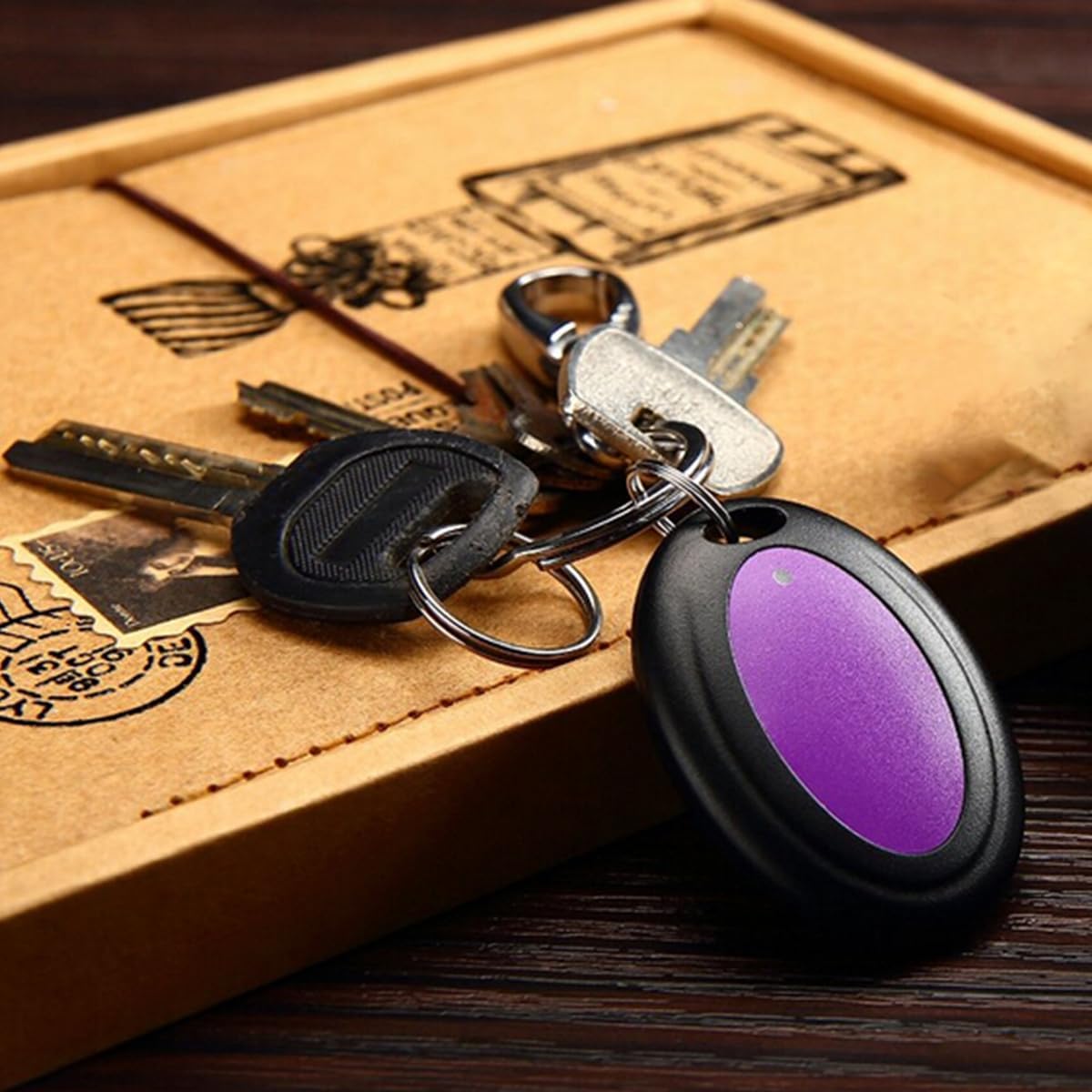
Image: A VODESON receiver securely attached to a set of keys, demonstrating how to prepare an item for tracking.
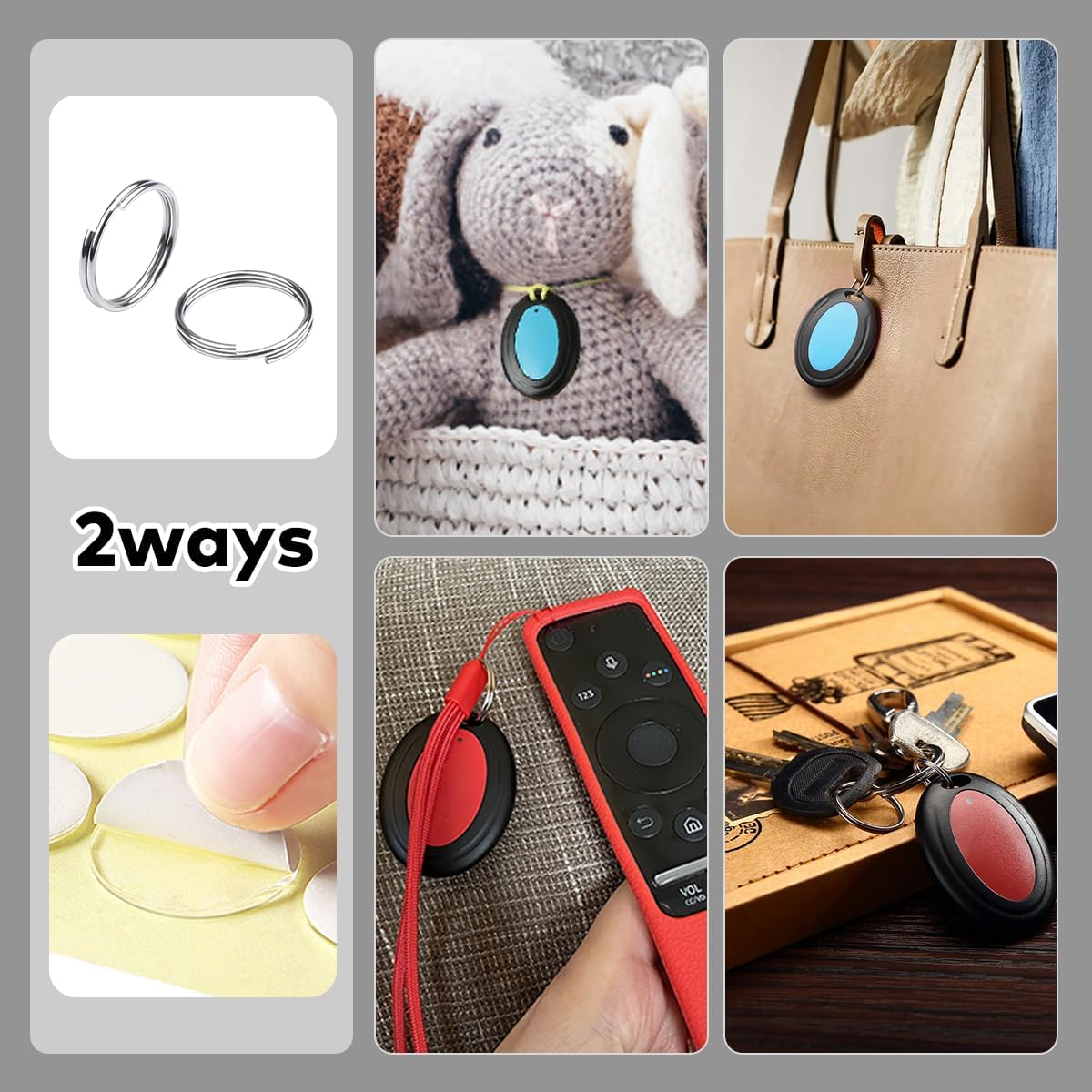
Image: Various ways to attach the VODESON receivers to everyday items like keys, bags, and remote controls.
Operating Instructions
Using your VODESON Key Finder is straightforward:
- Identify the Lost Item: Determine which item you are looking for and recall which color-coded receiver is attached to it.
- Press the Corresponding Button: On the VODESON transmitter remote, press the button that matches the color of the receiver attached to your lost item. For example, if your keys have the red receiver, press the red button on the remote.
- Listen for the Alarm: The corresponding receiver will emit a loud beep (80-100 dB) and flash, guiding you to its location.
- Follow the Sound: Move in the direction of the beeping sound until you locate your item. The signal has a range of up to 40 meters (approximately 130 feet) and can pass through walls and furniture.

Image: Demonstrates pressing the remote button to activate the receiver's alarm, guiding the user to the lost item.

Image: Visual representation of the key finder's effective range and sound intensity during operation.
Maintenance
- Battery Replacement: The CR2032 button cell batteries in the receivers typically last up to 12 months. When the alarm sound becomes weak or the receiver fails to respond, it's time to replace the battery.
- Cleaning: Wipe the devices with a soft, dry cloth. Avoid using harsh chemicals or abrasive cleaners.
- Water Resistance: The receivers feature IPX4 splash protection, meaning they are resistant to splashes of water from any direction. However, they are not designed for submersion. Avoid exposing them to heavy rain or submerging them in water.
- Storage: Store the key finder in a cool, dry place when not in use.
Troubleshooting
| Problem | Possible Cause | Solution |
|---|---|---|
| Receiver does not beep or flashes weakly. | Low or dead battery in the receiver. | Replace the CR2032 battery in the receiver. |
| Transmitter button does not activate receiver. | Out of range; Obstruction blocking signal; Transmitter battery low. | Move closer to the lost item; Ensure no major metal objects are directly between transmitter and receiver; Replace transmitter battery (if applicable, though usually long-lasting). |
| Alarm sound is too low. | Low battery in receiver; Receiver is muffled by objects. | Replace receiver battery; Check if the receiver is deeply buried under cushions or other materials. |
Specifications
| Feature | Detail |
|---|---|
| Brand | VODESON |
| Model Number | 2 Receivers |
| Connectivity Technology | RF (Radio Frequency) |
| Control Method | Tactile (Button Press) |
| Receiver Battery Type | CR2032 Button Cell (Lithium) |
| Receiver Battery Life | Up to 12 months |
| Material | Acrylonitrile Butadiene Styrene (ABS) |
| Water Resistance | IPX4 (Splash-proof) |
| Operating Range | Up to 40 meters (130 feet) |
| Alarm Volume | 80-100 dB |
| Receiver Dimensions | Approximately 5.0 cm (1.97 in) x 3.6 cm (1.42 in) x 1.09 cm (0.43 in) |

Image: Detailed dimensions of the VODESON Key Finder components.
Warranty and Support
VODESON offers a manufacturer's warranty of 18 months for this product. Additionally, a 90-day return policy is provided. For any questions, technical assistance, or warranty claims, please contact VODESON customer support via email. Support is available in German and responses are typically provided within 24 hours.
For further assistance, please refer to the contact information provided with your purchase or visit the official VODESON website.


