
Salter 9113 GY3R
Salter Compact Body Analyser Bathroom Scales User Manual
Model: 9113 GY3R
Brand: Salter
Product Overview
The Salter Compact Body Analyser Bathroom Scales (Model 9113 GY3R) are designed to provide comprehensive body composition measurements in a compact and user-friendly device. This scale measures not only your weight but also estimates body fat, body water, and Body Mass Index (BMI). Featuring an ultra-slim toughened glass platform and an easy-to-read digital display, it offers instant weight readings with a simple step-on function. The scale includes an 8-user memory, allowing multiple individuals to track their progress.
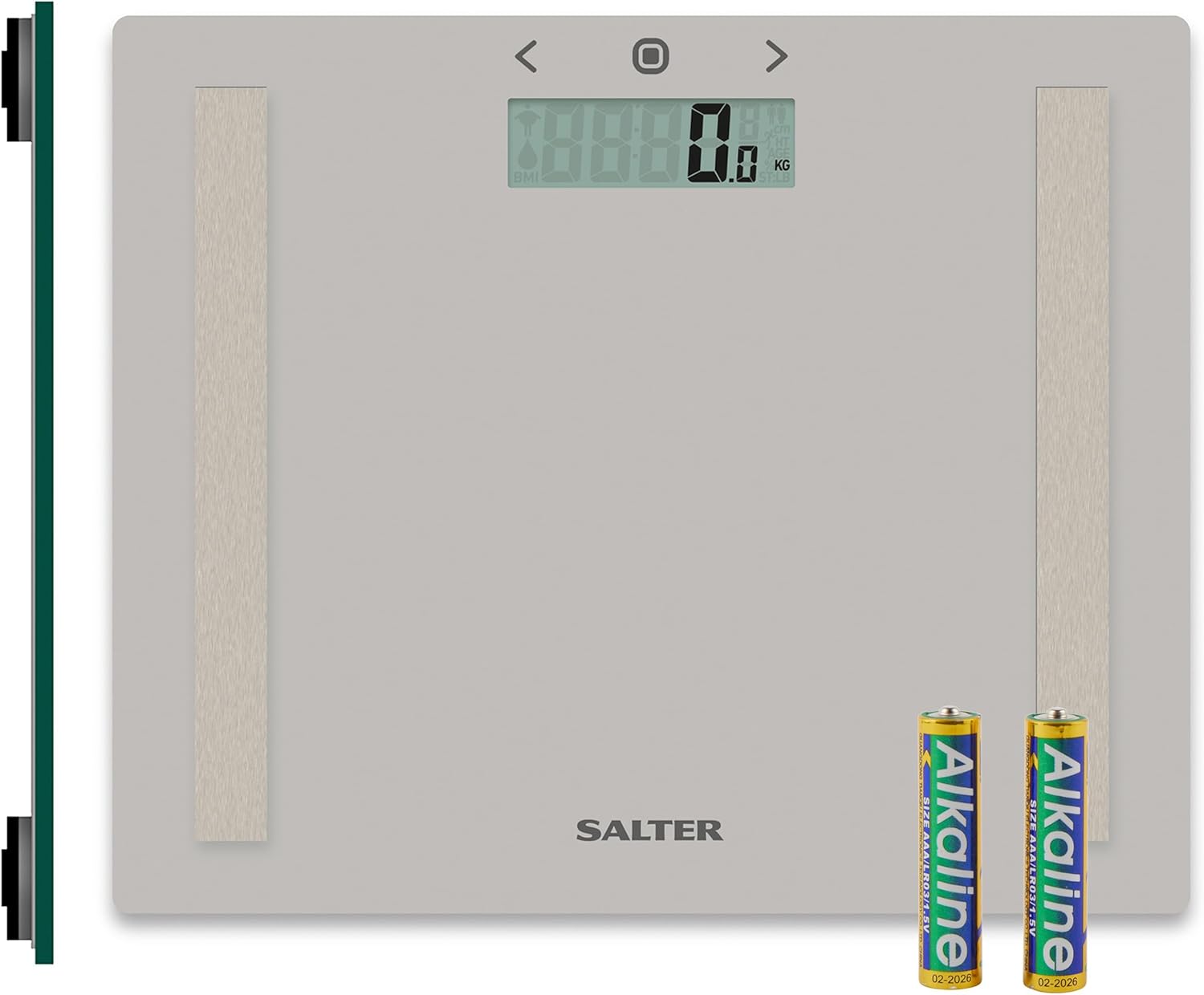
Image Description: A top-down view of the Salter Compact Body Analyser Bathroom Scales, showing its sleek grey toughened glass platform and the digital display. Two AAA batteries are visible next to the scale, indicating the power source. The scale features two metallic electrode strips for body analysis measurements.
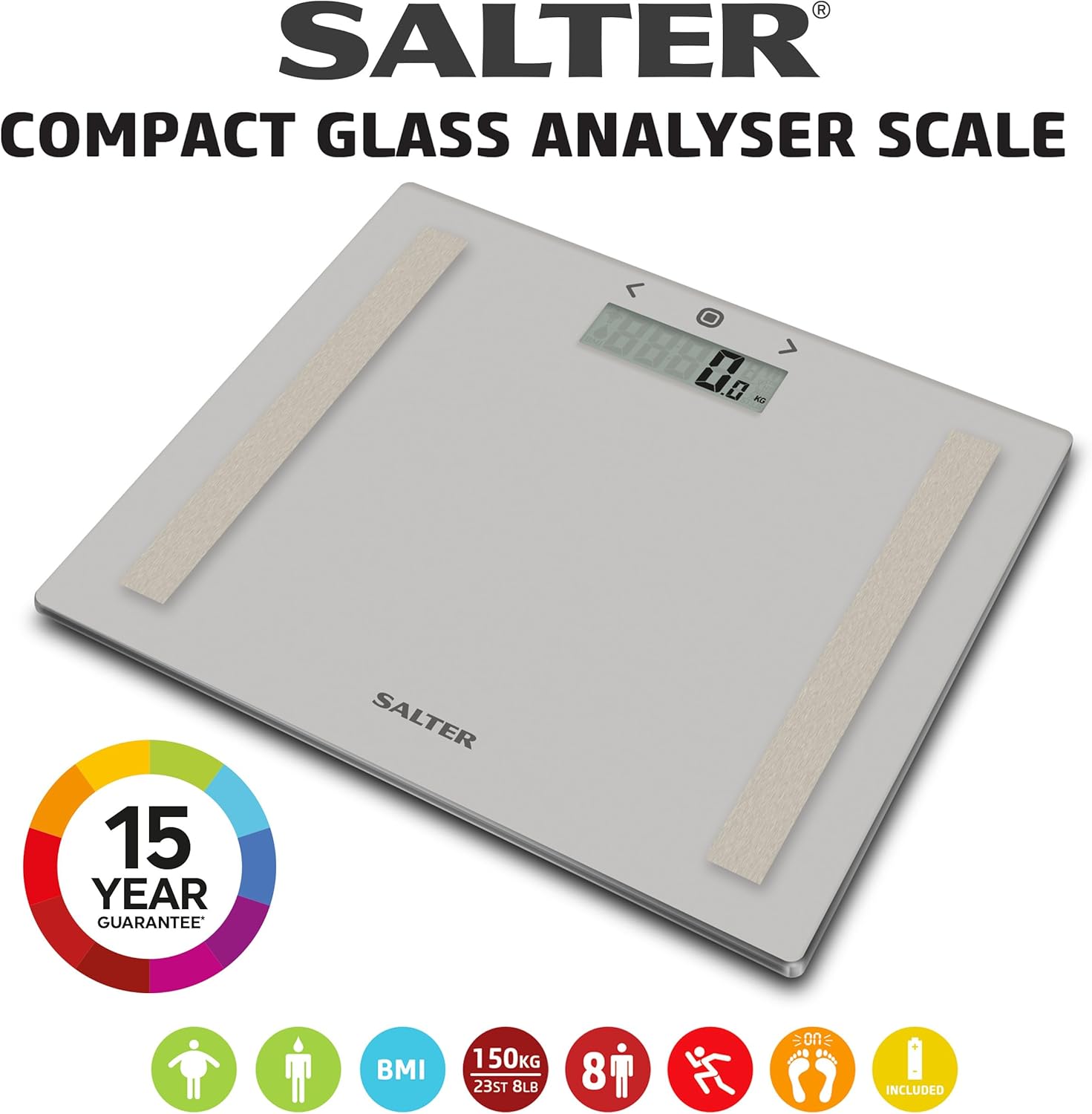
Image Description: An angled view of the Salter Compact Glass Analyser Scale, highlighting its compact design. The image includes the Salter brand logo, a "15 YEAR GUARANTEE" emblem, and various icons representing its key features: weight measurement, body fat, BMI, body water, 150kg capacity, 8 user memory, athlete mode, step-on function, and included batteries.
Setup
1. Battery Installation
Your Salter scale requires 2 x AAA batteries, which are included. Before first use, open the battery compartment on the underside of the scale and insert the batteries, ensuring correct polarity (+/-). Close the compartment securely.

Image Description: A close-up view of the Salter scale's underside, showing the battery compartment. Two AAA batteries are depicted, ready for insertion, illustrating the battery installation process.
2. Initial Placement
Place the scale on a firm, flat surface. Avoid carpets or uneven flooring, as this can affect accuracy. If using on carpet, attach the included carpet feet to the underside of the scale.
3. Setting Up User Data (for Body Analysis)
To utilize the body analysis features (Body Fat, Body Water, BMI), you must set up a user profile. The scale has an 8-user memory.
- Press the "SET" button (usually a circular button in the center of the display area).
- Use the "<" or ">" arrows to select a user number (P1-P8). Press "SET" to confirm.
- Enter your gender (male/female) using the arrows, then "SET".
- Enter your height (in cm or feet/inches) using the arrows, then "SET".
- Enter your age using the arrows, then "SET".
- Select your activity level (normal/athlete mode) using the arrows, then "SET". Athlete mode is for individuals who engage in intense physical activity regularly.
Your profile is now stored. Repeat for up to 8 users.
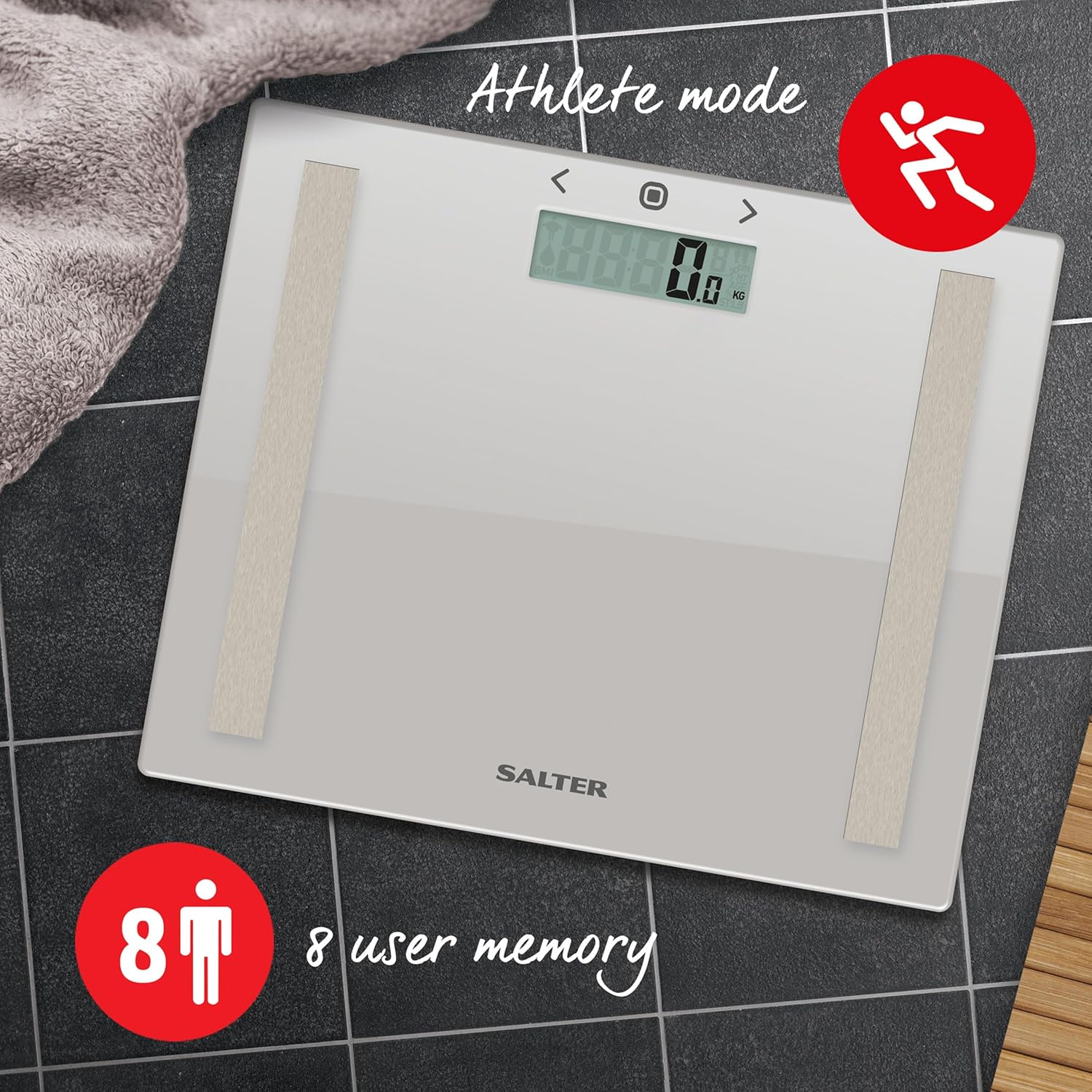
Image Description: An overhead view of the Salter scale on a tiled floor, with an icon indicating "Athlete mode" and "8 user memory" highlighted. This image demonstrates the scale's capability to store multiple user profiles and cater to different activity levels.
Operating Instructions
1. Taking a Weight Measurement
The Salter scale features a convenient "step-on" function for instant weight readings.
- Gently step onto the scale with bare feet, ensuring your feet are positioned on the metallic electrode strips.
- Stand still and wait for your weight to be displayed on the LCD screen.
- Step off the scale. The reading will hold for a few seconds before turning off automatically.

Image Description: A person's bare feet are shown stepping onto the Salter scale, demonstrating the "step-on for instant weight reading" feature. The image emphasizes the toughened glass platform and the ease of use.
2. Using Body Analysis Features (BMI, Body Fat, Body Water)
For body analysis, ensure your user profile is set up (see Setup section).
- Press the "SET" button to activate the scale.
- Use the "<" or ">" arrows to select your user number (P1-P8).
- Once your user number is selected, step onto the scale with bare feet, ensuring good contact with the electrode strips.
- The scale will first display your weight, then cycle through your Body Fat percentage, Body Water percentage, and BMI.
- Remain still until all readings have been displayed.
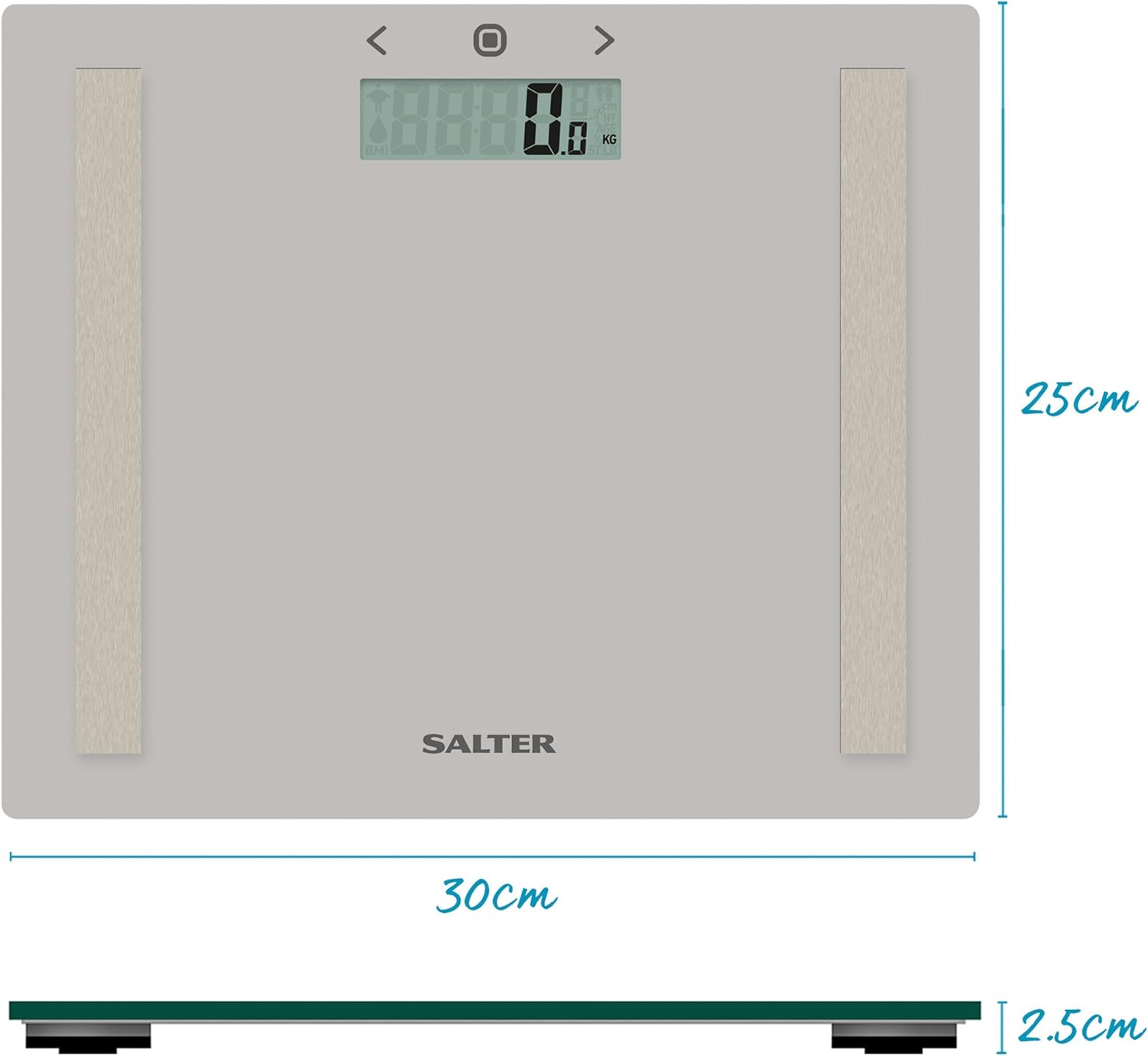
Image Description: A graphic illustrating the various measurements provided by the scale: "MEASURES YOUR WEIGHT plus..." followed by icons and text for Body Fat, Body Water, and Body Mass Index (BMI). This visually explains the comprehensive analysis capabilities.
3. Switching Measurement Units (KG/ST/LB)
The scale allows you to switch between metric (kilograms) and imperial (stones/pounds, or pounds only) units.
- On the underside of the scale, locate the unit switch button (often labeled KG/ST/LB or similar).
- Press this button to toggle between the desired units. The display will show the selected unit.
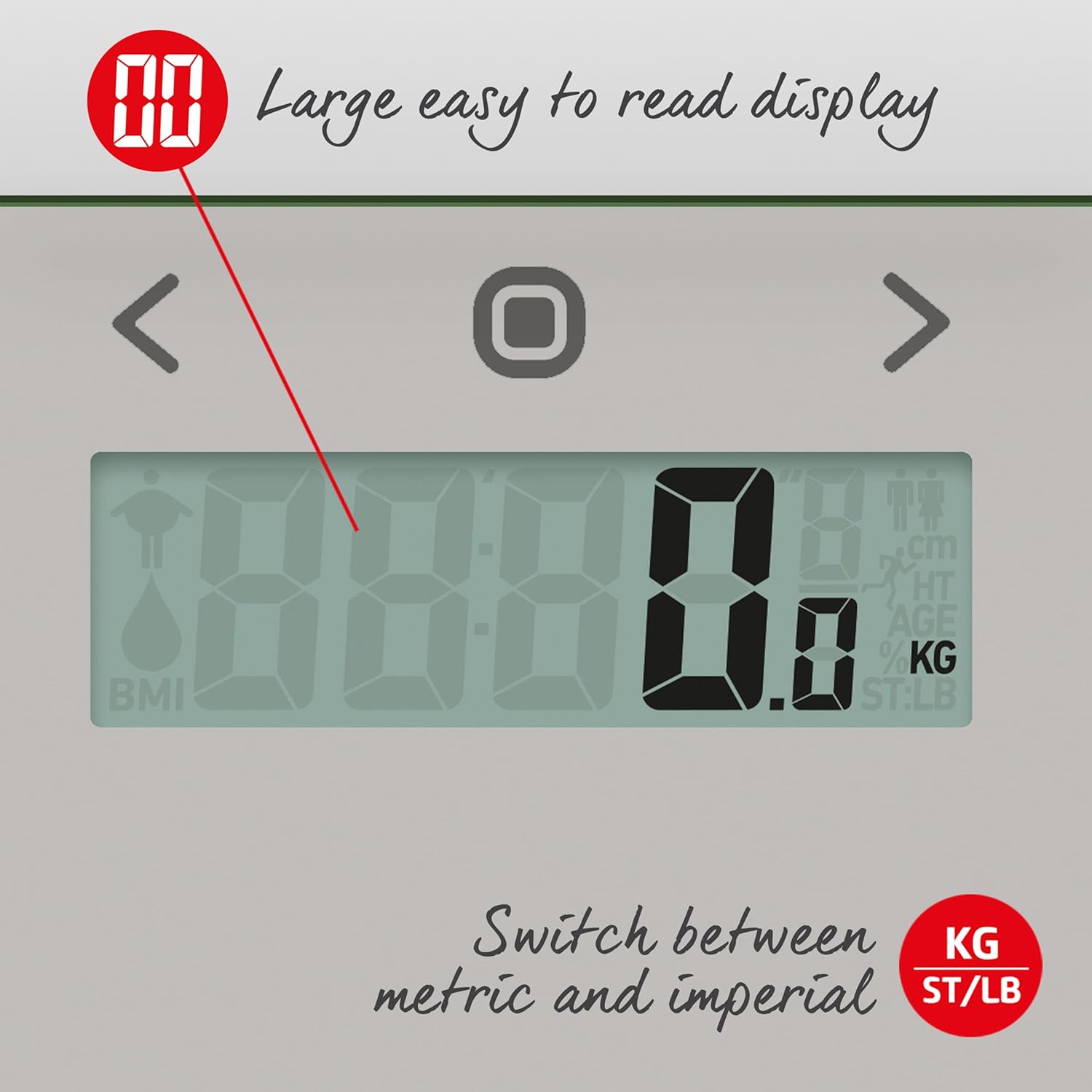
Image Description: A close-up of the Salter scale's digital display, highlighting its large, easy-to-read numbers. An arrow points to the "KG" and "ST/LB" options, indicating the ability to switch between metric and imperial units.
Maintenance
1. Cleaning
Clean the scale with a damp cloth and mild detergent. Do not use abrasive cleaning agents or immerse the scale in water. The glass surface can be cleaned with a standard glass cleaner.
2. Storage
Store the scale in a dry place at room temperature. Avoid extreme temperatures or high humidity, which can damage the electronic components.
3. Battery Replacement
When the display shows "Lo" or becomes dim, it's time to replace the batteries. Open the battery compartment on the underside and replace the old batteries with 2 new AAA batteries, ensuring correct polarity. Dispose of old batteries responsibly.
Troubleshooting
| Problem | Possible Cause | Solution |
|---|---|---|
| "Lo" displayed | Low battery power. | Replace the batteries with new AAA batteries. |
| "Err" displayed | Weight exceeds maximum capacity (150kg / 330lb). Or, an error in body analysis measurement (e.g., not standing still, poor foot contact). | Ensure weight is within limits. Re-step onto the scale, standing still with bare feet making good contact with the electrodes. |
| Inaccurate readings | Scale not on a firm, flat surface; batteries low; scale moved between uses; initial calibration needed. | Place scale on a hard, flat floor. Replace batteries. If moved, tap scale to turn on, wait for "0.0" before stepping on. |
| No display | Batteries incorrectly installed or dead. | Check battery polarity. Replace batteries. |
Specifications
- Model Number: 9113 GY3R
- Brand: Salter
- Color: Grey
- Material: Toughened Glass
- Weight Limit: 150 Kilograms (330 lbs / 23st 8lb)
- Measurement Increments: 0.1kg / 1/4lb
- Item Weight: 1.68 Kilograms (3.7 Pounds)
- Product Dimensions: 4.65 x 3.88 x 0.39 inches (approx. 30cm x 25cm x 2.5cm)
- Batteries: 2 x AAA batteries (included)
- User Memory: 8 users
- Measurements: Weight, Body Fat, Body Water, BMI

Image Description: A graphic displaying the maximum weight capacity of the scale: "MAX 150kg 23st 8lb 330lb" with measurement increments of "0.1kg 1/4lb 1/4lb".
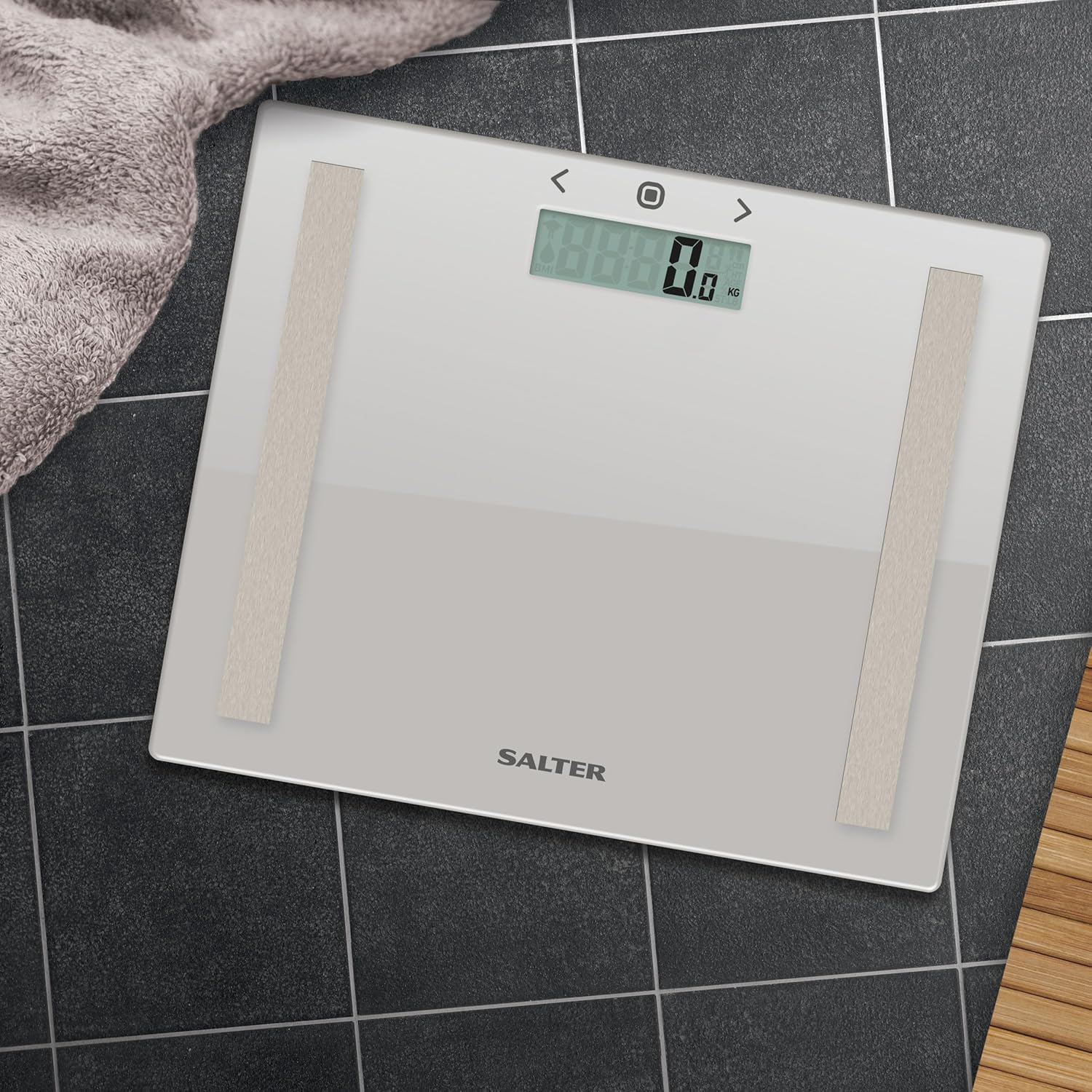
Image Description: A diagram illustrating the dimensions of the Salter scale, showing a length of 30cm, a width of 25cm, and a height of 2.5cm, providing a clear understanding of its compact size.
Warranty and Support
The Salter Compact Body Analyser Bathroom Scales come with a 15-year guarantee, ensuring long-term reliability and peace of mind. This guarantee covers manufacturing defects under normal household use.
For technical support, warranty claims, or further assistance, please refer to the contact information provided on the Salter official website or the packaging of your product. Keep your proof of purchase for warranty purposes.
For more information and product registration, visit: www.salter.com
Related documents9113 GY3R


Ask a question about this manual
Ask about setup, troubleshooting, compatibility, parts, safety, or missing instructions. Manuals+ will review the question and use this page’s manual context to help answer it.