
1. Introduction
This manual provides essential information for the proper setup, operation, maintenance, and troubleshooting of your ELP USB Camera Module (Model: ELP-USBFHD06H-L21). This 2MP 1080P camera module features a Sony IMX323 sensor, a 2.1mm wide-angle lens, and a built-in microphone, designed for various embedded and industrial applications requiring low-light performance and H.264 video compression.

Figure 1: Front view of the ELP USB Camera Module.
2. Setup
2.1 Package Contents
- 1 x ELP USB Camera Module (ELP-USBFHD06H-L21)
- 1 x USB Cable
- 1 x User Manual (this document)
2.2 Physical Connection
Connect the camera module to your computer or compatible device using the provided USB cable. The camera is designed for plug-and-play operation, utilizing the USB Video Class (UVC) standard, which typically does not require additional driver installation on most operating systems.

Figure 2: Connecting the ELP USB Camera Module to a device.
2.3 Operating System Compatibility
The ELP USB Camera Module is compatible with a wide range of operating systems, including Windows, Linux, Mac, Raspberry Pi, and Android systems that support UVC. Ensure your system meets the minimum requirements for USB camera support.
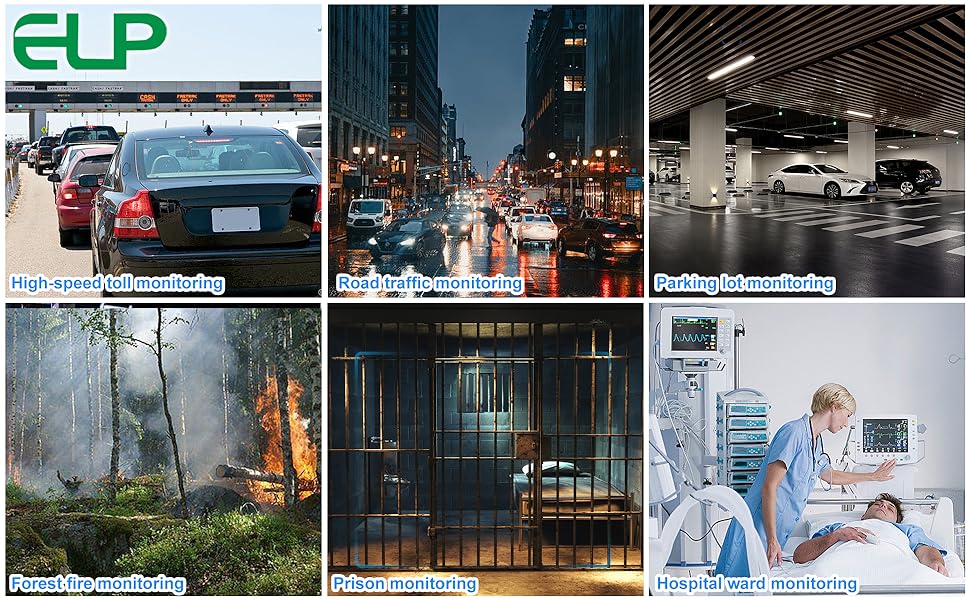
Figure 3: Supported operating systems for the camera module.
3. Operating Instructions
3.1 Initial Use
Once connected, the camera should be automatically detected by your operating system. You can access the camera feed using standard webcam software or applications that support UVC devices. Examples include VLC Media Player, AMCAP, or custom vision software.
3.2 Video Settings and Formats
The camera supports multiple video formats and resolutions. You can configure these settings within your chosen camera software. The primary supported formats are H.264, MJPEG, and YUY2. H.264 offers higher compression efficiency, saving storage space and bandwidth.
- Max Resolution: 1920(H)x1080(V) at 30fps.
- Video Formats: H.264, MJPEG, YUY2.
Video 1: Demonstration of the ELP USB Camera Module's 1080P H.264 capabilities and low light performance.
Video 2: Overview of the ELP USB Camera Module's compatibility with various operating systems and embedded applications.
3.3 Low Light Performance
Equipped with a Sony IMX323 sensor, the camera offers 0.01Lux low illumination capability, enabling clear image capture in dim lighting conditions. This feature is beneficial for applications requiring surveillance or monitoring in poorly lit environments.

Figure 4: Illustrates the camera's enhanced performance in low light conditions.
3.4 Built-in Microphone
The module includes a built-in microphone for audio recording, providing a complete audio-visual solution for your applications. Ensure your software is configured to capture audio from the USB camera device.

Figure 5: The camera module features a built-in microphone for audio capture.
3.5 Lens and Field of View
The camera comes with a 2.1mm M12 wide-angle lens, offering a broad field of view suitable for various monitoring scenarios. The lens is typically fixed-focus for general use. For specific applications requiring a different focal point, the lens can be carefully adjusted by rotating it after gently removing any securing adhesive, if present. Exercise caution to avoid damaging the lens or sensor.

Figure 6: Dimensions of the mini USB camera module with its 2.1mm wide-angle lens.
4. Maintenance
4.1 Cleaning
- To clean the lens, use a soft, lint-free cloth specifically designed for optical surfaces. Avoid abrasive materials or harsh chemicals.
- For the camera module body, use a dry, soft cloth to wipe away dust. Do not use liquids directly on the module.
4.2 Storage
Store the camera module in a cool, dry environment, away from direct sunlight and extreme temperatures. Protect it from dust and moisture when not in use.
5. Troubleshooting
5.1 Camera Not Detected
- Check USB Connection: Ensure the USB cable is securely connected to both the camera module and the host device. Try a different USB port.
- Verify OS Compatibility: Confirm that your operating system supports UVC devices and is up-to-date.
- Test on Another Device: If possible, test the camera on a different computer or device to rule out a system-specific issue.
5.2 No Video Feed or Poor Image Quality
- Software Selection: Ensure you have selected the correct camera device within your application (e.g., 'HD USB Camera' or similar).
- Resolution Settings: Check the resolution and frame rate settings in your camera software. Higher resolutions or frame rates may require more system resources.
- Lighting Conditions: While the camera has low-light capabilities, extreme darkness may still affect image quality. Ensure adequate lighting for optimal performance.
- Lens Focus: If the image is blurry, the lens focus may need adjustment. Refer to Section 3.5 for guidance on lens adjustment.
- Cable Integrity: A damaged USB cable can cause intermittent connection or poor signal quality. Try a different USB cable if available.
5.3 No Audio from Microphone
- Audio Input Selection: In your operating system's sound settings or your application's audio settings, ensure the ELP USB Camera's microphone is selected as the input device.
- Volume Levels: Check that the microphone input volume is not muted or set too low.
6. Specifications
| Feature | Specification |
|---|---|
| Brand | ELP |
| Model Number | ELP-USBFHD06H-L21 |
| Photo Sensor Technology | CMOS (Sony IMX323) |
| Effective Still Resolution | 2 MP |
| Video Capture Resolution | 1080p (1920x1080) @ 30fps |
| Video Capture Format | H.264, MJPEG, YUY2 |
| Lens Type | 2.1mm Wide Angle M12 Lens |
| Focus Type | Fixed Focus |
| Low Light Capability | 0.01Lux |
| Built-in Microphone | Yes, Digital audio (supports single, dual channel) |
| Connectivity Technology | USB 2.0 (UVC compliant) |
| Operating System Support | Windows, Linux, Mac, Raspberry Pi, Android |
| Form Factor | Compact 38x38mm / 32x32mm module |
| Power Source | USB Powered |
7. Warranty Information
For specific warranty details regarding your ELP USB Camera Module, please refer to the product packaging or contact the seller directly. Warranty terms and conditions may vary based on region and point of purchase.
8. Customer Support
If you encounter any issues or have questions not covered in this manual, please contact ELP customer support or the retailer from whom you purchased the product. Provide your model number (ELP-USBFHD06H-L21) and a detailed description of the issue for efficient assistance.
You can often find support contact information on the seller's page or the official ELP website.


