
1. Product Overview
This manual provides instructions for the PKPOWER USB AC/DC Adapter, designed to power and charge specific Remington personal grooming devices, particularly the Remington Model PA-3215N Haircut Beard Trimmer Grooming Shaver. This adapter features a USB tip for connection and is not compatible with devices requiring a barrel-round plug tip.
Key Features
- Input: 100-240V AC, 50-60Hz
- Certifications: CE, FCC, RoHS compliant
- Safety Protections: Over Voltage Protection (OVP), Over Current Protection (OCP), Short Circuit Protection (SCP)
- Connector Type: USB Tip (Note: Not compatible with barrel-round plug tips)

Image 1.1: PKPOWER USB AC/DC Adapter with attached USB cable, showing the main unit and cable.
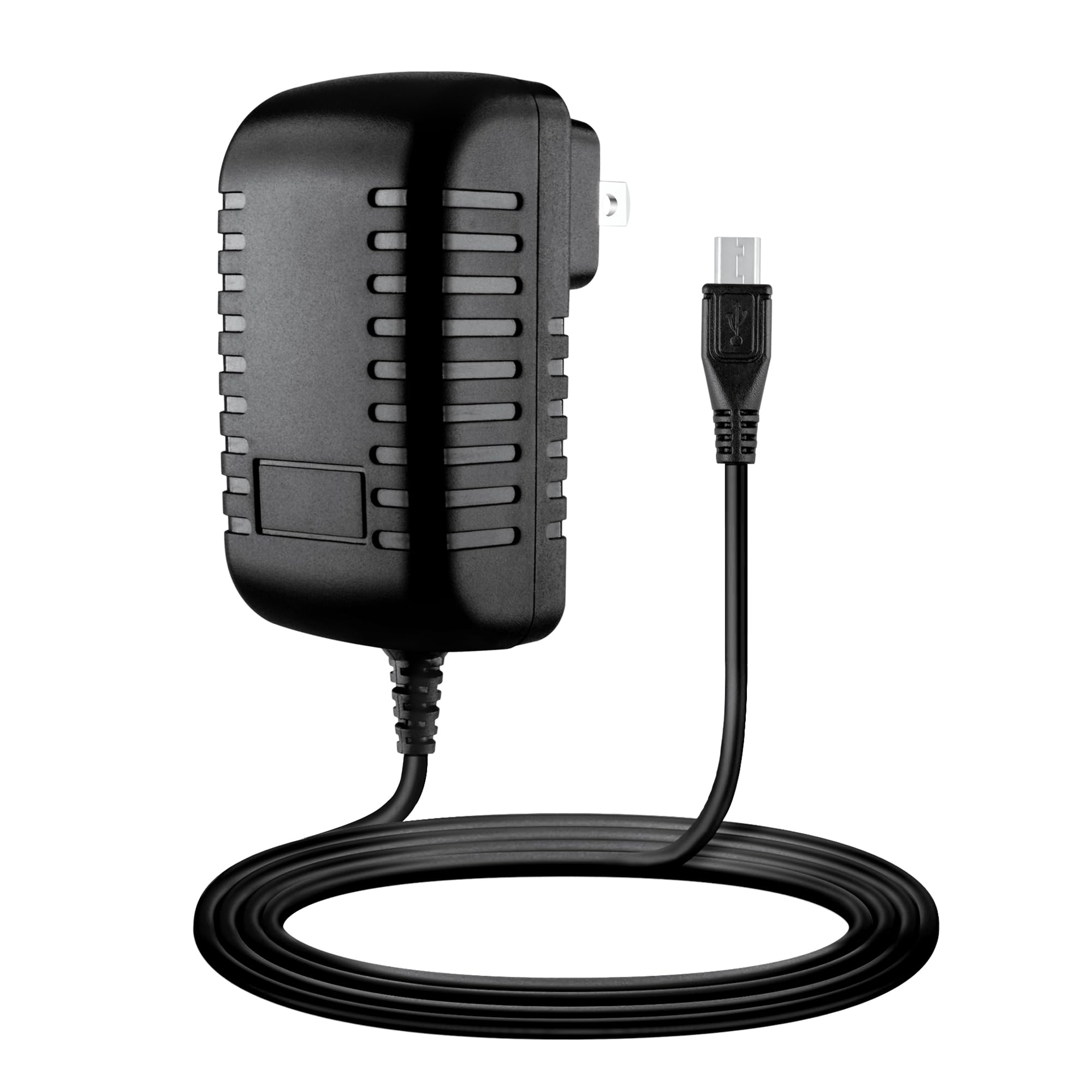
Image 1.2: Image showing the PKPOWER USB AC/DC Adapter with its physical dimensions labeled for reference.
2. Setup Instructions
Connecting the Adapter
- Ensure your Remington device (e.g., Model PA-3215N) is turned off before connecting the adapter.
- Locate the USB charging port on your Remington device.
- Insert the USB tip of the PKPOWER adapter cable firmly into the device's USB charging port.
- Plug the AC prongs of the adapter into a standard 100-240V wall outlet.
- Verify that the device begins charging or powers on, depending on its design.
Important: This adapter is designed with a USB tip. Do not attempt to force it into devices requiring a barrel-round plug tip, as this may cause damage.

Image 2.1: This image displays the PKPOWER AC/DC adapter unit connected to its USB cable, highlighting the USB-A connector end that plugs into your device.
3. Operating Instructions
Once connected, the adapter provides power to your Remington device.
Charging
If your device has a rechargeable battery, the adapter will initiate the charging process. Refer to your Remington device's manual for specific charging indicators (e.g., LED lights).
Direct Power
For devices that can operate directly from a power source, the adapter will supply continuous power.
Safety Guidelines
- Do not use the adapter if the cable or adapter housing is damaged.
- Avoid exposing the adapter to water or extreme temperatures.
- Disconnect the adapter from the wall outlet when not in use for extended periods.
- Use only with compatible devices as specified.
4. Care and Maintenance
Cleaning
Disconnect the adapter from both the power outlet and your device before cleaning. Use a soft, dry cloth to wipe the adapter. Do not use liquid cleaners or abrasive materials.
Storage
Store the adapter in a cool, dry place, away from direct sunlight and moisture. Avoid tightly winding the cable to prevent damage.
5. Troubleshooting Guide
Device Not Powering On or Charging
- Check Power Outlet: Ensure the wall outlet is functional by plugging in another device.
- Check Connections: Verify that the adapter is securely plugged into both the wall outlet and your Remington device.
- Inspect Cable: Look for any visible damage to the adapter cable or connector. If damaged, discontinue use.
- Device Compatibility: Confirm that your device is a Remington Model PA-3215N or another compatible model requiring a USB tip power supply.
Adapter Overheating
- Disconnect the adapter immediately.
- Ensure the adapter is used in a well-ventilated area and not covered.
- If overheating persists, discontinue use and contact support.
6. Technical Specifications
| Feature | Detail |
|---|---|
| Model | PKPOWER USB AC/DC Adapter |
| Input | 100-240V AC, 50-60Hz |
| Output | 5V DC (Standard USB Power) |
| Connector Type | USB Tip (Type-A) |
| Compatible Devices | Remington Model PA-3215N Haircut Beard Trimmer Grooming Shaver |
| Certifications | CE, FCC, RoHS |
| Protection Features | OVP, OCP, SCP |
| Manufacturer | PKPOWER |
| ASIN | B06Y223PNB |

Image 6.1: A side profile image of the PKPOWER AC/DC adapter, showing its compact design.
7. Warranty and Customer Support
Warranty Information
For warranty details, please refer to the manufacturer's official website or contact PKPOWER customer service directly. Specific warranty terms may vary.
Customer Support
PKPOWER offers responsive customer service. For any inquiries, technical assistance, or support, please contact the manufacturer. Their friendly and reliable customer service team aims to respond within 24 hours.
You can visit the PKPOWER Store on Amazon for more information.