
1. Product Overview
The PRUNUS L-218AM is a compact and versatile portable radio featuring AM/FM reception and MP3 playback capabilities via Micro TF card or USB. Its small size and lightweight design make it ideal for both indoor and outdoor use. This manual provides detailed instructions for operating and maintaining your device.
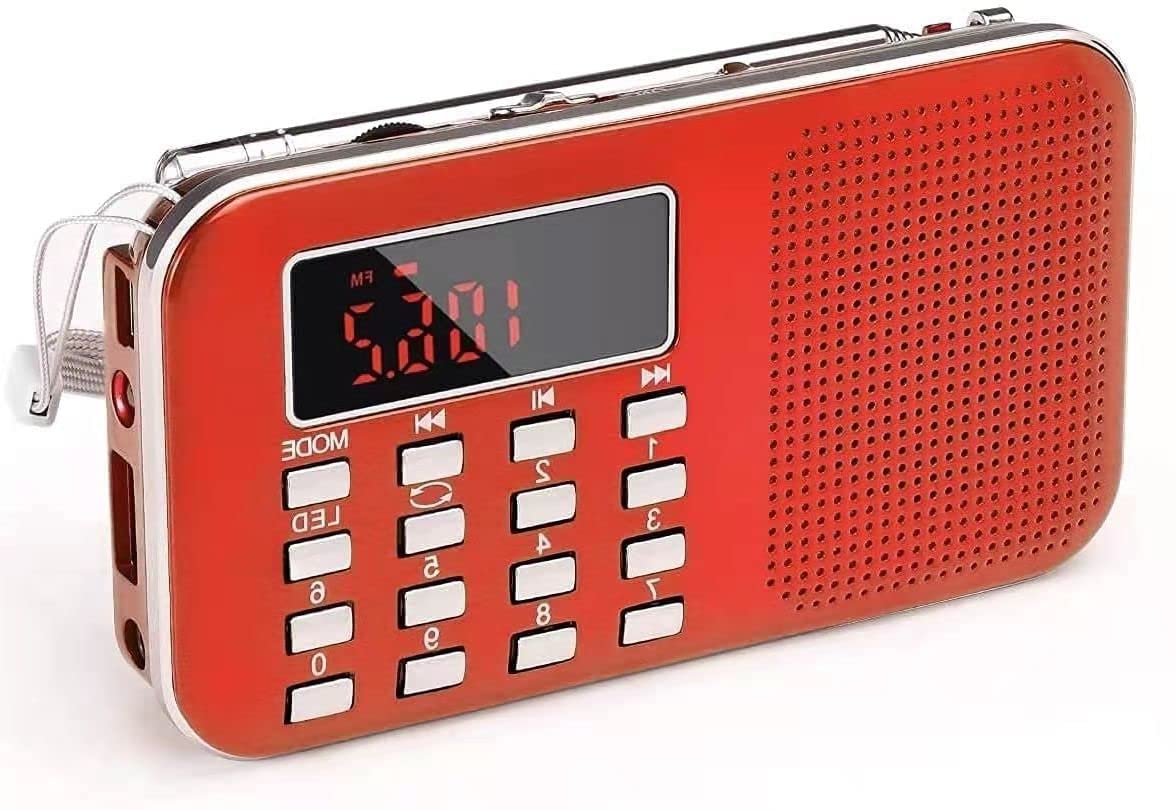
Figure 1.1: PRUNUS L-218AM Portable Radio (Red model shown).
Key Features:
- Compact and Portable: Measures 11.7 x 2 x 6.4 cm and weighs 126g, making it easy to carry. Includes a carrying strap.
- High-Quality Sound: Equipped with a 3W internal magnetic speaker for clear sound with deep bass and smooth treble. Supports headphone output via a 3.5mm jack.
- Excellent Radio Reception: Supports AM (522-1710MHz) and FM (70-108MHz) bands with a long 38.5cm antenna for improved signal reception.
- Versatile MP3 Playback: Plays MP3 files from Memory Sticks, TF cards, or via AUX input. Features single, folder, and global loop modes.
- Rechargeable Battery: Includes an 800mAh rechargeable and replaceable BL5C Li-ion battery, offering 6-8 hours of playback. Can be charged via USB.
- Emergency Flashlight: Integrated flashlight for convenience in low-light conditions.
2. Setup
2.1 Battery Installation and Charging
The PRUNUS L-218AM radio comes with a rechargeable BL5C Li-ion battery. Before first use, it is recommended to fully charge the battery.
- Install Battery: Open the battery compartment cover on the back of the radio and insert the BL5C battery, ensuring correct polarity. Close the cover securely.
- Charge Battery: Connect the radio to a USB power source (e.g., adapter, computer, power bank) using the provided USB charging cable. The charging time is approximately 3-5 hours. The indicator light will illuminate during charging. Note that the light may not turn off even when fully charged.
2.2 Initial Power On
To power on the radio, locate the power switch, typically on the side or top of the device, and slide it to the 'ON' position. The digital display will light up.
3. Operating Instructions
3.1 Radio Function (AM/FM)
The radio supports both AM (522-1710MHz) and FM (70-108MHz) bands.

Figure 3.1: Front view of the PRUNUS L-218AM radio, showing the display, speaker, and control buttons.
- Select Band: Press the 'MODE' button to switch between AM and FM radio bands.
- Extend Antenna: For optimal reception, fully extend the telescopic antenna.
- Automatic Search: To automatically search and store available stations, press and hold the 'Pause/Play' button for 3 seconds. The radio will scan and save stations sequentially. Note that the order of stored stations cannot be changed manually.
- Manual Tuning: In radio mode, you can directly enter a station frequency using the numeric keypad. For example, to tune to 89.8 MHz, press 8-9-8.
- Browse Stored Stations: Use the 'Previous' and 'Next' track buttons to cycle through the automatically stored stations.
3.2 MP3 Playback
The radio can play MP3 audio files from a Memory Stick (USB drive) or a TF (Micro SD) card. It also supports AUX input.
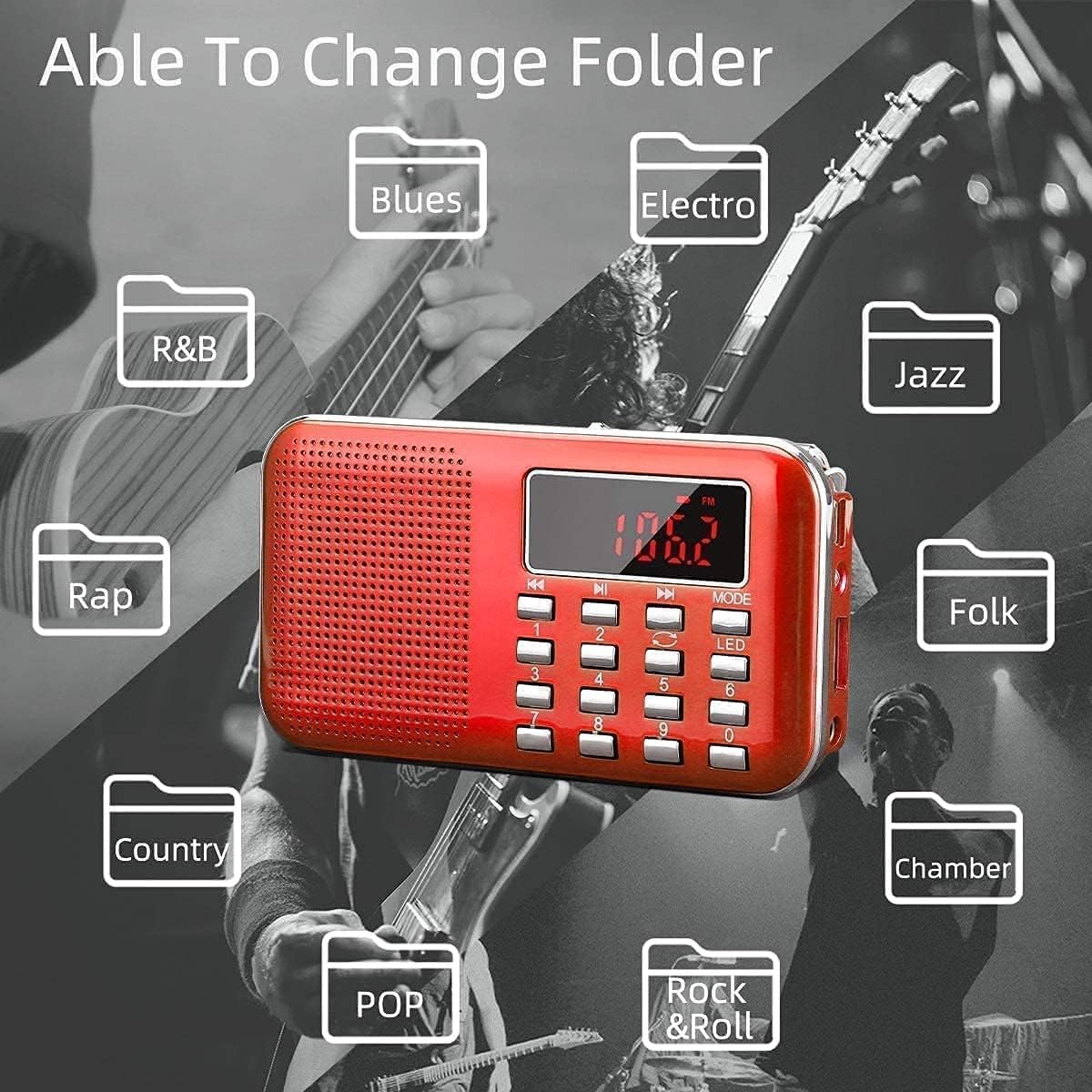
Figure 3.2: Universal compatibility of the radio with Micro SD/TF cards, USB flash drives, and AUX input.
- Insert Media: Insert a Memory Stick into the USB port or a TF card into the TF card slot.
- Select Mode: Press the 'MODE' button until 'MP3' or the corresponding media source is displayed.
- Playback Controls: Use the 'Play/Pause', 'Previous', and 'Next' buttons to control playback.
- Loop Modes: The device supports single track loop, folder loop, and global loop modes. Refer to the on-screen indicators or specific button functions for cycling through these modes.
- AUX Input: Connect an external audio device (e.g., computer, mobile phone) to the AUX port using a 3.5mm audio cable. The radio will then act as an external speaker.
3.3 Flashlight Function
The radio includes a built-in emergency flashlight.
- Activate Flashlight: Press the 'LED' button to turn the flashlight on or off.
3.4 Headphone Use
For private listening, connect 3.5mm headphones to the headphone jack on the device.
4. Maintenance
To ensure the longevity and optimal performance of your PRUNUS L-218AM radio, follow these maintenance guidelines:
- Cleaning: Use a soft, dry cloth to clean the exterior of the radio. Avoid using abrasive cleaners or solvents.
- Water Resistance: This device is not water-resistant. Keep it away from water, moisture, and high humidity to prevent damage.
- Storage: When not in use for extended periods, store the radio in a cool, dry place.
- Battery Care: If the radio will not be used for a long time, consider removing the battery to prevent leakage. Recharge the battery periodically if stored for extended periods to maintain its health.
5. Troubleshooting
If you encounter issues with your PRUNUS L-218AM radio, refer to the following common problems and solutions:
| Problem | Possible Cause | Solution |
|---|---|---|
| Radio does not turn on. | Battery is depleted or incorrectly installed. | Ensure the battery is correctly installed and fully charged. Connect to a USB power source. |
| Poor radio reception. | Antenna not extended, weak signal area. | Fully extend the telescopic antenna. Try moving to a location with better signal strength. |
| Cannot change the order of stored radio stations. | This is a design limitation. | The radio automatically numbers stations after storage, and their order cannot be manually changed. |
| MP3 files not playing. | Unsupported file format, media not inserted correctly, or corrupted files. | Ensure files are in MP3 format. Check if the Memory Stick or TF card is inserted correctly. Try with different media or files. |
| No sound from headphones. | Headphones not fully plugged in, faulty headphones. | Ensure headphones are securely plugged into the 3.5mm jack. Test with another pair of headphones. |
| Flashlight not working. | Battery low, or LED button not pressed correctly. | Charge the battery. Press the 'LED' button firmly. |
6. Specifications
| Feature | Detail |
|---|---|
| Model Number | L-218AM |
| Dimensions (L x W x H) | 11.7 x 2 x 6.4 cm |
| Weight | 200 g |
| Radio Bands | AM (522-1710MHz), FM (70-108MHz) |
| Speaker Power Output | 3W |
| Supported Audio Format | MP3 only |
| Playback Methods | Memory Stick, TF Card, AUX |
| Battery Type | BL5C Li-ion (Rechargeable, Replaceable) |
| Battery Capacity | 800mAh |
| Charging Voltage | DC 5V/500MAH |
| Charging Time | 3-5 hours |
| Playback Time | 6-8 hours |
| Connectivity Technology | USB |
| Special Feature | Portable, Flashlight |
| Display Type | LCD (shows station number, no clock function) |
| Water Resistance Level | Not water-resistant |
7. Warranty and Support
7.1 Warranty Information
PRUNUS offers a 30-day no-questions-asked return policy for this product. Please retain your proof of purchase for any warranty claims.
7.2 Customer Support
For any inquiries or technical assistance, please contact PRUNUS customer support. We aim to respond to all queries within 24 hours.
For further assistance, please visit the PRUNUS Brand Store.


