
1. Product Overview
The Karlsson LED Alarm Clock KA5653DW is a stylish and functional timepiece designed to display time and temperature. Crafted from wood, its LED display illuminates through the material, offering a clear view of information. This clock features multiple alarm settings and an energy-saving mode.

Figure 1: Front view of the Karlsson LED Alarm Clock KA5653DW.
2. Package Contents
- Karlsson LED Alarm Clock KA5653DW
- Instruction Manual
Note: 1 AA battery is required for operation and is not included.
3. Setup
3.1 Battery Installation
- Locate the battery compartment on the back of the alarm clock.
- Open the battery compartment cover.
- Insert 1 AA battery, ensuring correct polarity (+/-).
- Close the battery compartment cover securely.
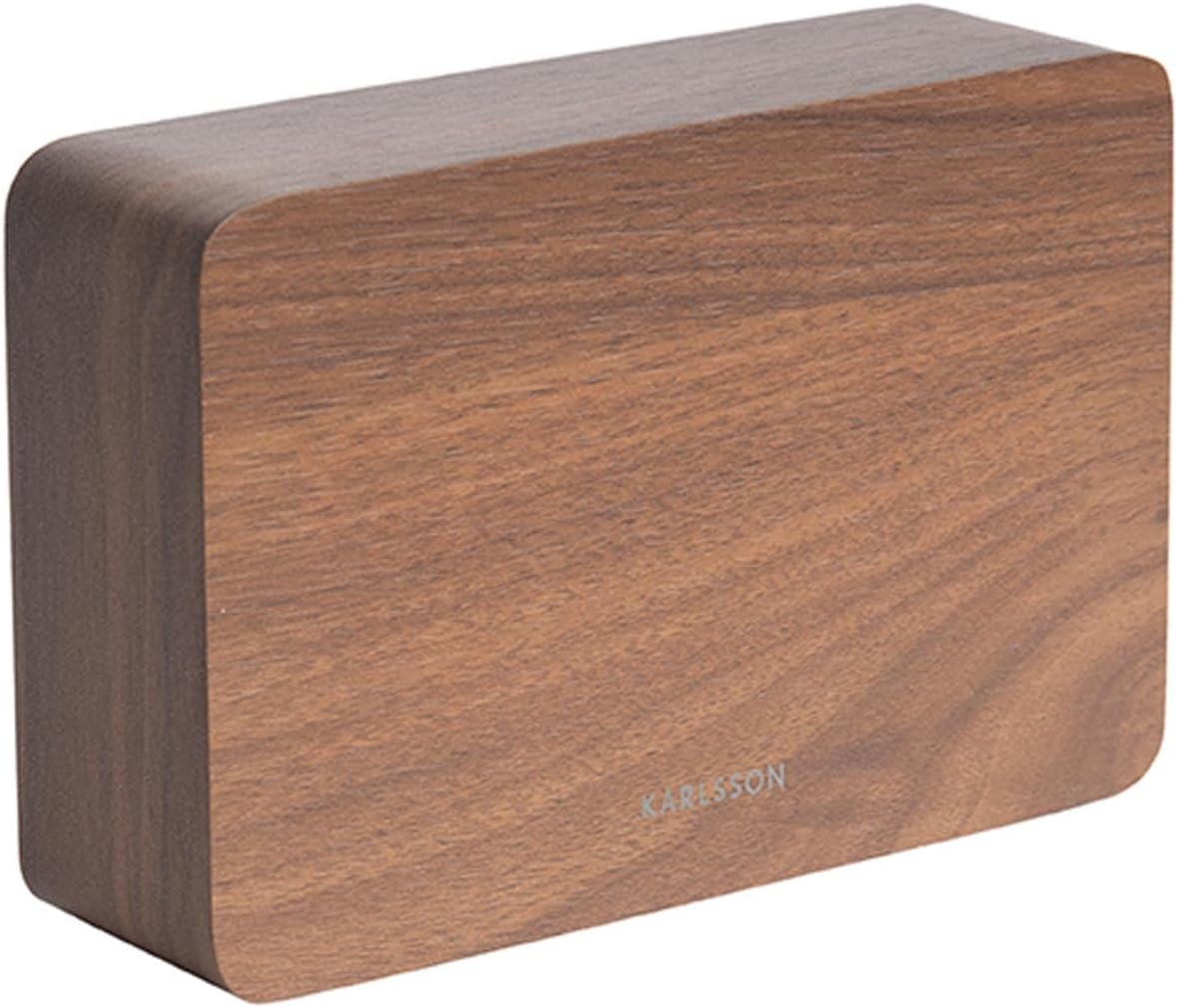
Figure 2: Back view of the alarm clock, indicating control buttons and battery compartment.
3.2 Initial Power-On
Upon successful battery installation, the LED display will illuminate, showing the current time and temperature.
4. Operating Instructions
The alarm clock features several buttons, typically located on the back or bottom, for setting time, alarms, and other functions. Refer to the labels on your device for specific button identification (e.g., SET, UP, DOWN, ALARM).
4.1 Setting the Time
- Press the SET button once to enter time setting mode. The hour digits will flash.
- Use the UP or DOWN buttons to adjust the hour.
- Press SET again to confirm the hour and move to minute setting. The minute digits will flash.
- Use the UP or DOWN buttons to adjust the minutes.
- Press SET a third time to confirm the minutes and exit time setting mode.
4.2 Setting Alarms (Up to 3 Alarms)
The clock supports setting up to three independent alarms (AL1, AL2, AL3).
- Press the ALARM button repeatedly to cycle through AL1, AL2, AL3, and alarm off modes.
- When the desired alarm (e.g., AL1) is displayed, press and hold the ALARM button until the hour digits flash.
- Use the UP or DOWN buttons to set the alarm hour.
- Press ALARM again to confirm the hour and move to minute setting.
- Use the UP or DOWN buttons to set the alarm minutes.
- Press ALARM a third time to confirm the alarm and exit setting mode.
- To activate or deactivate an alarm, press the ALARM button briefly until the alarm indicator (e.g., AL1) appears or disappears from the display.
4.3 Temperature Display
The clock automatically detects and displays the ambient room temperature. The temperature reading updates approximately every 60 seconds.
4.4 Energy-Saving Mode
To conserve battery life and prevent light disturbance during the night, the clock features an energy-saving mode that turns off the LED display.
- To activate energy-saving mode: Locate the POWER SAVE or similar button/switch (refer to your device's specific markings). Press or toggle it to turn off the display.
- To reactivate the display: Press any button, or make a sound (some models feature sound activation). The display will light up for a few seconds before turning off again.
5. Maintenance
- Cleaning: Wipe the clock surface with a soft, dry cloth. Avoid abrasive cleaners or solvents.
- Battery Replacement: Replace the AA battery when the display dims or functions become erratic. Always use a fresh, high-quality AA battery.
- Storage: If storing the clock for an extended period, remove the battery to prevent leakage.
6. Troubleshooting
| Problem | Possible Cause | Solution |
|---|---|---|
| Display is dim or off. | Low battery or energy-saving mode is active. | Replace the AA battery. Press any button to temporarily activate the display if in energy-saving mode. |
| Alarm does not sound. | Alarm is not activated or set incorrectly. | Ensure the alarm indicator (AL1, AL2, or AL3) is visible on the display. Verify the alarm time is set correctly. |
| Time or temperature is incorrect. | Time needs adjustment or temperature sensor interference. | Reset the time as per section 4.1. Ensure the clock is not placed near heat sources or vents for accurate temperature readings. |
| Difficulty setting time/alarms. | Unfamiliarity with controls. | Carefully follow the steps in section 4.1 and 4.2. Practice the button presses. |
7. Specifications
| Feature | Detail |
|---|---|
| Model Number | PTG-KA5653DW |
| Brand | Karlsson |
| Display Type | Digital LED |
| Material | Wood |
| Dimensions (L x W x H) | 10 x 3.81 x 2 cm |
| Weight | 310 grams |
| Power Source | 1 x AA Battery (not included) |
| Special Features | Time display, Temperature display, Up to 3 Alarms, Energy-saving mode |
| Usage | Indoor |
8. Warranty and Support
For warranty information and customer support, please refer to the documentation provided with your purchase or visit the official Karlsson website. Keep your proof of purchase for any warranty claims.


