
1. Introduction
This manual provides essential information for the installation, operation, and maintenance of your FLÖSSER Incandescent R10W 10W BA15s G18 Amber Turn Signal Light Bulb. Please read these instructions carefully before use to ensure proper function and safety.
2. Product Overview
The FLÖSSER R10W 10W BA15s G18 is an incandescent amber turn signal light bulb designed for automotive applications. It provides a clear amber light for signaling turns and is suitable for various vehicle types, including motorcycles and cars, where a BA15s base type is required.
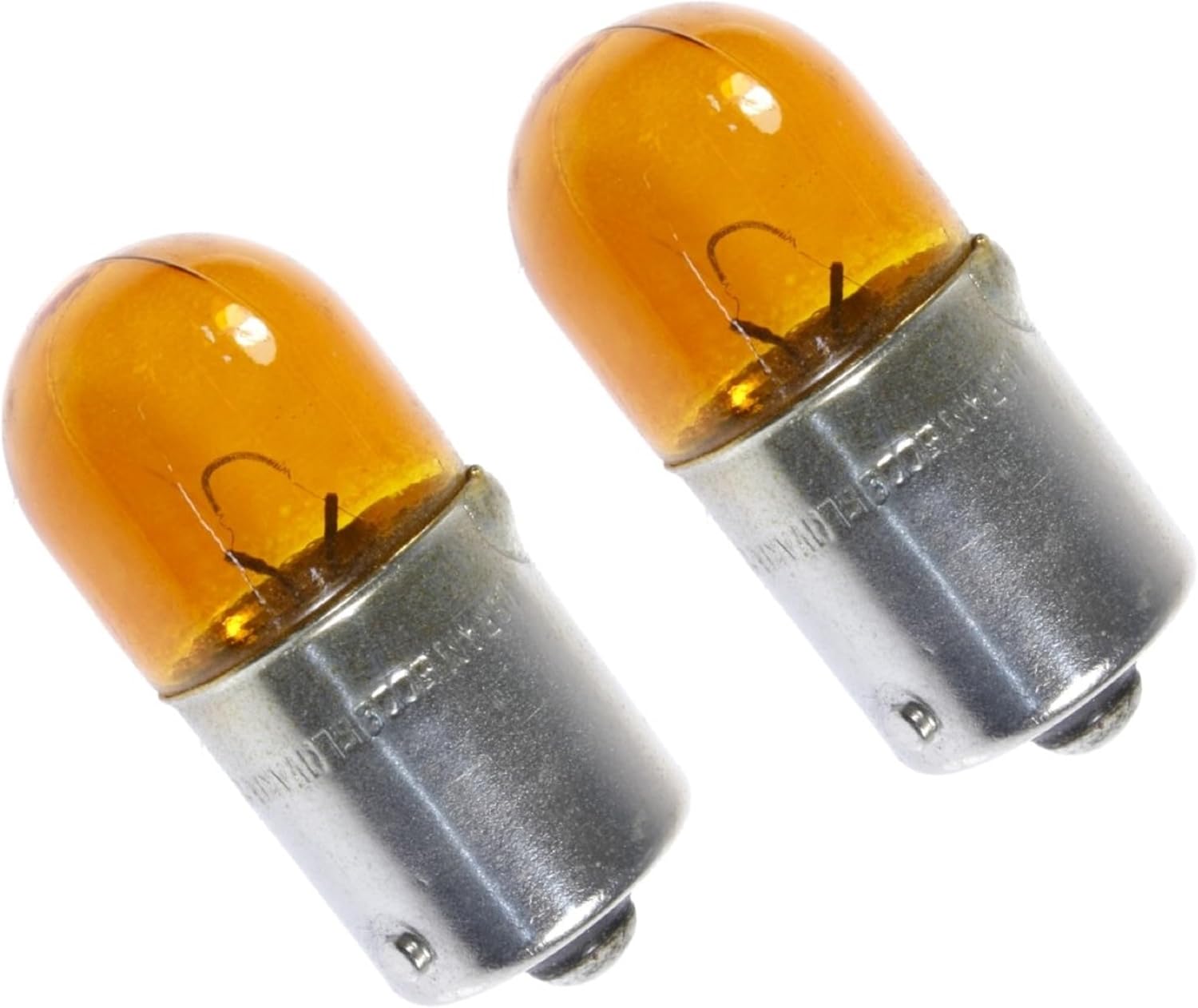
Figure 1: Two FLÖSSER R10W 10W BA15s G18 Amber Turn Signal Light Bulbs. These bulbs feature an amber glass envelope and a metal BA15s base.

Figure 2: FLÖSSER R10W 10W BA15s G18 Amber Turn Signal Light Bulbs shown alongside the FLÖSSER Germany logo and examples of vehicle turn signals.
3. Specifications
| Feature | Detail |
|---|---|
| Brand | FLÖSSER |
| Model Number | 1402507 |
| Type | Incandescent Turn Signal Bulb |
| Wattage | 10W |
| Base Type | BA15s (Single Contact Bayonet) |
| Color | Amber (Orange) |
| Voltage | 12 Volts |
| Brightness | 150 Lumens |
| Operating Life | Approximately 1000 Hours |
| Dimensions | 1 x 1 x 0.5 inches (approximate) |
| Package Quantity | 2 Bulbs |
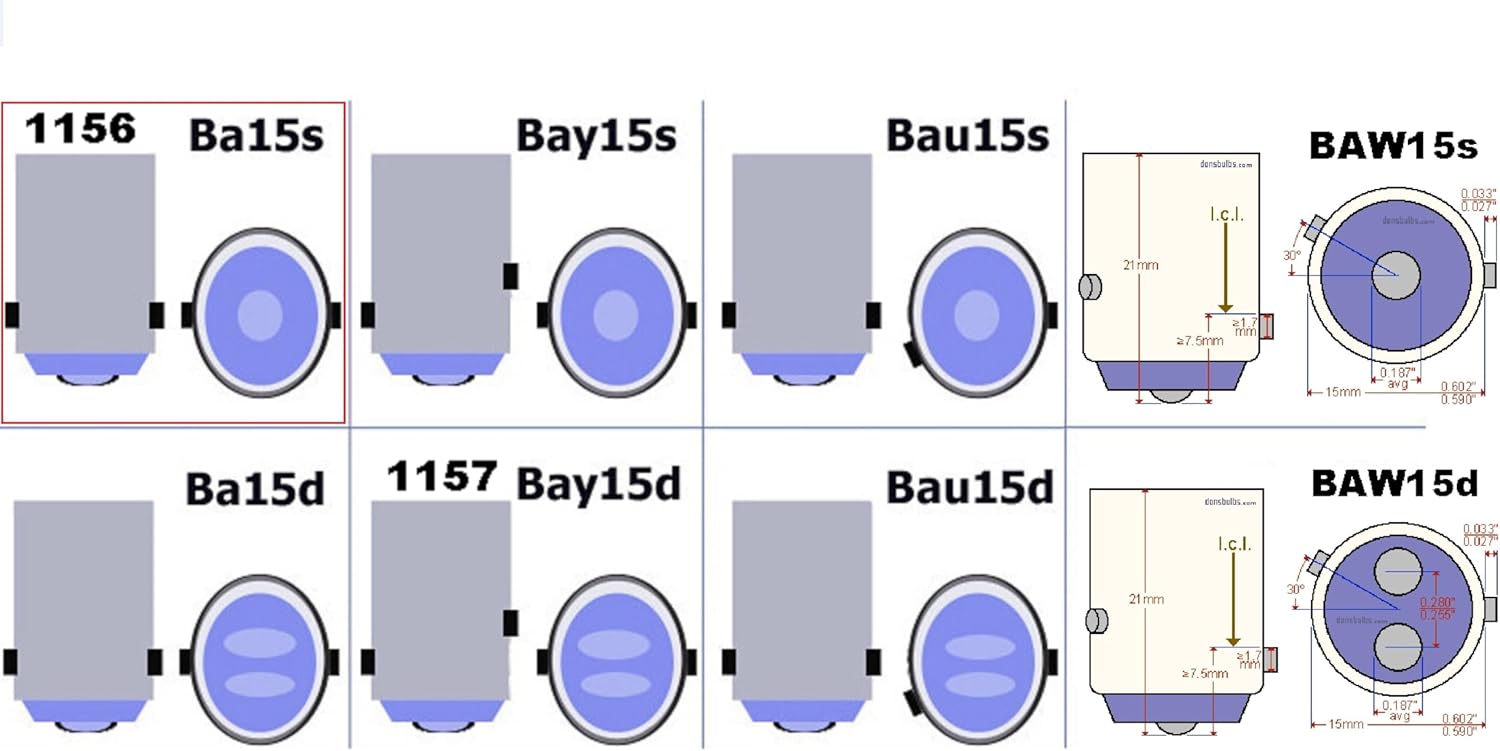
Figure 3: A diagram illustrating different automotive bulb base types. The FLÖSSER R10W uses the BA15s base, highlighted in the diagram.
4. Setup and Installation
Replacing a turn signal bulb typically involves accessing the bulb housing from either the front or rear of the vehicle. Always consult your vehicle's owner's manual for specific instructions and safety precautions.
- Safety First: Ensure the vehicle's ignition is off and the parking brake is engaged. For added safety, disconnect the negative terminal of the vehicle's battery.
- Locate the Bulb Housing: Access the turn signal bulb housing. This may require opening the hood or trunk, or removing a panel in the wheel well.
- Remove the Old Bulb: Twist the bulb socket counter-clockwise to remove it from the housing. Gently press the old bulb into the socket and twist counter-clockwise to release it from the BA15s base.
- Install the New Bulb: Insert the new FLÖSSER R10W bulb into the socket, aligning the pins on the bulb base with the slots in the socket. Press down and twist clockwise until it locks into place.
- Reinstall the Socket: Insert the bulb socket back into the housing and twist clockwise to secure it.
- Test Functionality: Reconnect the battery (if disconnected) and test the turn signal to ensure the new bulb is functioning correctly.
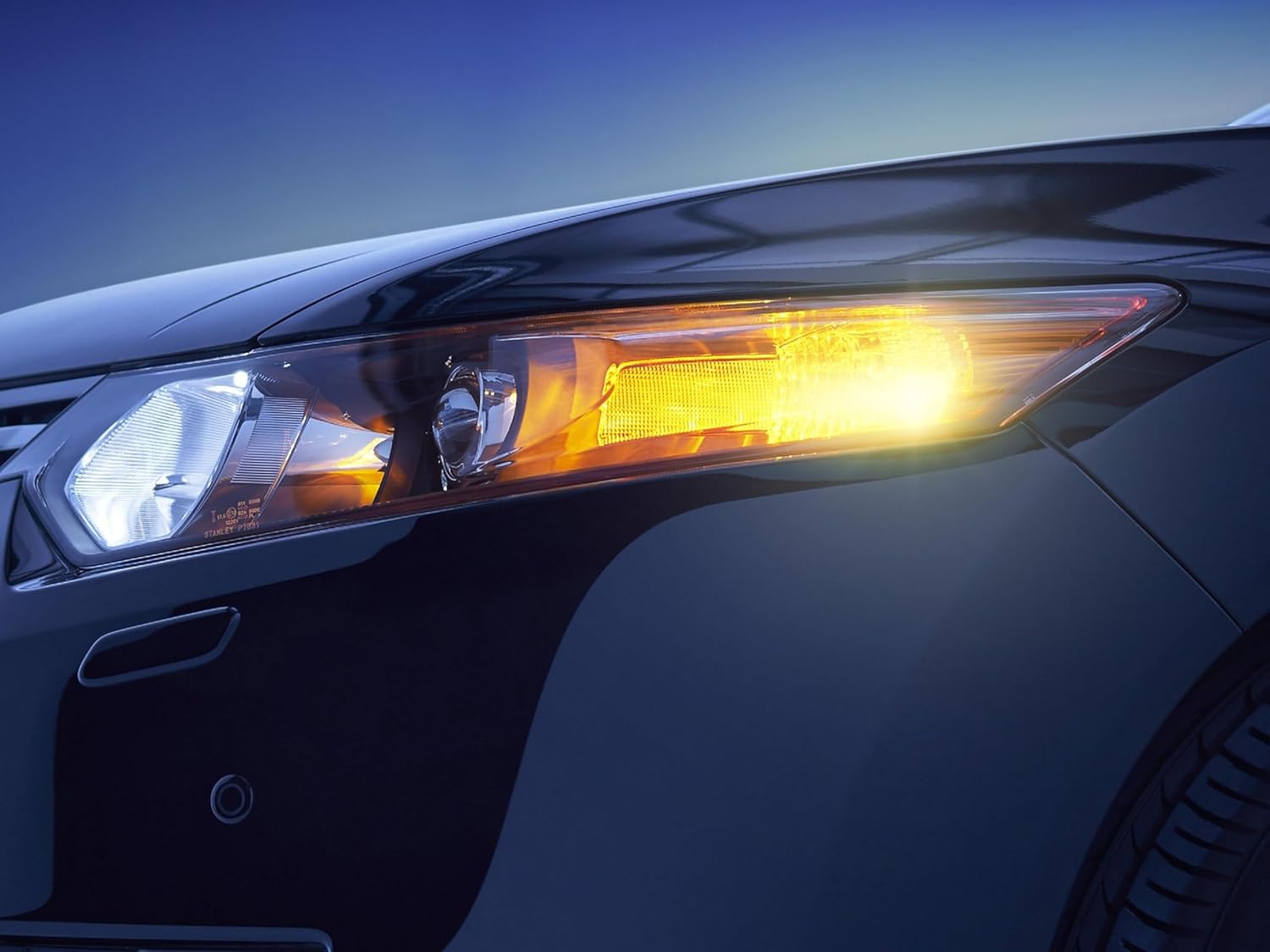
Figure 4: An example of a front turn signal illuminated with an amber bulb, demonstrating proper function.

Figure 5: An example of a rear turn signal illuminated with an amber bulb, demonstrating proper function.
5. Operation
The FLÖSSER R10W 10W BA15s G18 bulb functions as a standard incandescent turn signal light. When activated via the vehicle's turn signal lever, the bulb will illuminate and flash, indicating the driver's intention to turn or change lanes. Its amber color ensures compliance with automotive lighting regulations for turn signals.
6. Maintenance
These bulbs are designed for a typical operating life of approximately 1000 hours. No specific maintenance is required for the bulb itself. If a bulb ceases to function, it should be replaced with a new FLÖSSER R10W 10W BA15s G18 bulb to maintain proper vehicle signaling.
- Regularly check all vehicle lights, including turn signals, to ensure they are working correctly.
- When handling new bulbs, avoid touching the glass directly with bare hands, as oils can reduce bulb lifespan. Use gloves or a clean cloth.
7. Troubleshooting
- Bulb Does Not Light Up:
Check if the bulb is properly seated in the socket. Ensure the vehicle's fuse for the turn signals is not blown. Inspect the wiring for any visible damage or corrosion. If the issue persists, the bulb may be faulty and require replacement.
- Turn Signal Flashes Too Fast (Hyper-flashing):
This usually indicates a burnt-out bulb elsewhere in the turn signal circuit (e.g., front or rear). Check all other turn signal bulbs. If all bulbs are functional, consult a professional mechanic, as it might indicate a relay issue or incorrect bulb wattage.
- Incorrect Color Output:
Ensure you have installed the correct amber bulb. If the bulb appears discolored or emits a different hue, it may be a manufacturing defect or an incorrect bulb type.
8. Warranty and Support
FLÖSSER is a German company known for high-quality automotive lighting products. While specific warranty details are not provided in this manual, FLÖSSER products are manufactured to stringent quality standards. For any product inquiries, technical support, or warranty claims, please contact your retailer or visit the official FLÖSSER website for customer service information.
For more information about FLÖSSER products, you can visit the FLÖSSER Store on Amazon.