
1. Introduction
The StarTech.com HB30A3A1CFB is a 4-port USB 3.0 hub designed to expand the connectivity of your laptop or computer. It converts a single USB-A port into three USB-A ports and one USB-C port, allowing for the connection of various peripherals. This hub is bus-powered, making it suitable for mobile use without requiring an external power adapter.

Image 1.1: Overview of the StarTech.com 4-Port USB 3.0 Hub.
2. Product Features
- Expands one USB-A host port into three USB-A ports and one USB-C port.
- Supports USB 3.0 SuperSpeed data transfer rates up to 5Gbps.
- Backward compatible with USB 2.0 and 1.1 devices.
- Bus-powered design, drawing power directly from the host USB port (up to 4.5W shared).
- Compact and lightweight for portability.
- Driverless setup, compatible with Windows, macOS, Linux, iPadOS, Chrome OS, and Android.
3. Package Contents
Ensure all items are present in the package:
- 1x 4-Port USB 3.0 Hub (HB30A3A1CFB)

Image 3.1: The 4-Port USB 3.0 Hub as packaged.
4. System Requirements
- A computer with an available USB Type-A port.
- Compatible Operating Systems: Windows, macOS, Linux, iPadOS, Chrome OS, Android.
5. Setup Instructions
- Locate an available USB Type-A port on your computer or laptop.
- Connect the integrated USB-A host cable of the HB30A3A1CFB hub into the available USB Type-A port on your computer.
- The operating system will automatically detect and install the necessary drivers. No manual driver installation is required.
- Once installed, the hub is ready for use.
6. Operating Instructions
Connecting USB Devices:
- To connect USB-A devices (e.g., flash drives, keyboards, mice), insert them into any of the three USB-A ports on the hub.

Image 6.1: The three USB-A ports on the hub.
- To connect a USB-C device, insert it into the single USB-C port on the hub.
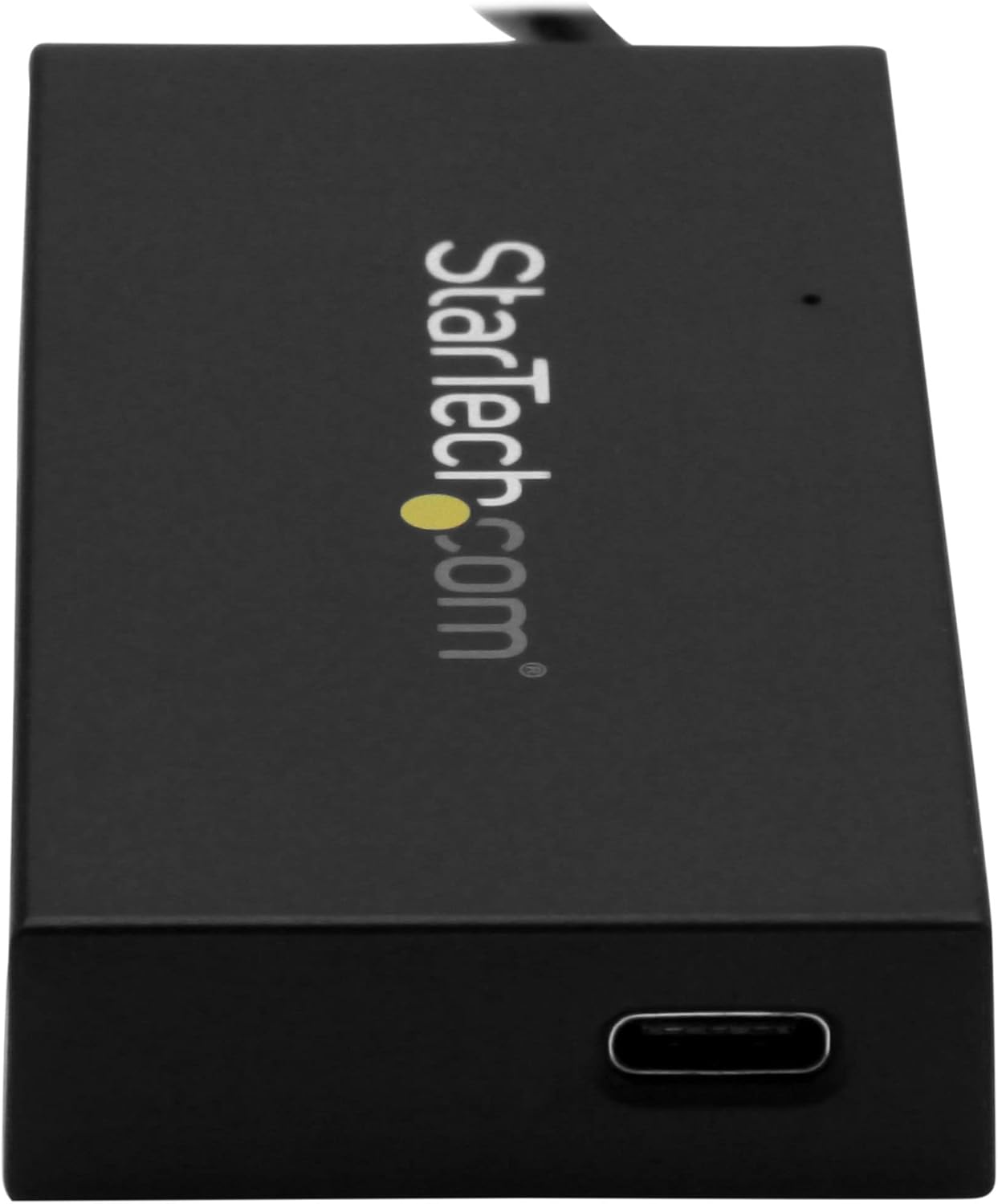
Image 6.2: The single USB-C port on the hub.
Data Transfer: The hub supports USB 3.0 SuperSpeed, allowing for data transfer speeds up to 5Gbps. Actual speeds may vary based on the connected devices and host system.
Power Considerations: This hub is bus-powered, meaning it draws power from the host USB port. The total power available for all connected devices is 4.5W (5V/0.9A). Ensure that the combined power requirements of your connected devices do not exceed this limit to ensure stable operation. High-power devices may require an externally powered hub.
7. Maintenance
- Keep the hub clean by wiping it with a soft, dry cloth.
- Avoid exposing the hub to extreme temperatures, humidity, or direct sunlight.
- Do not attempt to disassemble or modify the hub, as this will void the warranty.
8. Troubleshooting
Device Not Recognized:
- Ensure the hub's USB-A host cable is securely connected to your computer's USB-A port.
- Try connecting the hub to a different USB-A port on your computer.
- Ensure the connected USB device is functioning correctly by testing it directly with your computer.
- Restart your computer.
Slow Data Transfer Speeds:
- Verify that both the hub and the connected device support USB 3.0 for optimal speeds. If a USB 2.0 device is connected, speeds will be limited to USB 2.0.
- Ensure the host computer's USB port is a USB 3.0 port.
- Avoid connecting multiple high-bandwidth devices simultaneously, as the 5Gbps bandwidth is shared among all ports.
Connected Device Not Receiving Enough Power:
- The hub provides a shared maximum of 4.5W (5V/0.9A). If you are connecting power-intensive devices (e.g., external hard drives without their own power supply), they may not function correctly.
- Consider using a self-powered USB hub for devices with higher power requirements.
9. Specifications
| Model | HB30A3A1CFB |
| Host Connector | 1x USB Type-A (Male) |
| Downstream Ports | 3x USB Type-A (Female), 1x USB Type-C (Female) |
| USB Standard | USB 3.0 (also known as USB 3.1 Gen 1 / USB 3.2 Gen 1) |
| Data Transfer Rate | Up to 5 Gbps |
| Power | Bus-powered (4.5W shared, 5V/0.9A) |
| Dimensions (L x W x H) | 2.95 x 1.57 x 0.51 inches (75 x 40 x 13 mm) |
| Weight | 1.44 ounces (40.8 grams) |
| Cable Length | 5.5 inches (14 cm) attached host cable |
| Housing Material | Plastic |
| Color | Black |
10. Warranty and Support
Warranty: This product is backed by a 2-year warranty from StarTech.com.
Returns: Amazon's return policy allows for returns within 30 days of purchase.
Technical Support: For technical assistance, visit the official StarTech.com website or contact their customer support.


