
PKPOWER CR7002A
Contents
PK Power AC/DC Adapter Instruction Manual
For Crosley CR7002A Tech Turntable Record Player
1. Product Overview
This manual provides essential instructions for the safe and effective use of your PK Power AC/DC Adapter, specifically designed for the Crosley CR7002A Tech Turntable Record Player. This adapter converts standard AC wall power to the DC power required by your turntable, ensuring proper operation.

Figure 1: The PK Power AC/DC Adapter with its integrated power cord. This image displays the compact design of the adapter unit and the coiled power cable.
2. Safety Instructions
Please read and follow these safety instructions carefully to prevent damage to the adapter, your turntable, or personal injury.
- Ensure the adapter's input voltage (100-240V) matches your local power supply.
- Do not expose the adapter to water, moisture, or extreme temperatures.
- Avoid dropping or subjecting the adapter to strong impacts.
- Do not attempt to open or repair the adapter. Refer servicing to qualified personnel.
- Always unplug the adapter from the wall outlet before cleaning or if it will be unused for an extended period.
- Keep out of reach of children.
- This adapter is designed with Over Voltage Protection (OVP), Over Current Protection (OCP), and Short Circuit Protection (SCP) to ensure safe operation.

Figure 2: Illustration of the adapter's built-in safety features, including over voltage, over current, over temperature, quality microchip, electromagnetic wave, and short circuit protection.
3. Setup Instructions
- Verify Compatibility: Ensure your device is the Crosley CR7002A Tech Turntable Record Player or another compatible model as specified by the manufacturer.
- Connect to Turntable: Locate the power input port on your Crosley CR7002A turntable. Insert the DC output plug of the PK Power adapter firmly into this port.
- Connect to Power Outlet: Plug the AC input prongs of the adapter into a standard wall power outlet or a power strip. Ensure the connection is secure.

Figure 3: The PK Power adapter correctly plugged into a wall socket, ready to provide power to a connected device.
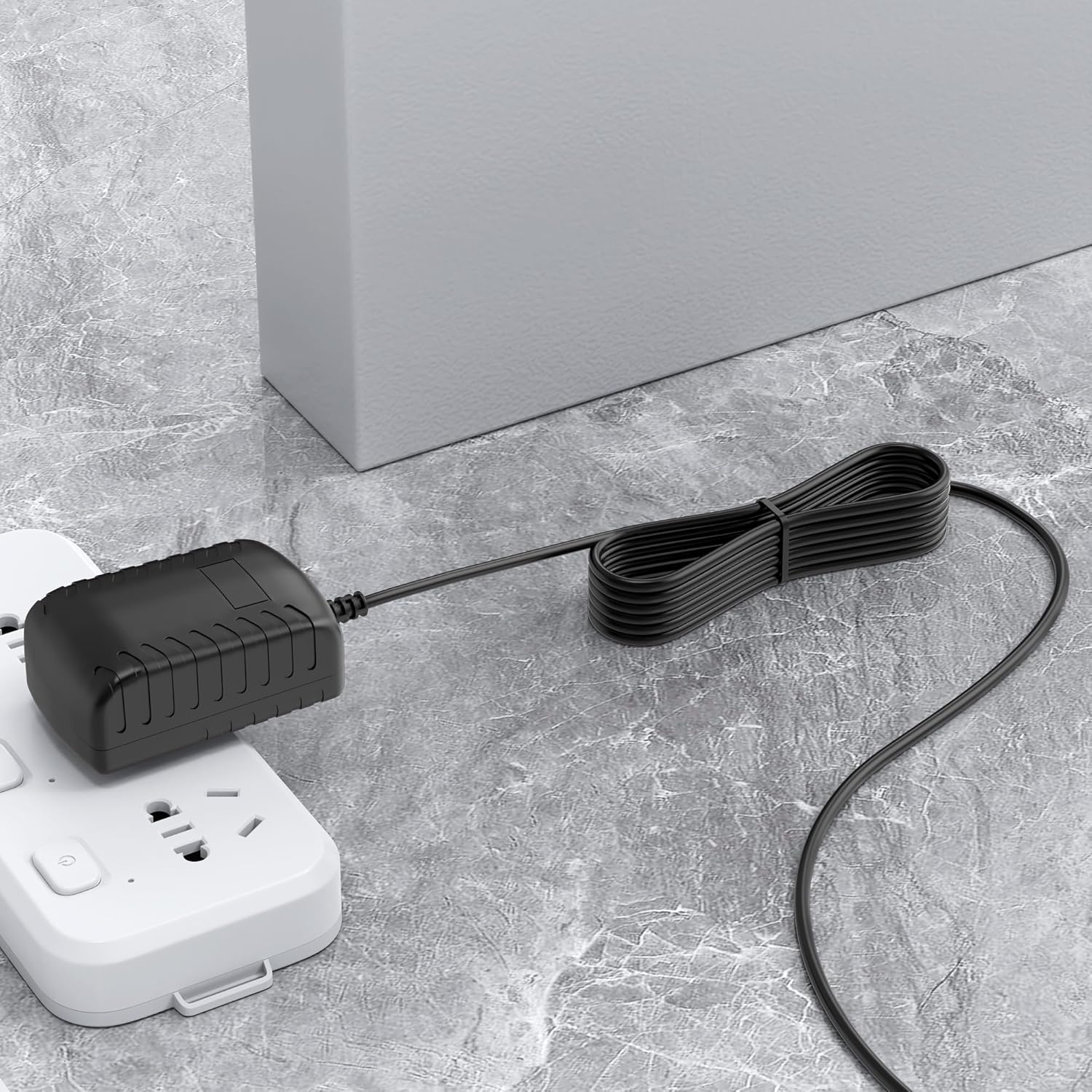
Figure 4: The PK Power adapter connected to a power strip, demonstrating flexibility in power source connection.
4. Operating Instructions
Once the adapter is securely connected to both the turntable and a power outlet, your Crosley CR7002A turntable should receive power. Refer to your turntable's specific instruction manual for details on its operation, as this adapter solely provides the necessary power supply.
- Ensure the turntable's power switch is in the "OFF" position before connecting the adapter.
- After connecting, turn the turntable's power switch to the "ON" position to begin operation.
- If the turntable does not power on, check all connections and the power outlet.
5. Maintenance
Proper maintenance ensures the longevity and safe operation of your adapter.
- Cleaning: Disconnect the adapter from all power sources. Use a soft, dry cloth to wipe the exterior. Do not use liquid cleaners or solvents.
- Storage: When not in use, store the adapter in a cool, dry place, away from direct sunlight and moisture. Avoid tightly coiling the cable to prevent damage.
- Inspection: Periodically inspect the adapter and cable for any signs of damage, such as frayed wires, cracks, or loose connections. If damage is found, discontinue use and replace the adapter.
6. Troubleshooting
| Problem | Possible Cause | Solution |
|---|---|---|
| Turntable does not power on. |
|
|
| Adapter feels unusually hot. |
|
|
7. Specifications
- Input: 100-240V AC, 50-60Hz
- Output: (Specific output voltage/current not provided in product data)
- Certifications: CE, FCC, RoHS
- Protection Features: Over Voltage Protection (OVP), Over Current Protection (OCP), Short Circuit Protection (SCP)
- Color: Black
- Cable Length: Approximately 1.2m / 4ft
- Dimensions (Adapter Unit): Approximately 1.18in (width), 1.58in (depth), 2.92in (height)

Figure 5: Detailed dimensions of the PK Power AC/DC Adapter, indicating its compact size for portability and ease of use.
8. Warranty and Support
PK Power products are designed for reliability. For specific warranty information or technical support, please refer to the documentation included with your purchase or visit the official PKPOWER website. Our customer service team aims to respond to inquiries within 24 hours.
For further assistance, you may contact the seller directly through the platform where the purchase was made.
Documents and downloads
Ask a question about this manual
Ask about setup, troubleshooting, compatibility, parts, safety, or missing instructions. Manuals+ will review the question and use this page’s manual context to help answer it.