
1. Product Overview
The Criacr Bluetooth FM Transmitter is designed to enhance your in-car audio experience. It allows you to stream music wirelessly from your smartphone, make hands-free calls, and charge your devices simultaneously. This device features a stable signal, anti-interference performance, and CVC technology for clear sound quality.
Package Contents:
- Criacr Bluetooth FM Transmitter
- User Manual
Component Identification:

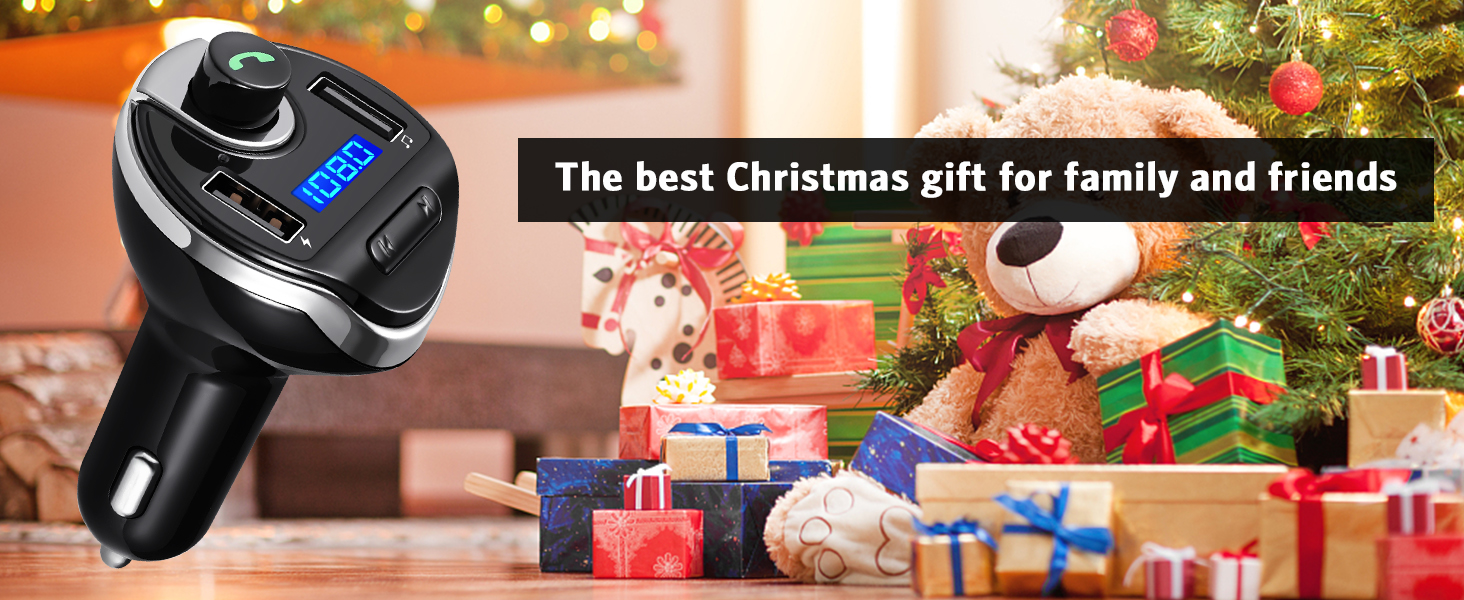
- Multi-Function Button (MFB) / Play/Pause / Call/End: Central knob for various controls.
- USB Charging Port (5V/2.1A): For charging devices.
- Display: Shows FM frequency.
- Next/CH+: Skip track forward or increase FM frequency.
- Last/CH-: Skip track backward or decrease FM frequency.
- TF Card Slot: For playing music from a TF (Micro SD) card.
- U Disk Slot / Charging Port (5V/1A): For playing music from a USB flash drive or charging devices.
- Negative Power Supply: Connects to the car's cigarette lighter socket.
2. Setup Instructions
- Insert into Car Cigarette Lighter: Plug the Criacr Bluetooth FM Transmitter into your vehicle's 12V/24V cigarette lighter socket. The device will power on and the LED display will show the current FM frequency.
- Set FM Frequency:
- Tune your car's FM radio to an empty frequency (one with no strong broadcast signal, typically 87.5-108MHz).
- Long press the MFB knob on the transmitter until the frequency display flashes.
- Turn the MFB knob left or right to adjust the transmitter's frequency to match the empty frequency on your car radio.

Figure 2: How to Select the FM Frequency - Pair with Bluetooth Device:
- On your smartphone or other Bluetooth-enabled device, enable Bluetooth.
- Search for available devices and select "C7" (or similar model name) to pair.
- Once paired, a voice prompt will confirm the connection.
3. Operating Instructions
3.1 Music Playback Modes
The device supports three music playback modes: Bluetooth, TF Card, and USB Disk.

- Bluetooth Mode: After successful Bluetooth pairing, music played on your phone will transmit to your car stereo.
- TF Card Mode: Insert a TF (Micro SD) card (up to 32GB) with MP3/WMA/WAV/FLAC audio files into the TF card slot. The device will automatically detect and play music from the card.
- USB Disk Mode: Insert a USB flash drive (up to 32GB) with MP3/WMA/WAV/FLAC audio files into the U Disk slot. The device will automatically detect and play music from the drive.
Music Controls:
- Press the MFB knob: Play/Pause.
- Press 'Next/CH+': Next track.
- Press 'Last/CH-': Previous track.
- Turn the MFB knob: Adjust volume (on the transmitter).
3.2 Hands-Free Calling
With the built-in microphone and CVC technology, you can make and receive calls safely while driving.

- Answer Call: Press the MFB knob once when an incoming call rings.
- End Call: Press the MFB knob once during a call.
- Reject Call: Long press the MFB knob when an incoming call rings.
- Redial Last Number: Double-press the MFB knob.
3.3 Charging Devices
The transmitter features dual USB charging ports to power your devices.

- One port provides 5V/2.1A output for faster charging.
- The other port (U Disk slot) provides 5V/1A output and can also be used for charging.
- Connect your device using a compatible USB charging cable to either port.
4. Troubleshooting
- Noise/Static Interference:
- Ensure your car radio is tuned to an empty FM frequency (no strong broadcast signal).
- Adjust the transmitter's frequency to match the empty frequency on your car radio. Try different frequencies if interference persists.
- Avoid frequencies close to local radio stations, as this may cause conflict.
- Bluetooth Connection Issues:
- Ensure the transmitter is powered on and within range of your Bluetooth device.
- Turn off and on your device's Bluetooth, then try pairing again.
- If previously paired, check your device's Bluetooth settings to ensure it's connected to "C7".
- Music Not Playing from TF Card/USB Disk:
- Ensure the TF card or USB disk is inserted correctly.
- Verify that the audio files are in a supported format (MP3/WMA/WAV/FLAC).
- Check if the storage device is formatted correctly and not corrupted.
- Charging Not Working:
- Ensure the transmitter is securely plugged into the cigarette lighter and powered on.
- Check the USB cable for damage and ensure it is properly connected to both the transmitter and your device.
- Try a different USB port or cable.
5. Specifications
| Feature | Detail |
|---|---|
| Brand | Criacr |
| Model Name | US-CP24 |
| Connectivity Technology | Bluetooth, USB |
| Power Source | Corded Electric (Car Cigarette Lighter) |
| Item Weight | 65 g |
| USB Output | 5V/2.1A, 5V/1A (Dual Ports) |
| Supported Media Type | Audio (MP3/WMA/WAV/FLAC) |
| Installation Type | Plug In |
| Compatible Devices | Smartphone, Tablet |
| Bluetooth Standard | Bluetooth 3.0 + EDR |
| Audio Output Type | Stereo, Bluetooth, FM Radio |
| Audio Input | Bluetooth, USB, TF card |
6. Warranty and Support
Criacr is committed to providing high-quality products and customer satisfaction.
- Quality Protection: This product includes a 12-month quality protection period.
- Free Replacement: Enjoy 60 days of free replacement for any manufacturing defects.
- Customer Service: 7*24h customer service is available for assistance.
For further support or inquiries, please refer to the contact information provided with your purchase or visit the official Criacr website.
7. Product Video

Video 1: Official product video demonstrating the features and usage of the Criacr Bluetooth FM Transmitter.