
Salter 9113 BK3R
Salter 9113 BK3R Compact Glass Analyzer Scale User Manual
Model: 9113 BK3R
Introduction
The Salter 9113 BK3R Compact Glass Analyzer Scale is designed to provide comprehensive body composition analysis, including weight, body fat, body water, and muscle mass. This ultra-slim digital scale features an 8-person memory for tracking individual progress and an easy-to-read LCD screen. Please read this manual thoroughly before use to ensure accurate measurements and safe operation.
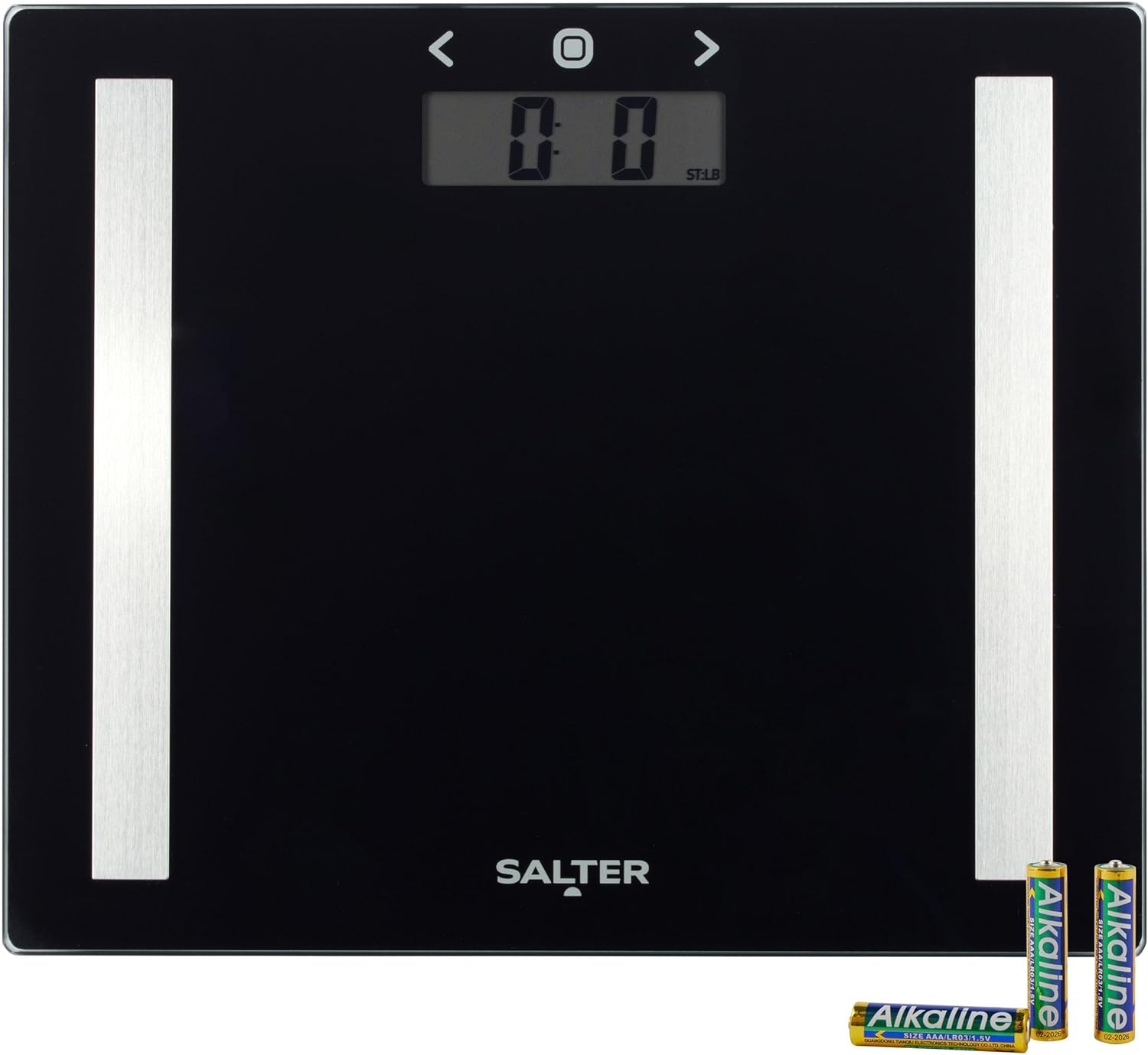
Image: The Salter 9113 BK3R Compact Glass Analyzer Scale, showcasing its sleek black glass surface and the included AAA batteries.
Safety Information
- Always place the scale on a firm, flat surface. Avoid carpets or uneven flooring, as this can affect accuracy.
- The scale surface can be slippery when wet. Ensure the surface is dry before stepping on.
- Do not jump on the scale. Step on and off gently.
- This scale is not waterproof. Do not immerse it in water or use harsh chemical cleaners.
- Keep out of reach of children.
- Individuals with pacemakers or other internal medical devices should not use the body analyzer function. Consult a medical professional if you have concerns.
Setup
- Unpacking: Carefully remove the scale from its packaging. Retain packaging for future storage or transport.
- Battery Installation: Open the battery compartment on the underside of the scale. Insert 2 AAA batteries, ensuring correct polarity (+/-). The scale comes with batteries included.
- Initial Placement: Place the scale on a hard, flat surface. Avoid soft surfaces like carpet, which can lead to inaccurate readings.
- Unit Selection: On the underside of the scale, locate the unit switch (usually marked kg/lb/st). Select your preferred unit of measurement.
- User Profile Setup:
This scale can store data for up to 8 users. To set up a profile:
- Press the 'Set' button (often represented by a circle icon on the display).
- Use the arrow buttons (< and >) to select a user number (P1-P8).
- Press 'Set' to confirm.
- Enter your personal data (e.g., age, gender, height) using the arrow buttons and 'Set' to confirm each entry. This information is crucial for accurate body composition analysis.

Image: Close-up view of the battery compartment on the underside of the Salter scale, showing the correct insertion of AAA batteries.

Image: The Salter 9113 BK3R scale positioned on a light-colored tiled floor, ready for use.
Operating Instructions
- Taking a Weight Measurement:
Simply step onto the scale with bare feet. The scale will automatically turn on and display your weight. Wait for the reading to stabilize.
- Using Analyzer Functions (Body Composition):
For body fat, body water, and muscle mass measurements, ensure your user profile is selected. Step onto the scale with bare feet, making sure your feet are in contact with the metal electrodes (if present, or the conductive areas on the glass). The scale will send a small, safe electrical current through your body to estimate composition. Remain still until all readings are displayed.

Image: A person standing on the Salter 9113 BK3R scale, demonstrating typical usage. Note: For analyzer functions, bare feet are required.

Image: Close-up of bare feet properly positioned on the Salter 9113 BK3R scale for body composition analysis.
- Sport Mode:
If your scale features a 'Sport Mode', activate it during user profile setup if you engage in regular intense physical activity. This mode adjusts the body composition algorithm for athletes, providing more accurate readings for individuals with higher muscle mass.
- Reading the LCD Screen:
The backlit LCD screen will display your measurements clearly. Weight is typically shown first, followed by body fat percentage, body water percentage, and muscle mass percentage. Refer to the manual's specifications section for typical healthy ranges.
Maintenance
- Cleaning: Wipe the scale surface with a damp cloth and mild detergent. Do not use abrasive cleaners or immerse the scale in water.
- Storage: Store the scale in a cool, dry place. It can be stored flat or upright against a wall.
- Battery Replacement: When the display shows 'Lo' or becomes dim, replace the batteries with new AAA batteries.

Image: The Salter 9113 BK3R scale stored vertically on a shelf, demonstrating its compact design for easy storage.
Troubleshooting
| Problem | Possible Cause | Solution |
|---|---|---|
| Scale does not turn on / Display is blank | Dead or incorrectly installed batteries. | Check battery polarity or replace batteries. |
| 'Lo' displayed | Low battery. | Replace batteries. |
| 'Err' displayed | Overload (weight exceeds maximum capacity). | Step off the scale. Ensure weight is within 150 kg limit. |
| Inaccurate readings | Scale on uneven surface; not calibrated; feet not properly placed for analysis. | Place scale on a hard, flat surface. Step on and off to re-calibrate. Ensure bare feet are correctly positioned for analyzer functions. |
| Body composition readings not appearing | Not using bare feet; user profile not set up or selected. | Ensure bare feet are in contact with electrodes. Set up or select your user profile. |
Specifications
| Feature | Detail |
|---|---|
| Model Number | 9113 BK3R |
| Maximum Weight Capacity | 150 Kilograms (330 lbs / 23 st 8 lb) |
| Readout Accuracy | ±0.1 kg (1/4 lb) |
| Material | Glass |
| Product Dimensions | 5 x 35.5 x 30 cm (1.69 kg item weight) |
| Power Source | 2 AAA batteries (included) |
| Display Type | LCD with Backlit Display |
| Analyzer Functions | Weight, Body Fat, Body Water, Muscle Mass |
| User Memory | 8 persons |
| Special Features | Ultra-slim design, Sport Mode |

Image: The Salter 9113 BK3R scale with overlaid measurements indicating its compact dimensions of 25cm x 30cm and a thickness of 2.5cm.

Image: A graphic detailing the maximum capacity of the scale (150kg, 23st 8lb, 330lb) and its readout accuracy (0.1kg, 1/4lb).
Warranty and Support
Salter products are manufactured to high-quality standards. For warranty information, product support, or to purchase replacement parts, please refer to the warranty card included with your product or visit the official Salter website. Do not attempt to repair the scale yourself, as this may void the warranty.
Related Documents - 9113 BK3R
 |
Salter Glass Analyser Scale User Manual & Instructions Comprehensive instruction manual for the Salter Glass Analyser Scale, covering safety, setup, personal data entry, usage, maintenance, and disposal. Learn how to use your body fat and body water scale. |
 |
Salter Glass Analyser: Your Guide to Body Composition and Health Insights Understand your health and fitness with the Salter Glass Analyser scale. This manual explains how to use BIA technology to measure weight, body fat, body water, and BMI for accurate body composition insights. |
 |
Salter 9159 Bluetooth Scale Quick Start Guide Quick start guide for the Salter 9159 BK3R Bluetooth Bathroom Scale. Learn how to set up your scale, select user profiles, take measurements, and sync data with the Salter Health MiBody app for comprehensive health tracking. |
 |
9192 Bluetooth Scale Quick Start Guide A quick start guide for the Salter 9192 Bluetooth Scale, detailing setup, user selection, weighing, and data syncing with the Salter Health app. |
 |
Salter Glass Electronic Scale User Manual & Instructions This user manual provides instructions for the Salter Glass Electronic Scale, covering safety, setup, usage, maintenance, troubleshooting, and disposal. |
 |
Salter 9192 WH3R Curve Bluetooth Smart Analyzer Scale Quick Start Guide A concise guide on how to set up and use the Salter 9192 WH3R Curve Bluetooth Smart Analyzer Scale, including pairing with the Salter Health App and taking measurements. |
Ask a question about this manual
Ask about setup, troubleshooting, compatibility, parts, safety, or missing instructions. Manuals+ will review the question and use this page’s manual context to help answer it.