
1. Setup
1.1 Unpacking and Battery Installation
Carefully remove the scale from its packaging. The Beurer PS25 Digital Bathroom Scale requires 2 AAA batteries for operation, which are included. Locate the battery compartment on the underside of the scale, open it, insert the batteries according to the polarity indicators, and close the compartment securely.
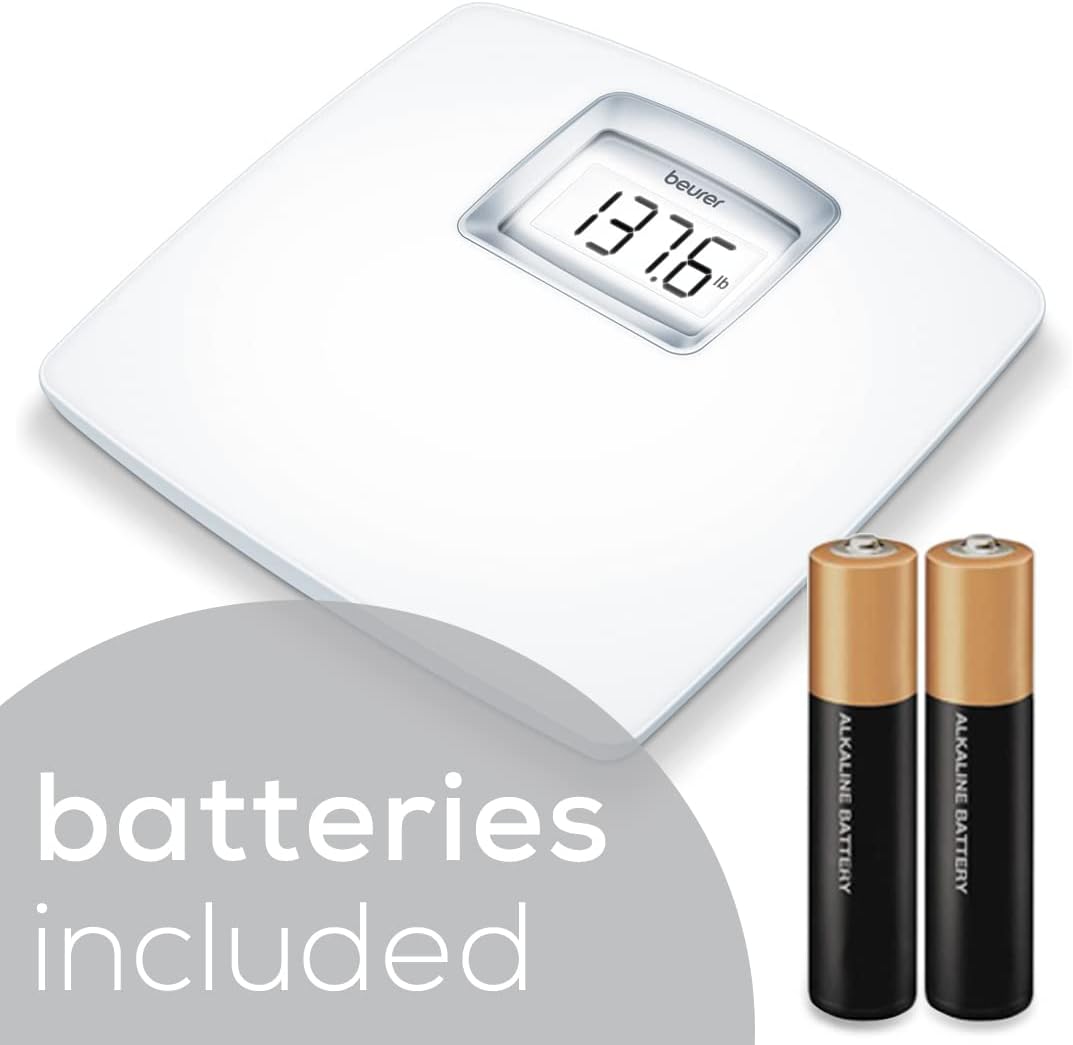
Figure 1: Battery installation for the Beurer PS25 Digital Bathroom Scale.
1.2 Placement and Initial Calibration
For accurate readings, place the scale on a hard, flat surface. Avoid placing the scale on carpets or uneven flooring, as this can lead to inaccurate weight measurements.
Before the first use, or if the scale has been moved, perform an initial calibration:
- Lightly tap the scale with one foot for 1-2 seconds.
- The display will briefly show a weight number and then "0.0".
- Wait until the display turns off completely. The scale is now calibrated and ready for use.

Figure 2: Auto-calibrated feature for instant readings.
2. Operating Instructions
2.1 Taking a Measurement
The Beurer PS25 scale features an auto-calibrate function, eliminating the need to tap it on and off before weighing. Simply step onto the scale directly. The scale will automatically calibrate and display your weight instantly.
Video 1: Demonstration of the Beurer PS25 Digital Bathroom Scale in use, showing a person stepping on and off the scale for a weight measurement.
2.2 Reading the Display
The scale is equipped with an XL backlit LCD display, ensuring that your weight measurements are clearly visible even in low-light conditions. The display illuminates with a white backlight for enhanced readability.

Figure 3: Clear and easy-to-read XL LCD display.
2.3 Automatic Shut-Off
To conserve battery life, the PS25 scale features an automatic shut-off function. After you step off the scale, it will automatically turn off after a few seconds, eliminating the need to manually press any buttons.

Figure 4: Automatic shut-off feature for battery conservation.
2.4 Unit Conversion
The scale allows you to switch between different units of measurement: kilograms (kg), pounds (lb), and stones (st). Refer to the physical instruction manual included with your product for specific details on how to change the unit setting, typically found via a switch or button on the underside of the scale.
3. Maintenance and Care
3.1 Cleaning the Scale
The Beurer PS25 Digital Bathroom Scale is designed for easy cleaning. Use a damp cloth and a mild cleaning agent to wipe down the surface. Avoid abrasive cleaners or harsh chemicals, as these can damage the scale's finish or electronic components.
3.2 Surface Material
The weighing platform features a curved acrylic surface that is softly textured to help prevent slipping. The internal chassis is constructed from safety glass, combining durability with a sleek design. While the surface is designed to reduce slipping, always ensure your feet are dry before stepping on the scale for optimal safety.

Figure 5: Curved acrylic weighing surface for comfort and safety.
4. Troubleshooting
4.1 Inaccurate Readings
- Incorrect Placement: Ensure the scale is placed on a hard, flat, and stable surface. Soft surfaces like carpets can cause significant inaccuracies.
- Movement: Avoid moving the scale frequently. If moved, perform the initial calibration steps (lightly tap, wait for 0.0, then wait for shut-off) before taking a measurement.
- Battery Level: Low batteries can affect accuracy. Replace batteries if the display appears dim or if the scale behaves erratically.
4.2 "ERR" Display
If the scale displays "ERR", this typically indicates an overload or an internal error. Ensure the weight on the scale does not exceed its maximum capacity of 400 lbs (180 kg). If the error persists after checking the weight limit and replacing batteries, contact customer support.
4.3 Scale Does Not Turn On
- Check Batteries: Verify that the batteries are correctly installed and are not depleted. Replace them if necessary.
- Initial Activation: Ensure you are stepping directly onto the scale to activate it, as it features an auto-on function.
5. Specifications
| Feature | Detail |
|---|---|
| Model | PS25 |
| Weight Capacity | 400 lbs (180 kg) |
| Readout Accuracy | 0.2 lbs (100 g) increments |
| Display Type | XL Backlit LCD |
| Dimensions (L x W x H) | Approximately 14.8 in x 14.3 in x 2.6 in |
| Power Source | 2 x AAA Batteries (included) |
| Special Features | Auto-Calibrate, Auto Shut-Off, Overload Indicator, Unit Conversion (kg/lb/st) |
| Surface Material | Curved Acrylic |
| Chassis Material | Safety Glass |
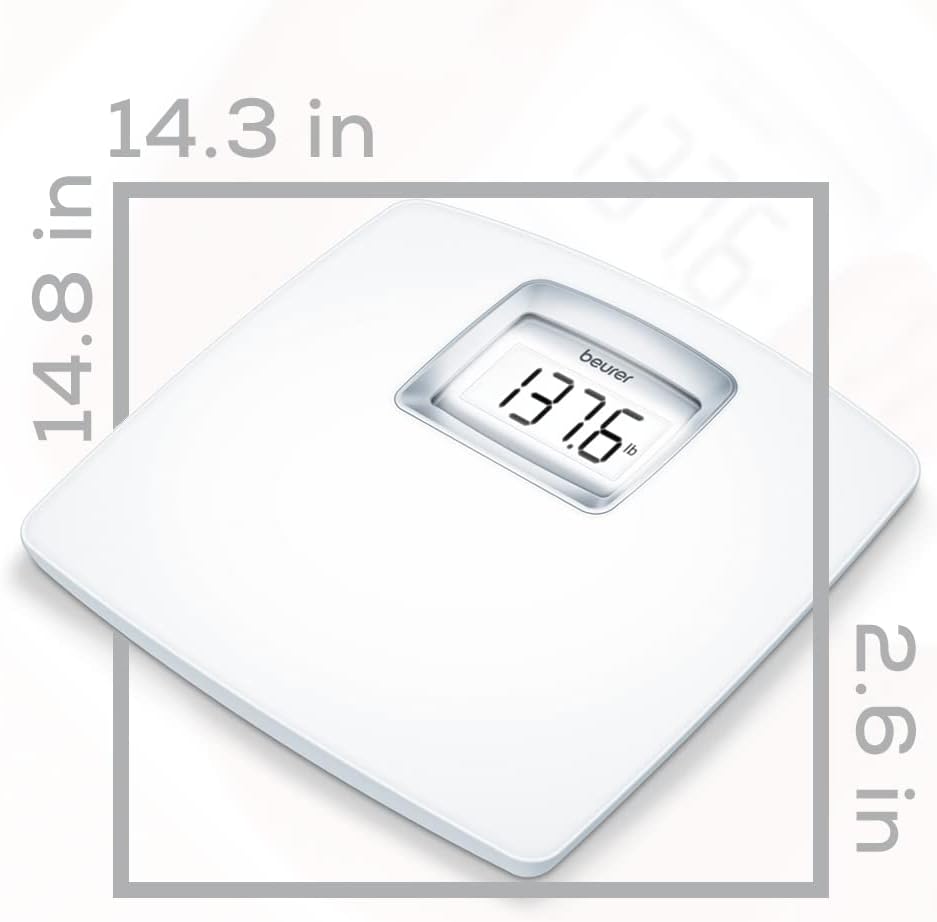
Figure 6: Beurer PS25 Digital Bathroom Scale dimensions.
6. Warranty and Support
6.1 Warranty Information
For detailed warranty information, please refer to the physical instruction manual included with your Beurer PS25 Digital Bathroom Scale. The warranty typically covers manufacturing defects and material faults under normal use.
6.2 Customer Support
Should you require assistance with setup, operation, troubleshooting, or warranty claims, please contact Beurer customer support. Contact details can be found in your product's included documentation or on the official Beurer website.
Manufacturer: Beurer


