
1. Introduction
This manual provides essential information for the safe and effective use of your PK Power AC/DC Adapter, designed for compatibility with the Sylvania SDVD9020B Portable DVD Player. Please read these instructions carefully before use and retain them for future reference.

Figure 1: The PK Power AC/DC Adapter with its integrated power cord. The adapter features a standard US two-prong plug and a barrel connector for device compatibility.
2. Setup
Follow these steps to properly set up your AC/DC adapter:
- Inspect the Adapter: Before connecting, visually inspect the adapter and its cable for any signs of damage. Do not use if damaged.
- Identify the Device Port: Locate the power input port on your Sylvania SDVD9020B Portable DVD Player. Ensure it is clean and free of debris.
- Connect to Device: Carefully insert the barrel connector of the PK Power AC/DC Adapter into the power input port of your Sylvania SDVD9020B Portable DVD Player. Ensure a snug fit.
- Connect to Power Outlet: Plug the adapter's two-prong plug into a standard 100-240V AC wall outlet or a power strip. Ensure the outlet is easily accessible.

Figure 2: The AC/DC adapter correctly plugged into a wall outlet, demonstrating a typical setup for powering your device.
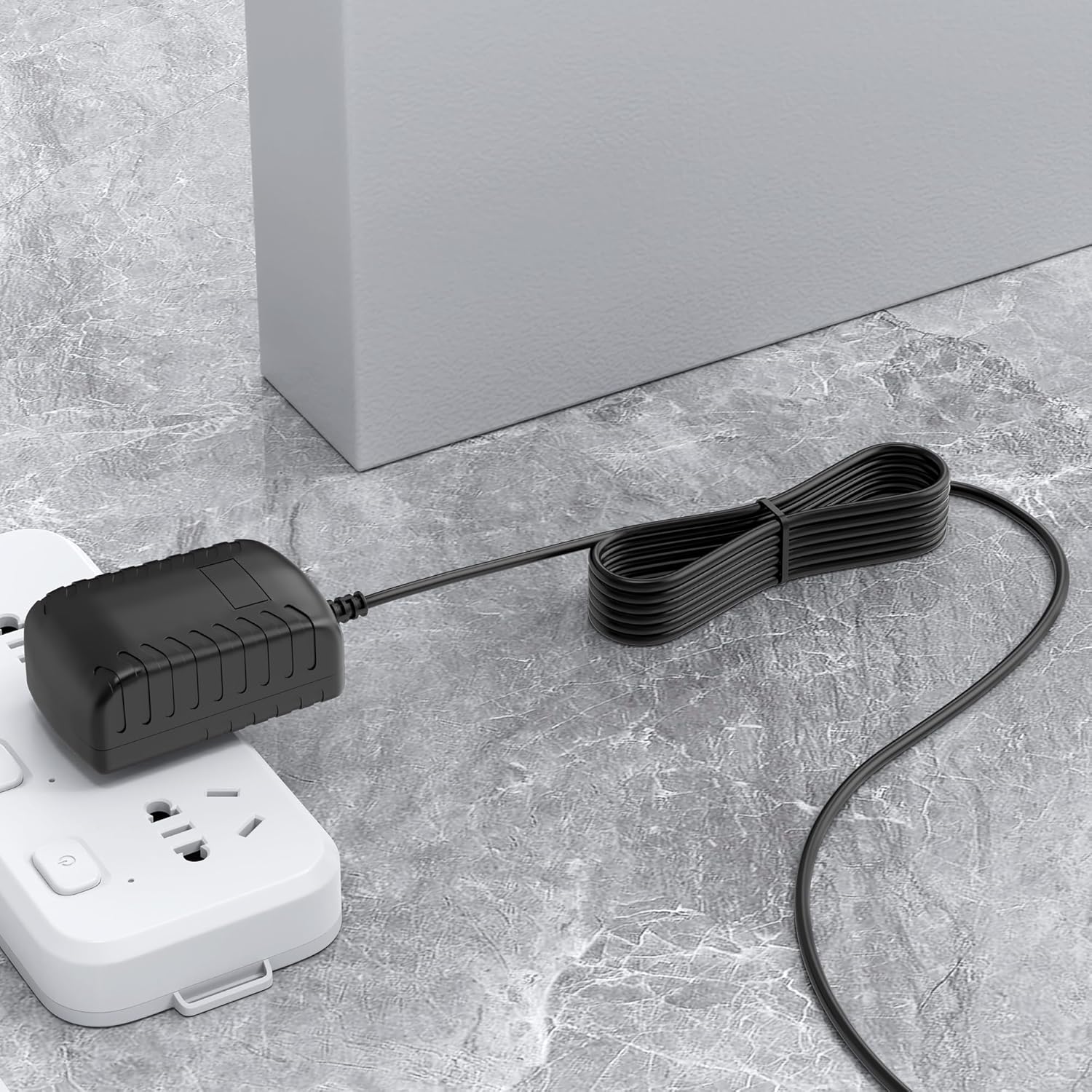
Figure 3: The AC/DC adapter connected to a power strip, illustrating an alternative connection method. Ensure the power strip is rated for the adapter's input.
3. Operation
Once connected, the adapter will supply power to your Sylvania SDVD9020B Portable DVD Player. The device should power on as usual. No additional steps are required for the adapter's operation.
4. Maintenance
To ensure the longevity and proper functioning of your adapter:
- Keep the adapter and cable dry. Avoid exposure to liquids.
- Clean the adapter periodically with a soft, dry cloth. Do not use harsh chemicals or abrasive cleaners.
- Store the adapter in a cool, dry place when not in use.
- Avoid bending or crimping the cable excessively, as this can damage internal wires.
5. Troubleshooting
If you encounter issues with your adapter, refer to the following:
- No Power to Device:
- Ensure the adapter is securely plugged into both the wall outlet and the DVD player.
- Verify that the wall outlet is functional by testing it with another device.
- Check the adapter cable for any visible damage. If damaged, discontinue use.
- Intermittent Power:
- Ensure all connections are firm. A loose connection can cause intermittent power.
- Avoid placing heavy objects on the cable or adapter.
If problems persist, contact customer support.
6. Specifications
| Feature | Specification |
|---|---|
| Input Voltage | 100-240V AC, 50-60Hz |
| Output Protection | Over Voltage Protection (OVP), Over Current Protection (OCP), Short Circuit Protection (SCP) |
| Certifications | CE, FCC, RoHS |
| Connector Type | Barrel Connector |
| Compatible Devices | Sylvania SDVD9020B Portable DVD Player |
| UPC | 720089928728 |

Figure 4: Illustration of the multiple protection features integrated into the adapter, including over voltage, over current, over temperature, electromagnetic wave, and short circuit protection, along with a quality microchip.

Figure 5: Dimensions of the AC/DC adapter, showing its compact size for portability and ease of use. The adapter measures approximately 1.18 inches by 1.58 inches by 2.92 inches, with a cable length of 1.2 meters (4 feet).
7. Warranty and Support
PK-Power products are tested by the manufacturer to meet or exceed OEM specifications. For any issues or inquiries, our customer service team is available to respond within 24 hours. Please refer to your purchase documentation for specific warranty details.