
1. Introduction
This manual provides essential information for the safe and efficient operation of your GBC Inspire+ A4 Laminator. Please read these instructions thoroughly before first use and retain them for future reference. The GBC Inspire+ A4 laminator is designed for light usage, suitable for home, craft, hobby projects, and small office environments.
The laminator supports both hot and cold lamination modes and is compatible with laminating pouches from 2x75 up to 2x125 micron thickness, accommodating paper sizes up to A4 width.
2. Safety Information
- Always connect the laminator to a grounded power outlet.
- Do not operate the laminator with a damaged power cord or plug.
- Keep hands and loose clothing away from the feed opening during operation.
- Do not laminate items thicker than the recommended pouch thickness (2x125 micron maximum).
- Avoid laminating heat-sensitive materials in hot lamination mode.
- Ensure the laminator is placed on a stable, flat surface with adequate ventilation.
- Unplug the laminator when not in use or before cleaning.
- Do not attempt to open or repair the laminator yourself. Refer to qualified service personnel.
3. Product Overview
Familiarize yourself with the components of your GBC Inspire+ A4 Laminator.

Figure 1: Front view of the GBC Inspire+ A4 Laminator with a document being laminated.

Figure 2: Detailed view of the control panel, showing power, mode selection, and jam release button.

Figure 3: Side view of the laminator, highlighting its compact design.
4. Setup
- Unpack: Carefully remove the laminator from its packaging. Retain packaging for storage or transport.
- Placement: Place the laminator on a clean, dry, and stable surface. Ensure there is enough space behind the machine for laminated documents to exit freely.
- Power Connection: Plug the power cord into a suitable electrical outlet.
5. Operating Instructions
5.1 Powering On and Warm-up
- Power On: Locate the power switch (usually on the side or back) and turn the laminator ON. The power indicator light will illuminate.
- Warm-up: For hot lamination, the machine requires approximately 4 minutes to warm up. The ready indicator light (often green) will illuminate when the laminator has reached the optimal temperature for operation.
5.2 Selecting Lamination Mode and Pouch Thickness
The GBC Inspire+ A4 Laminator offers both hot and cold lamination options, and supports various pouch thicknesses.
- Hot Lamination: Use for standard documents. Select the appropriate pouch thickness (e.g., 2x75 micron or 2x125 micron) using the mode switch on the control panel. Wait for the ready light.
- Cold Lamination: Use for heat-sensitive materials like photos or self-adhesive pouches. Select the "Cold" setting on the mode switch. No warm-up time is required for cold lamination.
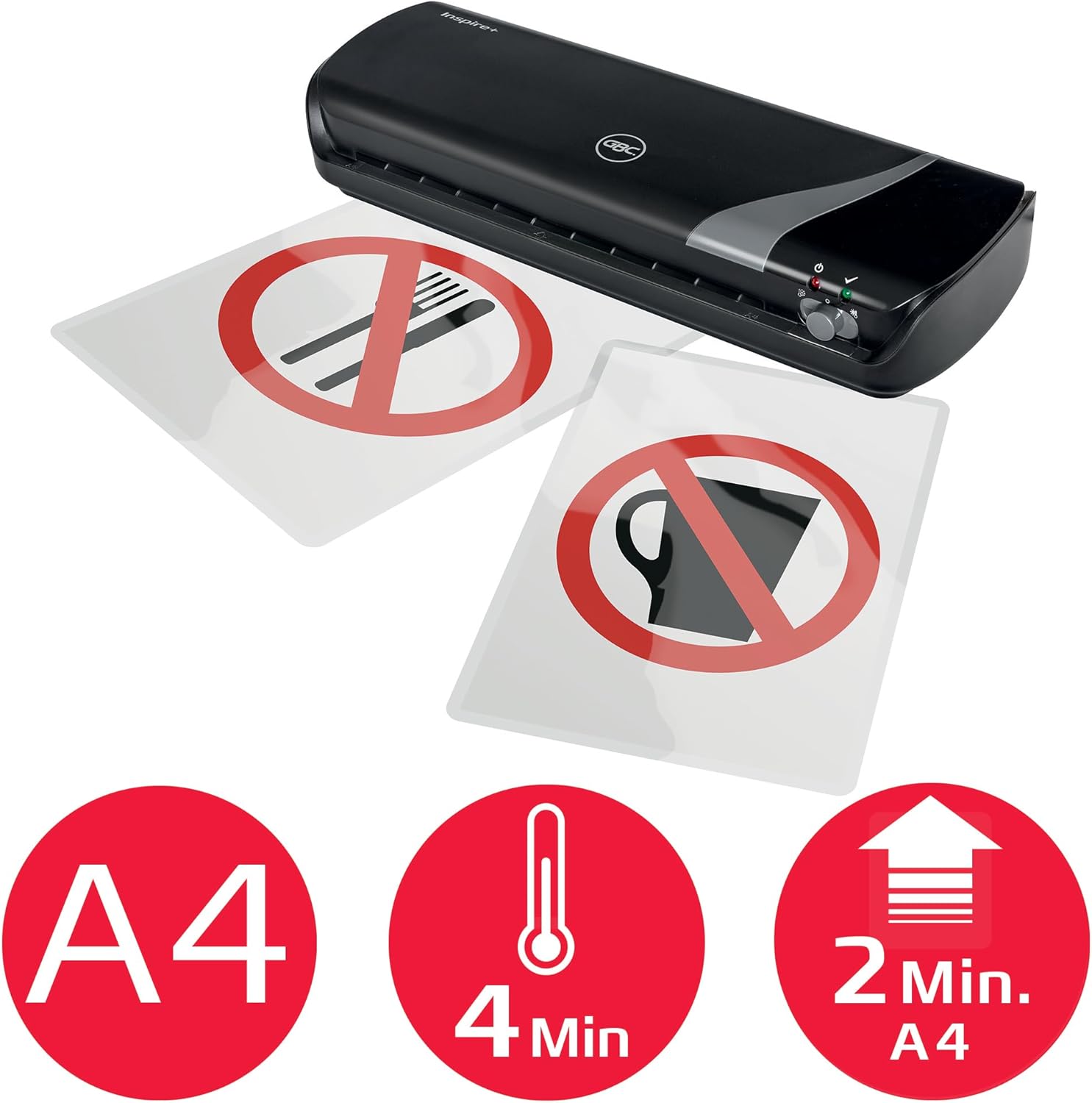
Figure 4: Visual indicators for A4 size, 4-minute warm-up, and lamination speed.
5.3 Laminating Documents
- Prepare Document: Place your document centrally inside the laminating pouch, ensuring there is an even border of plastic around all edges.
- Insert Pouch: With the sealed edge of the pouch first, carefully insert the pouch into the laminator's feed opening. The machine will automatically draw the pouch through.
- Retrieve: Once the laminated document exits the rear of the machine, retrieve it and place it on a flat surface to cool.
5.4 Jam Release
In the event of a misfeed or jam, immediately press the "Release" lever or button (refer to Figure 2 for location). This will disengage the rollers, allowing you to manually pull the pouch out of the machine. Once the jam is cleared, release the lever to resume normal operation.
5.5 Operational Video Guide
For a visual demonstration of the laminator's operation, please watch the video below. This video covers unboxing, power-on, hot lamination, cold lamination, and accessory usage.
Video: Laminator machine display and simple operation instructions. This video demonstrates the unboxing, power-on, hot and cold lamination processes, and the use of included accessories like the paper trimmer and corner rounder.
6. Maintenance
- Cleaning: Ensure the laminator is unplugged and completely cool before cleaning. Wipe the exterior with a soft, damp cloth. Do not use abrasive cleaners or solvents.
- Roller Cleaning: Occasionally, run a cleaning sheet (available separately) through the laminator to remove adhesive residue from the rollers.
- Storage: Store the laminator in a dry, dust-free environment when not in use.
7. Troubleshooting
| Problem | Possible Cause | Solution |
|---|---|---|
| Laminator does not turn on. | No power supply. | Check power cord connection and wall outlet. Ensure power switch is ON. |
| Pouch jams in the machine. | Incorrect insertion, wrong pouch thickness, or foreign object. | Press the "Release" lever/button to clear the jam. Ensure pouches are inserted sealed-edge first and are within recommended thickness. |
| Lamination is cloudy or bubbly. | Insufficient heat (hot mode), incorrect pouch thickness, or air trapped. | Ensure laminator is fully warmed up. Use correct pouch thickness. Smooth out air bubbles before inserting. |
| Laminated document is wavy. | Pouch too thin for temperature, or document not flat. | Try a thicker pouch or ensure the document is completely flat before lamination. |
8. Specifications
| Brand: | GBC |
| Model Number: | 4402075 |
| Laminating Width Maximum: | 210 Millimeters (A4) |
| Pouch Thickness: | 2x75 micron up to 2x125 micron |
| Warm-up Time: | 4 minutes |
| Number of Rollers: | 2 |
| Dimensions (H x W x D): | 6 x 35 x 13 cm |
| Weight: | 1.44 kg |
| Color: | Black |
9. Warranty and Support
The GBC Inspire+ A4 Laminator comes with a 1-year warranty. For warranty claims or technical support, please contact GBC customer service through their official website or the retailer where the product was purchased. Please have your model number (4402075) and proof of purchase ready.


