1. Introduction
The Garmin Drive 51 GPS Navigator is designed to provide a smoother travel experience with dedicated navigation features. This manual provides essential information for setting up, operating, and maintaining your device.
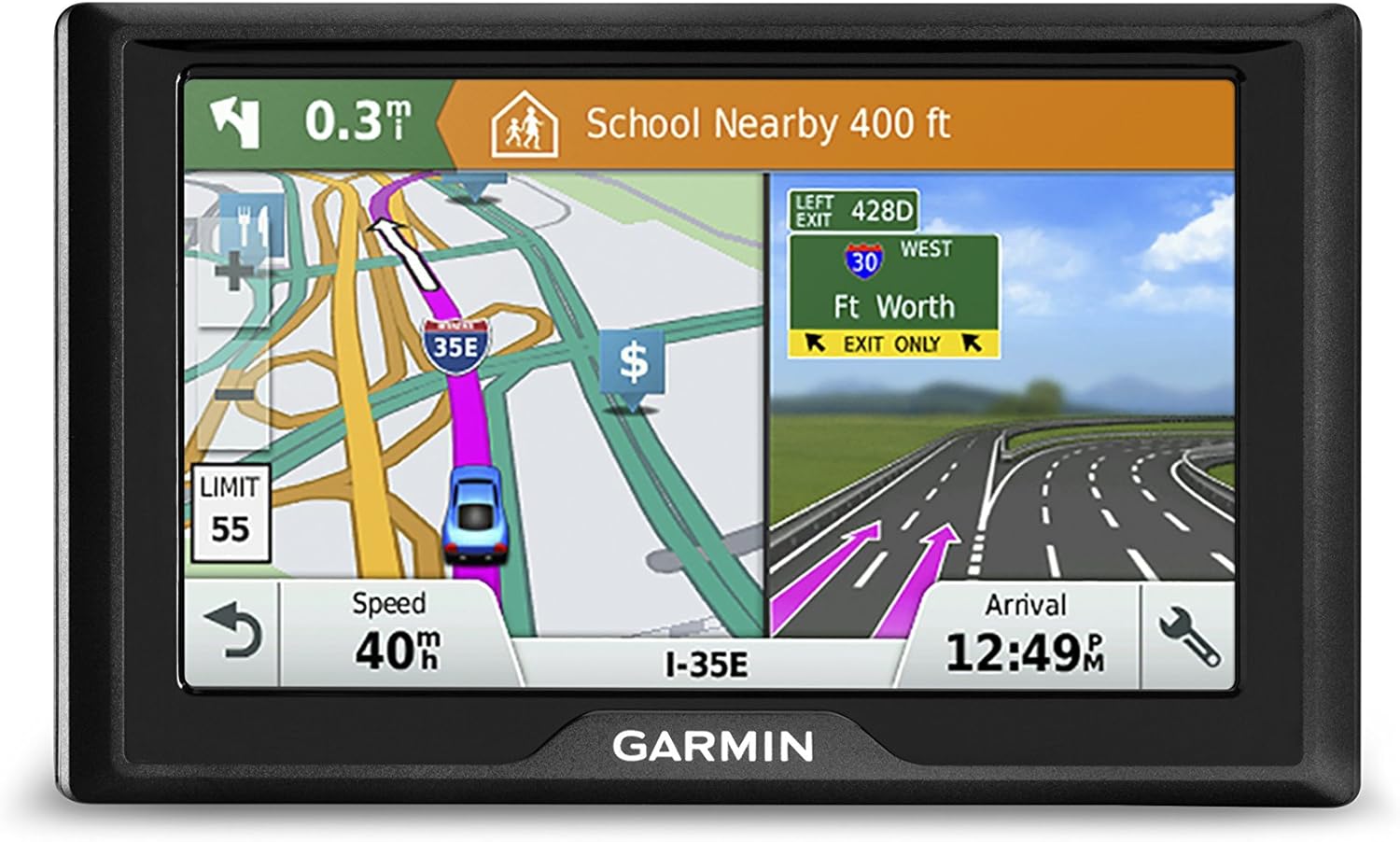
Figure 1: Garmin Drive 51 GPS Navigator.
2. What's in the Box
Verify that all items are present in your product packaging:
- Garmin Drive 51 GPS Navigator
- Vehicle suction cup mount
- Vehicle power cable
- USB cable
- Quick start manual
3. Initial Setup
3.1 Charging the Device
Before first use, fully charge the device using the provided USB cable connected to a computer or a compatible USB power adapter. A full charge ensures optimal performance.
3.2 Mounting in Your Vehicle
Attach the suction cup mount to your vehicle's windshield or dashboard. Ensure the surface is clean and dry for a secure hold. Connect the vehicle power cable to the device and your vehicle's 12V power outlet.

Figure 2: Garmin Drive 51 mounted in a vehicle, displaying search results for nearby points of interest.
4. Operating the Device
4.1 Touch Screen Operation
The Garmin Drive 51 features a responsive touch screen. For optimal interaction, use the tip of your fingernail to select options, rather than the fleshy part of your finger. This provides more precise input.
Video 1: Demonstration of effective touch screen interaction on the Garmin GPS.
4.2 Entering a Destination
From the main menu, select
Related Documents - 010-01678-06
 |
Garmin Dēzl OTR500 Owner's Manual: Truck Navigation and Features Comprehensive guide to the Garmin Dēzl OTR500 GPS navigation device for truck drivers, covering setup, navigation, driver alerts, smartphone integration, and maintenance. |
 |
Garmin DriveCam 76 Owner's Manual: Navigation, Dash Cam, and Safety Features Comprehensive guide to the Garmin DriveCam 76 GPS navigator with built-in dash cam. Learn about navigation, dash cam recording, driver alerts, voice commands, smartphone connectivity, and setup. |
 |
Garmin RV 890 / Camper 890 Owner's Manual: Comprehensive Guide This owner's manual provides detailed instructions and information for the Garmin RV 890 and Camper 890 GPS navigation devices, covering setup, device overview, navigation features, driver awareness alerts, points of interest, map usage, live services, smartphone connectivity, voice commands, trip planning, audio control, system settings, device maintenance, troubleshooting, and backup camera integration. |
 |
Garmin Dezl OTR700/LGV700 Owner's Manual: Navigation and Trucking Features Comprehensive owner's manual for the Garmin Dezl OTR700 and LGV700 GPS navigators. Learn about setup, navigation, truck-specific features, driver alerts, smartphone connectivity, and device maintenance for professional drivers. |
 |
Garmin RV 795 / Camper 795 / Avtex Tourer Three Gebruikershandleiding Gids vir die Garmin RV 795 / Camper 795 / Avtex Tourer Three gebruikershandleiding. Leer hoe om jou RV/kampeerwa GPS-navigasiestelsel op te stel, te gebruik en te optimaliseer vir veilige en doeltreffende reise. Sluit instruksies vir roetebeplanning, POI's, bestuurderwaarskuwings en slimfoonintegrasie in. |
 |
Garmin DriveTrack™ 72 Användarhandbok Utforska funktionerna i Garmin DriveTrack™ 72 med denna kompletta användarhandbok. Lär dig navigera, ansluta din smartphone, använda förarassistansfunktioner och hantera enheten för optimala resor. |