Product Overview
The O-Cedar ProMist MAX Microfiber Spray Mop is designed for efficient and effective floor cleaning. Its double-sided microfiber head removes over 99% of bacteria with just water, providing a thorough clean for various hard floor surfaces. The refillable bottle allows for the use of your preferred cleaning solution, offering flexibility and convenience.

Image: O-Cedar ProMist MAX Microfiber Spray Mop, showing the assembled mop, refillable bottle, and microfiber pads.
Assembly Instructions
- Connect Handle Sections: Align the metal poles of the handle and push them together until the buttons click into place, securing the connection.
- Attach Mop Head: Align the assembled handle with the mop head base. Push firmly until it securely snaps into the designated slot.
- Attach Microfiber Pad: The mop head features a hook-and-loop (Velcro) system. Align the microfiber pad with the mop head and press firmly to secure it. Ensure the pad is evenly attached for optimal cleaning.
- Insert Solution Bottle: The refillable bottle slides into the designated slot on the mop handle. Push it down until it clicks securely into place.

Image: Individual components of the mop, including the handle sections, mop head, and microfiber pads, ready for assembly.
Operating Instructions
- Fill Solution Bottle: Remove the refillable bottle by pressing the release button and pulling it out. Unscrew the cap and fill with water or your preferred cleaning solution (add approximately 2 small teaspoons of cleaner if using a concentrated solution). Do not use undiluted cleaner, bleach, or wax. Securely screw the cap back on and reinsert the bottle into the mop handle until it clicks.
- Spray Function: To activate the spray, squeeze the trigger located on the handle. The spray direction can be adjusted by tilting the mop handle forward for a closer spray or backward for a wider spray.
- Cleaning: Use the mop in a back-and-forth motion across your floor. The dual-sided microfiber pad allows you to flip the mop head to use a fresh cleaning surface without changing the pad.
- Wet or Dry Use: The versatile microfiber pad can be used wet for deep cleaning or dry for dusting floors.

Image: A person demonstrating how to fill the refillable bottle of the O-Cedar ProMist MAX mop with cleaning solution.

Image: A person operating the O-Cedar ProMist MAX spray mop on a wooden floor, demonstrating its ease of use.
Maintenance
- Mop Pad Cleaning: The microfiber mop pad is reusable and machine washable. Machine or hand wash the mop head. Do not use fabric softeners or bleach, as these can damage the microfiber. Lay flat to dry. The pad can be washed up to 100 times.
- Bottle Storage: When switching between cleaners or preparing for storage, fill the bottle with water and spray 5 times to flush out any remaining solution. Discard the water. Fill the bottle as usual with a new solution or store it empty between 50°F and 100°F.
- Pad Replacement: For best results and continued cleaning performance, change the refill mop pad every 3-6 months, depending on usage.
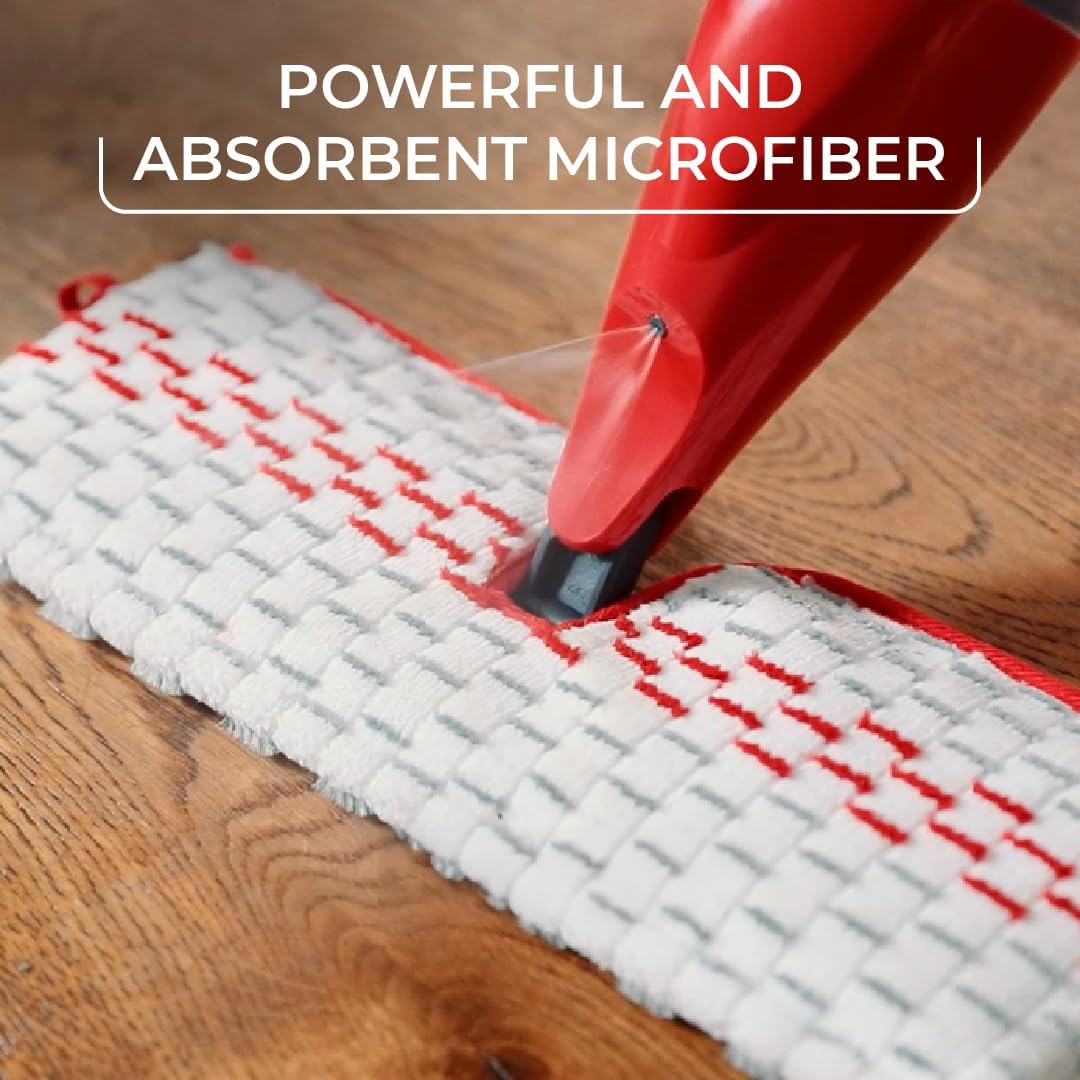
Image: A used microfiber mop pad being placed into a washing machine, highlighting its reusability.
Specifications
- Brand: O-Cedar
- Model: ProMist MAX Spray Mop
- Handle Material: Plastic
- Head Material: Microfiber
- Product Dimensions: 23.62 x 6.61 x 5.91 inches
- Item Weight: 2.01 pounds
- Color: Red
- Surface Recommendation: Floor (suitable for Stone, Bamboo, Wood, Ceramic, Laminate, Concrete, Marble, Porcelain, Vinyl)
- Assembly Required: No (minimal assembly of handle sections)
- Batteries Required: No

Image: Visual representation of various floor types compatible with the O-Cedar ProMist MAX mop.
Troubleshooting
- No Spray: Ensure the solution bottle is correctly inserted and clicked into place. Check if the bottle contains enough liquid. If the nozzle is clogged, try flushing it with warm water.
- Uneven Spray: Adjust the angle of the mop handle. Tilting it forward or backward can change the spray pattern.
- Mop Pad Not Staying On: Ensure the hook-and-loop fasteners on the mop head and pad are clean and free of debris. Press the pad firmly onto the mop head.
- Streaking: This may occur if too much cleaning solution is used or if the mop pad is overly saturated. Try using less solution or wringing out the pad slightly before use. Ensure the pad is clean.
Warranty and Support
For warranty information or product support, please refer to the official O-Cedar website or contact their customer service directly. Keep your purchase receipt as proof of purchase.
- Official Website: www.ocedar.com
- Customer Service: Refer to the website for contact details.