
1. Introduction
This manual provides essential instructions for the safe and efficient operation of your Candy X-Range CMXG 30DS Microwave with Grill. Please read this manual thoroughly before using the appliance and keep it for future reference. This microwave features a 30-liter capacity, digital controls, 5 power levels, and 40 automatic programs, including a grill function and smart connectivity via the simply-Fi app.
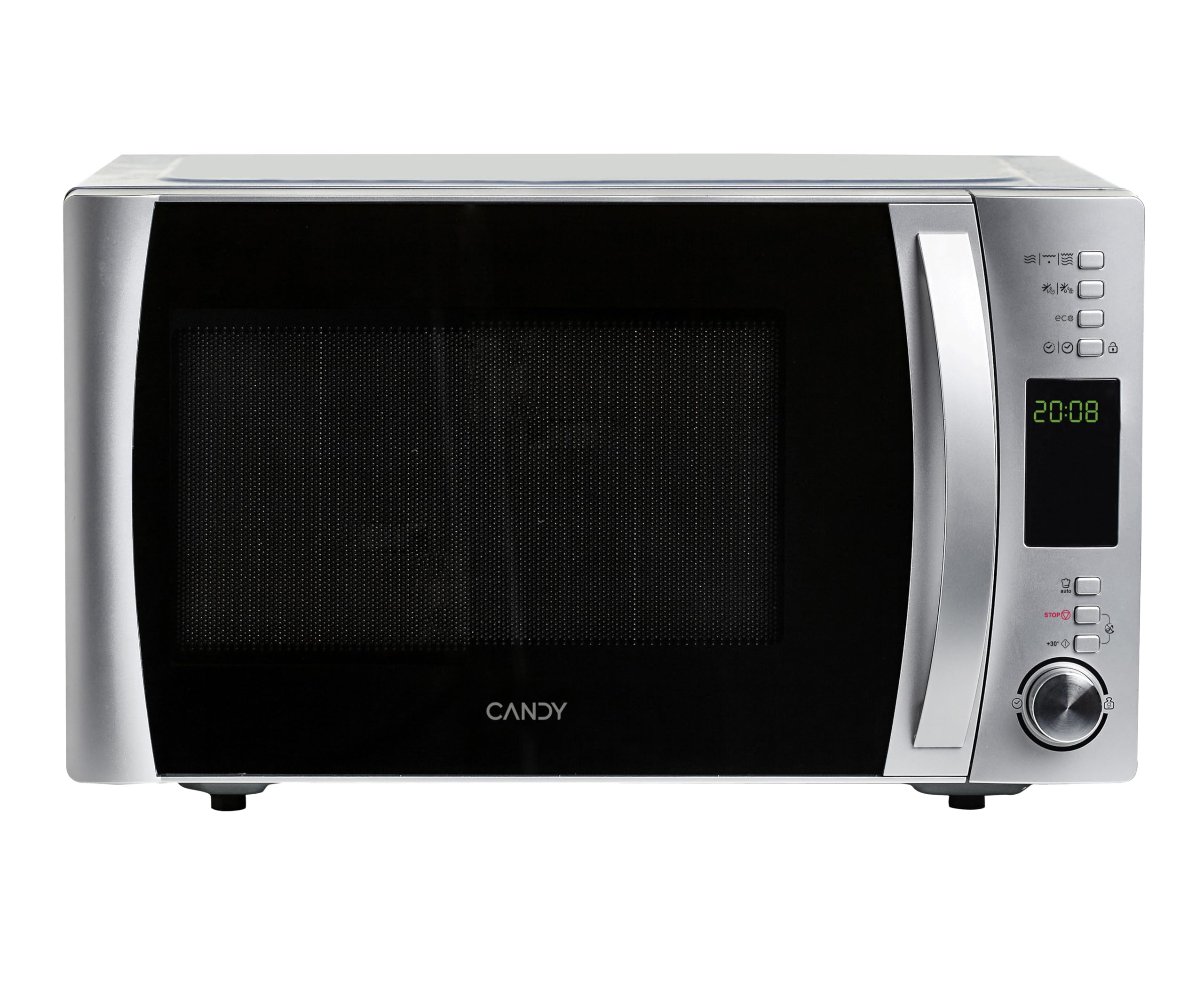
Front view of the Candy X-Range CMXG 30DS Microwave with Grill.
2. Safety Information
Always follow basic safety precautions when using electrical appliances to reduce the risk of fire, electric shock, injury to persons, or exposure to excessive microwave energy.
- Read all instructions: Before operating the appliance, read all instructions in this manual.
- Proper grounding: Ensure the appliance is properly grounded according to local electrical codes.
- Do not operate if damaged: Never operate the microwave if it has a damaged cord or plug, if it is not working properly, or if it has been dropped or damaged.
- Avoid heating sealed containers: Liquids or other foods must not be heated in sealed containers as they are liable to explode.
- Child supervision: Close supervision is necessary when the appliance is used by or near children.
- Microwave-safe utensils: Use only utensils suitable for microwave ovens.
- Do not overcook food: Overcooking food can lead to fire.
- Regular cleaning: Clean the microwave regularly and remove any food deposits. Failure to maintain the oven in a clean condition could lead to deterioration of the surface that could adversely affect the life of the appliance and possibly result in a hazardous situation.
3. Setup and Installation
3.1 Unpacking
Carefully remove all packaging materials from the microwave oven and its accessories. Check the oven for any damage, such as dents or a misaligned door. Do not install if the oven is damaged.
3.2 Placement
Place the microwave oven on a stable, level surface that can support its weight and the heaviest food likely to be cooked in it. Ensure adequate ventilation by leaving a minimum of 10 cm (4 inches) clearance at the rear, 20 cm (8 inches) at the top, and 5 cm (2 inches) on each side. Do not block any ventilation openings.
3.3 Turntable Assembly
Place the turntable support ring in the center of the microwave cavity. Position the glass turntable plate securely on top of the support ring. Ensure it rotates freely.
Interior of the microwave with the turntable and grill rack.
3.4 Power Connection
Plug the power cord into a standard, grounded electrical outlet. Ensure the voltage matches the rating label on the appliance.
4. Operating Instructions
Your Candy X-Range CMXG 30DS microwave offers various cooking functions. Familiarize yourself with the control panel for optimal use.

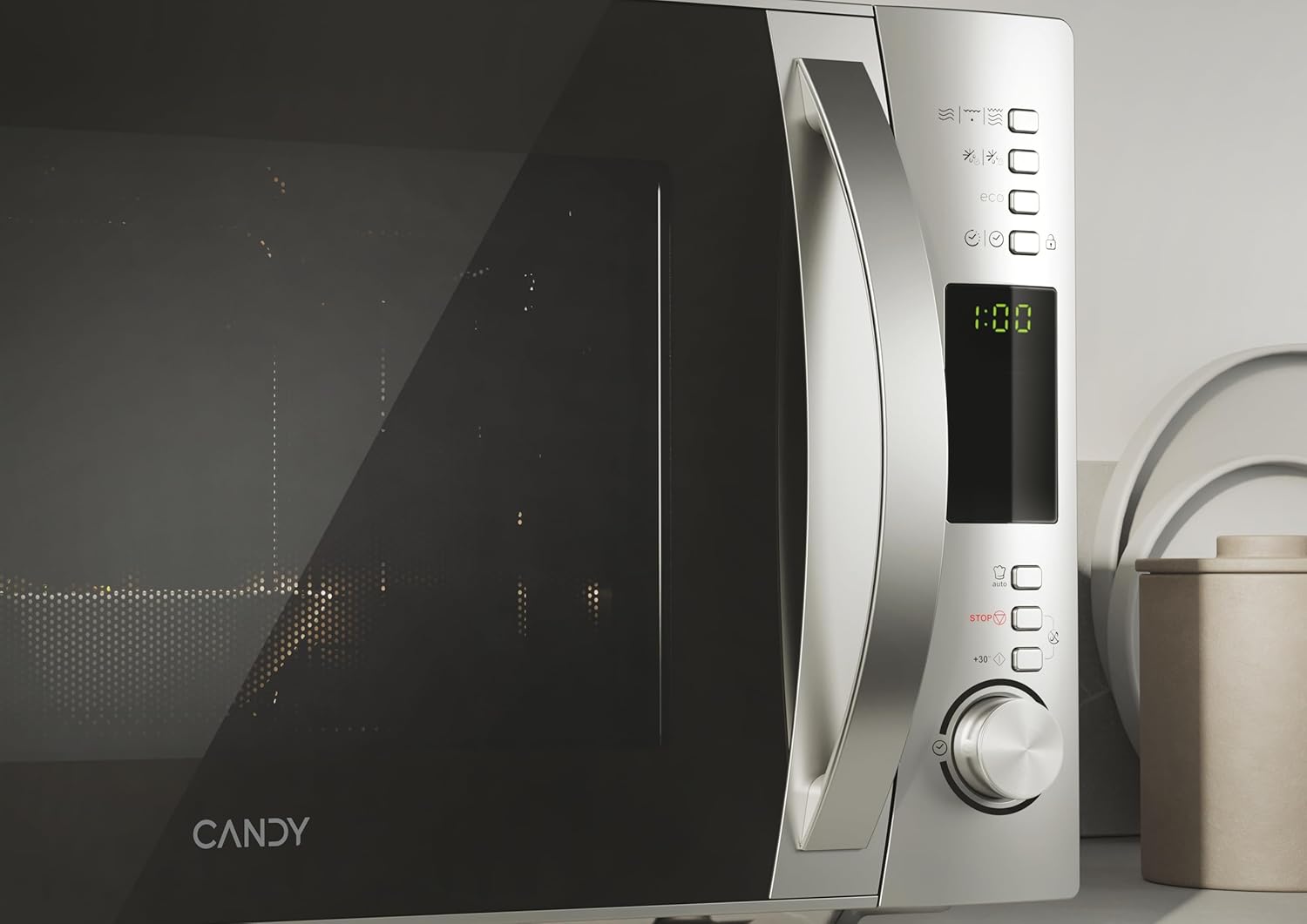
Digital control panel with various function buttons and a rotary knob.
4.1 Basic Microwave Cooking
- Place food in a microwave-safe container on the turntable.
- Close the door securely.
- Select the desired power level (5 levels available) using the appropriate button or rotary knob.
- Set the cooking time using the rotary knob or time buttons.
- Press the Start button to begin cooking.
4.2 Grill Function
The grill function is ideal for browning and crisping food.
- Place food on the grill rack provided, then place the rack on the turntable.
- Select the Grill function.
- Set the desired grilling time.
- Press Start.
4.3 Combination Cooking
Combine microwave and grill cooking for faster results with a crispy finish.
- Place food in a suitable container.
- Select a Combination mode (e.g., Microwave + Grill).
- Set the total cooking time.
- Press Start.
4.4 Defrost Function
Defrost food efficiently by weight or time.
- Defrost by Weight: Select the defrost by weight function, input the food's weight, and the oven will automatically calculate the defrosting time.
- Defrost by Time: Select the defrost by time function and manually set the desired defrosting duration.
4.5 Automatic Programs
The microwave includes 40 pre-set automatic programs for various food types, including a dedicated baby & healthy menu. Simply select the desired program, and the oven will set the optimal cooking time and power level.
4.6 Express Cooking
For quick heating, use the Express Cooking function. Press the corresponding button to start cooking immediately for a short duration (e.g., 30 seconds) at full power. Pressing it repeatedly adds more time.
4.7 Timer Function
The microwave can also be used as a standalone kitchen timer. Set the desired time, and it will count down without activating the microwave function.
4.8 Child Lock
Activate the Child Lock to prevent accidental operation by children. Refer to the control panel instructions for activating and deactivating this feature.
4.9 simply-Fi App Connectivity
Connect your microwave to the simply-Fi app on your smartphone for access to cooking tips, tricks, recipes, and food information.

A user interacting with the simply-Fi app on a smartphone, demonstrating smart control over the microwave.
4.10 Eco Function
The Eco function allows you to turn off the digital display when the microwave is not in use, contributing to energy saving.
Official Product Video: Candy Microwave with Grill and Cook in App
This video demonstrates the features of the Candy microwave with grill and its integration with the Cook in App, showcasing various functionalities and smart controls.
5. Maintenance
Regular cleaning and maintenance will ensure the longevity and optimal performance of your microwave oven.
- Interior Cleaning: After each use, wipe the interior cavity with a damp cloth and mild detergent. For stubborn stains, a microwave-safe cleaner can be used. Ensure the interior is dry before closing the door.
- Exterior Cleaning: Clean the exterior surfaces with a soft, damp cloth. Do not use abrasive cleaners or harsh chemicals, as these can damage the stainless steel finish.
- Turntable and Support Ring: The glass turntable and its support ring can be removed for cleaning. Wash them in warm, soapy water or in the dishwasher. Ensure they are completely dry before placing them back in the oven.
- Door Seals: Keep the door seals clean to ensure a proper seal during operation.
6. Troubleshooting
If you encounter any issues with your microwave, refer to the following common problems and solutions:
| Problem | Possible Cause | Solution |
|---|---|---|
| Microwave not starting | Power cord unplugged; Door not closed properly; Blown fuse/tripped circuit breaker | Check power plug; Ensure door is fully closed; Check household fuse/circuit breaker |
| Food not heating | Incorrect power level or cooking time set; Non-microwave-safe dish used | Adjust power and time; Use microwave-safe cookware |
| Turntable not rotating | Turntable not correctly placed; Obstruction under turntable | Ensure turntable is seated correctly on the support ring; Remove any obstructions |
| Unusual noise during operation | Food container touching cavity walls; Turntable not properly seated | Ensure proper clearance; Re-seat turntable |
| Digital display not working | Power issue; Eco function activated | Check power supply; Deactivate Eco function if enabled |
If the problem persists after attempting these solutions, please contact customer support.
7. Specifications
- Brand: CANDY
- Model Name: Candy X-Range CMXG 30DS
- Model Number: CMXG30DS
- Capacity: 30 Liters
- Microwave Power: 900 Watts
- Power Levels: 5
- Control Type: Digital, Buttons
- Turntable Diameter: 31.5 cm
- Material: Stainless Steel (Interior and Exterior)
- Dimensions (Depth x Width x Height): 43.5 cm x 52 cm x 32.6 cm
- Weight: 16.1 Kilograms
- Programs: 40 Automatic Programs
- Special Features: Control Panel Lock, Automatic Cooking, Defrost, Eco Mode, Programmable, Timer Function, simply-Fi App Connectivity.
8. Warranty and Support
8.1 Warranty Information
This Candy X-Range CMXG 30DS microwave oven comes with a 3-year warranty from the date of purchase. Please retain your proof of purchase for warranty claims. The warranty covers manufacturing defects and malfunctions under normal household use.
8.2 Customer Support
For technical assistance, spare parts, or any questions regarding your appliance, please contact Candy customer service or your retailer. Refer to the contact information provided in your purchase documentation or on the official Candy website.


