
Logitech 910-004916
Logitech M331 SILENT PLUS Wireless Mouse User Manual
Model: 910-004916
Introduction
Thank you for choosing the Logitech M331 SILENT PLUS Wireless Mouse. This manual provides detailed instructions for setting up, operating, maintaining, and troubleshooting your new wireless mouse. Designed for comfort and quiet operation, the M331 SILENT PLUS offers a reliable and precise navigation experience.
Package Contents
- Logitech M331 SILENT PLUS Wireless Mouse
- Nano Receiver
- 1 AA Battery (pre-installed)
- User Documentation

Image: The Logitech M331 SILENT PLUS Wireless Mouse in red, showing its top view with the scroll wheel and Logitech logo.
Setup Guide
1. Installing the Battery
The Logitech M331 SILENT PLUS mouse comes with one AA battery pre-installed. If you need to replace it:
- Locate the battery compartment cover on the underside of the mouse.
- Slide the cover open.
- Insert a new AA battery, ensuring the positive (+) and negative (-) terminals align correctly with the indicators inside the compartment.
- Close the battery compartment cover securely.
2. Connecting the Nano Receiver
The Nano Receiver provides the wireless connection between your mouse and computer.
- Locate the Nano Receiver. It is typically stored inside the battery compartment of the mouse for safekeeping during transport.
- Plug the Nano Receiver into an available USB port on your computer.
- Your computer should automatically detect and install the necessary drivers. This may take a few moments.
3. Turning the Mouse On/Off
To conserve battery life, the mouse features an on/off switch.
- Locate the power switch on the underside of the mouse.
- Slide the switch to the "ON" position to use the mouse.
- Slide the switch to the "OFF" position when not in use for extended periods, such as overnight or during travel.

Image: A diagram highlighting key features of the Logitech M331 mouse, including silent clicks, wide rubber scroll wheel, contoured grips, high precision tracking, the storage location for the unifying receiver, and its 10-meter wireless range.
Operating Instructions
Basic Mouse Functions
- Left Click: Press the left mouse button to select items, open files, or activate functions.
- Right Click: Press the right mouse button to open context menus or access additional options.
- Scroll Wheel: Roll the scroll wheel up or down to navigate through documents and web pages. The scroll wheel also functions as a middle click button.
Silent Operation
The M331 SILENT PLUS mouse is engineered for quiet operation, offering over 90% noise reduction on click sounds compared to standard Logitech mice. This feature ensures a quiet environment for you and those around you.
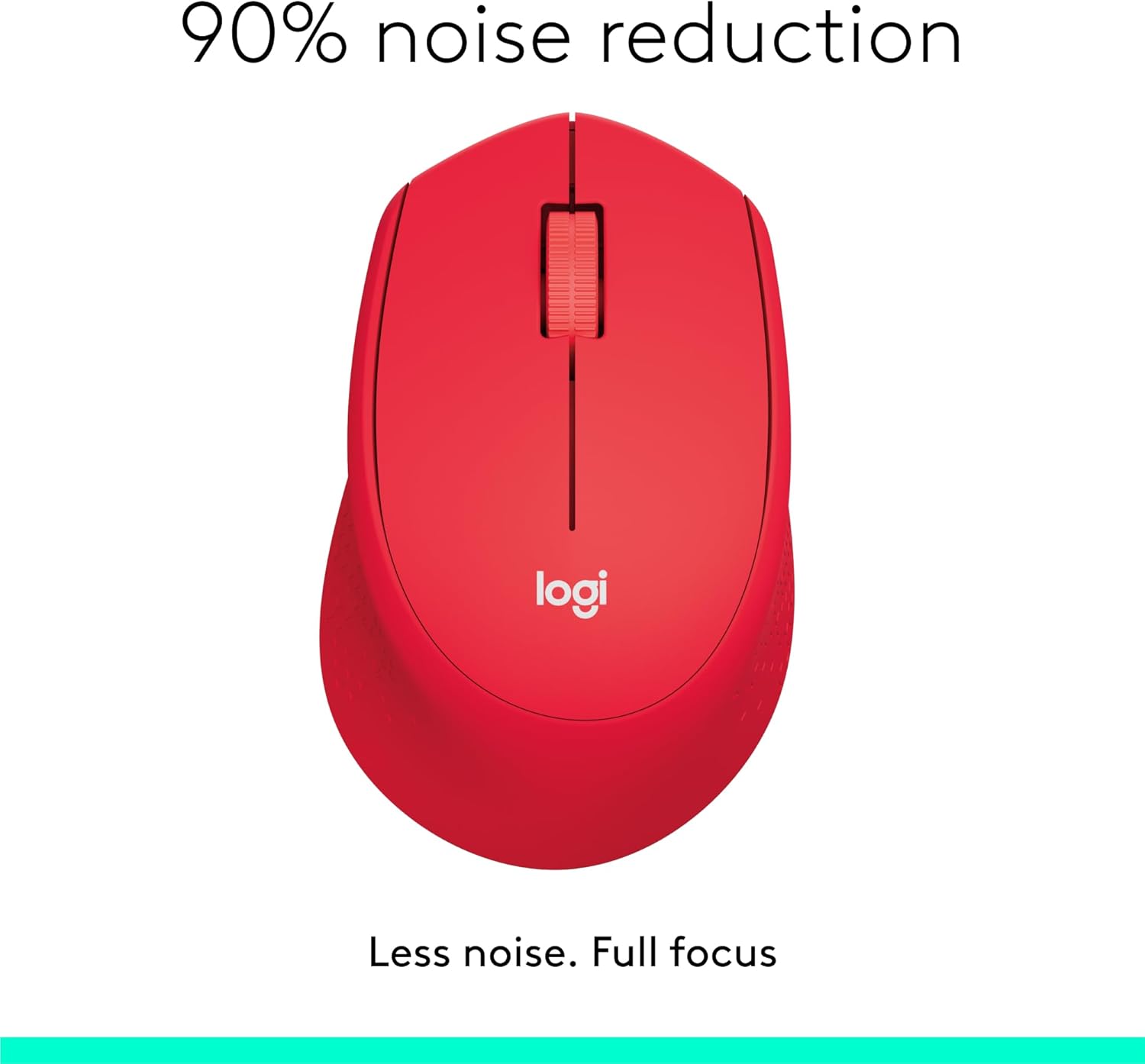
Image: The Logitech M331 mouse illustrating its 90% noise reduction capability, promoting a focused work environment.
Ergonomic Design
The mouse is crafted with contoured grips and a curved shape to fit comfortably in your right hand, providing improved control and reducing strain during extended use.

Image: A hand demonstrating the comfortable grip on the Logitech M331 mouse, highlighting its contoured side grips designed for right-hand use.
Maintenance
Cleaning Your Mouse
To maintain optimal performance and hygiene, clean your mouse regularly:
- Turn off the mouse and unplug the Nano Receiver from your computer.
- Use a soft, lint-free cloth lightly dampened with water or an electronics-safe cleaning solution to wipe the surface of the mouse.
- Avoid getting moisture into any openings.
- For the optical sensor on the underside, use a dry cotton swab to gently remove any dust or debris.
Battery Replacement
The M331 SILENT PLUS mouse boasts an impressive battery life of up to 24 months. When the battery is low, you may notice erratic behavior or the mouse becoming unresponsive. Refer to the "Installing the Battery" section under Setup Guide for replacement instructions.
Troubleshooting
| Problem | Possible Cause | Solution |
|---|---|---|
| Mouse is unresponsive or not moving. |
|
|
| Erratic or jumpy cursor movement. |
|
|
| Clicks are not registering. |
|
|
Specifications
| Feature | Detail |
|---|---|
| Model | 910-004916 |
| Dimensions (Mouse) | 105.4 mm (Height) x 67.9 mm (Width) x 38.4 mm (Depth) |
| Weight (Mouse) | 91.0 g (with battery: 78 g / 2.75 oz) |
| Nano Receiver Dimensions | 14.4 mm x 18.7 mm x 6.1 mm |
| Nano Receiver Weight | 1.8 g |
| Connection Type | 2.4GHz Wireless connection |
| Wireless Range | 10 meters (33 feet) |
| Sensor Technology | Logitech Advanced Optical Tracking |
| Sensor Resolution | 1000 dpi |
| Number of Buttons | 3 (Left/Right-click, Middle click/Scroll wheel) |
| Scroll Wheel | Yes, 2D, optical, wide rubber wheel |
| Battery Type | 1 x AA battery |
| Battery Life | Up to 24 months (may vary based on user and computing conditions) |
| On/Off Switch | Yes |
| System Requirements | Windows 10 or later, Windows 8, Windows RT, Windows 7, Mac OS X 10.5 or later, Chrome OS, Linux Kernel 2.6+2, USB connection (available USB port required) |
| Hand Orientation | Right |
| Material Type | Plastic (58% Recycled Plastic) |

Image: Detailed dimensions of the Logitech M331 mouse, showing its length, width, height, and weight with batteries.
Warranty and Support
For warranty information and technical support, please refer to the user documentation included in your package or visit the official Logitech support website. Logitech products typically come with a limited hardware warranty. Please retain your proof of purchase for warranty claims.
For further assistance, you may visit the Logitech support page: support.logi.com
Related documents910-004916


Ask a question about this manual
Ask about setup, troubleshooting, compatibility, parts, safety, or missing instructions. Manuals+ will review the question and use this page’s manual context to help answer it.