
1. Introduction
This manual provides essential instructions for the safe and efficient operation of your Retevis RT22 Portable Two-Way Radio. Please read this manual thoroughly before using the device and retain it for future reference.
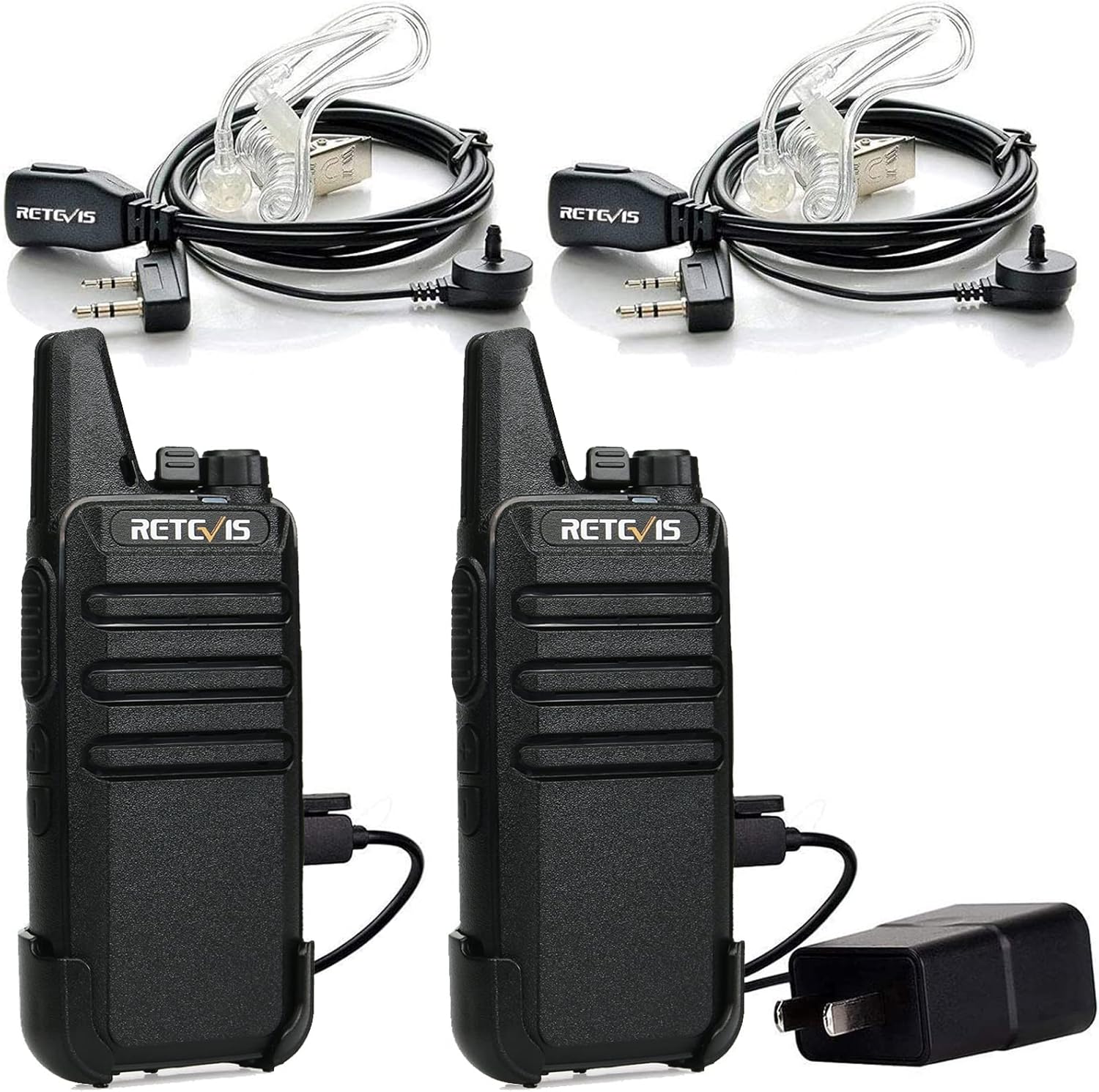
Image: Two Retevis RT22 walkie talkies with earpieces and charging accessories.
2. What's in the Box
Upon unpacking your Retevis RT22 Two-Way Radio set, you should find the following items:
- 2 x Retevis RT22 Portable Two-Way Radios
- 2 x 1000mAh Li-ion Batteries
- 2 x Earpieces
- 2 x Belt Clips
- 1 x Dual USB Charging Cable
- 1 x USB Wall Adapter
- 1 x User Manual

Image: Contents of the Retevis RT22 walkie talkie package, including two radios, batteries, earpieces, belt clips, charging cables, and a manual.
3. Product Features
- Compact and Lightweight Design: The RT22 features a slim and portable design, making it easy to carry.
- Clear Sound Quality: Delivers loud and clear audio for effective communication.
- Long Battery Life: Equipped with a 1000mAh Li-ion battery for extended use.
- VOX Hands-Free Function: Allows voice-activated transmission without pressing the PTT button.
- Durable Construction: Built with strong materials for enhanced resistance to drops and longer service life.
- FRS Two-Way Radios: License-free operation with 16 channels and CTCSS compatibility, allowing communication with other FRS radios like Retevis RT21, RT68, and H-777.
- USB Charging: Convenient charging via USB port (adapter and charging line included).
- Keypad Lock: Prevents accidental operations.
- Short Antenna: Designed to be less prone to breakage.
4. Setup Instructions
4.1. Battery Installation
- Ensure the radio is powered off.
- Align the battery with the battery compartment on the back of the radio.
- Gently push the battery into place until it clicks securely.
4.2. Antenna Attachment
- Carefully screw the antenna clockwise into the connector on top of the radio until it is firm. Do not overtighten.

Image: Close-up of the Retevis RT22 walkie talkie's short antenna, designed for durability.
4.3. Belt Clip Attachment
- Locate the screw holes on the back of the radio.
- Align the belt clip with the screw holes and secure it using the provided screws.

Image: The detachable belt clip for the Retevis RT22 walkie talkie, shown next to the device.
4.4. Earpiece Connection
- Open the rubber cover on the side of the radio to expose the earpiece/microphone jacks.
- Insert the earpiece plug firmly into the corresponding jack.
4.5. Charging the Radio
The Retevis RT22 supports USB charging. Use the provided USB charging cable and wall adapter.
- Connect the USB charging cable to the radio's USB port (located under a rubber flap on the side/bottom).
- Connect the other end of the USB cable to the wall adapter, power bank, or PC.
- The indicator light on the radio will show charging status (e.g., red for charging, green for fully charged).
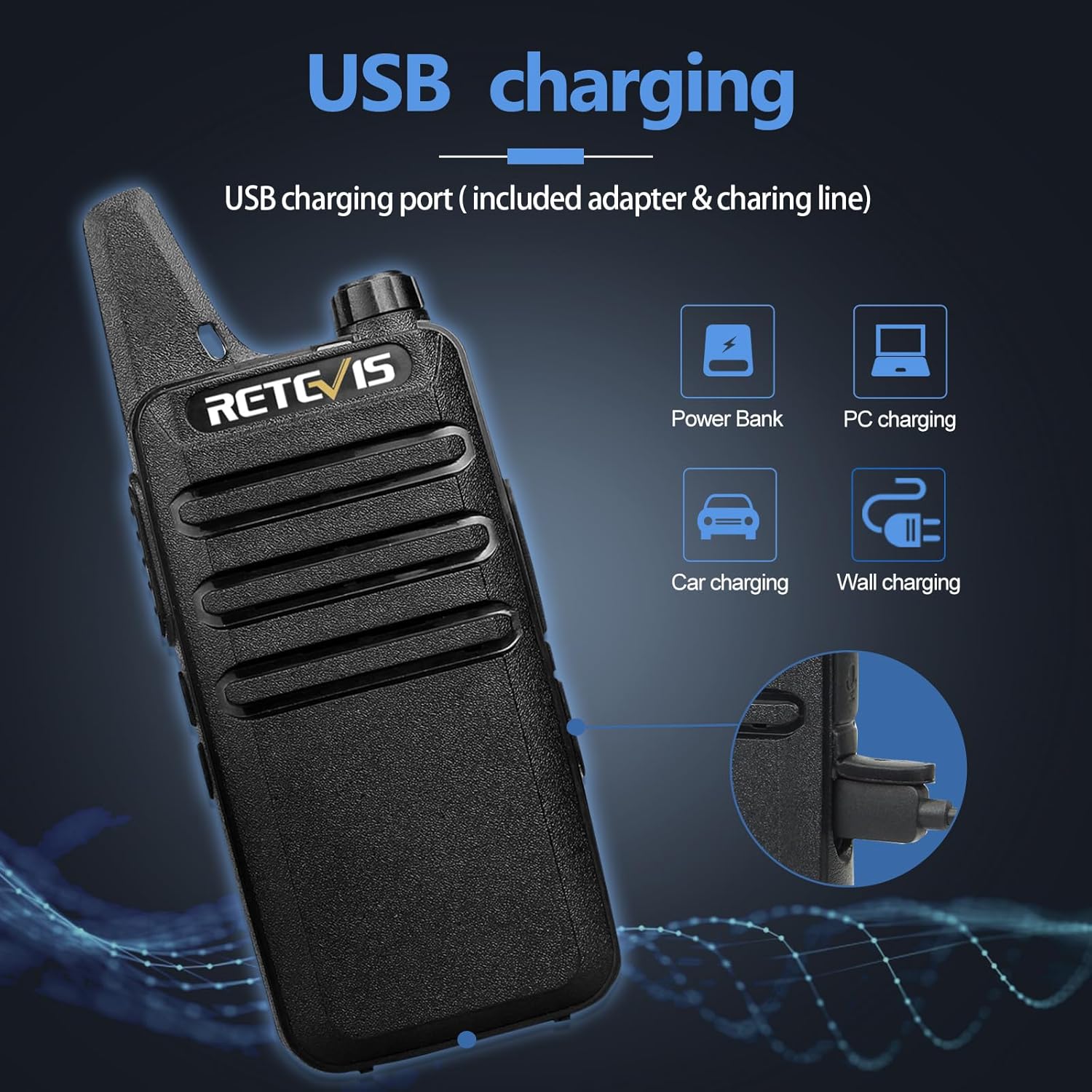
Image: The Retevis RT22 walkie talkie displaying its USB charging port and illustrating compatibility with power banks, PCs, car chargers, and wall chargers.
5. Operating Instructions
5.1. Power On/Off and Volume Control
- To power on the radio, rotate the top knob clockwise. You will hear a voice prompt indicating the current channel.
- Continue rotating the knob clockwise to increase the volume. Rotate counter-clockwise to decrease the volume or power off the device.
5.2. Channel Selection
The RT22 has 16 channels. To change channels, use the up and down arrow buttons on the side of the radio. Ensure all radios intended for communication are set to the same channel.
5.3. Push-to-Talk (PTT)
To transmit your voice, press and hold the large Push-to-Talk (PTT) button on the side of the radio. Speak clearly into the microphone. Release the PTT button to listen.
5.4. VOX Hands-Free Function
The VOX function allows you to transmit without manually pressing the PTT button. Your voice activates the transmission.
- Switch to channel 7.
- Turn off the radio.
- Press and hold the 'CH+' key and turn on the radio at the same time.
- A voice prompt will announce "VOX ON" or "VOX OFF".
Note: The RT22's included earpieces do not support the VOX function. If you experience VOX sensitivity issues, you may need to adjust the VOX sensitivity using a data cable and a computer (not included).

Image: A man hiking with a Retevis RT22 walkie talkie, demonstrating the VOX hands-free function.
5.5. Keypad Lock
To prevent accidental button presses, you can activate the keypad lock function.
- Press and hold the "+" and "-" keys at the same time to turn on/off the keylock.
- When keylock is active, only the PTT key can be used.

Image: A hand demonstrating how to activate the keypad lock feature on the Retevis RT22 walkie talkie.
5.6. Setting the Language
The language of the voice prompts can be adjusted.
Video: This video demonstrates how to set the language of the voice prompts on the Retevis RT22 walkie-talkie.
5.7. Alarm Function
The RT22 walkie-talkie includes an alarm function.
Video: This video provides instructions on how to set the alarm function of the Retevis RT22 walkie-talkie.
6. Maintenance
6.1. Cleaning
To clean the radio, use a soft, damp cloth. Avoid using harsh chemicals or abrasive cleaners that could damage the device.
6.2. Battery Care
To maximize battery life, fully charge the battery before first use. Avoid overcharging or completely draining the battery frequently.
6.3. Water Resistance
The Retevis RT22 is water resistant. However, it is not designed for submersion. Ensure all port covers are securely closed to maintain water resistance.
7. Troubleshooting
- No Power: Ensure the battery is correctly installed and charged. Rotate the power/volume knob clockwise to turn on.
- Cannot Transmit or Receive: Verify that all radios are on the same channel. Check that the battery is charged. Ensure the PTT button is fully pressed when transmitting.
- Poor Sound Quality: Check the volume level. Ensure the antenna is securely attached. Move to an area with fewer obstructions.
- Keypad Unresponsive: Check if the keypad lock is activated. Deactivate it by pressing and holding the "+" and "-" keys simultaneously.
8. Specifications
| Feature | Detail |
|---|---|
| Model Number | RT22 |
| Dimensions (D x W x H) | 0.83" x 2.2" x 5.35" |
| Item Weight | 1 pound |
| Battery Type | 1000mAh Lithium Ion |
| Voltage | 3.7 Volts |
| Number of Channels | 16 |
| Frequency Range | FRS |
| Maximum Talking Range | 2 Miles |
| Water Resistance Level | Water Resistant |
| FCC ID | 2AAR8RETEVISRT22 |
9. Safety Information
Please note that the FCC ID for our walkie talkies is: 2AAR8RETEVISRT22. Our walkie talkies meet FCC part 95 rule. Always operate the device in accordance with local regulations and guidelines. Avoid exposing the radio to extreme temperatures, direct sunlight for prolonged periods, or corrosive substances. Do not attempt to disassemble or modify the radio, as this may void the warranty and pose safety risks.
10. Warranty and Support
For warranty information and customer support, please refer to the official Retevis website or contact your retailer. Keep your purchase receipt as proof of purchase for any warranty claims.


