1. Product Overview
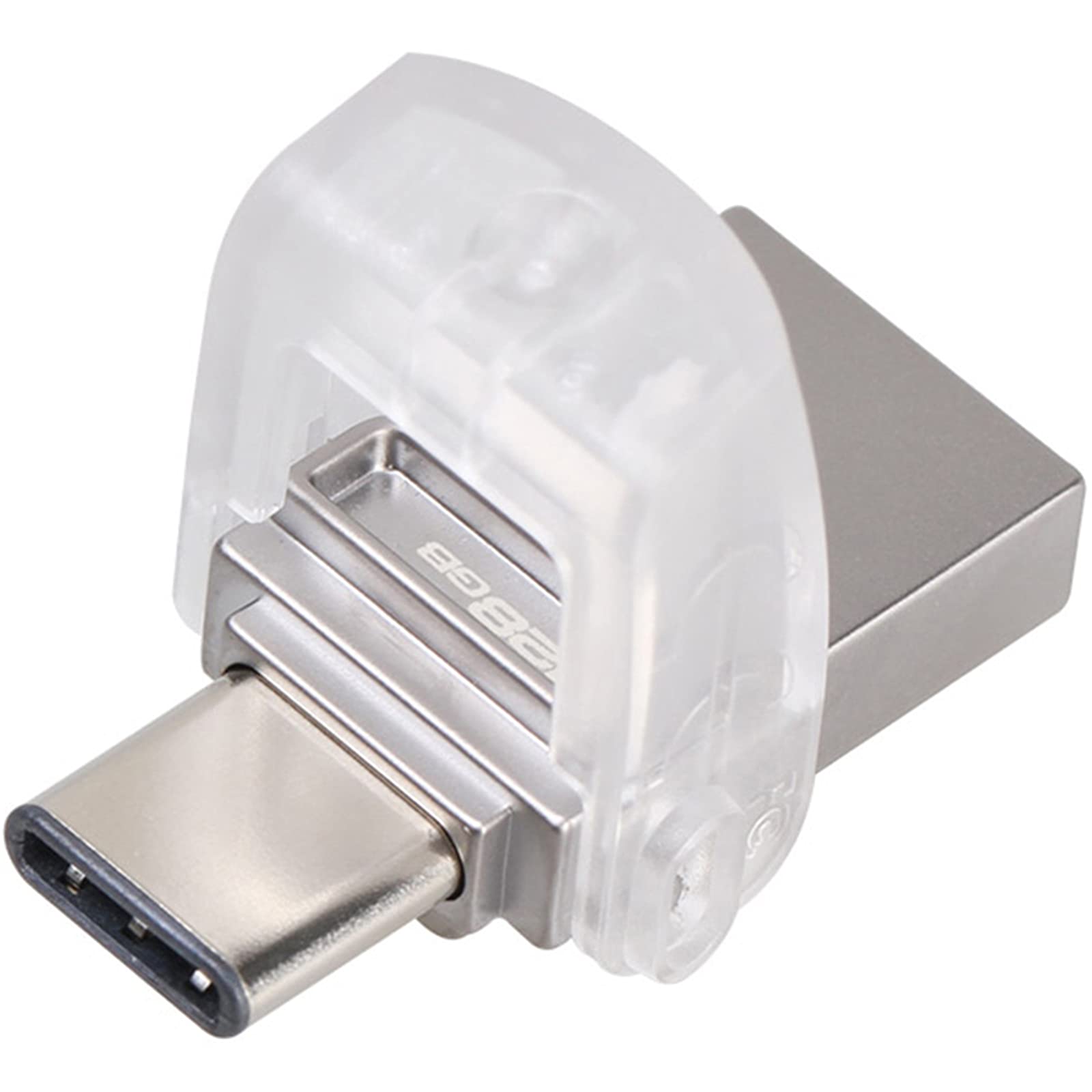
The Kingston Data Traveler Micro Duo USB 3C is a compact, dual-interface flash drive designed for versatile data storage and transfer. It features both a standard USB Type-A connector and a reversible USB Type-C connector, making it compatible with a wide range of devices including modern smartphones, tablets, PCs, and Mac computers.
2. Setup and Initial Use
The Data Traveler Micro Duo USB 3C is designed for plug-and-play functionality, requiring no special drivers or software installation for basic use.
2.1 Connecting to a USB Type-C Device
- Gently rotate the clear cap to expose the USB Type-C connector.
- Insert the USB Type-C connector into the compatible port on your smartphone, tablet, PC, or Mac.
- The device should be automatically recognized by your operating system.
2.2 Connecting to a USB Type-A Device
- Ensure the USB Type-A connector is exposed (the USB Type-C connector will be covered by the rotating cap).
- Insert the USB Type-A connector into a standard USB port on your PC or Mac.
- The device should be automatically recognized by your operating system.
3. Operating Instructions
Once connected, the flash drive functions like any other external storage device.
3.1 Data Transfer
- To transfer files, open the file explorer (Windows) or Finder (Mac) and locate the drive.
- Drag and drop files or folders to and from the flash drive.
- The drive supports USB 3.1 Gen 1 performance, offering read speeds up to 100MB/s and write speeds up to 15MB/s. Actual speeds may vary based on host device, file attributes, and other factors.
3.2 Protecting the Connectors
The integrated rotating cap protects the unused connector. Always ensure one connector is covered when not in use to prevent damage and dust accumulation.
4. Maintenance and Care
- Safe Removal: Always safely eject the flash drive from your operating system before physically removing it from your device. This prevents data corruption.
- Physical Protection: Keep the drive in a clean, dry environment. Avoid exposing it to extreme temperatures, moisture, or strong magnetic fields.
- Connector Care: Ensure the connectors are free from dust and debris. Use the rotating cap to protect the connectors when not in use.
- Data Backup: Regularly back up important data stored on the flash drive to another storage medium.
5. Troubleshooting
5.1 Drive Not Recognized
- Check Connection: Ensure the drive is fully inserted into the USB port.
- Try Another Port: Connect the drive to a different USB port on your device.
- Restart Device: Sometimes, restarting your computer or smartphone can resolve recognition issues.
- Check Device Manager (Windows) / Disk Utility (Mac): Verify if the drive appears in your system's disk management tools. It might need formatting if it's a new drive or if the file system is corrupted.
5.2 Slow Transfer Speeds
- USB Port Type: Ensure you are using a USB 3.0 or 3.1 port for optimal performance. Connecting to a USB 2.0 port will result in slower speeds.
- File Size and Type: Transferring many small files can be slower than transferring a few large files.
- Other USB Devices: Disconnect other USB devices that might be consuming bandwidth.
- System Resources: Close unnecessary applications running in the background that might be using system resources.
6. Specifications
| Model Name | Data Traveler Micro Duo |
| Item Model Number | DTDUO3C/128GB |
| Memory Storage Capacity | 128 GB |
| Read Speed | Up to 100 MB/s |
| Write Speed | Up to 15 MB/s |
| Connectivity Technology | USB Type-A, USB Type-C |
| Hardware Interface | USB |
| Product Dimensions | 1.18 x 0.65 x 0.33 inches |
| Item Weight | 0.388 ounces |
| Hardware Platform | Mac, PC |
| UPC | 740617262551 |
7. Warranty and Support
Kingston products are designed and manufactured to the highest quality standards. For detailed warranty information and technical support, please visit the official Kingston website or contact their customer service directly. Keep your purchase receipt for warranty claims.


