
1. Introduction
This manual provides instructions for the proper use and setup of your Amazon Basics USB 3.1 Type-C to HDMI Adapter Cable. This adapter allows you to connect a USB-C enabled device, such as a PC, notebook, or tablet, to an HDMI-equipped monitor, television, or projector.
2. Product Features
- Connectivity: Connects USB 3.1 Type-C enabled devices to HDMI displays.
- Video Resolution: Supports resolutions up to 4K (3840 x 2160 @ 30 Hz). Backwards compatible with 1080P and 720P.
- Audio & Video: Delivers high-definition audio and video signals.
- Reversible Design: The Type-C connector features a reversible design for easy insertion.
- Compatibility: Supports USB 3.1 and is backwards compatible with USB 2.0.
- Plug & Play: Easy installation with no drivers or external power adapters required.
3. Setup and Installation
Follow these steps to connect your USB-C device to an HDMI display:
- Ensure your source device (PC, notebook, tablet) has a USB Type-C port that supports DisplayPort Alternate Mode (Alt Mode).
- Connect the USB Type-C end of the adapter cable to the USB Type-C port on your source device.
- Connect a standard HDMI cable (sold separately) to the HDMI port on the adapter.
- Connect the other end of the HDMI cable to the HDMI input port on your display (monitor, TV, projector).
- Select the correct HDMI input source on your display.
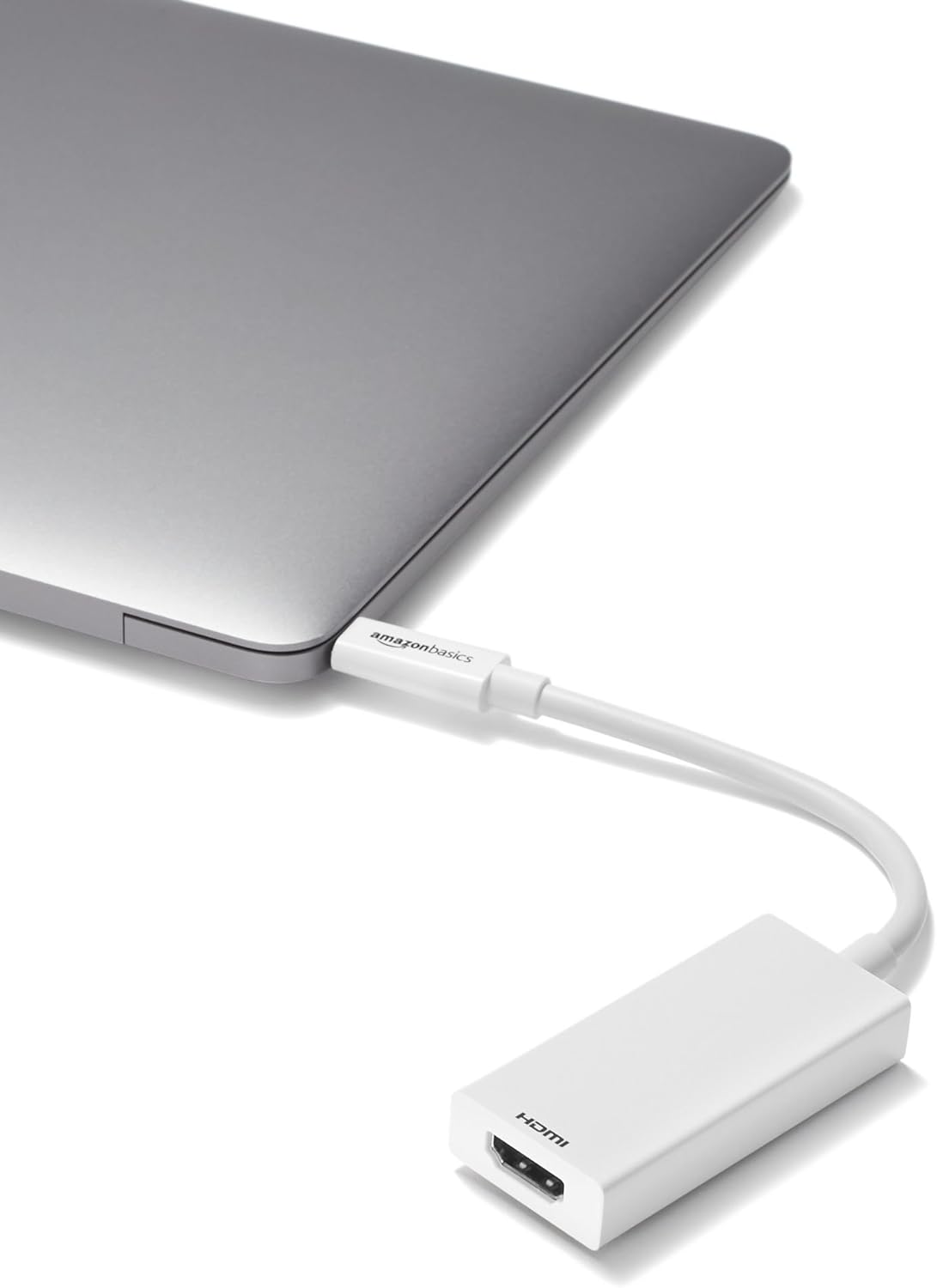
Image: The Amazon Basics USB-C to HDMI adapter connected to a laptop's USB-C port.

Image: The Amazon Basics USB-C to HDMI adapter connected to a monitor using an HDMI cable.
4. Operating Instructions
The Amazon Basics USB 3.1 Type-C to HDMI Adapter Cable operates on a plug-and-play basis. Once connected correctly, your device should automatically detect the external display. No additional drivers or software installation is typically required.
- Display Modes: Your operating system's display settings will allow you to configure the external display for mirroring, extending, or as a primary display.
- Audio Output: Audio will typically be transmitted through the HDMI connection to your display. You may need to select the HDMI output as your preferred audio device in your computer's sound settings.

Image: Diagram showing the unidirectional signal flow from a USB Type-C source device to an HDMI display via the adapter.
5. Compatibility
This adapter is compatible with devices featuring a USB Type-C port that supports DisplayPort Alternate Mode (Alt Mode). Common compatible operating systems include:
- Windows 10 / 8.1 / 8
- Mac OS
- Chrome OS
Important Note: Not all USB-C ports support video output. Ensure your device's USB-C port is compatible with DisplayPort Alt Mode for this adapter to function correctly.
6. Troubleshooting
- No Signal on Display:
- Verify that both the USB-C connector and the HDMI cable are securely plugged into their respective ports.
- Ensure your display is set to the correct HDMI input source.
- Confirm that your source device's USB-C port supports DisplayPort Alt Mode. Refer to your device's specifications or manufacturer.
- Test with a different HDMI cable or display if possible to rule out other component issues.
- Resolution Issues / Poor Picture Quality:
- Check your source device's display settings to ensure the resolution and refresh rate are configured correctly for your display.
- Ensure your HDMI cable is capable of supporting the desired resolution (e.g., 4K).
- No Audio:
- Check your computer's sound settings and ensure the HDMI output is selected as the default audio device.
- Verify the display's volume is not muted or set too low.
7. Specifications
| Brand | Amazon Basics |
| Model Number | L6LUD014-CS-R |
| Item Weight | 0.531 ounces |
| Product Dimensions (LxWxH) | 7.87 x 1.1 x 0.45 inches |
| Color | White |
| Connector Type | USB 3.1 Type-C to HDMI |
| Max Resolution Supported | 4K (3840 x 2160 @ 30 Hz) |
| Compatible Devices | PC, Notebooks, Tablets with USB-C DisplayPort Alt Mode |
8. Warranty and Support
For warranty information or technical support, please refer to the Amazon Basics official website or contact Amazon customer service directly. Keep your purchase receipt for warranty claims.


