
1. Product Overview
The EVGA GeForce GTX 1070 GAMING graphics card is designed for advanced gaming performance. It features the NVIDIA Pascal architecture, delivering enhanced speed and power efficiency for demanding applications and immersive virtual reality experiences.
Key features include:
- Real Base Clock: 1506 MHz / Real Boost Clock: 1683 MHz
- Memory Detail: 8192MB GDDR5
- Support for DirectX 12 OSD with EVGA Precision XOC software
- Plug-in Card form factor for desktop compatibility
2. Package Contents
Verify that all items listed below are included in your product package:
- EVGA GTX 1070 GAMING Graphics Card
- Driver CD
- Installation Guide
- 6Pin(2) to 8 Pin Adapter
- EVGA Gaming Poster
- Powered by EVGA Case Badge
- EVGA Enthusiast Built Sticker
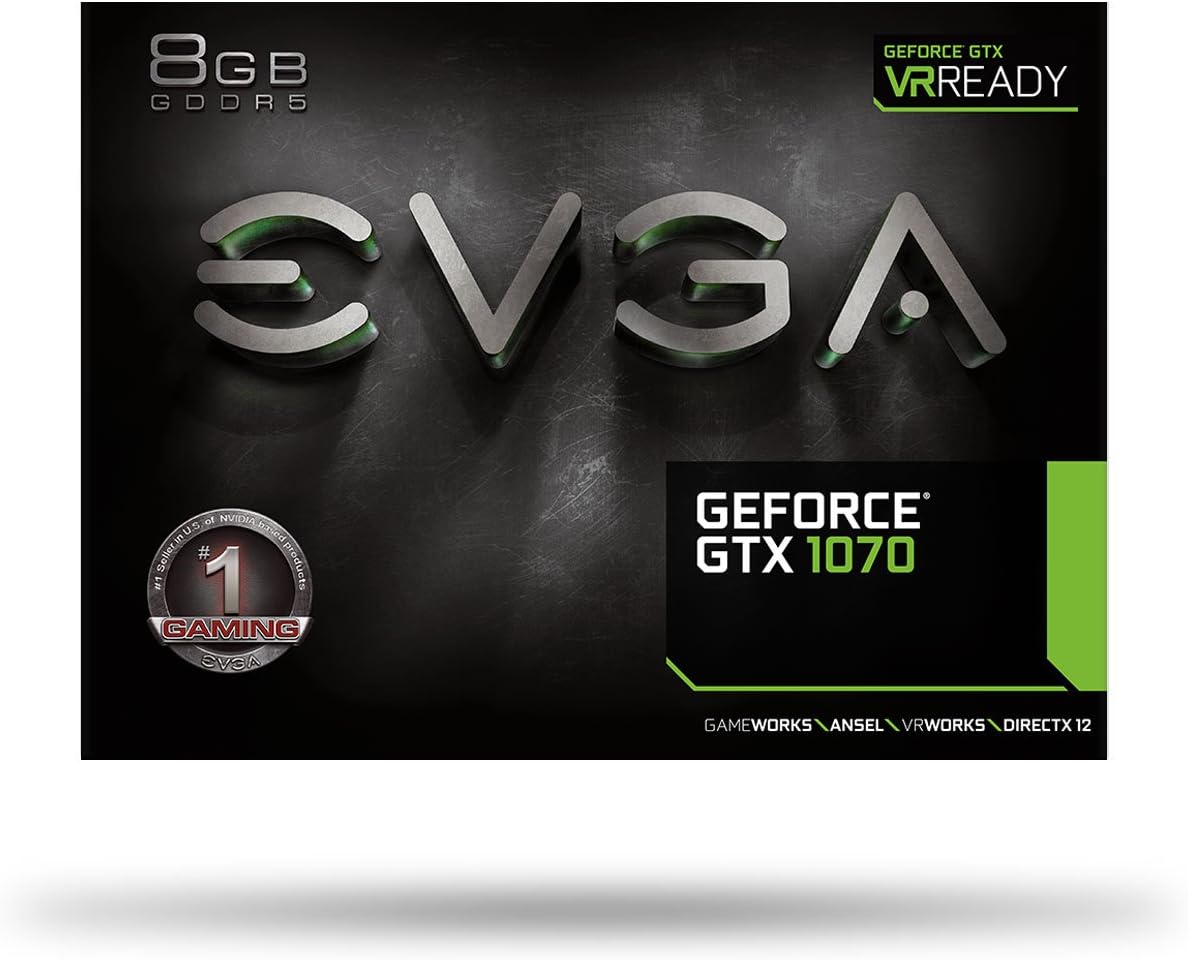
Image: Packaging box for the EVGA GeForce GTX 1070 GAMING graphics card.
3. Installation Guide
3.1. System Requirements
- PCI Express-compliant motherboard with one dual-width x16 graphics slot.
- Minimum 500W or greater power supply with one 8-pin PCI Express supplementary power connector.
- Microsoft Windows 10, Windows 8.1, Windows 8, Windows 7, or Linux operating system.
3.2. Physical Installation
- Power Off and Unplug: Turn off your computer and disconnect the power cable from the wall outlet.
- Open PC Case: Remove the side panel of your computer case to access the motherboard.
- Locate PCIe Slot: Identify an available PCI Express x16 slot on your motherboard.
- Remove Slot Cover: Remove the metal slot cover(s) from the back of your PC case corresponding to the chosen PCIe slot.
- Insert Graphics Card: Carefully align the graphics card with the PCIe slot and press down firmly until it is securely seated. Ensure the retention clip on the slot engages.
- Secure Card: Fasten the graphics card to the PC case using the screw(s) removed earlier or provided with your case.
- Connect Power Cables: Connect the 8-pin PCI Express power connector from your power supply to the graphics card. If your power supply only has 6-pin connectors, use the provided 6Pin(2) to 8 Pin Adapter.
- Close PC Case: Replace the side panel of your computer case.
- Connect Display Cables: Connect your monitor(s) to the display outputs on the graphics card (HDMI, DisplayPort, or DVI).
- Power On: Reconnect the power cable to the wall outlet and turn on your computer.

Image: Front view of the EVGA GeForce GTX 1070 GAMING graphics card with its blower fan.

Image: Rear I/O panel of the graphics card, featuring HDMI, DisplayPort, and DVI outputs.
4. Operation
4.1. Driver Installation
After physical installation, it is crucial to install the latest graphics drivers. You can find the most current drivers on the official EVGA website (www.evga.com/drivers/) or NVIDIA's website (www.nvidia.com/drivers). Follow the on-screen instructions to complete the driver installation.
4.2. Software (EVGA Precision XOC)
The EVGA Precision XOC software provides advanced control over your graphics card, including monitoring temperatures, adjusting clock speeds, and managing fan profiles. This software is available for download from the EVGA website.
4.3. Display Connections
The graphics card supports multiple display outputs, including HDMI, DisplayPort (DP), and Dual-Link DVI (DL-DVI). You can connect up to four displays simultaneously for multi-monitor setups. Ensure your display cables are securely connected to the graphics card and your monitor(s) are set to the correct input source.
5. Maintenance and Care
To ensure optimal performance and longevity of your graphics card, regular maintenance is recommended:
- Dust Removal: Periodically clean dust from the graphics card's heatsink and fan using compressed air. Ensure the computer is powered off and unplugged before cleaning.
- Airflow: Ensure your PC case has adequate airflow to prevent overheating. Keep the area around your computer clear of obstructions.
- Driver Updates: Keep your graphics drivers updated to benefit from performance improvements and bug fixes.
6. Troubleshooting Common Issues
6.1. No Display Output
- Verify that the monitor cable is securely connected to the graphics card and the monitor.
- Ensure the monitor is powered on and set to the correct input source.
- Check that the graphics card is fully seated in the PCIe slot and the supplementary power cables are connected.
- Try connecting to a different display output on the card or a different monitor if available.
6.2. Performance Issues or Crashes
- Ensure you have the latest graphics drivers installed.
- Monitor the graphics card temperature using software like EVGA Precision XOC. High temperatures can lead to performance throttling or instability.
- Verify that your system meets the recommended specifications for the applications or games you are running.
- Check for any background applications consuming system resources.
6.3. Unusual Noises (e.g., Coil Whine)
Some graphics cards may exhibit a high-pitched buzzing or whining sound, often referred to as coil whine, particularly under high load. This is typically caused by electromagnetic vibrations in the power delivery components and is generally not indicative of a defect or impending failure. Ensure your power supply is stable and provides sufficient wattage.
7. Technical Specifications
| Feature | Specification |
|---|---|
| Model Name | EVGA GTX 1070 GAMING |
| Model Number | 08G-P4-5170-KR |
| Graphics Processor | NVIDIA GeForce GTX 1070 |
| Graphics Coprocessor | GDDR5 |
| Graphics RAM Size | 8192 MB |
| GPU Clock Speed (Base) | 1506 MHz |
| GPU Clock Speed (Boost) | 1683 MHz |
| Video Output Interface | HDMI, DisplayPort (DP), Dual-Link DVI (DL-DVI) |
| Display Maximum Resolution | 3840 x 2160 |
| Graphics Card Interface | PCI Express |
| Number of Fans | 1 (Blower Style) |
| Item Weight | 454 Grams |
| UPC | 843368041502 |
8. Warranty Information and Support
8.1. Warranty
This EVGA graphics card typically comes with a 3-year limited warranty. Please refer to the official EVGA website or your product registration for specific warranty terms and conditions.
8.2. Technical Support
For technical assistance, driver downloads, or further product information, please visit the official EVGA support website:

