Introduction
This manual provides instructions for the JustFine XRS321-C replacement remote control. This remote is designed to operate various VIZIO Sound Bar Home Theater Systems. Please read this manual carefully before using your new remote control to ensure proper operation and to familiarize yourself with its features.
Setup
Battery Installation
The JustFine XRS321-C remote control requires two AAA batteries (not included) for operation. Follow these steps to install the batteries:
- Locate the battery compartment cover on the back of the remote control.
- Press down on the tab and slide the cover off in the direction indicated by the arrow (if present).
- Insert two AAA batteries, ensuring the positive (+) and negative (-) terminals align correctly with the markings inside the compartment.
- Slide the battery compartment cover back into place until it clicks securely.
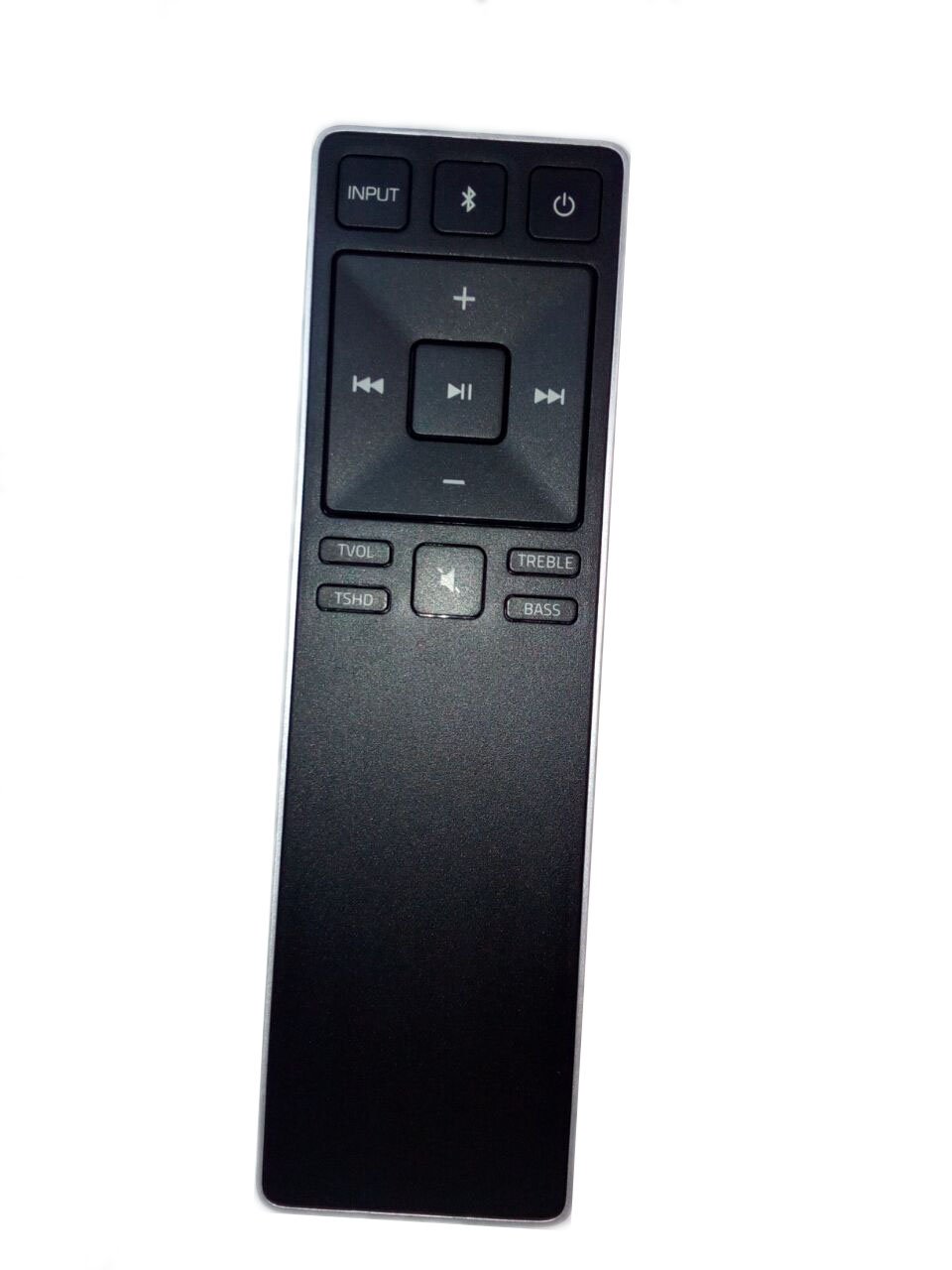
Image: Back view of the remote control, illustrating the battery compartment. The compartment cover has an arrow indicating the slide direction for opening.
Note: This remote control is pre-programmed and does not require additional programming for compatible VIZIO sound bar models. Once batteries are installed, it is ready for use.
Operating Instructions
The JustFine XRS321-C remote control provides standard functions for your VIZIO Sound Bar Home Theater System. Point the remote directly at the sound bar's infrared receiver for optimal performance.
Basic Functions:
- Power Button: Turns the sound bar on or off.
- Volume Up/Down: Adjusts the sound bar's volume level.
- Mute Button: Mutes or unmutes the sound.
- Input/Source Button: Cycles through available audio input sources (e.g., Bluetooth, Optical, AUX).
- Bluetooth Pairing Button: Initiates Bluetooth pairing mode (refer to your sound bar's manual for specific pairing instructions).
- Sound Mode Buttons (e.g., Movie, Music, Direct): Selects different audio presets.
- Bass/Treble Controls: Adjusts bass and treble levels (if supported by your sound bar model).
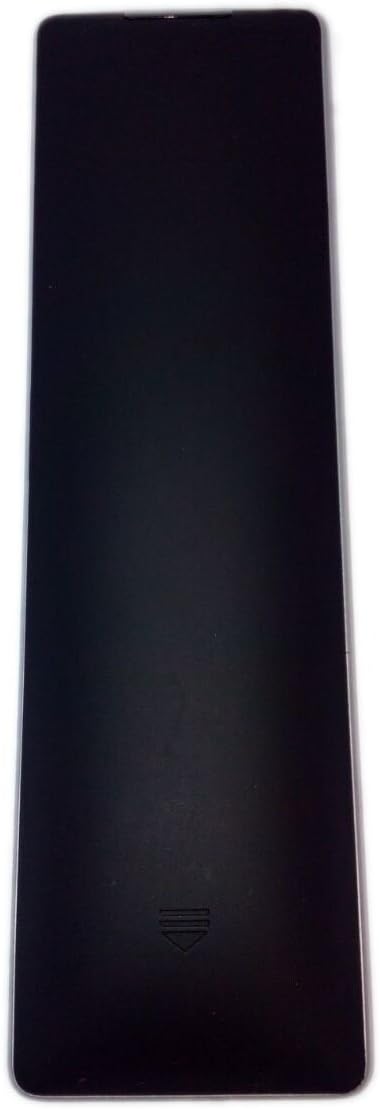
Image: Front view of the remote control, displaying the layout of buttons for power, volume, input selection, and sound modes.
Compatibility
This remote control is compatible with the following VIZIO Sound Bar Home Theater System models:
- VIZIO SB3831C6M
- VIZIO S2120WE0
- VIZIO SB2920-C6
- VIZIO S2920W-0
- VIZIO S3820W-C0
For models not listed, functionality may vary. Please consult your sound bar's original manual for specific remote control requirements.
Troubleshooting
| Problem | Solution |
|---|---|
| Remote control is not responding. |
|
| Some buttons do not work. |
|
| Remote range is limited. |
|
Specifications
- Brand: JustFine
- Model: XRS321-C
- Compatible Devices: VIZIO Sound Bar Home Theater Systems (specific models listed in Compatibility section)
- Connectivity Technology: Infrared
- Controller Type: Button Control
- Power Source: 2 x AAA Batteries (not included)
- Product Dimensions: 4.53 x 1.57 x 1.38 inches (approximately)
- Item Weight: 2.72 ounces (without batteries)
Warranty and Support
For any issues or inquiries regarding your JustFine XRS321-C remote control, please contact the seller directly. Information regarding warranty and support is typically provided by the point of purchase.


