
1. Introduction
This manual provides instructions for the LOUTOC RMT-B119A Universal Remote Control, designed as a replacement for various Sony Blu-ray and DVD players. This remote offers direct functionality without the need for complex programming, allowing for immediate use upon battery installation.

Figure 1: Front view of the LOUTOC RMT-B119A remote control. This image displays the layout of all buttons, including power, input, volume, navigation, playback controls, and dedicated streaming service buttons.
2. Setup: Battery Installation
The LOUTOC RMT-B119A remote control requires two (2) AA batteries for operation. Batteries are not included with the remote.
- Locate the battery compartment on the back of the remote control.
- Slide the battery compartment cover downwards or press the latch and lift to open.
- Insert two (2) AA batteries, ensuring correct polarity (+ and -) as indicated inside the compartment.
- Replace the battery compartment cover, ensuring it clicks securely into place.
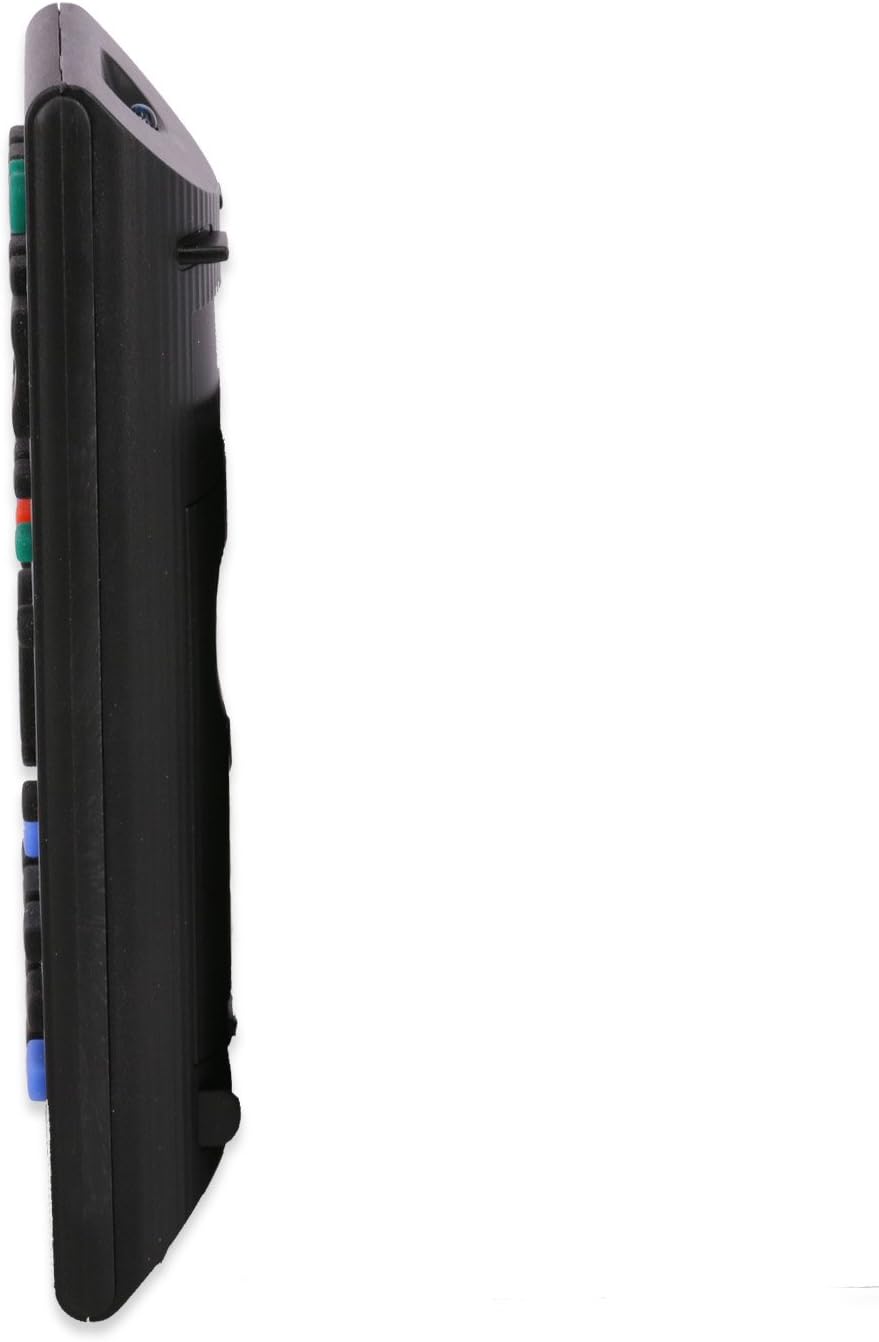
Figure 2: Rear view of the LOUTOC RMT-B119A remote control with the battery compartment open, showing the slots for two AA batteries and the correct orientation markings.
Note: Some users have reported that the battery compartment door may require careful alignment to snap securely. Ensure it is fully closed to prevent batteries from dislodging.
3. Operating Instructions
This remote control is designed to function immediately with compatible Sony Blu-ray and DVD players without any programming. Simply insert the batteries and point the remote towards your device.
Basic Functions:
- Power (I/O): Turns the connected device on or off.
- Input: Switches the input source on your television (if supported by the player).
- Volume (+/-): Adjusts the volume.
- Navigation (Up, Down, Left, Right, Enter): Used to navigate menus and select options.
- Return: Goes back to the previous menu or screen.
- Home: Accesses the main menu of your Blu-ray/DVD player.
- Playback Controls (Play, Pause, Stop, Prev, Next, Fast Forward, Rewind): Standard controls for media playback.
- Netflix / SEN: Dedicated buttons for direct access to streaming services (functionality depends on your player's capabilities).
- Number Buttons (0-9): Used for direct track selection or other numerical inputs.
- Color Buttons (Yellow, Blue, Red, Green): Used for specific functions within menus or applications, as indicated on screen.
The remote operates effectively from a distance of up to 8 meters (approximately 26.24 feet).
4. Compatibility
The LOUTOC RMT-B119A remote control is compatible with the following Sony Blu-ray and DVD player models:
- BDP-BX110
- BDP-BX310
- BDP-BX510
- BDP-BX59
- BDP-S1100
- BDP-S3100
- BDP-S390
- BDP-S5100
- BDP-S580
- BDP-S590
This list may not be exhaustive. If your Sony player model is not listed, the remote may still be compatible if it originally used a remote similar to the RMT-B119A.
5. Troubleshooting
- Remote is not responding:
- Ensure batteries are inserted correctly with the proper polarity.
- Replace old or depleted batteries with new AA batteries.
- Verify there are no obstructions between the remote and the device's infrared sensor.
- Ensure you are within the operating range of 8 meters.
- Only some buttons are working:
- This can sometimes indicate low battery power. Try replacing the batteries.
- Ensure the remote is pointed directly at the device.
- Some functions may be specific to certain player models or software versions.
- Battery compartment cover is difficult to close:
- Carefully align the cover with the grooves and apply gentle, even pressure until it snaps into place. Avoid forcing it.
6. Specifications
| Model | RMT-B119A |
| Brand | LOUTOC |
| Power Supply | 2 x AA Batteries (not included) |
| Operating Range | Approximately 8 meters (26.24 feet) |
| Dimensions (L x W x H) | 6.6 x 0.5 x 0.5 inches (16.76 x 1.27 x 1.27 cm) |
| Weight | 2.08 ounces (59 grams) |
| Material | Plastic |
7. Warranty and Support
This LOUTOC remote control comes with a 30-day warranty from the date of purchase.
For any issues, questions, or support inquiries regarding your LOUTOC RMT-B119A remote control, please contact us directly through the Amazon mail system. Our support team aims to respond within 24 hours to assist you.