1. Product Overview
This JustFine replacement remote control is designed to be fully compatible with a range of Panasonic Plasma and LCD TV models, including TC-42PX14, TC-L32S1, TC-L42U12, TC-P46S1, and TC-P65S1. It functions as a direct replacement for your original remote, offering seamless operation without the need for complex programming.
Key features include:
- Direct replacement for specified Panasonic TV models.
- Pre-programmed for immediate use; no additional programming required.
- Designed for ease of use and reliable performance.
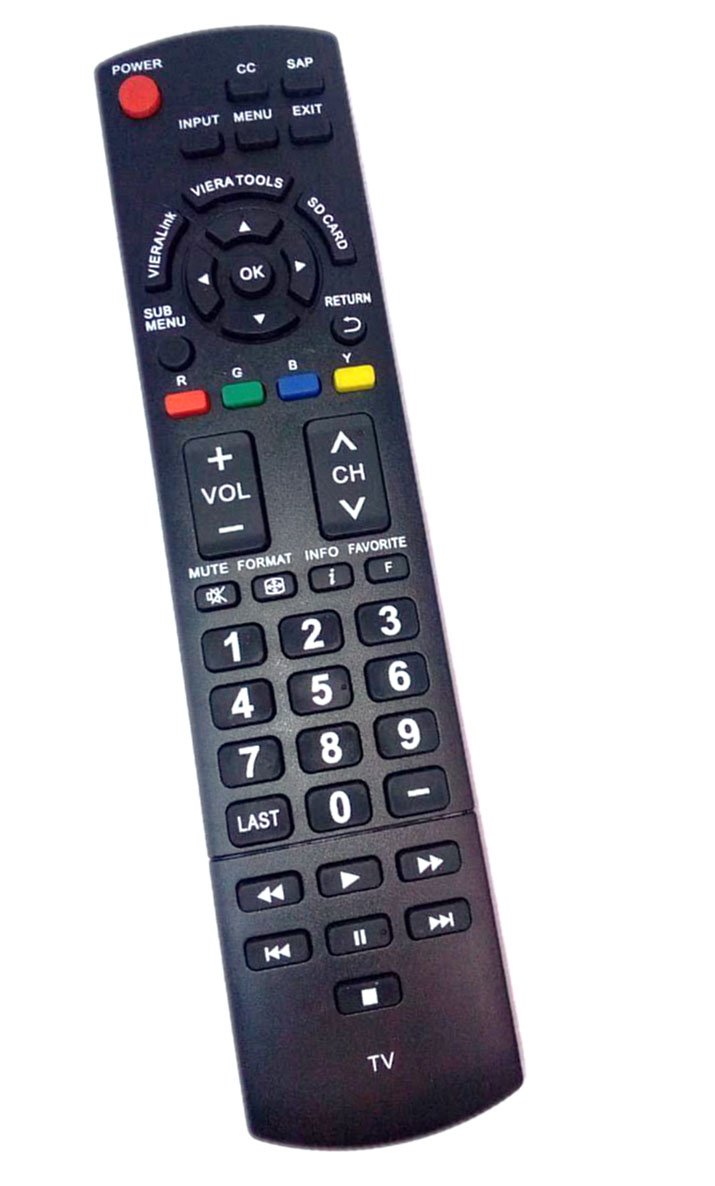
Figure 1: Front view of the JustFine replacement remote control. This image shows the layout of the buttons, including power, input, channel, volume, and numeric keys.
2. Setup and Battery Installation
The remote control requires two AA batteries for operation. Batteries are not included with the remote control.
- Locate the battery compartment on the back of the remote control.
- Slide the battery compartment cover downwards or press the latch and lift to open.
- Insert two AA batteries, ensuring the positive (+) and negative (-) terminals align correctly with the markings inside the compartment.
- Replace the battery compartment cover by sliding it back into place until it clicks securely.
Once batteries are installed, the remote is ready for immediate use with your compatible Panasonic TV. No programming or code entry is necessary.
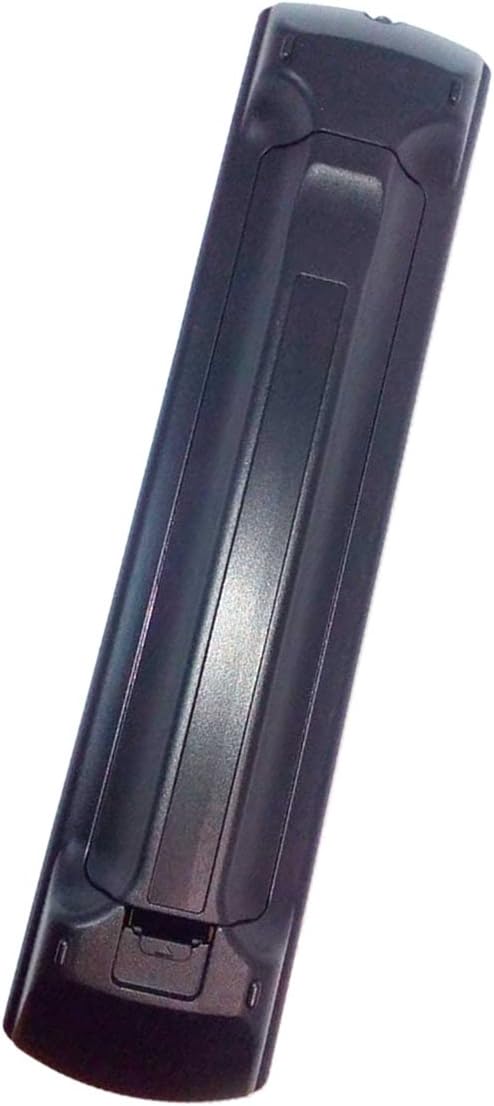
Figure 2: Back view of the remote control with the battery compartment. This image illustrates where to insert the AA batteries.
3. Basic Operation
This remote control provides all standard functions for your Panasonic TV. Point the remote directly at your TV's infrared sensor for optimal performance.
- Power Button: Turns the TV on or off.
- Numeric Keypad (0-9): Directly selects channels.
- Channel Up/Down (CH +/-): Changes channels sequentially.
- Volume Up/Down (VOL +/-): Adjusts the TV volume.
- Mute: Silences the TV audio.
- Input/AV: Cycles through available input sources (HDMI, AV, etc.).
- Menu: Accesses the TV's main menu.
- Navigation Buttons (Up, Down, Left, Right, OK): Used to navigate menus and confirm selections.
- Return/Exit: Goes back to the previous screen or exits a menu.
Video 1: Demonstration of the N2QAYB000485 Panasonic TV Remote Replacement. This video shows the remote being handled and its buttons pressed, demonstrating its physical form and basic interaction.
Video 2: RC-N2QAYB000485 HDTV Remote Control for Panasonic TC P50C2. This video provides a visual overview of the remote control and its functionality with a Panasonic TV.
4. Maintenance
To ensure the longevity and optimal performance of your remote control, follow these maintenance guidelines:
- Cleaning: Wipe the remote with a soft, dry cloth. Avoid using liquid cleaners or abrasive materials.
- Battery Care: Replace batteries promptly when the remote's performance declines. Remove batteries if the remote will not be used for an extended period to prevent leakage.
- Storage: Store the remote in a cool, dry place away from direct sunlight and extreme temperatures.
5. Troubleshooting
If you encounter issues with your remote control, please refer to the following common troubleshooting steps:
- Remote Not Responding:
- Check if the batteries are inserted correctly with the correct polarity.
- Replace old batteries with new ones.
- Ensure there are no obstructions between the remote control and the TV's infrared sensor.
- Confirm the remote is pointed directly at the TV.
- Buttons Unresponsive:
- Some buttons may require a firm press.
- If specific buttons are consistently unresponsive, try replacing the batteries.
If these steps do not resolve the issue, please contact customer support for further assistance.
Video 3: Universal Remote Control for Panasonic TVs. This video demonstrates the remote's functionality and responsiveness, which can be helpful for troubleshooting.
6. Specifications
| Brand | JustFine |
| Model Number | 43222-32509 |
| Product Dimensions | 8 x 2 x 0.5 inches |
| Item Weight | 2.88 ounces |
| Compatible Devices | Panasonic Plasma and LCD Televisions (TC-42PX14, TC-L32S1, TC-L42U12, TC-P46S1, TC-P65S1, etc.) |
| Connectivity Technology | Infrared |
| Max Number of Supported Devices | 1 (Dedicated to TV) |
7. Warranty and Support
This product comes with a 30-day quality warranty and a money-back guarantee, ensuring a hassle-free return process if you are not satisfied.
For any problems, questions, or support needs, please kindly email us. Refer to your purchase documentation for specific contact details.


