
gpsnvision GPS Tracker
Contents
GPS Tracker User Manual
Model: GPS Tracker | Brand: gpsnvision
Introduction
This manual provides comprehensive instructions for the GPSnvision GPS Tracker, a powerful and reliable device designed for real-time tracking of vehicles, trailers, elderly individuals, and teenagers. It features a hidden magnetic design, 4G connectivity, and a long-lasting battery, all managed through a user-friendly mobile application. Please read this manual thoroughly to ensure proper setup and operation of your device.
Setup
1. Unboxing Your GPS Tracker
Upon opening the package, you will find the GPS tracker unit, a charging cable, a power adapter, and a quick start guide. Ensure all components are present before proceeding.
Video: GPSnVision Hidden GPS Tracker Device - Unboxing. This video demonstrates the contents of the GPS tracker package and initial handling of the device.
2. Charging the Device
Before first use, fully charge your GPS tracker. Connect the provided charging cable to the device and the power adapter, then plug it into a wall outlet. The device is equipped with a 20,000 mAh lithium-ion battery designed for long-lasting performance.

Image: The GPS tracker unit with its charging cable, illustrating the charging process.

Image: A visual representation of battery life duration based on daily driving time, showing up to 6 months with 30 minutes/day and 1 month with 2 hours/day.
3. App Download and Account Setup
The Inteltrack app is essential for managing your GPS tracker. Download it from your smartphone's app store (Apple App Store or Google Play Store). Follow the in-app instructions to create an account and activate your device. A subscription is required for service.

Image: A smartphone screen showing the Inteltrack app interface, with the GPS tracker unit beside it, demonstrating the user-friendly app for tracking.

Image: A graphic illustrating the four steps for tracking: Install GPS, Download App, Subscribe, Start Tracking.
4. Device Placement
The GPS tracker features powerful built-in magnets for easy attachment to any flat metal surface. For optimal performance and discretion, place the device in a location that allows for clear signal reception and is protected from extreme heat. It is splash-proof, making it suitable for outdoor vehicle use.

Image: A hand demonstrating the placement of the GPS tracker underneath a vehicle, highlighting its magnetic attachment.

Image: A visual guide for easy installation: Hide it under any vehicle, use a flat metal surface to secure magnets, and keep away from heat.
Operating Your GPS Tracker
Real-Time Tracking
Once activated and placed, your GPS tracker provides real-time location updates via the Inteltrack app. The device operates on the 4G AT&T Network, ensuring reliable connectivity. You can view full driving history details, including location, time, and duration of stops, for the past 400 days.
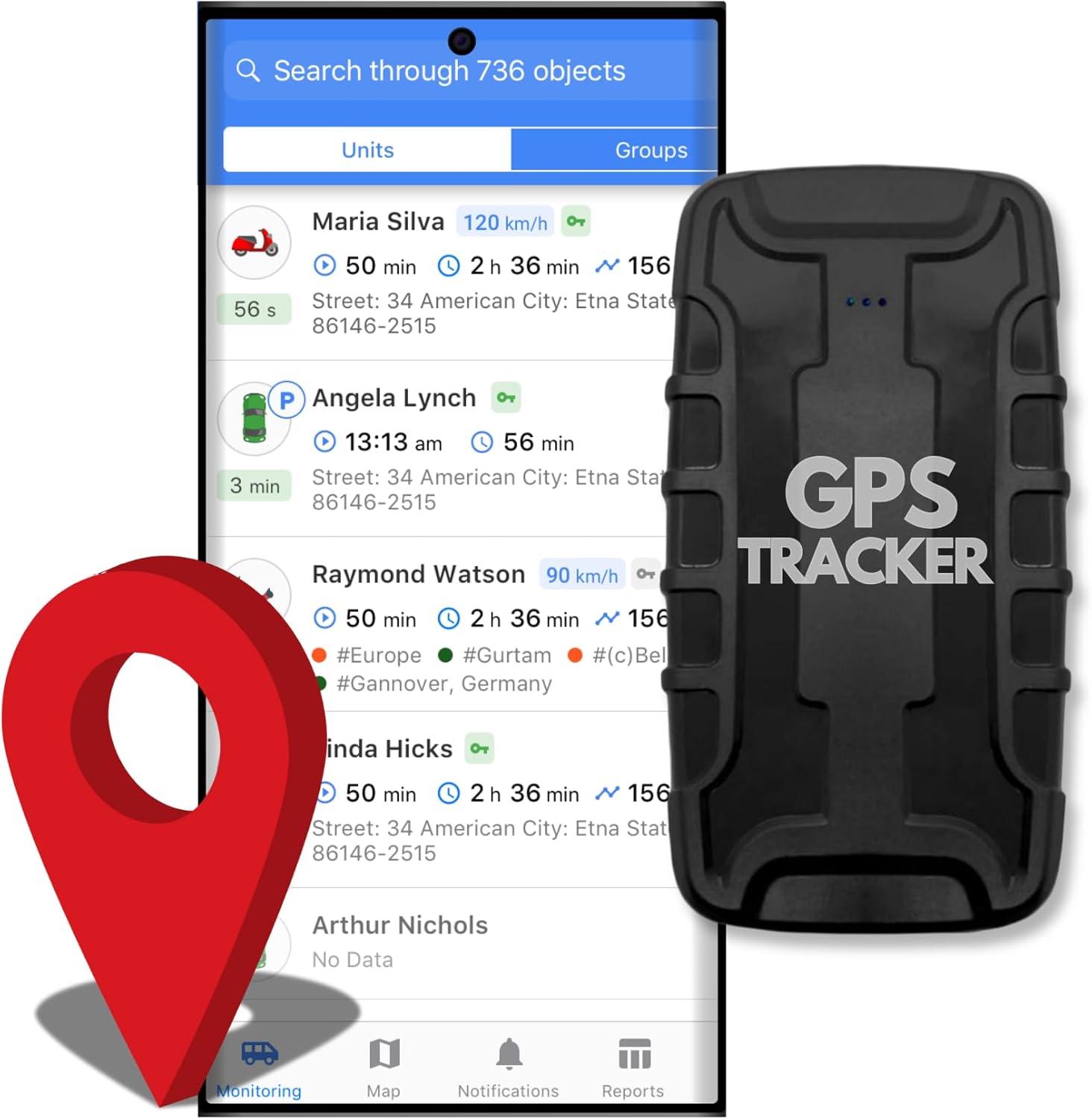
Image: The Inteltrack app displaying a map with a location pin and a list of tracked objects, illustrating real-time tracking capabilities.

Image: A graphic highlighting "Global GPS Tracking" with the app interface and a map, indicating 60-second location updates in over 180 countries.
Automated Notifications and Alerts
Customize the alerts you receive through the Inteltrack app. The system can send important email and text message alerts for various events, including:
- Movement detection
- Speeding (if vehicle exceeds set limits)
- Low battery warning
- Device disconnection notice
- Geofence entry/exit (alerts when the vehicle enters or exits a predefined area)

Image: A visual demonstrating "Seamless Cloud Tracking" with icons for geofences and speed alerts, showing how the system provides notifications for vehicle activity.
Maintenance
Battery Life and Charging
The GPS tracker's 20,000 mAh battery can last up to 3 months with average daily driving. Battery longevity depends on usage patterns, such as frequency of movement and reporting intervals. Monitor the battery level through the Inteltrack app and recharge as needed to ensure continuous tracking.
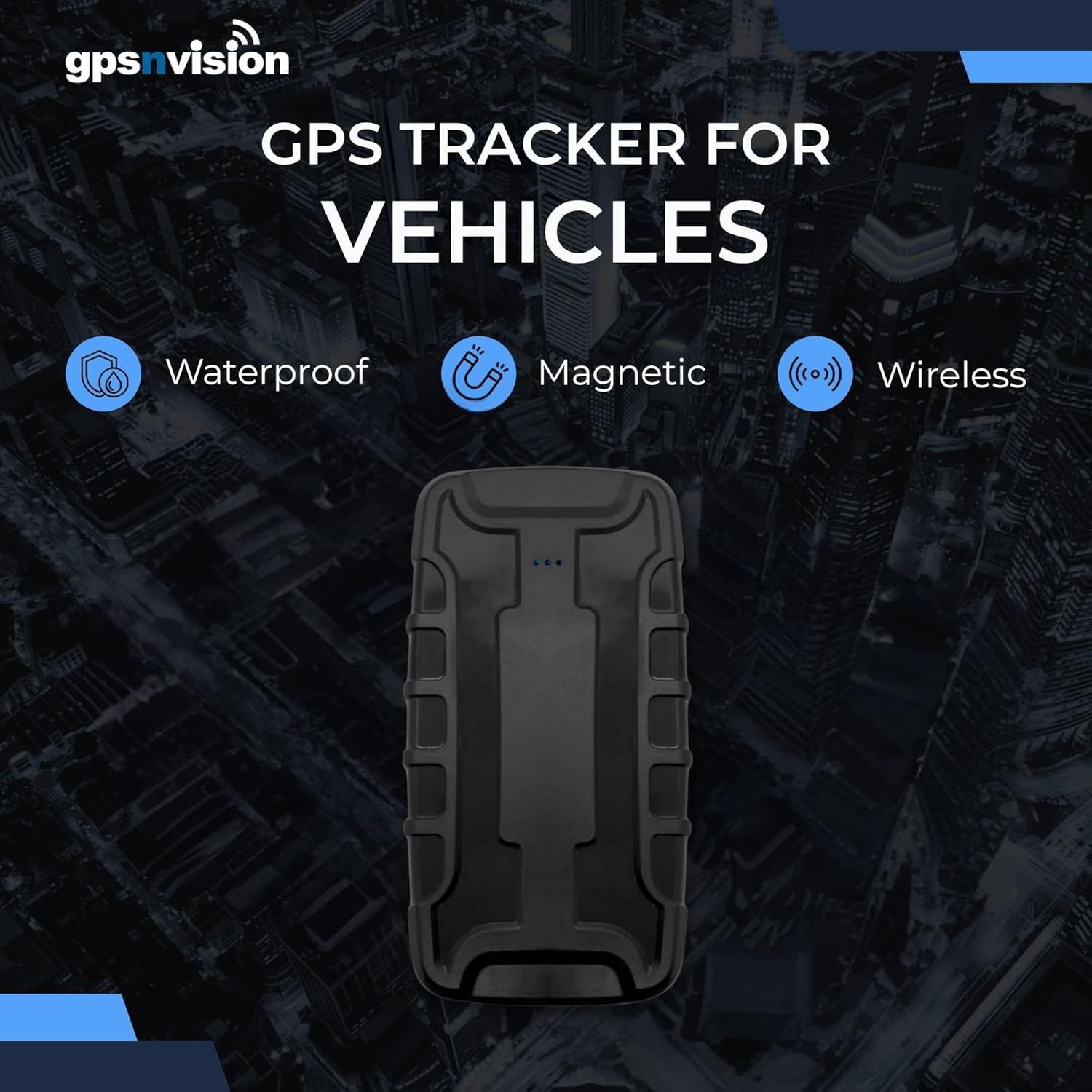
Image: The GPS tracker highlighting its key features: Waterproof, Magnetic, and Wireless.
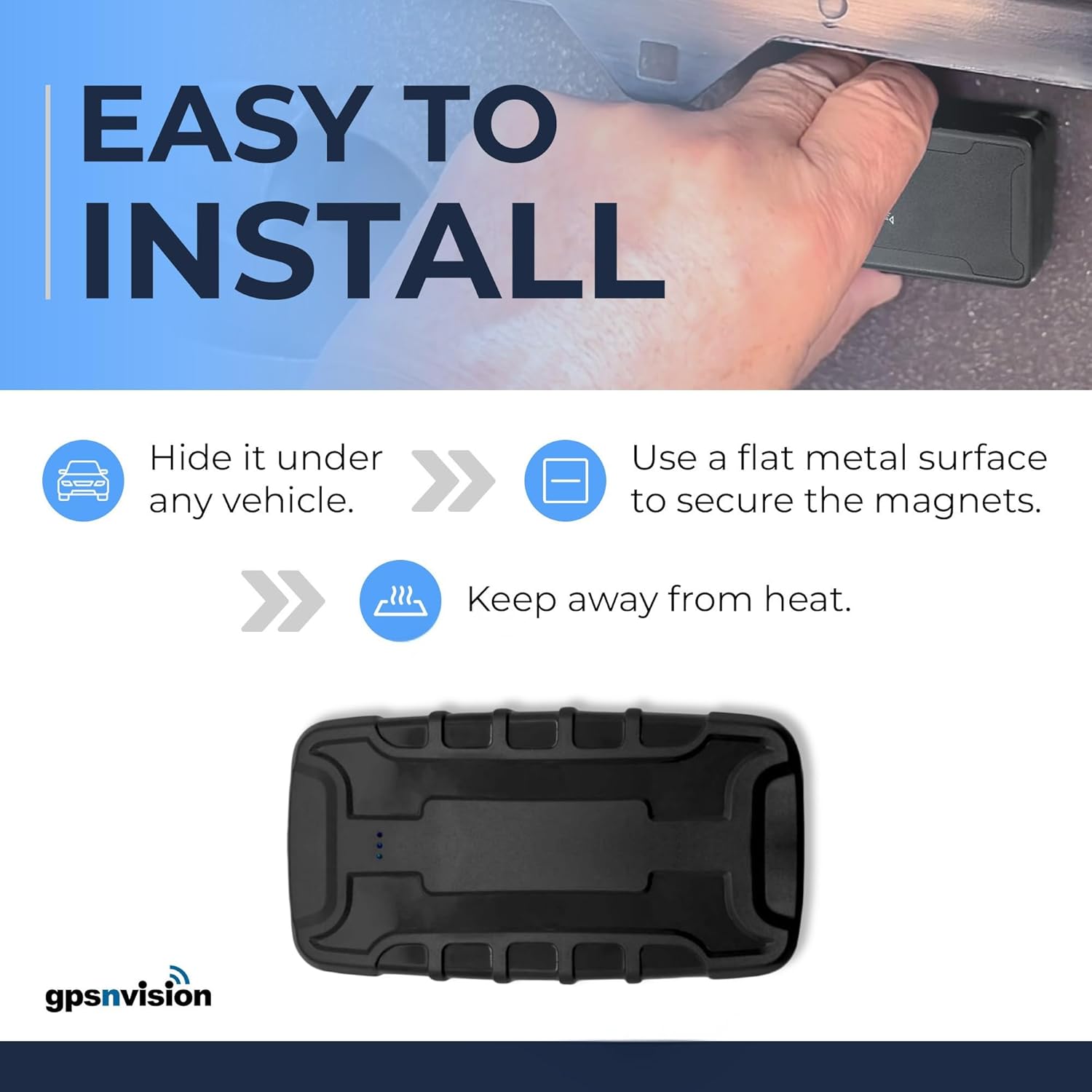
Image: A graphic emphasizing the "Rechargeable Battery" feature, stating up to 3 months of battery life with a 10,000 mAh battery.
While the device is splash-proof, avoid submerging it in water or exposing it to extreme temperatures to prolong its lifespan.
Troubleshooting
| Problem | Possible Cause / Solution |
|---|---|
| Device not showing on map / No signal |
|
| Short battery life |
|
| Tracker freezes or stops reporting |
|
| Difficulty with app activation/login |
|
For further assistance, please refer to the support section or contact GPSnvision customer service directly.
Specifications
| Feature | Detail |
|---|---|
| Product Dimensions | 4.5 x 2.2 x 1.9 inches |
| Item Weight | 8.8 ounces |
| Item Model Number | 3 Month Battery |
| Batteries | 1 Lithium Ion batteries required (included) |
| Connectivity Technologies | Cellular (4G AT&T Network) |
| Special Features | GPS Tracker for vehicles, 90 Days Battery, Magnetic GPS Tracker, Car tracking, Fleet tracking, Subscription required, GPS Tracking System, Small GPS Tracker, Hidden GPS Tracker, Low Subscription required |
| Color | black |
| What's in the box | Battery (and other components as seen in unboxing video) |
| Supported Application | Inteltrack app |
| Specific Uses For Product | vehicle tracking, trailer tracking, elderly monitoring, teenager supervision, RV, covert tracking |
Warranty and Support
GPSnvision is committed to providing excellent customer service and technical support. There are no contracts or activation/cancellation fees associated with the service. For any issues or inquiries, strong technical and after-sales support is available to ensure your problems are solved perfectly.
Protection Plans
Optional protection plans are available for purchase to extend coverage beyond the standard warranty:
- 2-Year Protection Plan
- 3-Year Protection Plan
- Complete Protect: A monthly plan covering all eligible past and future purchases.
For details on these plans, please refer to the product listing or contact GPSnvision support.
Contact Information
For support, please visit the GPSnvision Store on Amazon or refer to the contact details provided with your subscription service.
Ask a question about this manual
Ask about setup, troubleshooting, compatibility, parts, safety, or missing instructions. Manuals+ will review the question and use this page’s manual context to help answer it.