
Introduction
This instruction manual provides essential information for the proper use and care of your Cable Matters USB-IF Certified 10 Gbps Gen 2 USB-C Cable. This full-featured USB-C to USB-C cable is designed to deliver high-performance connectivity, supporting ultra-fast 10 Gbps data transfer, high-quality 4K@60Hz video resolution, and up to 100W Power Delivery for charging compatible devices. Its USB-IF certification ensures reliable performance, safety, and broad compatibility with various USB-C and Thunderbolt 3 devices.

Setup and Connection
The Cable Matters USB-C cable offers versatile connectivity. Simply connect one end of the cable to your host device (e.g., laptop, tablet, smartphone) and the other end to your peripheral device (e.g., monitor, external hard drive, power adapter). The reversible USB-C connectors ensure easy and correct insertion every time.

Video Demonstration: Cable Matters USB-C 3.1 Gen 2 Cable
Operating the Cable
Data Transfer
Connect the cable between two compatible USB-C devices to achieve data transfer speeds of up to 10 Gbps. This is ideal for quickly moving large files between external drives, computers, or other peripherals.
Video Output
Utilize the cable to connect a USB-C enabled laptop or tablet to a USB-C monitor for video output. The cable supports resolutions up to 4K at 60Hz, providing a clear and vibrant display. Ensure your host device supports DisplayPort Alternate Mode (Alt Mode) over USB-C for video functionality.

Power Delivery
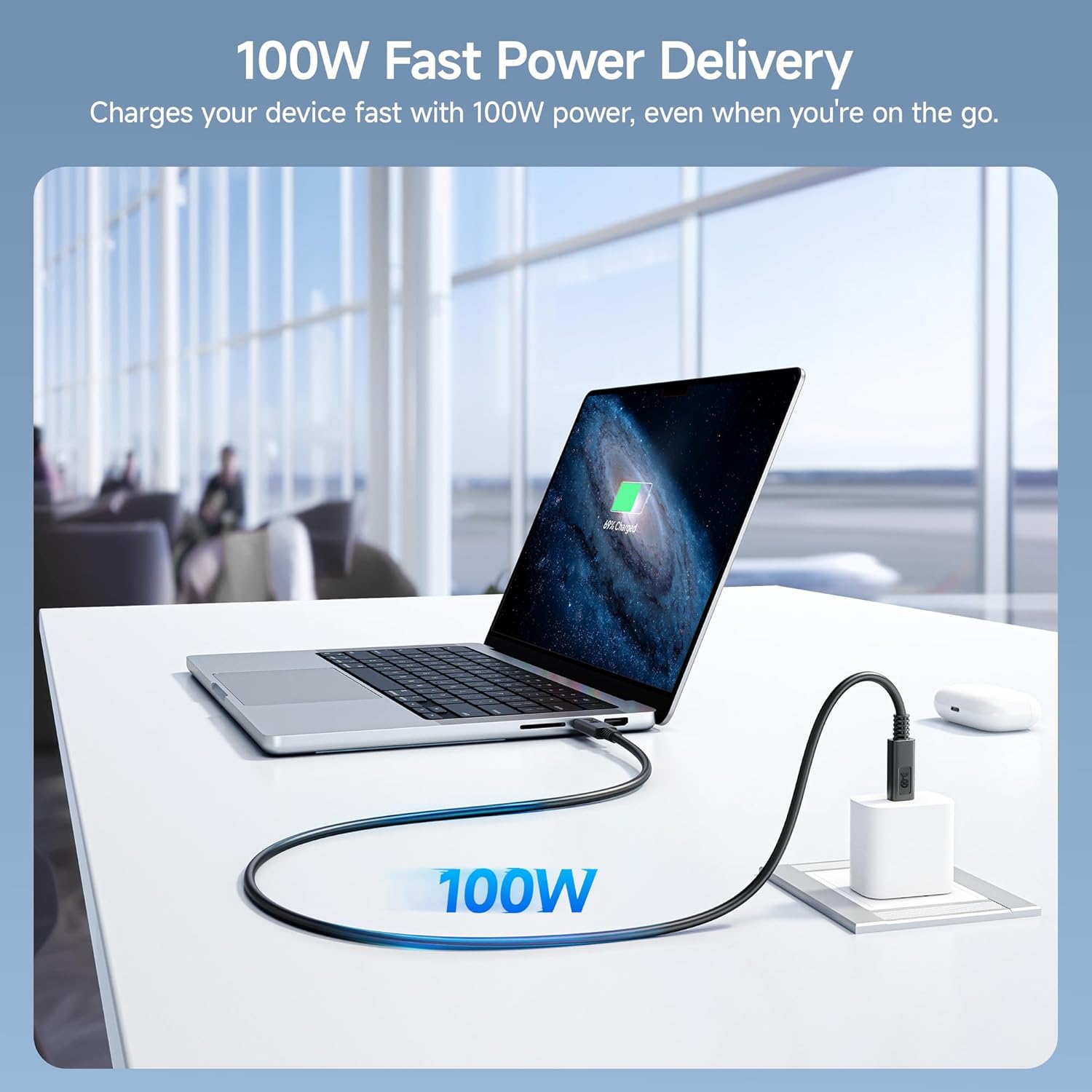
This cable supports USB Power Delivery up to 100W, allowing you to fast charge laptops, tablets, and smartphones. Connect the cable to a compatible USB-C power adapter and your device for efficient charging.

Universal Compatibility
The cable is designed for broad compatibility with USB-C devices, including laptops, monitors, smartphones, tablets, USB-C docking stations, external hard drives, VR headsets, and gaming consoles. It also offers full Thunderbolt 3 compatibility.
Maintenance
To ensure the longevity and optimal performance of your USB-C cable, follow these maintenance guidelines:
- Storage: Store the cable in a cool, dry place away from direct sunlight and extreme temperatures. Avoid tightly coiling or bending the cable at sharp angles, which can damage internal wires.
- Cleaning: Use a soft, dry cloth to gently wipe the cable and connectors. Avoid using harsh chemicals or abrasive materials.
- Handling: Always grasp the connector head when plugging or unplugging the cable, rather than pulling on the cable itself. This prevents strain on the connection points.
- Inspection: Periodically inspect the cable for any signs of wear, fraying, or damage to the jacket or connectors. Discontinue use if any damage is observed.
Troubleshooting
If you encounter issues with your Cable Matters USB-C cable, consider the following:
- No Video Output: Ensure your computer's USB-C port supports video output (DisplayPort Alternate Mode). Some USB-C ports are for charging or data only. Verify that your monitor is set to the correct input source.
- Slow Data Transfer: Confirm that both connected devices (host and peripheral) support 10 Gbps (USB 3.2 Gen 2) data transfer speeds. If one device is slower, the transfer speed will be limited to the lowest common denominator.
- No Charging or Slow Charging: Check that your power adapter provides sufficient wattage (up to 100W) and that your device supports USB Power Delivery. Some devices may have specific charging requirements.
- Intermittent Connection: Ensure both connectors are fully seated in their respective ports. Try connecting to a different port or device to isolate the issue. Update your computer's drivers and software, especially for graphics and USB controllers.
- General Connectivity Issues: Disconnect and reconnect the cable. Restart your devices.
Specifications
| Feature | Detail |
|---|---|
| Brand | Cable Matters |
| Model Name | 201025-BLK-1m |
| Connector Type | USB Type C |
| Cable Type | USB |
| Data Transfer Rate | 10 Gigabits Per Second (USB 3.2 Gen 2) |
| Video Support | Up to 4K@60Hz |
| Power Delivery | Up to 100 Watts (5 Amps) |
| Compatible Devices | Laptop, Monitor, Personal Computer, Smartphone, Tablet, USB-C Docking Stations, Thunderbolt 3 devices |
| Special Feature | Data Transfer, High Speed, USB-IF Certified |
| Color | Black |
| Length | 3.3 Feet / 1 Meter |
| Item Weight | 2.08 ounces / 0.06 Kilograms |
| UPC | 682017353104 |
Warranty and Support
For warranty information and technical support, please refer to the official Cable Matters website or contact their customer service directly. Details regarding product registration, troubleshooting guides, and frequently asked questions can typically be found on the manufacturer's support pages.
Website: www.cablematters.com


