1. Introduction
This manual provides essential information for using your Renfo fitness DVD. This DVD is designed to help you sculpt your body and tone your muscles through targeted exercise sessions focusing on abdominal, gluteal, and overall body sculpting, as well as core training.
The DVD features three distinct fitness sessions to guide you through effective workouts.
2. Product Overview
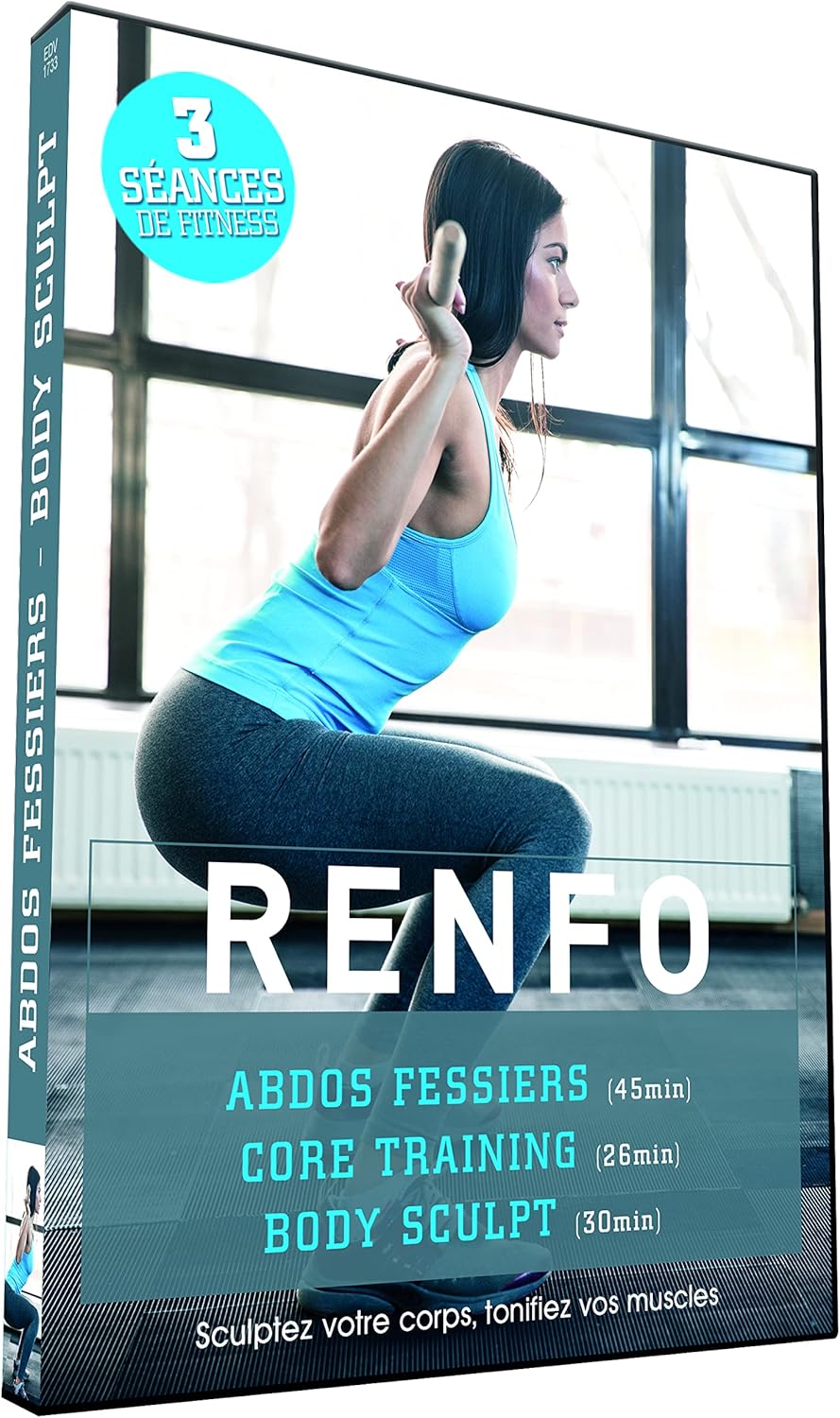
Image: Front cover of the Renfo fitness DVD. The cover displays a woman in a squat position, with text indicating "Renfo", "Abdos Fessiers", "Core Training", and "Body Sculpt" along with session durations. It also highlights "3 Séances de Fitness" (3 Fitness Sessions).
The Renfo fitness DVD offers a comprehensive workout experience with the following programs:
- Abdos Fessiers: A 45-minute session focused on strengthening abdominal and gluteal muscles.
- Core Training: A 26-minute session dedicated to building a strong core.
- Body Sculpt: A 30-minute session designed for overall body sculpting and muscle toning.
The DVD is presented in French and is suitable for individuals looking to enhance their physical fitness through structured exercise routines.
3. Setup
To begin your fitness journey with the Renfo DVD, follow these simple steps:
- Prepare your playback device: Ensure you have a DVD player, computer with a DVD drive, or a compatible gaming console connected to a television or monitor.
- Insert the DVD: Gently insert the Renfo DVD into the disc tray of your playback device.
- Select input: Switch your television or monitor to the correct input source (e.g., HDMI 1, AV) where your DVD player is connected.
- Start playback: The DVD menu should appear automatically. If not, press the 'Play' button on your remote control or select the DVD drive from your computer's media player.
Ensure you have adequate space for exercise and wear comfortable athletic attire.
4. Operating the DVD
Once the DVD menu loads, you will typically find options to select your desired fitness session. Navigate the menu using your remote control or keyboard/mouse.
4.1 Session Selection
- Choose from "Abdos Fessiers", "Core Training", or "Body Sculpt" based on your workout goals for the day.
- Each session is designed to be followed from start to finish for optimal results.
4.2 Following the Exercises
- Pay close attention to the instructor's demonstrations and verbal cues.
- Maintain proper form to prevent injuries and maximize effectiveness. If an exercise feels uncomfortable or painful, stop and consult a healthcare professional.
- Listen to your body and take breaks as needed.
- It is recommended to perform a warm-up before starting any session and a cool-down/stretch afterwards.
5. Maintenance
Proper care of your DVD will ensure its longevity and continued performance:
- Handling: Always hold the DVD by its edges or by placing a finger through the center hole. Avoid touching the shiny playback surface.
- Cleaning: If the DVD becomes dirty or smudged, gently wipe it with a soft, lint-free cloth from the center outwards. Do not use abrasive materials or harsh cleaning chemicals.
- Storage: Store the DVD in its original case when not in use to protect it from dust, scratches, and direct sunlight.
- Temperature: Avoid exposing the DVD to extreme temperatures or high humidity.
6. Troubleshooting
If you encounter issues while using your Renfo DVD, consider the following common solutions:
- DVD not playing or skipping:
- Check if the DVD is clean and free of scratches. Clean it if necessary (refer to Maintenance section).
- Ensure the DVD is inserted correctly into the player.
- Try playing another DVD to confirm your player is functioning correctly.
- Restart your DVD player or computer.
- No sound or distorted audio:
- Check the volume settings on your TV, audio receiver, and DVD player.
- Ensure all audio cables are securely connected.
- Verify that your TV or audio system is not muted.
- No picture or distorted video:
- Check all video cables (HDMI, AV, etc.) are securely connected between the DVD player and your TV.
- Ensure your TV is set to the correct input source.
- Try adjusting your TV's picture settings.
If problems persist, refer to the support section or consult your DVD player's manual.
7. Specifications
| Feature | Detail |
|---|---|
| Product Title | Renfo - abdos fessiers - body sculpt - core training |
| Model Number (ASIN) | B01KTTZGSW |
| Brand/Manufacturer | SHAMAN PROD |
| Language | French (Dolby Digital 2.0) |
| Dubbed Language | French |
| Product Dimensions | 13.5 x 1.3 x 19 cm |
| Item Weight | 83.16 g |
| Release Date | January 17, 2017 |
| Number of Discs | 1 |
| Contributor | Labouyrie, Fabrice |
| Color | Color |
8. Warranty Information
This product is typically covered by a standard manufacturer's warranty against defects in materials and workmanship. Please retain your proof of purchase for any warranty claims. For specific warranty terms and conditions, refer to the packaging or contact the manufacturer directly.
9. Support
For further assistance or inquiries regarding your Renfo fitness DVD, please contact the seller or manufacturer, SHAMAN PROD. You may find contact information on the product packaging or through the retailer where the DVD was purchased.
Always consult with a healthcare professional before starting any new exercise program, especially if you have pre-existing health conditions.


