1. Introduction
This manual provides essential information for the safe and proper use of your Disney Pixar Cars 3: Lightning McQueen 20-inch Vehicle. Designed for fans of the Cars 3 movie, this large-scale vehicle offers an engaging play experience. Please read this manual thoroughly before use and retain it for future reference.
Key Features:
- Disney Pixar Cars 3 themed vehicle in a jumbo 20-inch scale.
- Features iconic details and racing style as seen in the movie.
- Designed for push-around play.
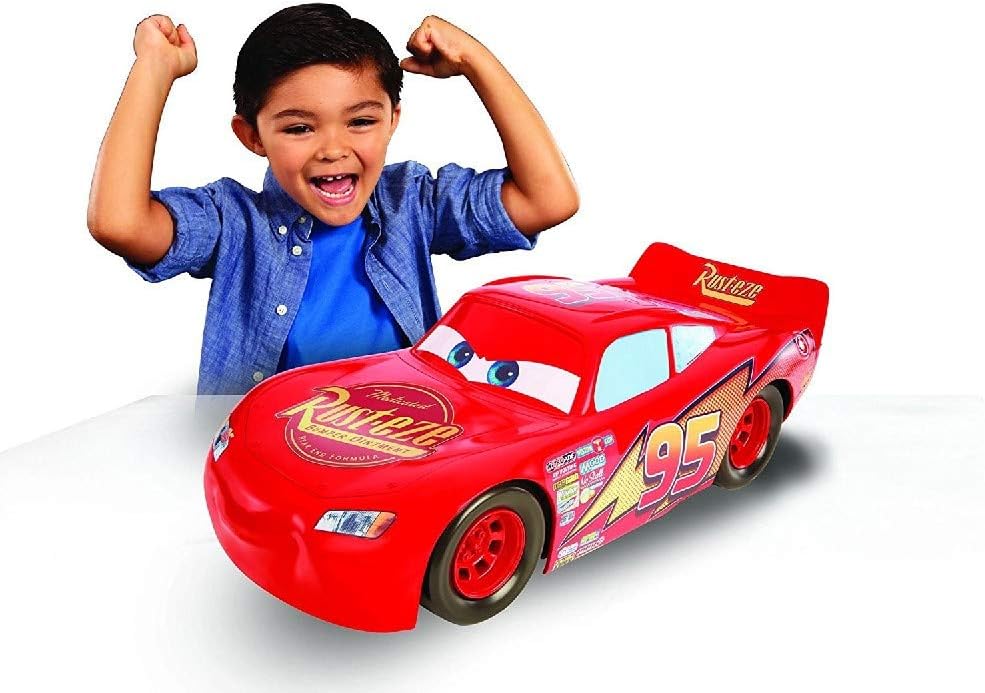
Image 1.1: The Disney Pixar Cars 3 Lightning McQueen 20-inch Vehicle, showcasing its iconic design and large scale.
2. Safety Information
To ensure a safe play environment, please observe the following precautions:
- Adult Supervision: Recommended for young children.
- Choking Hazard: This product does not contain small parts that pose a choking hazard. However, always inspect the toy for any damage before play.
- Usage Environment: Use on flat, clear surfaces. Avoid stairs, uneven terrain, or areas with obstacles.
- Impact: While durable, avoid intentionally crashing the vehicle into hard surfaces or objects to prevent damage to the toy or surroundings.
- Not for Riding: This vehicle is designed for push-around play and is not intended for children to sit or ride on.
3. Package Contents
Upon opening the package, verify that all components are present and undamaged.
- 1 x Disney Pixar Cars 3: Lightning McQueen 20-inch Vehicle

Image 3.1: The Lightning McQueen vehicle as it appears in its retail packaging.
4. Setup
The Disney Pixar Cars 3: Lightning McQueen 20-inch Vehicle requires minimal setup.
- Carefully remove the vehicle from its packaging.
- Remove any ties, plastic bands, or protective films.
- Inspect the vehicle for any manufacturing defects or shipping damage. If any issues are found, contact customer support.
- The vehicle is ready for play. No batteries or assembly are required.
5. Operating Instructions
This vehicle is designed for simple, imaginative push-around play.
- Place the Lightning McQueen vehicle on a smooth, flat surface.
- Gently push the vehicle forward or backward to initiate movement.
- Encourage imaginative play scenarios, recreating scenes from the Cars 3 movie or inventing new adventures.
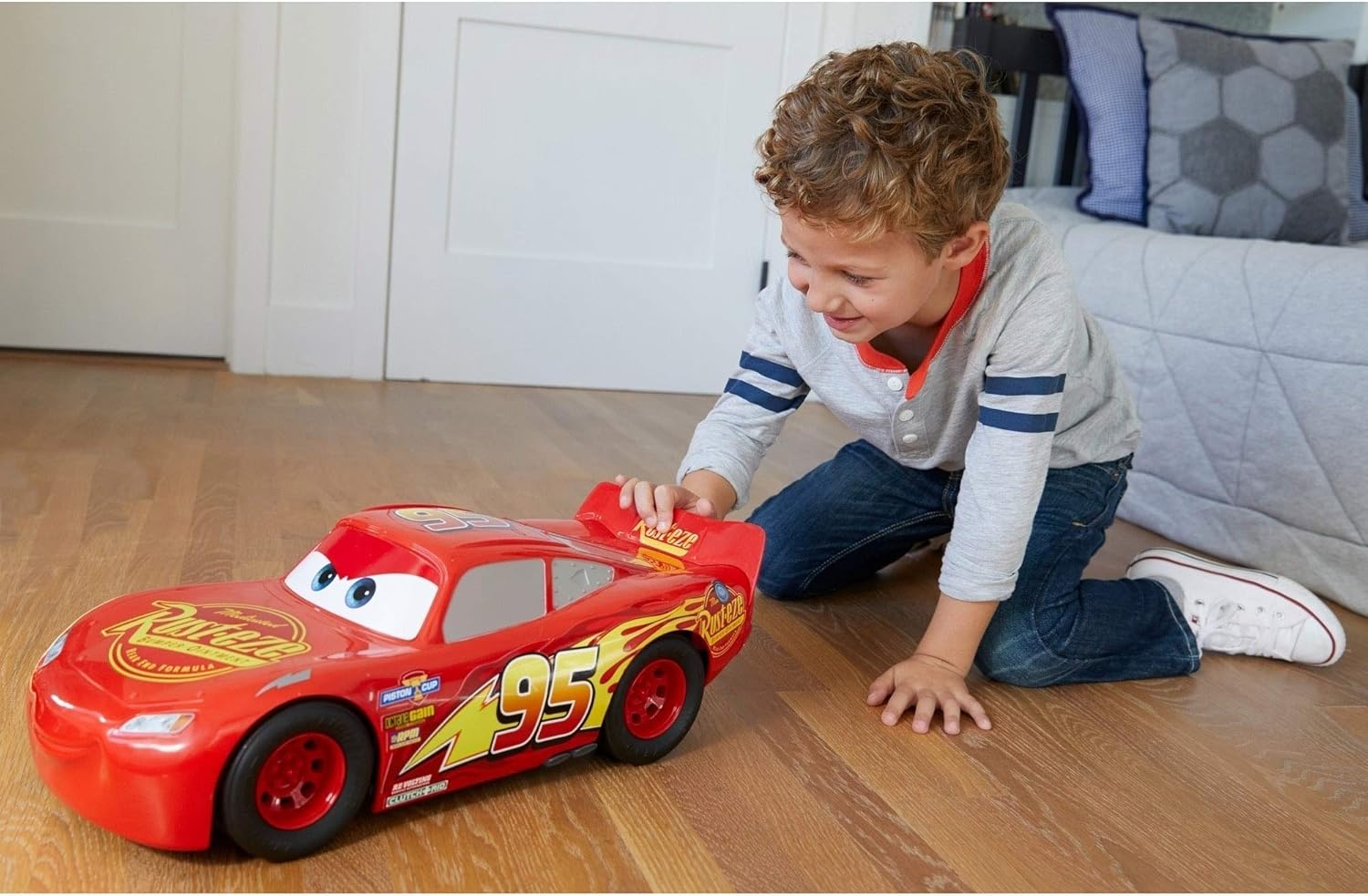
Image 5.1: A child engaging in push-around play with the large Lightning McQueen vehicle.
6. Maintenance
Proper care will extend the life and appearance of your Lightning McQueen vehicle.
- Cleaning: Wipe the vehicle with a soft, damp cloth. Do not use harsh chemicals or abrasive cleaners, as these may damage the finish or decals.
- Sticker Care: The vehicle features applied decals. To prevent peeling, avoid excessive rubbing or picking at the edges of the stickers. If a sticker begins to peel, a small amount of non-toxic, child-safe adhesive can be used to re-secure it.
- Storage: Store the vehicle in a cool, dry place away from direct sunlight to prevent material degradation and decal fading.
7. Troubleshooting
This section addresses common concerns you might encounter with your vehicle.
| Issue | Possible Cause | Solution |
|---|---|---|
| Stickers are peeling or lifting. | Normal wear and tear; exposure to moisture or extreme temperatures; rough handling. | Gently press the sticker back into place. For persistent peeling, apply a small amount of child-safe adhesive to the underside of the sticker and press firmly. Avoid prolonged exposure to water. |
| Vehicle does not roll smoothly. | Debris in wheels; damaged axle; uneven play surface. | Check wheels for any trapped debris and remove it. Ensure the play surface is clean and flat. If the issue persists, contact customer support. |
8. Specifications
Detailed product specifications for the Disney Pixar Cars 3: Lightning McQueen 20-inch Vehicle.
| Specification | Detail |
|---|---|
| Product Dimensions | 20.5 x 7 x 10.13 inches (approximately 50 cm in length) |
| Item Weight | 2.2 pounds |
| Model Number | FBN52 |
| ASIN | B01KGGSV80 |
| Recommended Age | 36 months - 7 years |
| Manufacturer | Mattel |
| Batteries Required | None |

Image 8.1: Side view of the Lightning McQueen vehicle, indicating its approximate 50 cm length.

Image 8.2: Top-down view of the Lightning McQueen vehicle, further illustrating its dimensions.
9. Warranty and Support
For information regarding warranty coverage or to obtain support for your Disney Pixar Cars 3: Lightning McQueen 20-inch Vehicle, please contact the manufacturer, Mattel, directly. You may also refer to the retailer's return policy at the point of purchase.
- Manufacturer: Mattel
- Contact: Refer to Mattel's official website for customer service contact information.
10. Disposal Information
When the product reaches the end of its useful life, please dispose of it responsibly according to local regulations. This product is made primarily of plastic and can often be recycled. Consult your local waste management facility for proper disposal guidelines.


