
1. Introduction
This manual provides instructions for the SUPERJARE Foldable Laptop Table, a versatile and portable solution designed for various uses including as a bed desk, breakfast serving tray, or mini picnic table. Please read this manual thoroughly before use to ensure proper setup and operation.
2. Product Features
- Foldable Design: The table folds in half for compact storage and portability.
- Inner Storage Space: A compartment is available when folded, suitable for storing small items like notes, books, or a mouse pad.
- Lightweight and Portable: Equipped with a handle for easy carrying.
- Non-Slip Bottom: Ensures stability during use.
- Generous Leg Room: Designed to provide ample space for legs underneath.

Image: The SUPERJARE table folded in half, showcasing its compact form and integrated carrying handle for easy transport.

Image: The table partially unfolded, illustrating the internal storage space designed for small items like books or a mouse pad.
3. Setup and Unfolding
- Place the folded table on a flat, stable surface.
- Unlatch the two clips on the side of the table.
- Gently unfold the table halves until they lie flat.
- Extend each of the four legs outwards until they lock into place. Ensure all legs are fully extended and stable before use.
4. Usage Guidelines
The SUPERJARE Foldable Laptop Table is designed for versatile use. Here are some common applications:
- Laptop Use: The table comfortably accommodates a 16-inch laptop with additional space for a mouse.
- Bed Desk: Ideal for working, reading, or enjoying meals in bed.
- Breakfast Tray: Convenient for serving food and drinks.
- Mini Picnic Table: Suitable for outdoor activities like camping or picnics due to its portability.
- Standing Work: Can be used as a raised surface for standing work.

Image: A user operating a laptop on the SUPERJARE table while seated on a bed, demonstrating its use as a bed desk.

Image: A user utilizing the SUPERJARE table as a mini picnic table outdoors, showcasing its versatility for various settings.
5. Care and Maintenance
- Cleaning: Wipe the table surface with a damp cloth and mild detergent. Avoid abrasive cleaners.
- Storage: Fold the table for compact storage when not in use. Store in a dry place.
- Leg Joints: If the table legs become stiff when folding or unfolding, apply a small drop of lubricating oil to each joint and allow 10 minutes for it to penetrate.
6. Troubleshooting
- Difficulty Folding/Unfolding Legs: Apply a small amount of lubricating oil to the leg joints.
- Table Stability: Ensure all four legs are fully extended and locked into place. Avoid placing excessive weight on one side.
- Height Adjustment: Please note that the height of this specific model is not adjustable.
7. Specifications
| Feature | Detail |
|---|---|
| Brand | SUPERJARE |
| Model Number | FBA_70902P |
| Material | Aluminum, Engineered Wood |
| Color | Pink |
| Product Dimensions (Unfolded) | 58.9 cm (W) x 40.9 cm (D) x 26.4 cm (H) |
| Distance Between Legs (Unfolded) | 22 1/8 inches (approximately 56.2 cm) |
| Item Weight | 2.9 Pounds (approximately 1.3 kg) |
| Laptop Compatibility | Fits up to a 16-inch laptop with mouse space |
| Height Adjustable | No |
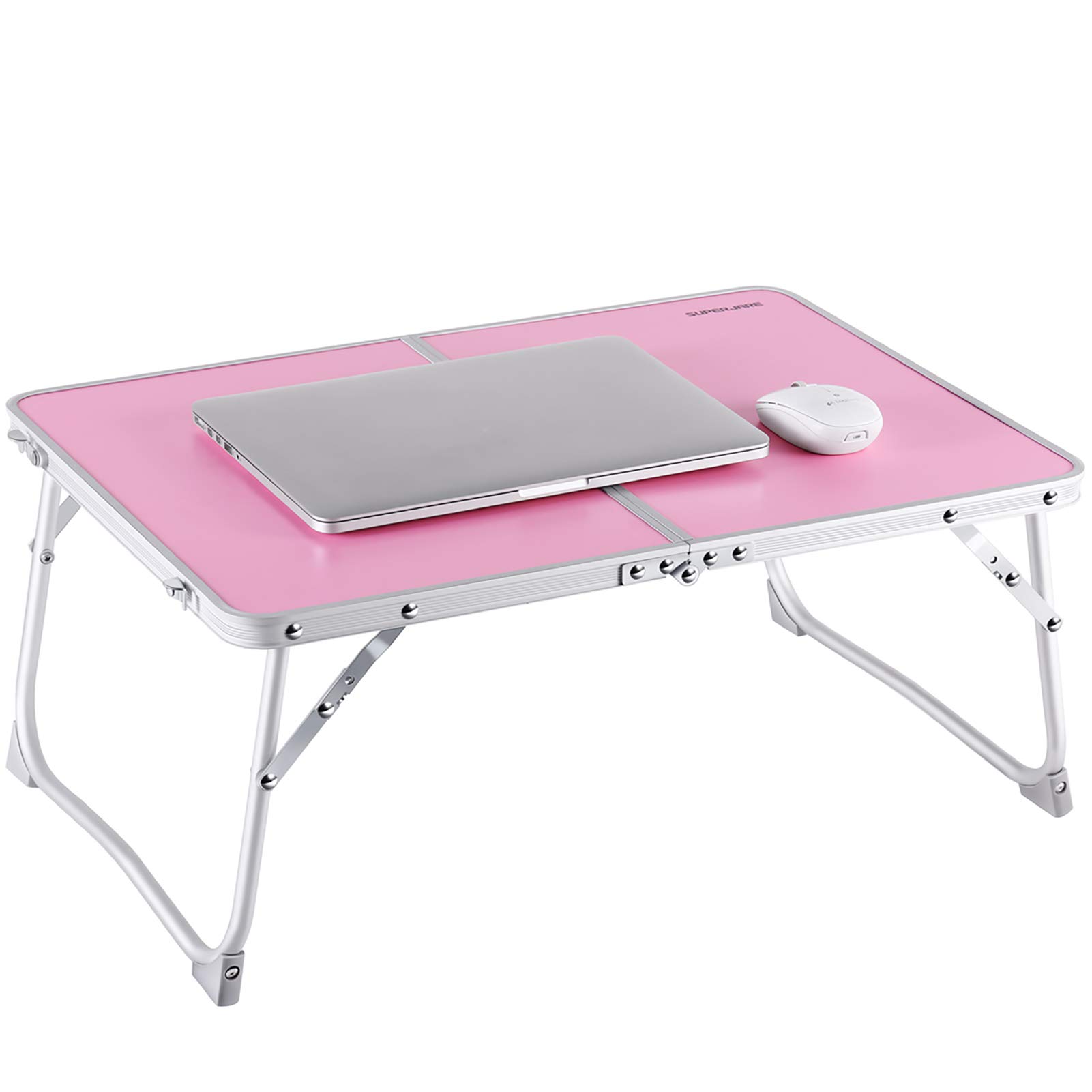
Image: Detailed dimensional diagram of the SUPERJARE table, indicating its overall size and the space available for legs underneath.
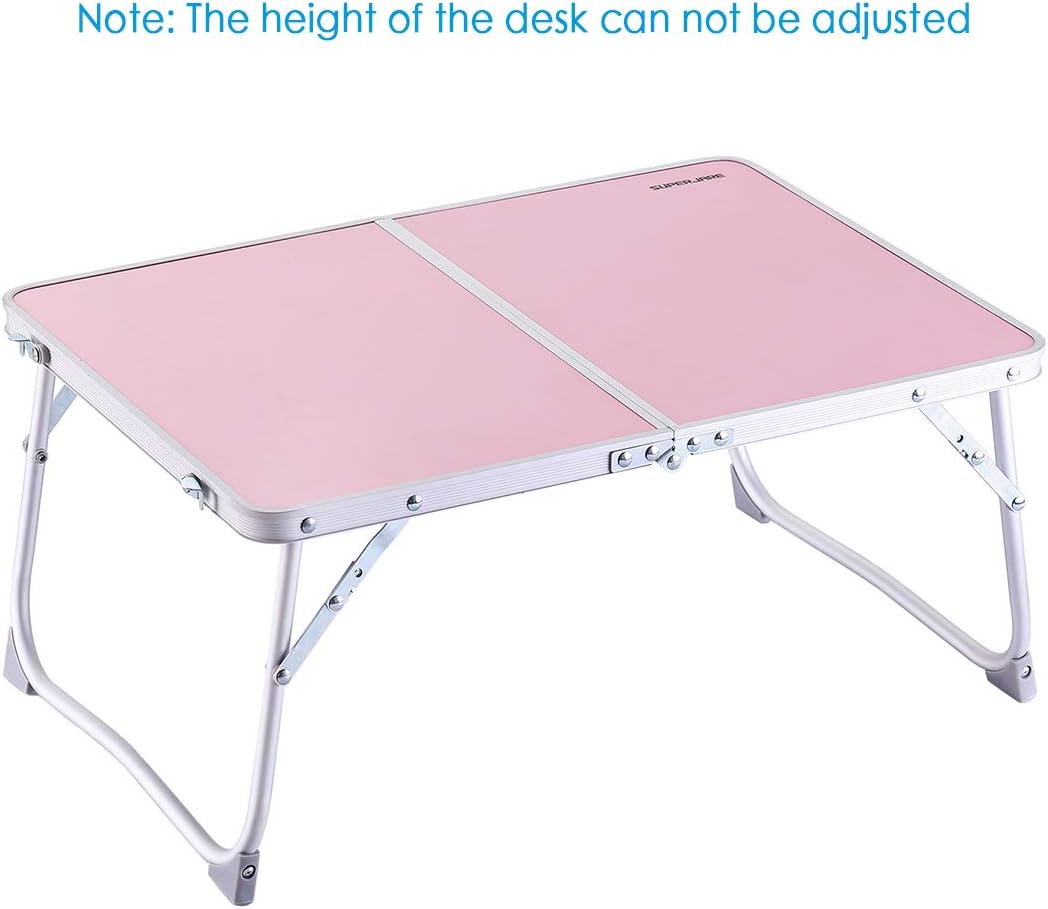
Image: The SUPERJARE table in pink, accompanied by a clear note stating that the desk's height cannot be adjusted.
8. Contact and Support
For further assistance or inquiries, please contact SUPERJARE customer support through the retailer's platform or visit the official SUPERJARE website.