
1. Introduction
The Goal Zero Lighthouse Micro Flash is a compact, USB-rechargeable LED lantern and flashlight designed for portability and versatility. It provides reliable illumination for emergency situations, outdoor activities, and general use, featuring adjustable light settings and multiple charging options.
This manual provides essential information for the safe and effective use of your Lighthouse Micro Flash. Please read it thoroughly before operation.
2. Product Features
- Dual Functionality: Operates as both a lantern and a flashlight.
- Adjustable Brightness: Dimmable settings for both lantern and flashlight modes.
- Integrated USB Charging: Built-in USB plug for convenient recharging.
- Long Run Times: Up to 170 hours on low lantern setting.
- Compact and Lightweight: Designed for easy transport and storage.
- Weather Resistant: IPX6 rated for protection against strong water jets.
3. Getting Started (Setup)
Before first use, fully charge your Lighthouse Micro Flash. The device features an integrated USB charging plug.
- Locate the USB Plug: The USB plug is located at the base of the lantern. Gently pull it out to extend it.
- Connect to Power: Insert the USB plug into any standard USB port (e.g., computer, wall adapter, power bank).
- Charging Indication: Four blue LED indicators on the top of the lantern will illuminate to show the charging status. When all four LEDs are solid, the device is fully charged.
- Charging Time: A full charge typically takes approximately 3.5 hours from a USB source or compatible solar panel.
Once fully charged, retract the USB plug back into the base for protection.

Image: The Lighthouse Micro Flash with its integrated USB charging plug extended, ready for connection to a power source.
4. Operation
The Lighthouse Micro Flash offers multiple lighting modes and adjustable brightness.
4.1. Powering On/Off and Mode Selection
A single button controls all functions. The button is located on the top of the lantern, near the flashlight lens.
- Flashlight Mode: Press the button once to activate the flashlight.
- Full Lantern Mode: Press the button a second time to switch to full 360-degree lantern mode (both sides lit).
- Half Lantern Mode: Press the button a third time to activate half 180-degree lantern mode (one side lit).
- Power Off: Press the button a fourth time to turn the device off.
4.2. Dimming Function
To adjust the brightness in any active mode (flashlight, full lantern, or half lantern):
- While the light is on, press and hold the power button. The brightness will gradually decrease.
- Release the button at your desired brightness level.
- To increase brightness, press and hold the button again. The brightness will gradually increase.

Image: Two Lighthouse Micro Flash lanterns providing ambient light inside a tent, demonstrating their utility in outdoor settings.
5. Charging
The Lighthouse Micro Flash can be recharged via its integrated USB plug.
- USB Port: Connect the integrated USB plug to any powered USB port (e.g., computer, wall adapter, Goal Zero power bank).
- Solar Panel: For off-grid charging, connect the Lighthouse Micro Flash to a compatible Goal Zero solar panel.
The blue LED indicators on top of the lantern will show the charge level. Each LED represents approximately 25% of the battery capacity.
6. Care and Maintenance
- Cleaning: Wipe the device with a soft, damp cloth. Do not use abrasive cleaners or solvents.
- Storage: Store in a cool, dry place away from direct sunlight. For long-term storage, ensure the battery is charged every 3-6 months to maintain battery health.
- Water Exposure: While IPX6 rated, avoid submerging the device in water. Ensure the USB plug is retracted when not in use to protect it from elements.
- Temperature: Avoid exposing the device to extreme temperatures.
7. Troubleshooting
| Problem | Possible Cause | Solution |
|---|---|---|
| Light does not turn on. | Battery is depleted. | Charge the Lighthouse Micro Flash using a USB port or solar panel. |
| Light is dim. | Brightness is set to low or battery is low. | Increase brightness by pressing and holding the power button. If still dim, recharge the device. |
| Device not charging. | USB connection issue or faulty power source. | Ensure the USB plug is fully inserted. Try a different USB port or charging cable. |
| LED indicators not working. | Device is off or a malfunction. | Turn the device on. If still unresponsive, contact customer support. |
8. Specifications
| Feature | Detail |
|---|---|
| Model Number | 32005 |
| Dimensions | 3.5"L x 1.5"W x 1.5"H (93 x 37.75 mm) |
| Weight | 2.56 ounces (0.16 lbs) |
| Brightness (Lantern) | 150 Lumens (max) |
| Brightness (Flashlight) | 120 Lumens (max) |
| Run Time (Flashlight) | 8.5 hours (high), 100 hours (low) |
| Run Time (Lantern, one side) | 15 hours (high), 170 hours (low) |
| Run Time (Lantern, both sides) | 7 hours (high), 80 hours (low) |
| Charging Input | Integrated USB (5V, up to 1A) |
| Charge Time | Approx. 3.5 hours (USB or solar) |
| Water Resistance | IPX6 |
| Battery Type | Internal Lithium-ion (non-replaceable) |
9. Warranty and Support
Goal Zero is committed to providing quality products and customer satisfaction.
9.1. Warranty Information
The Goal Zero Lighthouse Micro Flash is backed by a 2-year warranty from the date of purchase. This warranty covers defects in materials and workmanship under normal use. Please retain your proof of purchase for warranty claims.
9.2. Customer Support
For technical assistance, warranty claims, or general inquiries, please contact Goal Zero customer support. Our U.S.-based team is available to assist you.
- Website: Visit the official Goal Zero website for support resources and contact information.
- Phone: Refer to the Goal Zero website for current customer service phone numbers.
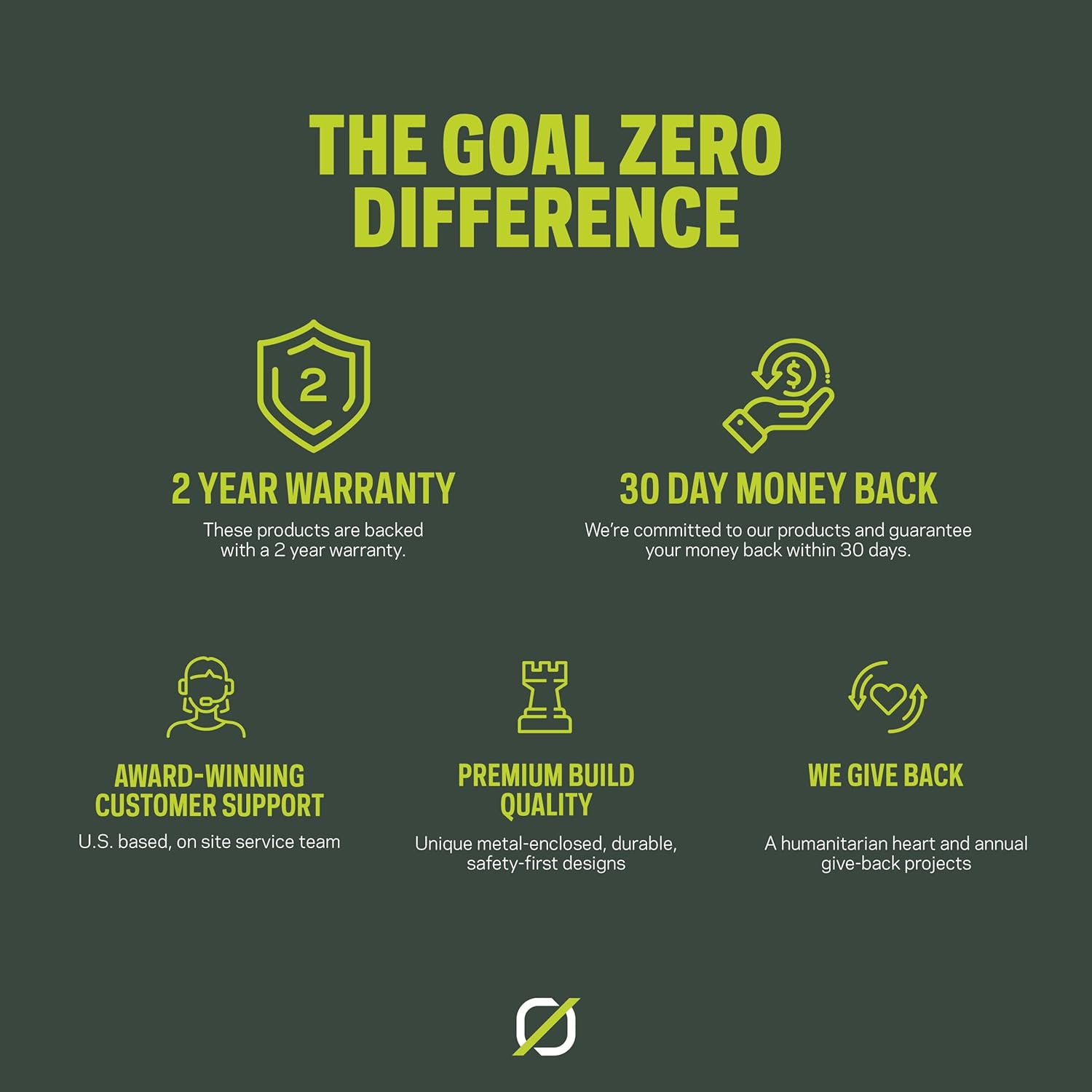
Image: An infographic highlighting Goal Zero's commitment to product quality and customer service, including a 2-year warranty and dedicated support.


