
Introduction
The Top Race TR-215 is a professional-grade, heavy-duty 15-channel remote control excavator designed to replicate the functions of a real construction site excavator. This 1:18 scale model features a robust metal grabber fork and independent motors for precise control, allowing for realistic digging, lifting, and 680-degree cab rotation. It operates on a 2.4 GHz frequency for extended range and stable performance. This manual provides essential information for setup, operation, maintenance, and troubleshooting to ensure optimal performance and longevity of your TR-215 excavator.

Image: The Top Race TR-215 RC Excavator, showcasing its detailed design, remote control, and the metal grabber holding a log, demonstrating its functionality.
Safety Information
Please read all safety warnings and instructions before operating the TR-215 excavator to prevent injury or damage. Keep this manual for future reference.
- Choking Hazard: This product contains small parts and is not suitable for children under 3 years of age. Recommended for ages 12 and up due to its complexity and operational requirements.
- Battery Safety:
- Do not mix old and new batteries.
- Do not mix alkaline, standard (carbon-zinc), or rechargeable (nickel-cadmium) batteries.
- Only batteries of the same or equivalent type as recommended are to be used.
- Batteries are to be inserted with the correct polarity.
- Exhausted batteries are to be removed from the toy.
- The supply terminals are not to be short-circuited.
- Non-rechargeable batteries are not to be recharged.
- Rechargeable batteries are only to be charged under adult supervision.
- Rechargeable batteries are to be removed from the toy before being charged.
- Operating Environment: Operate the excavator on flat, stable surfaces. Avoid operating near water, sand, or excessive dirt that could damage internal components.
- Adult Supervision: Adult supervision is recommended, especially during initial setup and operation.
- Avoid Obstacles: Ensure the operating area is clear of people, pets, and obstacles to prevent collisions and damage.
Package Contents
Verify that all items are present in the package:
- Top Race TR-215 RC Excavator (1:18 Scale)
- 2.4 GHz Remote Control Transmitter
- 7.2V 400mAh Rechargeable Battery Pack (for excavator)
- USB Charging Cable (for excavator battery)
- Instruction Manual
Setup
1. Charging the Excavator Battery
- Locate the 7.2V 400mAh rechargeable battery pack and the USB charging cable.
- Connect the battery pack to the USB charging cable.
- Plug the USB charging cable into a standard USB power adapter (e.g., computer USB port, wall adapter, not included).
- The charging indicator light on the USB cable will illuminate during charging. It typically takes approximately 120 minutes for a full charge.
- Once fully charged, disconnect the battery from the charging cable.
2. Installing Batteries
Excavator Battery Installation:
- Locate the battery compartment on the underside of the excavator.
- Open the battery compartment cover.
- Carefully insert the charged 7.2V 400mAh battery pack into the compartment, ensuring correct polarity.
- Close the battery compartment cover securely.
Remote Control Battery Installation:
- Locate the battery compartment on the back of the remote control transmitter.
- Open the battery compartment cover.
- Insert 2 new AA batteries (not included) into the compartment, observing the correct polarity (+/-).
- Close the battery compartment cover securely.
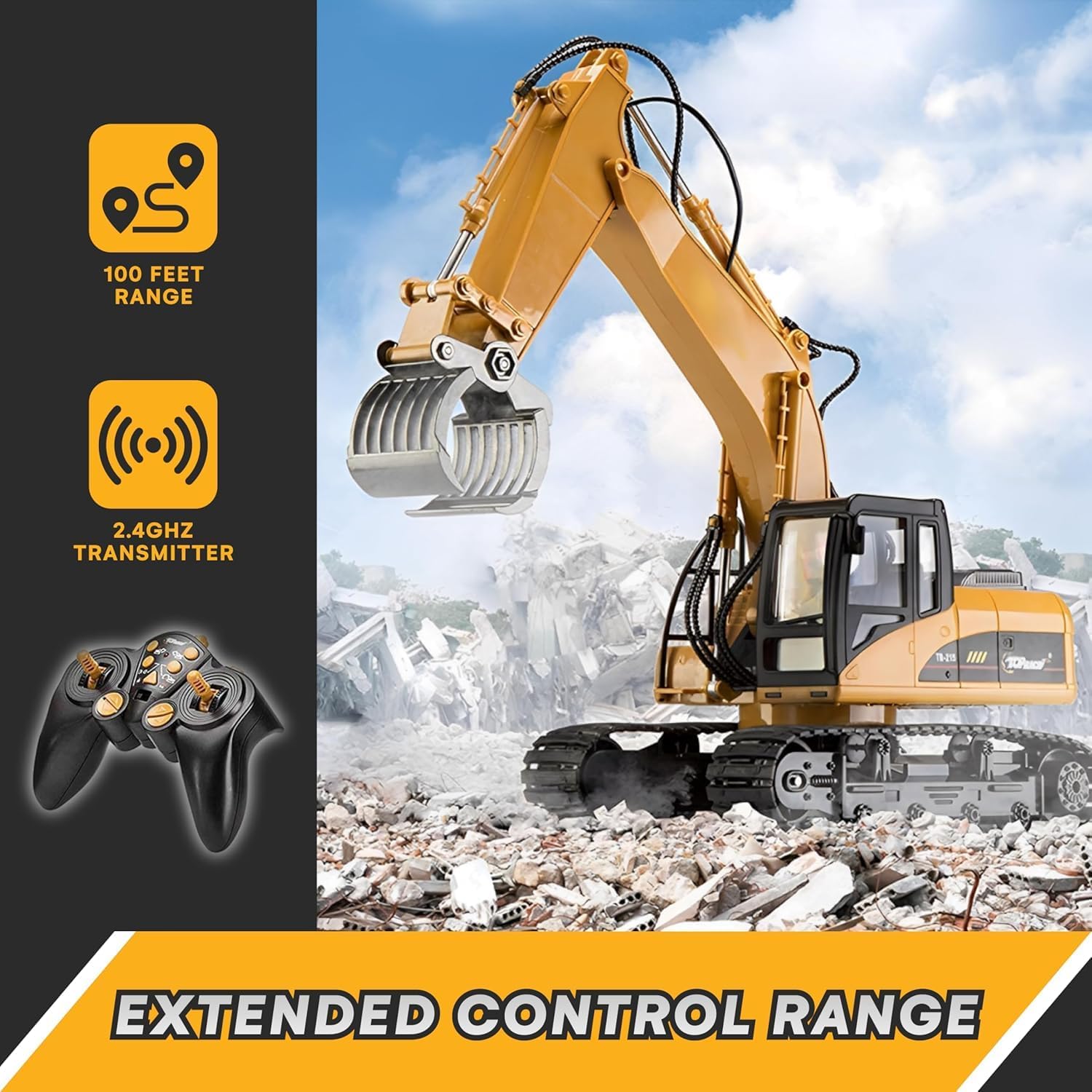
Image: The excavator and its remote control, highlighting the 100-foot control range and 2.4GHz transmitter technology for reliable operation.
Operating Instructions
1. Powering On and Pairing
- Turn on the excavator by sliding the power switch located on the vehicle.
- Turn on the remote control transmitter.
- The excavator and remote will automatically pair. An acknowledgment tone will be heard to confirm successful pairing.
2. Basic Movement
Use the joysticks on the remote control to maneuver the excavator:
- Forward/Backward: Push both joysticks forward or backward simultaneously.
- Turn Left/Right: Push one joystick forward and the other backward, or push one joystick forward while the other remains neutral.
- 680-Degree Cab Rotation: Use the dedicated control button/joystick for cab rotation. The cab can rotate 680 degrees for versatile operation.
3. Arm and Grabber Operation (15 Channels)
The TR-215 features 15 channels, allowing for precise control over its various functions. The three separate motors on the digging arm and the heavy-duty steel grabber fork enable realistic digging and material handling.
- Arm Up/Down: Use the designated controls to raise and lower the main arm.
- Forearm In/Out: Control the extension and retraction of the forearm.
- Grabber Open/Close: Operate the metal grabber fork to pick up and release objects like dirt, sand, or small twigs. The grabber is designed for strong grip.
- Individual Motor Control: Practice using the separate controls for each motor to achieve complex digging and lifting motions, mimicking a real excavator.
4. Demo Function
The remote control may include a demo button that allows the excavator to perform a pre-programmed sequence of movements automatically. Refer to the remote control's specific button layout for this feature.
5. Sound Control
The excavator produces realistic engine sounds and movement sounds. There may be a control on the remote to turn the engine sound off if desired.
Maintenance
Cleaning:
- After each use, gently wipe the excavator and remote control with a clean, dry cloth to remove dust and debris.
- Avoid using water or harsh cleaning agents, as they can damage electronic components.
- Ensure no dirt or sand gets into the gears or moving parts of the tracks and arm.
Storage:
- When not in use for extended periods, remove all batteries from both the excavator and the remote control to prevent leakage and damage.
- Store the excavator and remote control in a cool, dry place, away from direct sunlight and extreme temperatures.
- Keep the original packaging for safe storage and transport.
Troubleshooting
| Problem | Possible Cause | Solution |
|---|---|---|
| Excavator does not respond. |
|
|
| Short operating time. |
|
|
| Limited control range or interference. |
|
|
| Arm or grabber not moving correctly. |
|
|
Specifications
| Model Name: | TR-215 |
| Brand: | Top Race |
| Scale: | 1:18 |
| Channels: | 15 Channels |
| Material: | Metal (grabber fork), Durable Plastic |
| Color: | Yellow Orange |
| Dimensions (L x W x H): | Approx. 32.99 x 16.99 x 27 cm (12.99 x 6.69 x 10.63 inches) |
| Weight: | Approx. 2.38 kg (5.25 lbs) |
| Excavator Battery: | 7.2V 400mAh Rechargeable Battery (Included) |
| Remote Control Battery: | 2 x AA Batteries (Not Included) |
| Charging Time: | Approx. 120 minutes |
| Operating Time: | Approx. 15 minutes per charge |
| Control Frequency: | 2.4 GHz |
| Control Range: | Over 30.5 meters (100 feet) |
| Recommended Age: | 12 years and up |

Image: Detailed dimensions of the TR-215 RC Excavator, showing its length, width, and height for reference.
Warranty and Customer Support
Limited Warranty:
Top Race products are manufactured to high-quality standards. This product is covered by a limited warranty against manufacturing defects from the date of purchase. Please retain your proof of purchase for warranty claims. This warranty does not cover damage caused by misuse, accidents, unauthorized modifications, or normal wear and tear.
Customer Support:
For technical assistance, troubleshooting, or inquiries regarding spare parts, please contact Top Race customer support. While information on spare parts availability is not explicitly provided, our support team will assist you with any product-related concerns.
Please visit the official Top Race website or refer to your product packaging for the most current contact information.


