
Product Overview
The AcuRite Digital Hygrometer and Thermometer (Model 01083M) is designed to provide accurate indoor temperature and humidity readings. This compact device helps you monitor environmental conditions in various indoor spaces, such as living rooms, nurseries, kitchens, greenhouses, or wine cellars. It features a clear digital display, a comfort level indicator, and options for self-calibration to ensure optimal performance.

Figure 1: Front view of the AcuRite Digital Hygrometer and Thermometer displaying current humidity and temperature, along with high/low records and comfort level.
Key Features
- Accurate Readings: Provides temperature accuracy of +/- 0.5°F and humidity accuracy of +/- 2% RH (10%-90% RH) and +/- 4% RH (0%-9% RH, 91%-99% RH).
- Fast Refresh Rate: Temperature and humidity sensors update readings every 10 seconds for timely data.
- Comfort Level Indicator: A color-coded bar (blue for low, green for OK, red for high) with a sliding arrow indicates the current humidity comfort level (Low: below 30%, OK: 30%-50%, High: above 50%).
- Daily Records: Displays daily high and low records for both temperature and humidity, allowing comparison with current readings.
- Multiple Mounting Options: Designed for versatile placement, including tabletop, wall mounting, or magnetic attachment.
- Self-Calibration: Allows users to calibrate the sensor for specific environments to ensure optimal accuracy.
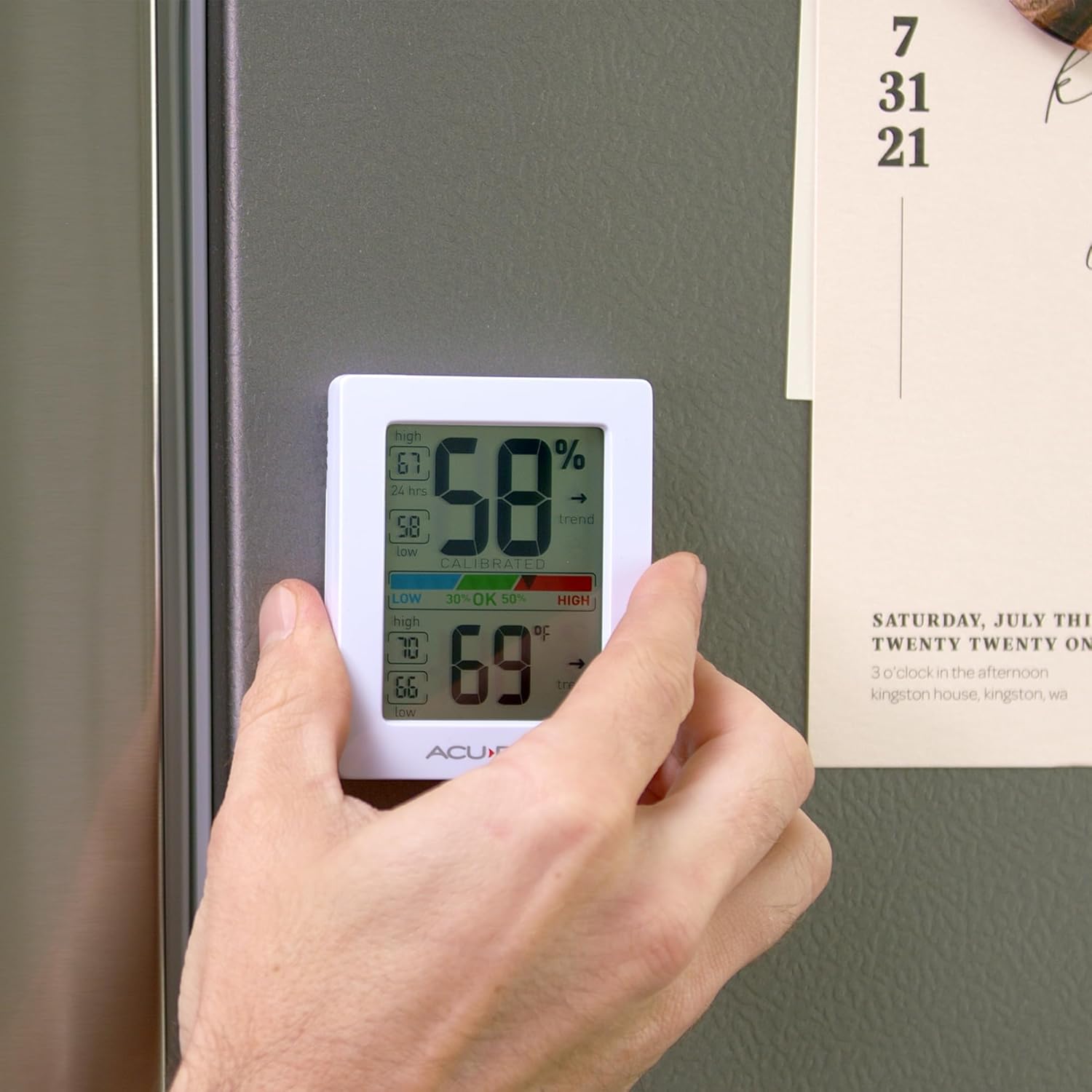
Figure 2: The device features magnetic mounting for easy placement on metal surfaces like refrigerators.
Setup
Unpacking and Battery Installation
- Carefully remove the hygrometer from its packaging.
- Locate the battery compartment on the back of the unit.
- Remove the battery compartment cover.
- Insert two (2) AAA alkaline batteries (not included) according to the polarity indicators (+/-) inside the compartment.
- Replace the battery compartment cover securely.
The display will immediately power on and begin showing current temperature and humidity readings.
Placement
For accurate readings, place the unit in a location away from direct sunlight, heat sources, or vents that could affect temperature and humidity. The device offers multiple placement options:
- Tabletop: Use the integrated stand to place it on any flat surface.
- Wall-Mount: Utilize the integrated hang hole on the back to mount it on a wall using a screw (not included).
- Magnetic: The unit has magnets on the back for attachment to metal surfaces.

Figure 3: The device can be placed on a tabletop, as shown here on a wooden surface.
Operation
Understanding the Display
The large, easy-to-read display provides the following information:
- Current Humidity: Large digits at the top of the display.
- Humidity Trend Indicator: An arrow indicating rising, stable, or falling humidity levels.
- Humidity High/Low Records: Displays the highest and lowest humidity recorded over the last 24 hours.
- Comfort Level Indicator: A colored bar (Low, OK, High) with an arrow showing the current humidity comfort zone.
- Current Temperature: Large digits at the bottom of the display.
- Temperature Trend Indicator: An arrow indicating rising, stable, or falling temperature.
- Temperature High/Low Records: Displays the highest and lowest temperature recorded over the last 24 hours.
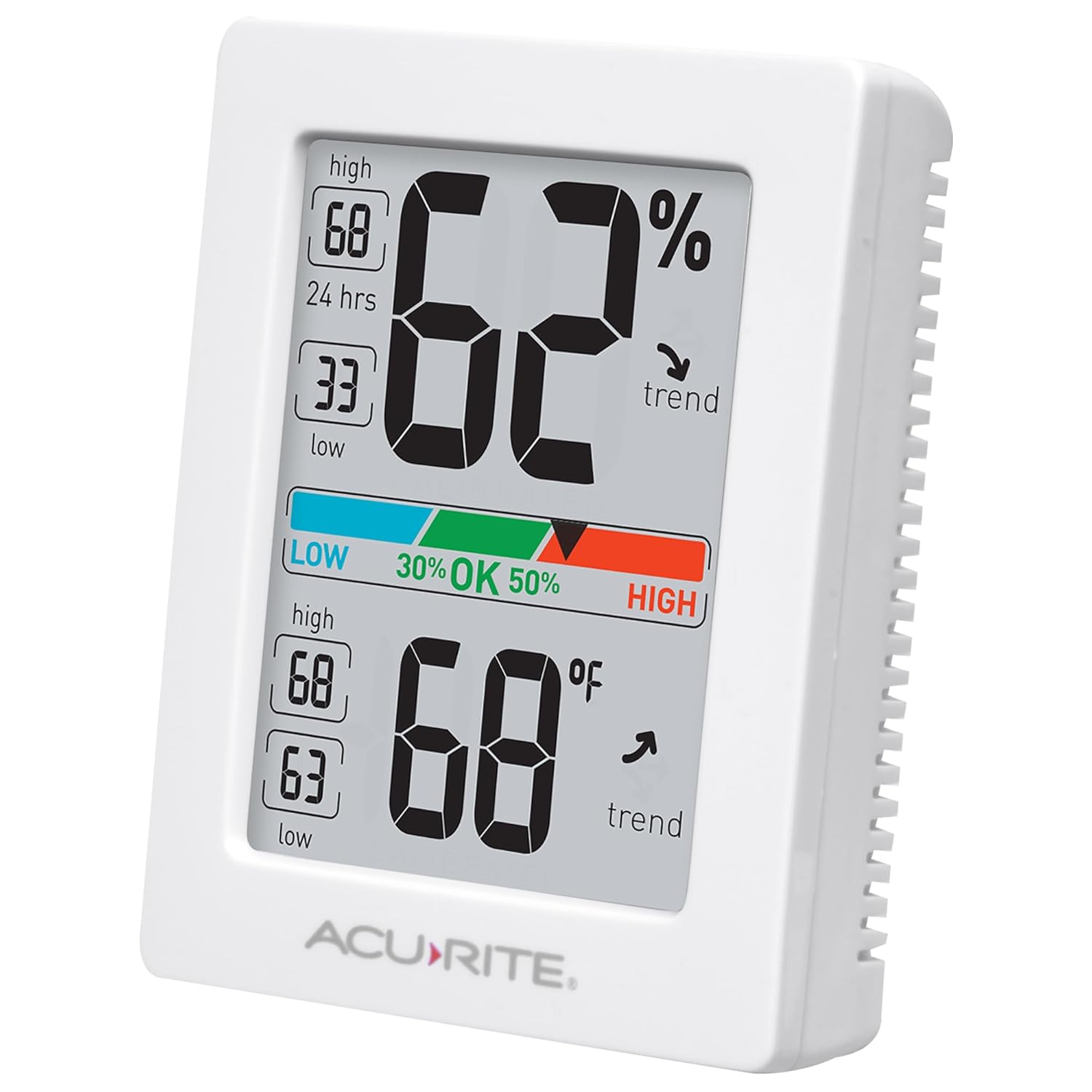
Figure 4: Angled view of the device, highlighting the clear digital display and side vents for sensor exposure.
Resetting High/Low Records
The high and low records automatically reset every 24 hours. To manually clear the records at any time, press and hold the

