
Introduction
Thank you for choosing the Polder Over-the-Door Ironing Board. This manual provides essential information for the safe and efficient use of your new ironing board. Please read these instructions carefully before installation and operation, and retain them for future reference.
Safety Information
- Always ensure the ironing board is securely mounted to the door before use.
- Do not overload the ironing board. It is designed for ironing garments, not for heavy objects.
- Keep children and pets away from the ironing board during use. Hot irons can cause severe burns.
- Ensure the door is stable and can support the weight of the ironing board and the force applied during ironing.
- Use caution when folding and unfolding the board to avoid pinching fingers.
- Always unplug your iron when not in use and allow it to cool before storing.
Package Contents
Verify that all components are present before beginning installation:
- Polder Over-the-Door Ironing Board (IB-1445-764)
- Pre-installed 100% Cotton Cover with 7mm Foam Pad
- Over-door hooks (integrated)
- Stabilizing foot caps (integrated)
Setup and Installation
The Polder Over-the-Door Ironing Board is designed for easy, hardware-free installation.
- Identify Suitable Door: Select a door that is up to 1.5 inches (3.8 cm) thick. Ensure the door is sturdy and can support the board.
- Position Hooks: Place the integrated over-door hooks over the top edge of your chosen door. Ensure the board hangs straight and is centered.
- Engage Stabilizing Caps: The stabilizing foot caps at the bottom of the board's frame should rest against the door surface. These caps help prevent the board from moving during use.

Image: The Polder Over-the-Door Ironing Board shown hanging on a door in its extended position, highlighting its space-saving design and overall dimensions of 50 inches (127 cm) height and 42 inches (106.7 cm) ironing surface length.

Image: A close-up view of the sturdy over-door hooks, designed to fit doors up to 1.5 inches thick for secure mounting.

Image: A detailed view of the stabilizing foot caps, which rest against the door to ensure the ironing board remains level and stable during use.
Operating Instructions
Using your Polder Over-the-Door Ironing Board is simple and efficient.
- Unfolding for Use: To prepare the board for ironing, simply pull the top of the ironing surface downwards. The board will pivot into its horizontal ironing position.
- Ironing: Place your garments on the generous 42 x 14 inch (106.7 x 35.5 cm) ironing surface. The 100% cotton cover and 7mm foam pad provide an optimal surface for ironing. The steel mesh vented top allows for efficient steam flow.
- Folding for Storage: When finished, press the easy-to-use lever located on the underside of the board. This will release the locking mechanism, allowing you to fold the board upwards into its compact vertical storage position.

Image: The ironing board in its extended position, demonstrating the simple pull-down action to open it for use. No additional hardware is needed for operation.

Image: The ironing board folded vertically against the door, showcasing its compact storage design, which is only 1.25 inches thick when closed.
Maintenance
To ensure the longevity and optimal performance of your Polder Over-the-Door Ironing Board, follow these maintenance guidelines:
- Cleaning the Surface: The 100% cotton cover can be removed for cleaning. Follow the care instructions on the cover label. For general cleaning, wipe the board's frame with a damp cloth and mild detergent. Do not use abrasive cleaners.
- Cover Replacement: Over time, the ironing board cover may wear out. Replacement covers designed for a 42 x 14 inch ironing surface can be purchased separately.
- Frame Inspection: Periodically check the alloy steel frame for any signs of damage or loose connections. Ensure all parts are secure.
- Storage: Always store the ironing board in its folded, vertical position when not in use to save space and protect the ironing surface.
Troubleshooting
If you encounter any issues with your ironing board, refer to the following common problems and solutions:
| Problem | Possible Cause | Solution |
|---|---|---|
| Board feels unstable or wobbly. | Stabilizing foot caps not properly engaged or door is too thin/unstable. | Ensure the stabilizing foot caps are resting firmly against the door. Verify the door thickness is within the recommended 1.5 inches (3.8 cm) and that the door itself is sturdy. |
| Board does not fold or unfold smoothly. | Lever mechanism is stiff or obstructed. | Check for any obstructions around the lever mechanism. Apply a small amount of silicone lubricant to the pivot points if necessary. Do not force the mechanism. |
| Ironing surface is uneven. | Cover or pad is misaligned or worn. | Adjust the ironing board cover and foam pad to ensure they are evenly distributed. Consider replacing the cover and pad if they are significantly worn. |
Specifications
- Model: IB-1445-764
- Material: Alloy Steel frame
- Ironing Surface Dimensions: 42 inches (106.7 cm) L x 14 inches (35.5 cm) W
- Overall Dimensions (Extended): Approximately 17 inches (43.2 cm) L x 2 inches (5.1 cm) W x 50 inches (127 cm) H
- Folded Thickness: 1.25 inches (3.2 cm)
- Weight: 9 lbs (4.08 kg)
- Door Thickness Compatibility: Up to 1.5 inches (3.8 cm)
- Cover Material: 100% Cotton with 7mm Foam Pad
- Mounting Type: Over-the-door (no hardware required)
- Foldable: Yes

Image: A visual representation of the Polder Over-the-Door Ironing Board, emphasizing its durable all-steel construction and key dimensions for stability and longevity.
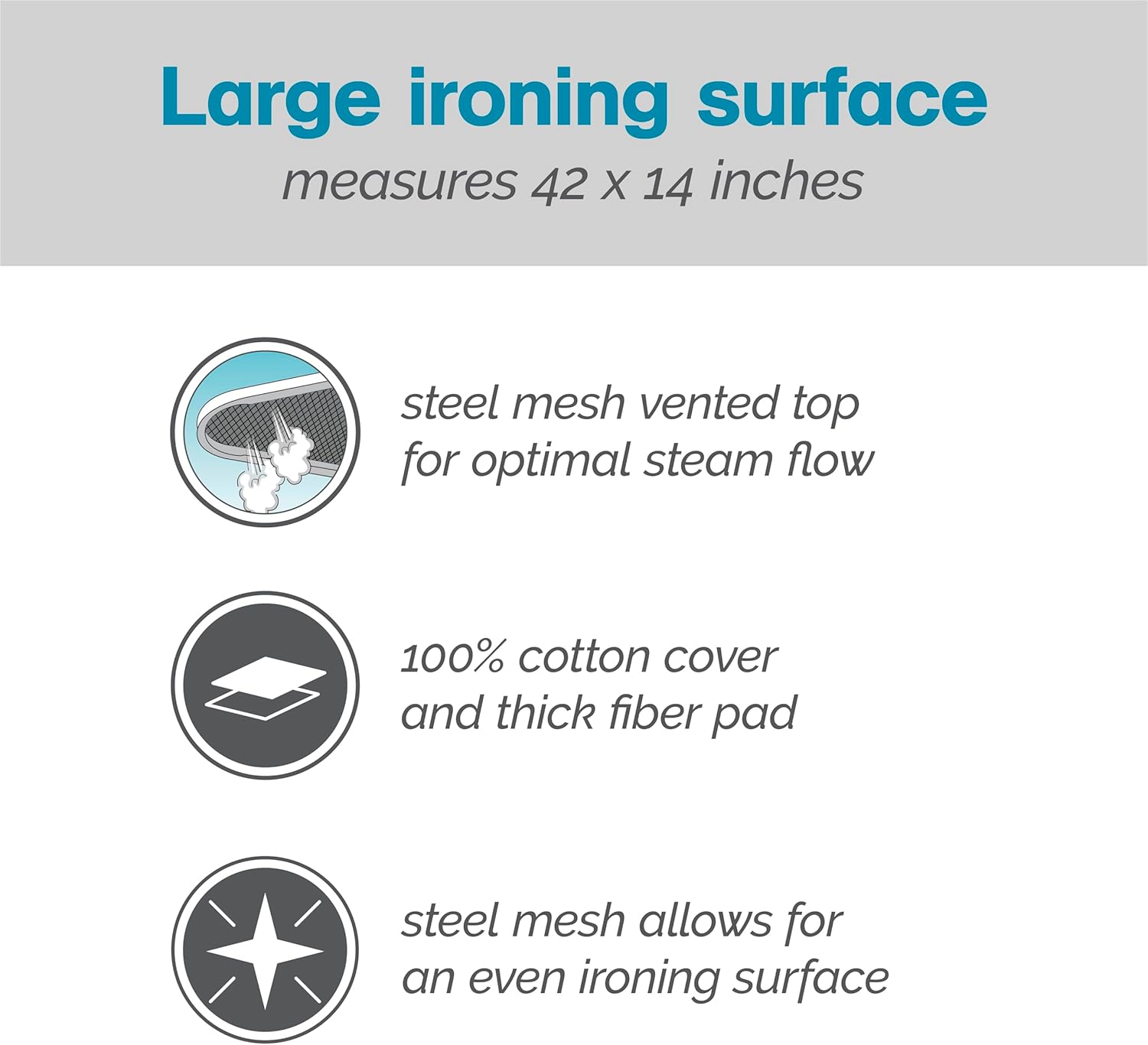
Image: A detailed view of the ironing surface, illustrating the steel mesh vented top for optimal steam flow, the 100% cotton cover, and the thick fiber pad for effective ironing.
Warranty and Support
Polder stands behind the quality of its products. For over 41 years, Polder has been committed to customer satisfaction and guarantees all its products. If you are not satisfied, please contact Polder customer service for a replacement or refund.
For further assistance or to inquire about replacement parts, please visit the official Polder website or contact their customer support directly.