
Introduction
The Powerbass ARCA-3 is a high-quality twisted pair RCA cable designed for reliable audio signal transmission between various electronic components. This manual provides essential information for the proper setup, operation, maintenance, and troubleshooting of your ARCA-3 cable to ensure optimal performance and longevity.
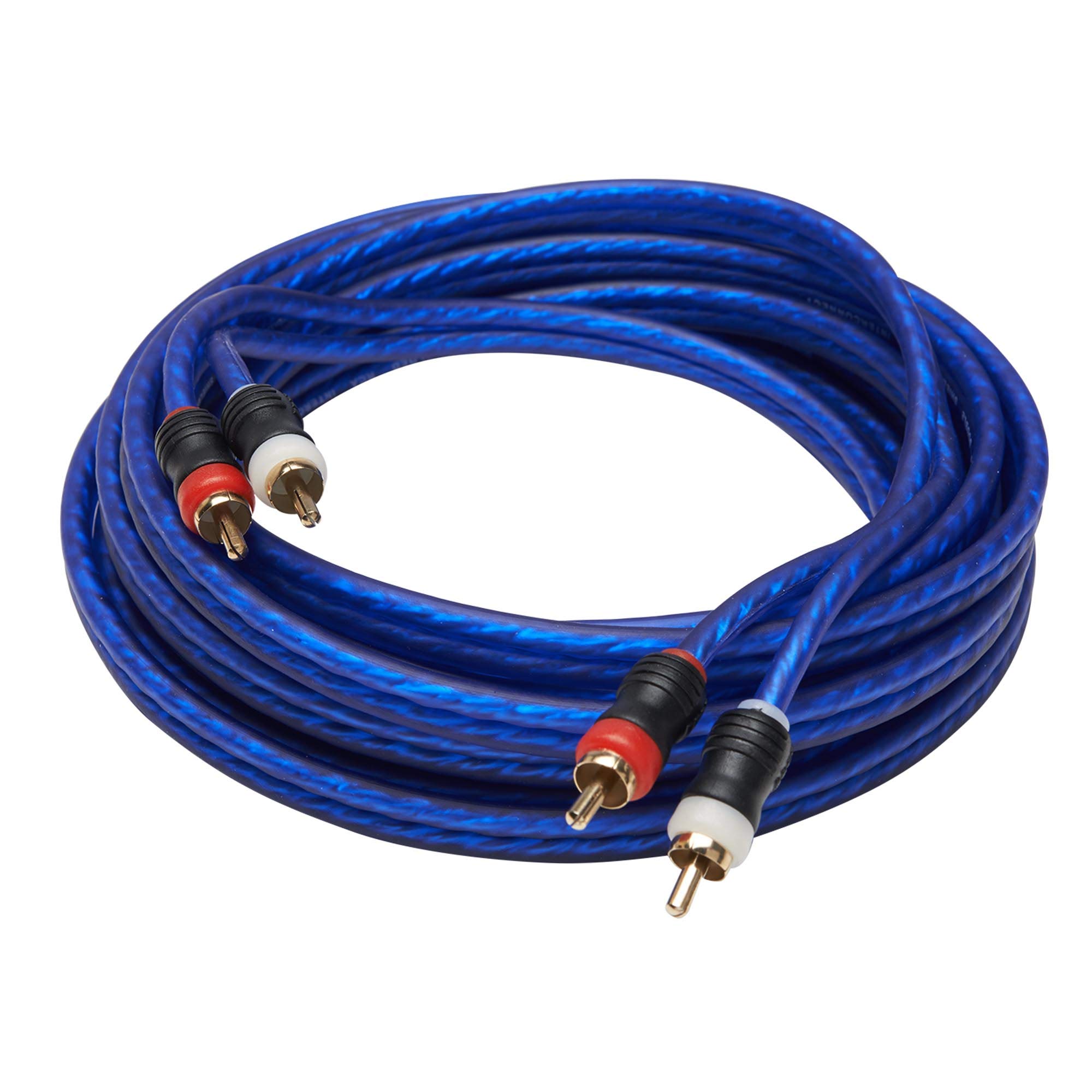
Image: Powerbass ARCA-3 Twisted Pair RCA Cable. This image displays the Powerbass ARCA-3 Twisted Pair RCA Cable. It features a blue outer jacket, indicating its durable construction. The cable terminates in two gold-plated male RCA connectors, one with a red band and the other with a white band, typically used for right and left audio channels respectively.
Setup Instructions
Follow these steps to properly connect your Powerbass ARCA-3 RCA cable:
- Identify Ports: Locate the RCA input and output ports on your audio source device (e.g., CD player, receiver) and destination device (e.g., amplifier, speakers). RCA ports are typically color-coded (red for right channel, white/black for left channel).
- Connect Source: Insert the male RCA connectors of the ARCA-3 cable into the corresponding female output ports on your audio source device. Ensure the red connector goes into the red port and the white/black connector goes into the white/black port.
- Connect Destination: Insert the other end of the male RCA connectors into the corresponding female input ports on your audio destination device. Match the red connector to the red input and the white/black connector to the white/black input.
- Secure Connection: Gently push the connectors firmly into place to ensure a secure and stable connection. Avoid excessive force.
- Power On: Once all connections are made, power on your audio components in the recommended sequence (e.g., source first, then amplifier).
Operating the Cable
The Powerbass ARCA-3 cable is a passive component designed to transmit audio signals. Its operation is dependent on the proper functioning of the connected audio devices.
- Signal Transmission: Once connected, the cable will transmit the audio signal from your source device to your destination device.
- Device Settings: Ensure that your audio source and destination devices are correctly configured for input/output selection and volume levels. Refer to the instruction manuals of your audio components for specific settings.
- Audio Playback: Begin audio playback from your source device. The sound should now be audible through your destination device.
Maintenance
Proper maintenance will extend the life and performance of your ARCA-3 cable.
- Cleaning: Keep the cable and its connectors clean. Use a soft, dry cloth to wipe away dust or dirt. Avoid using harsh chemicals or abrasive materials.
- Storage: When not in use, coil the cable loosely. Avoid tight bends or kinks, which can damage the internal wiring. Store in a cool, dry place away from direct sunlight and extreme temperatures.
- Handling: Always grasp the connector housing when plugging or unplugging the cable. Do not pull on the cable itself, as this can strain the connections and cause damage.
- Environmental Factors: Protect the cable from moisture, excessive heat, and physical stress.
Troubleshooting
If you experience issues with your ARCA-3 cable, refer to the following troubleshooting tips:
| Problem | Possible Cause | Solution |
|---|---|---|
| No audio output. | Loose or incorrect connections. | Ensure both ends of the RCA cable are securely plugged into the correct input/output ports (red to red, white/black to white/black). |
| Audio source or destination device is off or muted. | Check power and volume settings on all connected devices. Ensure the correct input is selected on your receiver/amplifier. | |
| Poor sound quality (e.g., static, hum, distorted audio). | Loose connections. | Verify all connections are firm. |
| Interference from other electronic devices. | Move the cable away from power cords, transformers, or other sources of electromagnetic interference. | |
| Damaged cable. | Inspect the cable for visible signs of damage (cuts, kinks). If damaged, replace the cable. | |
| Only one channel (left or right) has sound. | Incorrect channel connection or faulty connector. | Check that both red and white/black connectors are correctly plugged into their respective channels on both devices. Test with another RCA cable if available to isolate the issue. |
Specifications
| Brand | PowerBass |
| Model Name | ARCA-3 |
| Connector Type | RCA |
| Cable Type | Twisted Pair |
| Compatible Devices | Audio components with RCA ports (e.g., amplifiers, receivers, CD players, musical instruments) |
| Color | Blue (as pictured) |
| Connector Gender | Male-to-Male |
| Number of Items | 1 |
| Item Shape | Round |
| UPC | 823871006946 |
Warranty Information
The Powerbass ARCA-3 Twisted Pair RCA Cable is covered by a 1-Year Manufacturer Warranty. This warranty covers defects in materials and workmanship under normal use. Please retain your proof of purchase for warranty claims. For detailed warranty terms and conditions, please refer to the official PowerBass website or contact customer support.
Customer Support
For further assistance, technical support, or inquiries regarding your Powerbass ARCA-3 cable, please contact PowerBass customer service.
- Online Support: Visit the official PowerBass website for FAQs and support resources.
- Contact Information: Refer to the PowerBass website for current contact details, including phone numbers and email addresses.


