
1. Introduction
Thank you for purchasing the SilverStone Technology SX700-LPT 700W SFX-L Platinum Modular Power Supply. This manual provides detailed instructions for the proper installation, operation, and maintenance of your new power supply unit (PSU). Please read this manual thoroughly before use to ensure optimal performance and safety.
The SX700-LPT is designed for small form factor enthusiasts, offering 700W continuous power output with 80 PLUS Platinum efficiency. It features a silent 120mm fan with advanced semi-fanless operation and 100% modular flat cables for flexible installation.
2. Safety Information
- Always disconnect the power cord from the wall outlet before installing, servicing, or cleaning the power supply.
- Do not open the power supply casing. High voltages are present inside, and opening the unit will void the warranty.
- Ensure proper grounding to prevent electrical shock.
- Use only the modular cables provided with this power supply. Using incompatible cables may damage the PSU and connected components.
- Install the power supply in a well-ventilated area, away from heat sources, direct sunlight, and moisture.
- This product is designed for use with personal computers. Do not use it for any other purpose.
- Keep out of reach of children.
3. Package Contents
Verify that all items are present in your package:
- SX700-LPT PSU
- Modular Cable Set
- User Manual
- ATX adapter plate (for installation in standard ATX cases)
- Mounting screws
4. Product Overview
The SilverStone SX700-LPT is a high-performance SFX-L form factor power supply, offering robust power delivery in a compact design. Key features include:
- 700W Continuous Power: Reliable power output for demanding systems.
- 80 PLUS Platinum Efficiency: Ensures high energy efficiency, reducing heat and operating costs.
- Silent 120mm Fan: Equipped with an advanced semi-fanless operation mode for quiet performance under low loads.
- 100% Modular Flat Cables: Flexible and easy to manage, allowing you to connect only the necessary cables.
- SFX-L Form Factor: A lengthened SFX design that accommodates a larger 120mm fan for improved cooling and acoustics compared to standard SFX PSUs.

Figure 4.1: Front view of the SilverStone SX700-LPT power supply, showing the fan grill and SilverStone logo.

Figure 4.2: Rear view of the SilverStone SX700-LPT power supply, featuring the power switch and AC input.
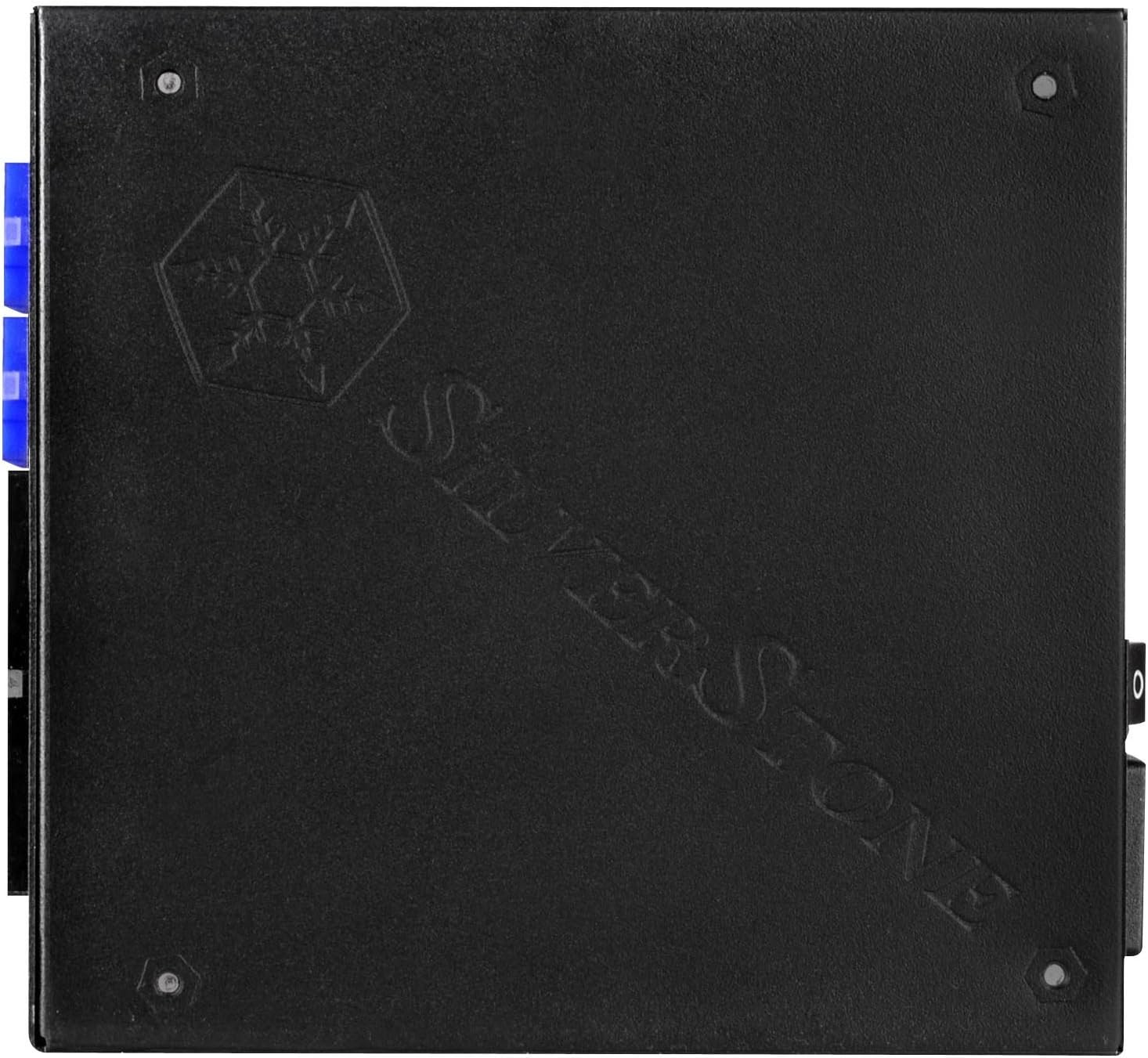
Figure 4.3: View of the modular cable connectors on the SilverStone SX700-LPT, clearly labeled for different cable types.
Video 4.1: SilverStone SX1000 Platinum Introduction. This video from SilverStone provides an overview of their SFX-L Platinum series, showcasing internal components, cooling mechanisms, and modular cable connections.
5. Installation
5.1. Preparing for Installation
- Ensure your computer is powered off and unplugged from the wall outlet.
- Open your computer case according to its manufacturer's instructions.
- If replacing an existing PSU, carefully disconnect all cables and remove the old unit.
5.2. Mounting the Power Supply
The SX700-LPT is an SFX-L power supply. If your case supports SFX-L directly, mount it using the provided screws. If your case requires a standard ATX PSU, use the included ATX adapter plate to secure the SFX-L PSU into the larger ATX opening.
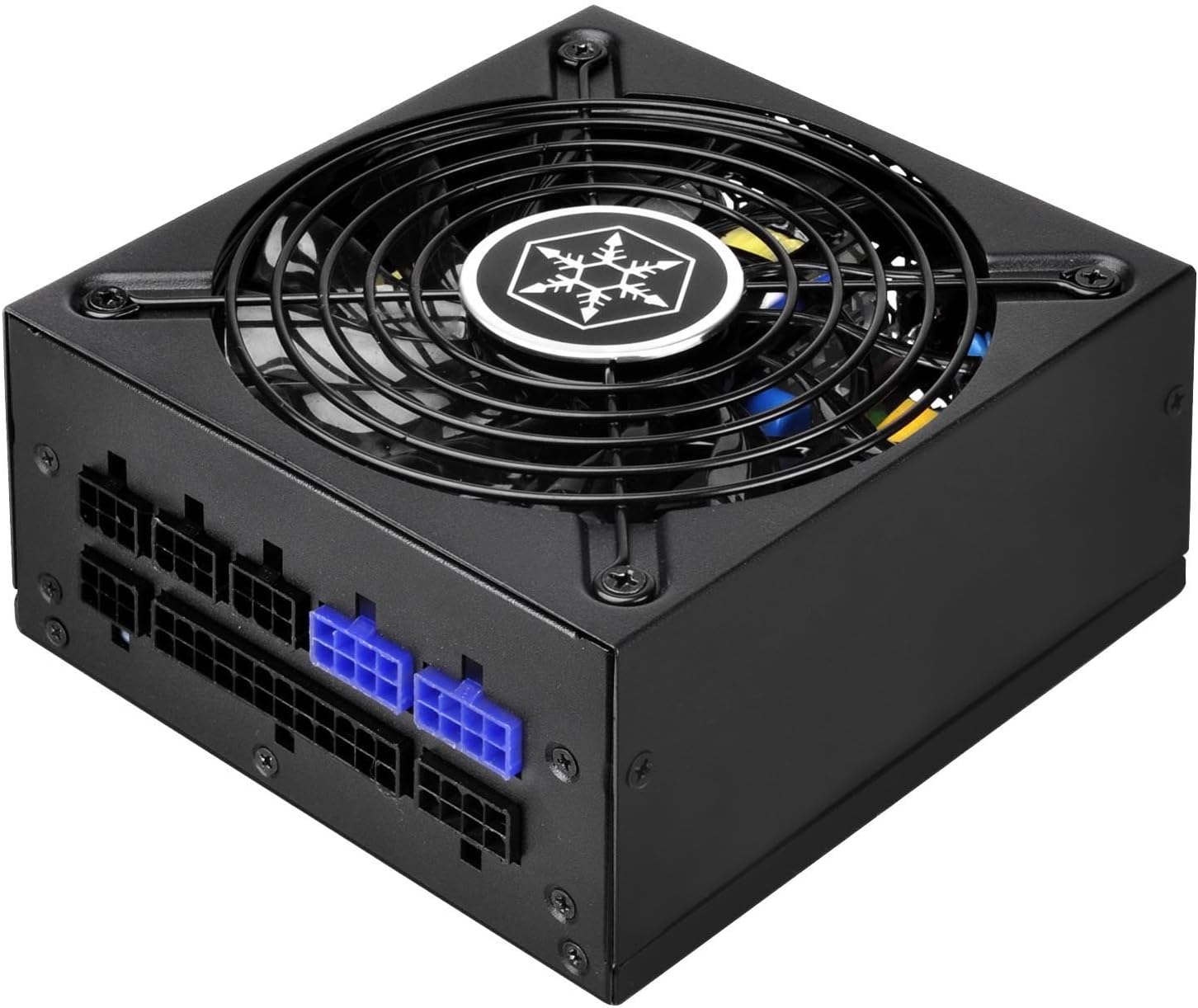
Figure 5.1: Side view of the SilverStone SX700-LPT, showing its compact SFX-L dimensions.
5.3. Connecting Modular Cables
Connect only the necessary modular cables to your components. This helps improve airflow and cable management within your case. Refer to the labels on the PSU and the connectors to ensure correct connections.
- Motherboard Power: Connect the 24-pin ATX cable to your motherboard.
- CPU Power: Connect the 8-pin (or 4+4-pin) EPS/CPU cable to your motherboard's CPU power connector.
- PCIe Power: For graphics cards, use the appropriate 6+2-pin PCIe cables. The SX700-LPT supports Quad PCI-E 8/6pin connectors.
- SATA/PATA Power: Connect SATA power cables to SSDs, HDDs, and optical drives. Use PATA connectors for older peripherals if needed.
Video 5.2: Product Overview Video. This video demonstrates general power supply installation and cable management within a PC case, illustrating how to connect various modular cables to components.
6. Operating Instructions
- After all connections are secure, close your computer case.
- Plug the power cord into the PSU and then into a wall outlet.
- Flip the power switch on the back of the PSU to the "ON" position.
- Power on your computer.
- The 120mm fan operates in a semi-fanless mode. It will remain off under low loads for silent operation and will activate automatically when the system load increases to maintain optimal temperatures. This is normal behavior and indicates proper functioning.
7. Maintenance
- Cleaning: Periodically clean the exterior of the power supply and its fan grill with a soft, dry cloth. Ensure the power supply is unplugged before cleaning. Do not use liquid cleaners or aerosols.
- Airflow: Ensure that the fan intake and exhaust vents are not obstructed to maintain proper airflow and cooling.
- Cable Management: Regularly check cable connections to ensure they are secure and not interfering with airflow.
8. Troubleshooting
- No Power:
- Check if the power cord is securely plugged into both the PSU and the wall outlet.
- Ensure the power switch on the back of the PSU is in the "ON" position.
- Verify all modular cables are correctly connected to the PSU and components.
- Test the wall outlet with another device to confirm it has power.
- Fan Not Spinning:
- The SX700-LPT features a semi-fanless mode. The fan will not spin under low loads. This is normal. It will activate when the system load increases.
- If the fan does not spin under heavy load and the PSU is overheating, contact customer support.
- System Instability/Crashes:
- Ensure your system's power requirements do not exceed the PSU's 700W capacity.
- Check all cable connections for looseness.
- If issues persist, consult a qualified technician.
9. Specifications
| Feature | Detail |
|---|---|
| Brand | SilverStone |
| Model Name | PS-SX700-LPT |
| Series | PS-SX700-LPT |
| Output Wattage | 700W |
| Form Factor | SFX-L |
| Efficiency Certification | 80 PLUS Platinum |
| Cooling Method | Air (120mm fan with semi-fanless operation) |
| Modularity | Fully Modular |
| Input Voltage | 90V ~ 264V |
| Operating Temperature | 0 ~ 40 degree Celsius |
| Dimensions (LxWxH) | 5.12 x 4.92 x 2.5 inches (130mm x 125mm x 63.5mm) |
| Item Weight | 5 pounds |
| Compatible Devices | Personal Computer |
| Connector Type | PCI Express (Quad PCI-E 8/6pin support) |
10. Warranty & Support
SilverStone Technology provides a limited warranty for this product. Please refer to the official SilverStone website or your product packaging for specific warranty terms and conditions. For technical support, troubleshooting assistance, or to inquire about replacement parts, please visit the SilverStone support page or contact their customer service directly.
For further details, please refer to the complete user manual included in your product package or available for download on the SilverStone website.


