
Introduction
The VIVOSUN 3-in-1 Soil Tester is designed to help you monitor essential soil conditions for healthy plant growth. This device measures soil moisture, pH level, and light intensity, providing crucial data without the need for batteries. Understanding these factors is vital for maintaining optimal plant health in various environments.

Image: The VIVOSUN 3-in-1 Soil Tester, a compact device for measuring soil conditions.
Features
- 3-in-1 Functionality: This meter can test soil moisture, light, and pH value, allowing you to switch modes with one button for efficient gardening.
- Compact and Portable: With a length of 10.8 inches, the tester is easy to carry, making it convenient for both indoor and outdoor gardening.
- Wide Testing Range: Features a moisture range of 1-10 (dry to moist), light intensity of 0-2000 (low light to strong light), and a pH level of 3.5-8 (acidic to basic).
- Battery-Free Operation: The device operates without any external power source or batteries, offering a simple plug-and-read experience.
- User-Friendly Design: Durable and easy to use, designed specifically for testing soil.

Image: Illustration highlighting the battery-free operation and double-sensor design of the VIVOSUN Soil Tester.
Setup
The VIVOSUN 3-in-1 Soil Tester requires no assembly or batteries. It is ready for use directly out of the packaging.
- Carefully unpack the soil tester from its packaging.
- Ensure the metal probes are clean and free of any debris before initial use.
Operating Instructions
The soil tester features a switch to select between Moisture, pH, and Light measurements. Always ensure the probes are clean before inserting them into the soil.
Video: An official VIVOSUN video demonstrating the basic usage of the 3-in-1 Soil Tester, including how to switch between modes and insert the probes into soil.
Measuring Moisture
- Slide the switch on the device to the "MOIST" position.
- Insert the probes into the soil approximately 2-4 inches deep. Ensure the probes make full contact with the soil. Avoid touching stones or hard objects, which can damage the probes.
- Wait for approximately 10 minutes for the needle on the dial to stabilize.
- Read the moisture level indicated on the dial. The scale ranges from 1 (Dry) to 10 (Wet).
Measuring pH
- Slide the switch on the device to the "pH" position.
- Insert the probes into the soil approximately 2-4 inches deep, ensuring good contact with the soil.
- Wait for approximately 10 minutes for the needle on the dial to stabilize.
- Read the pH level indicated on the dial. The scale ranges from 3.5 (Acidic) to 8 (Alkaline).
Measuring Light Intensity
- Slide the switch on the device to the "LIGHT" position.
- Point the light sensor, located at the top of the meter, towards the light source.
- Insert the probes into the soil approximately 2-4 inches deep.
- Wait for a few moments for the needle on the dial to stabilize.
- Read the light intensity indicated on the dial. The scale ranges from 0 (Dark) to 2000 (High).

Image: A visual guide demonstrating the four simple steps for using the VIVOSUN Soil Tester: switch mode, insert probes, wait 10 minutes, and clean after use.
Important Note: This device is designed for testing soil only. Do not use it to test pure water or other liquids.
Maintenance
- Cleaning: After each use, remove the probes from the soil and wipe them clean with a dry cloth. Do not use water or abrasive cleaners on the probes.
- Storage: Store the soil tester in a dry, clean place away from direct sunlight and extreme temperatures. Keep it out of reach of children.
- Handling: Avoid bending or damaging the probes. Do not attempt to disassemble the device, as this may void any warranty.
Troubleshooting
| Issue | Possible Cause | Solution |
|---|---|---|
| No reading or unstable reading | Soil is too dry, probes are not fully inserted, or probes are dirty. | Water the soil thoroughly before testing. Ensure probes are inserted 2-4 inches deep and make full contact with the soil. Clean probes after each use. |
| Inaccurate pH readings | Soil may be too dry, or the device is not suitable for highly specialized pH measurements. | Ensure soil is moist. For highly precise pH requirements, consider a dedicated pH meter. |
| Probes corroding | Probes left in soil for too long, or not cleaned properly after use. | Always remove and clean probes immediately after testing. Store in a dry environment. |
Specifications
- Product Name: VIVOSUN 3-in-1 Soil Tester
- Model Number: 4316237907
- Functions: Moisture, pH, Light Intensity Measurement
- Moisture Range: 1-10 (1-3 Dry, 4-7 Normal, 8-10 Wet)
- pH Range: 3.5-8 (3.5-6.5 Acidic, 7 Neutral, 7-8 Alkaline)
- Light Intensity Range: 0-2000 lux (0-200 Dark, 200-500 Low, 500-1000 Normal, 1000-2000 High)
- Power Source: No battery required
- Probe Length: Approximately 7.8 inches
- Overall Dimensions: Approximately 10.8 x 1.8 inches
- Weight: 3.17 ounces
Image: Diagram illustrating the dimensions of the VIVOSUN Soil Tester, including its overall length and probe length.
Applications
The VIVOSUN 3-in-1 Soil Tester is versatile and can be used in various gardening scenarios to ensure optimal plant health.

Image: The soil tester in use within a grow tent, monitoring conditions for indoor plants.

Image: A soil tester placed in a potted plant, demonstrating its use for home gardening.
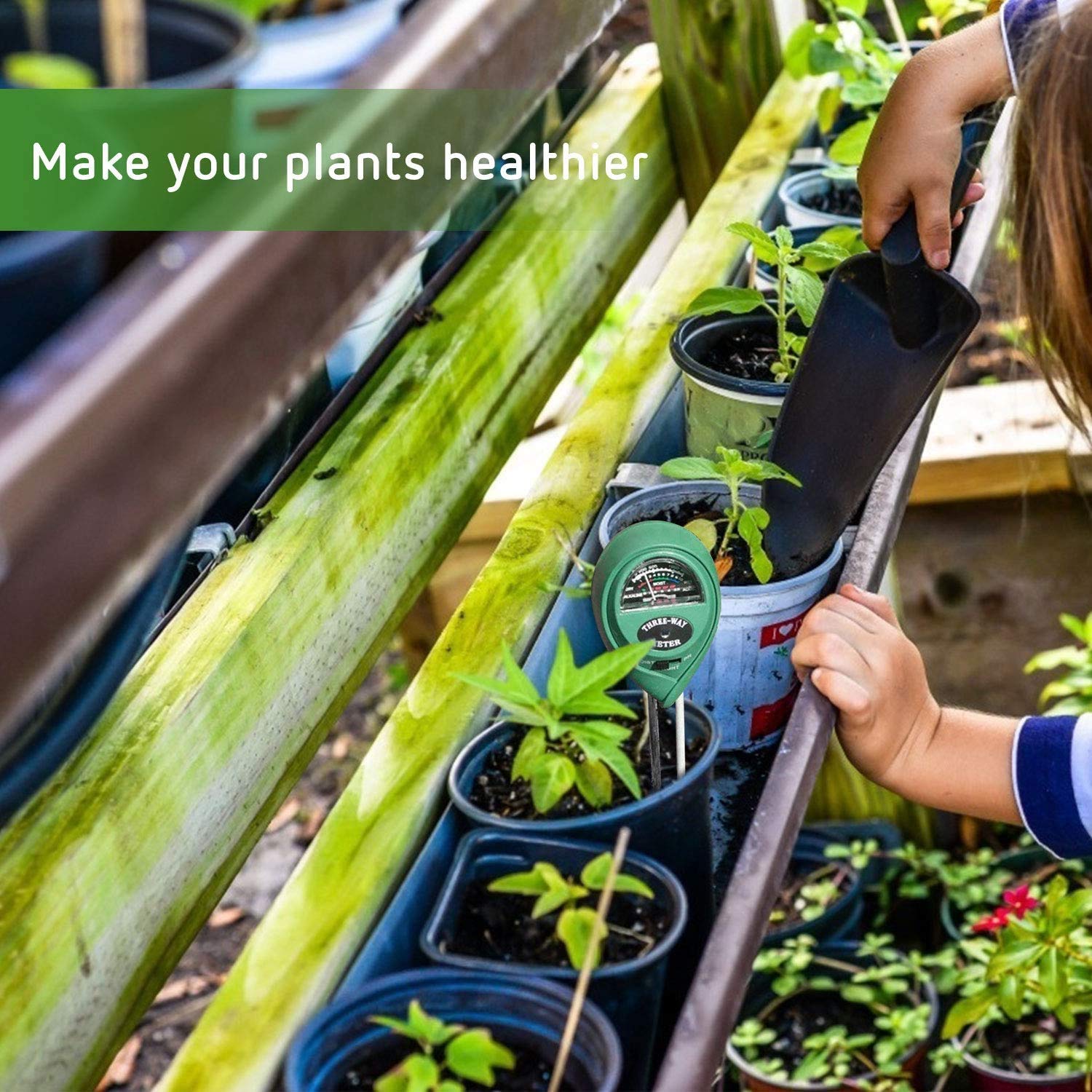
Image: The soil tester being used in an outdoor garden bed, suitable for various outdoor plants.
Warranty and Support
VIVOSUN products are designed for reliability and performance. For warranty information or technical support, please contact VIVOSUN customer service.
Email: support@vivosun.com
Please refer to the official VIVOSUN website for the most up-to-date warranty details and support resources.