
1. Introduction
Thank you for choosing the Salter 1079 WHDR Max Electronic Kitchen Scale. This versatile kitchen appliance is designed for precise measurement of both dry and liquid ingredients, featuring a large platform and a high capacity. Please read this manual thoroughly before use to ensure proper operation and maintenance.
2. Product Features
- High Capacity: Weighs ingredients up to 15 kg (33 lbs).
- Dual Functionality: Functions as both a kitchen scale and a large cutting board.
- Add & Weigh Function: Allows multiple ingredients to be weighed consecutively in the same bowl, resetting the display to zero after each addition.
- Aquatronic Function: Measures liquid ingredients accurately.
- Large Glass Platform: Provides ample space for various ingredients and containers.
- Easy-to-Read Display: Clear LED interface for quick and accurate readings.
- Compact Design: Flat profile for convenient storage.
3. Setup
3.1 Battery Installation
- Locate the battery compartment on the underside of the scale.
- Open the battery compartment cover.
- Insert 2 x AAA batteries, ensuring correct polarity (+ and -).
- Close the battery compartment cover securely.

Image 1: The Salter 1079 WHDR Max Electronic Kitchen Scale showing the battery placement area and the overall design.
3.2 Initial Placement
Place the scale on a firm, flat, and level surface to ensure accurate measurements. Avoid placing it on soft or uneven surfaces, or near heat sources or strong electromagnetic fields.
4. Operating Instructions
4.1 Power On/Off
- To turn on, press the ON/OFF button. The display will show "0" when ready.
- To turn off, press and hold the ON/OFF button for a few seconds, or the scale will automatically shut off after a period of inactivity to conserve battery life.
4.2 Changing Units
Press the UNIT button to cycle through available measurement units: grams (g), pounds (lb), ounces (oz), milliliters (ml), and fluid ounces (fl.oz). The selected unit will be displayed on the screen.

Image 2: A close-up view of the scale's digital display and control buttons, including the UNIT and ZERO functions.
4.3 Add & Weigh (Tare) Function
The Add & Weigh function allows you to measure multiple ingredients in the same container without emptying it. This is also known as the Tare function.
- Place your first ingredient or an empty container on the scale.
- Press the ZERO button. The display will reset to "0".
- Add the next ingredient. The display will show the weight of only the newly added ingredient.
- Repeat the process as needed for additional ingredients.
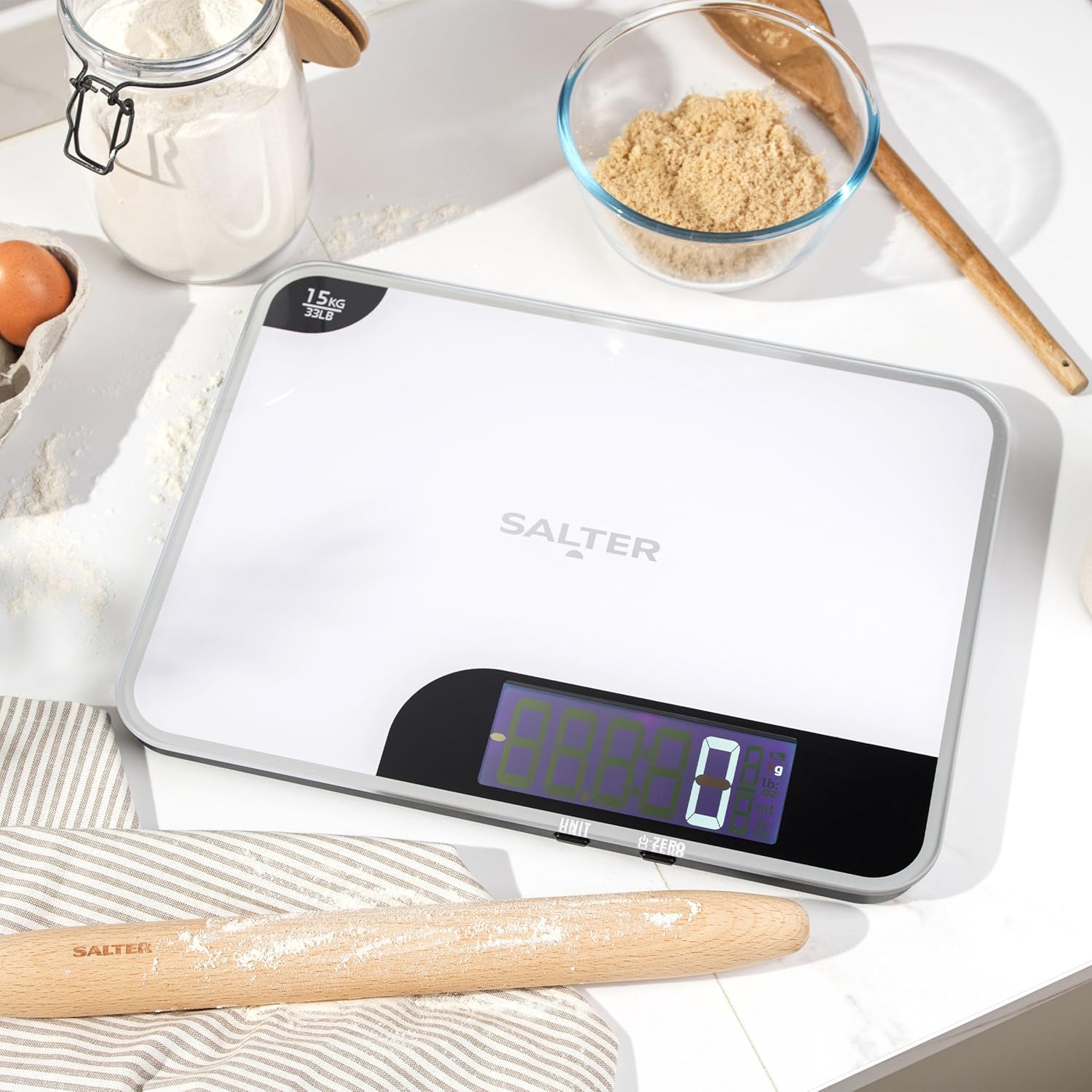
Image 3: The scale accurately measuring dry ingredients such as flour and brown sugar in separate bowls.
4.4 Aquatronic Function (Liquid Measurement)
The Aquatronic function enables precise measurement of liquids. Switch to milliliters (ml) or fluid ounces (fl.oz) using the UNIT button.
- Place an empty container on the scale.
- Press the ZERO button to tare the container's weight.
- Pour the liquid into the container. The display will show the volume of the liquid.
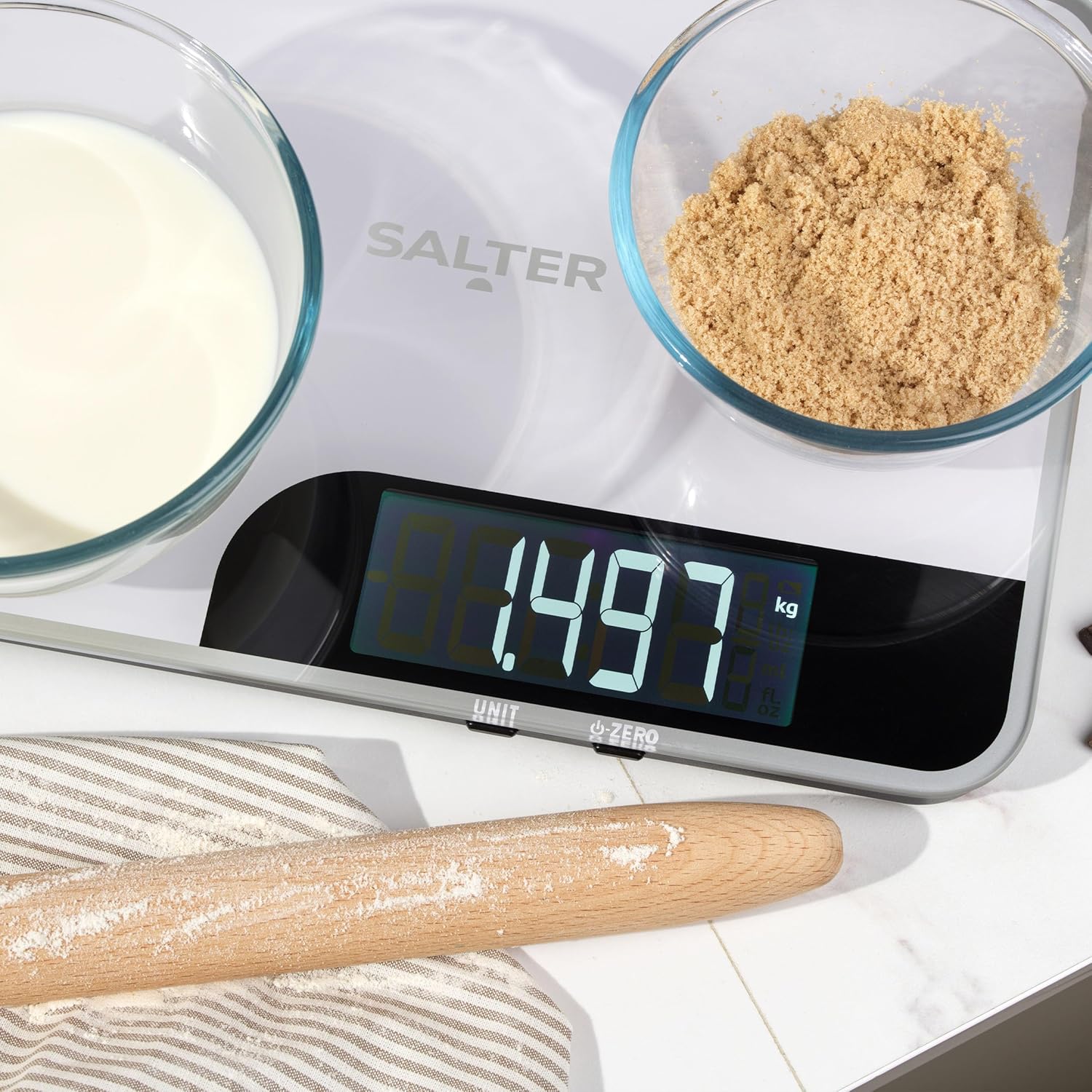
Image 4: The scale displaying a liquid measurement, demonstrating its Aquatronic feature.
4.5 Using as a Cutting Board
The large platform of the Salter 1079 WHDR Max can also be used as a convenient surface for preparing ingredients. Ensure the scale is clean before use as a cutting surface. Avoid using sharp knives directly on the display area to prevent damage.
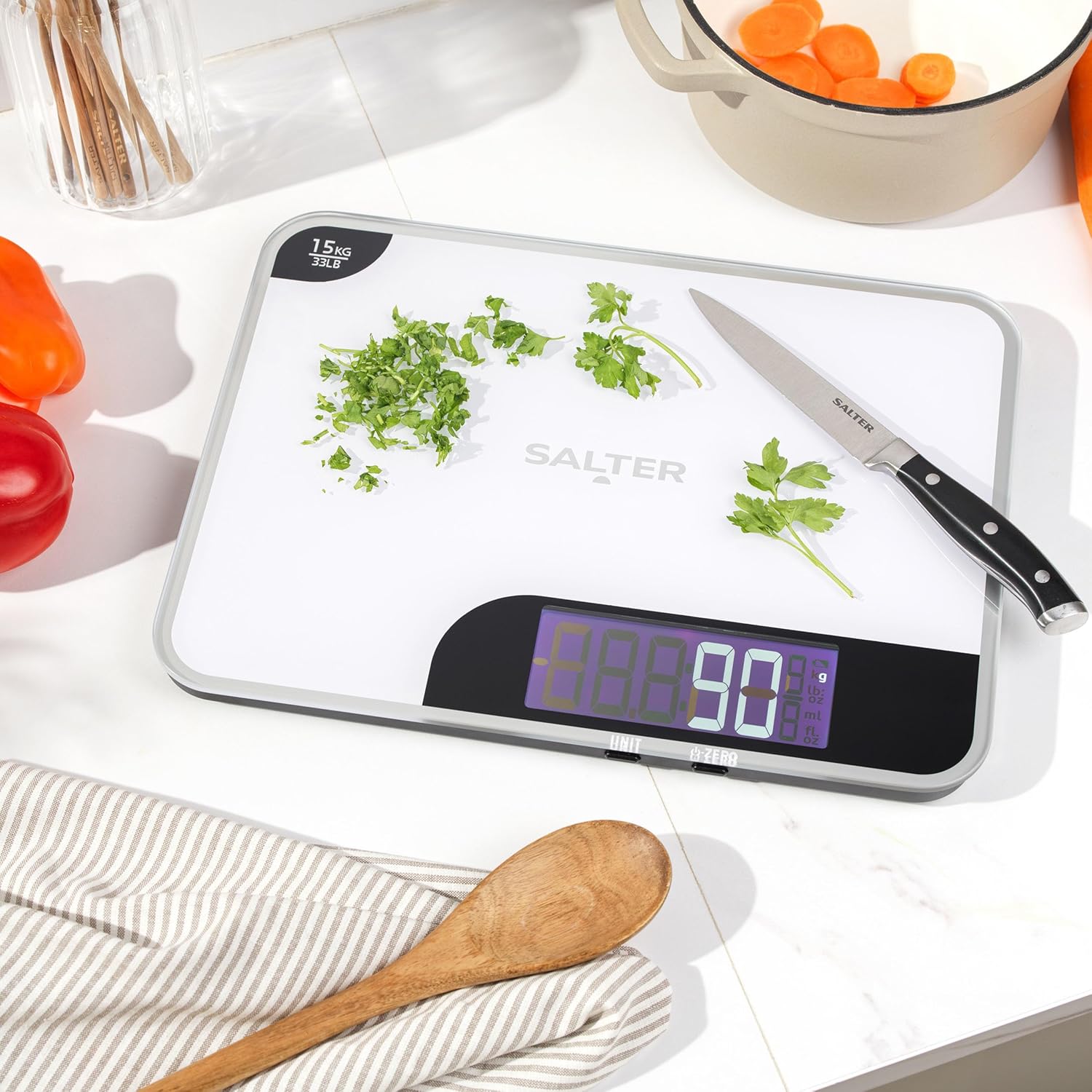
Image 5: The scale being used as a preparation surface, with chopped parsley and a knife on its large platform.
5. Maintenance and Care
- Cleaning: Wipe the scale surface with a damp cloth. Do not immerse the scale in water or use abrasive cleaning agents. The glass platform is easy to clean.
- Storage: Store the scale in a cool, dry place. Its slim design allows for easy and neat storage.
- Battery Replacement: Replace batteries when the "Lo" indicator appears on the display. Always use 2 new AAA batteries.
6. Troubleshooting
| Problem | Possible Cause | Solution |
|---|---|---|
| Scale does not turn on | Dead or incorrectly installed batteries. | Check battery polarity or replace with new AAA batteries. |
| "Lo" displayed | Low battery power. | Replace batteries with new AAA batteries. |
| "Err" displayed | Overload or unstable surface. | Remove items exceeding 15 kg capacity. Ensure scale is on a flat, stable surface. |
| Inaccurate readings | Unstable surface, scale not tared, or external interference. | Place on a firm, level surface. Press ZERO before weighing. Avoid strong air currents or vibrations. |
7. Specifications
- Brand: Salter
- Model Number: 1079 WHDR
- Maximum Weight Capacity: 15 Kilograms (33 lbs)
- Measurement Precision: +/- 1 gram
- Material: Plastic, Tempered Glass Platform
- Display Type: LED
- Power Source: 2 x AAA Batteries (not included)
- Product Dimensions (L x W x H): Approximately 37 cm x 28 cm x 4 cm (14.57 x 11.02 x 1.57 inches)
- Item Weight: Approximately 1.36 Kilograms
- Special Features: Aquatronic, Add & Weigh (Tare) Function, Slim Design

Image 6: A diagram illustrating the physical dimensions of the Salter 1079 WHDR Max Electronic Kitchen Scale.
8. Warranty and Support
This Salter product is covered by a manufacturer's warranty. For specific warranty details, please refer to the documentation included with your purchase or visit the official Salter website. For technical support or customer service inquiries, please contact Salter customer support through their official channels.
Note: Information regarding spare parts availability is currently unavailable.


