
1. Product Overview
This manual provides instructions for the BTF-LIGHTING 12V 10A 120W Power Supply Adapter (Model: QZT-12010000). This device converts 100-240V AC input to 12V DC output, suitable for various low-voltage electronic devices.
Key Features:
- Input: 100V-240V AC, 50/60Hz
- Output: 12V DC, up to 10 Amps (120 Watts Max)
- Connector: Standard 5.5x2.1mm DC output plug
- Safety: ETL Certified with automatic overload, over voltage, thermal, and short circuit protection.
- Application: Ideal for 12V LED strips, CCTV cameras, routers, and other compatible electronic devices.

Image 1.1: The BTF-LIGHTING 12V 10A 120W Power Supply Adapter.
2. Safety Information
Read all safety instructions before use. Failure to follow these instructions may result in electric shock, fire, or other hazards.
- This power supply is rated IP30 for indoor use only. Do not expose to water, moisture, or high humidity.
- Ensure the total wattage of connected devices does not exceed 120W.
- Verify that your device requires 12V DC input and has a compatible 5.5x2.1mm DC jack.
- Do not attempt to open or modify the power supply. There are no user-serviceable parts inside.
- Keep out of reach of children.
- Unplug the power supply from the wall outlet when not in use for extended periods.
Certifications:
This product is ETL Certified and holds CE, FCC, UKCA, and RoHS certifications, ensuring quality and safety standards are met.
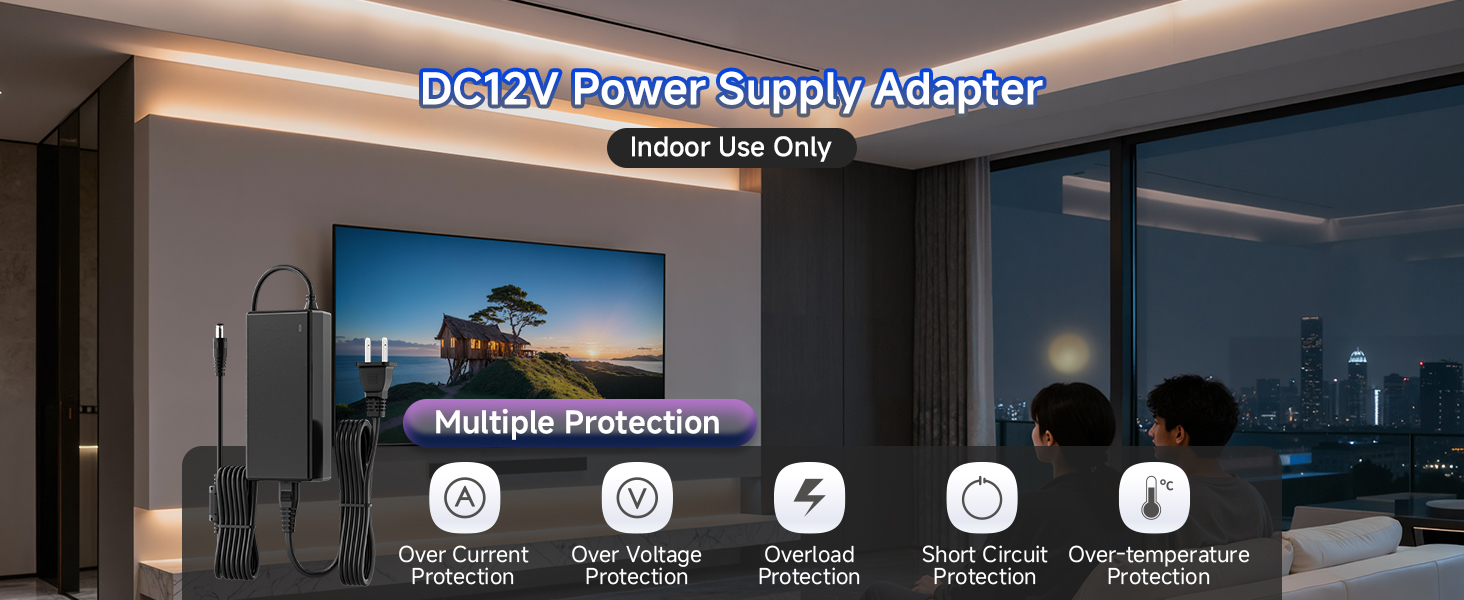
Image 2.1: The power supply features multiple safety protections including over-current, over-voltage, overload, short circuit, and over-temperature protection.
3. Package Contents
The product package includes the following items:
- 1x ETL Power Supply Adapter (12V 10A 120W)
- 1x Female DC Barrel Connector (for custom wiring, if needed)
4. Setup Instructions
The BTF-LIGHTING power supply is designed for plug-and-play operation. Follow these steps for proper setup:
- Verify Device Compatibility: Ensure your electronic device requires a 12V DC power input and has a power consumption of 120W or less. Check that the device's power input jack is compatible with the standard 5.5x2.1mm DC plug.
- Connect to Device: Plug the DC output connector (5.5x2.1mm) from the power supply into the corresponding input jack on your 12V electronic device.
- Connect to Power Outlet: Plug the AC input cable of the power supply into a standard 100-240V AC wall outlet.
- Power On: The power supply will automatically provide power to your connected device. An indicator light on the adapter will illuminate when power is active.
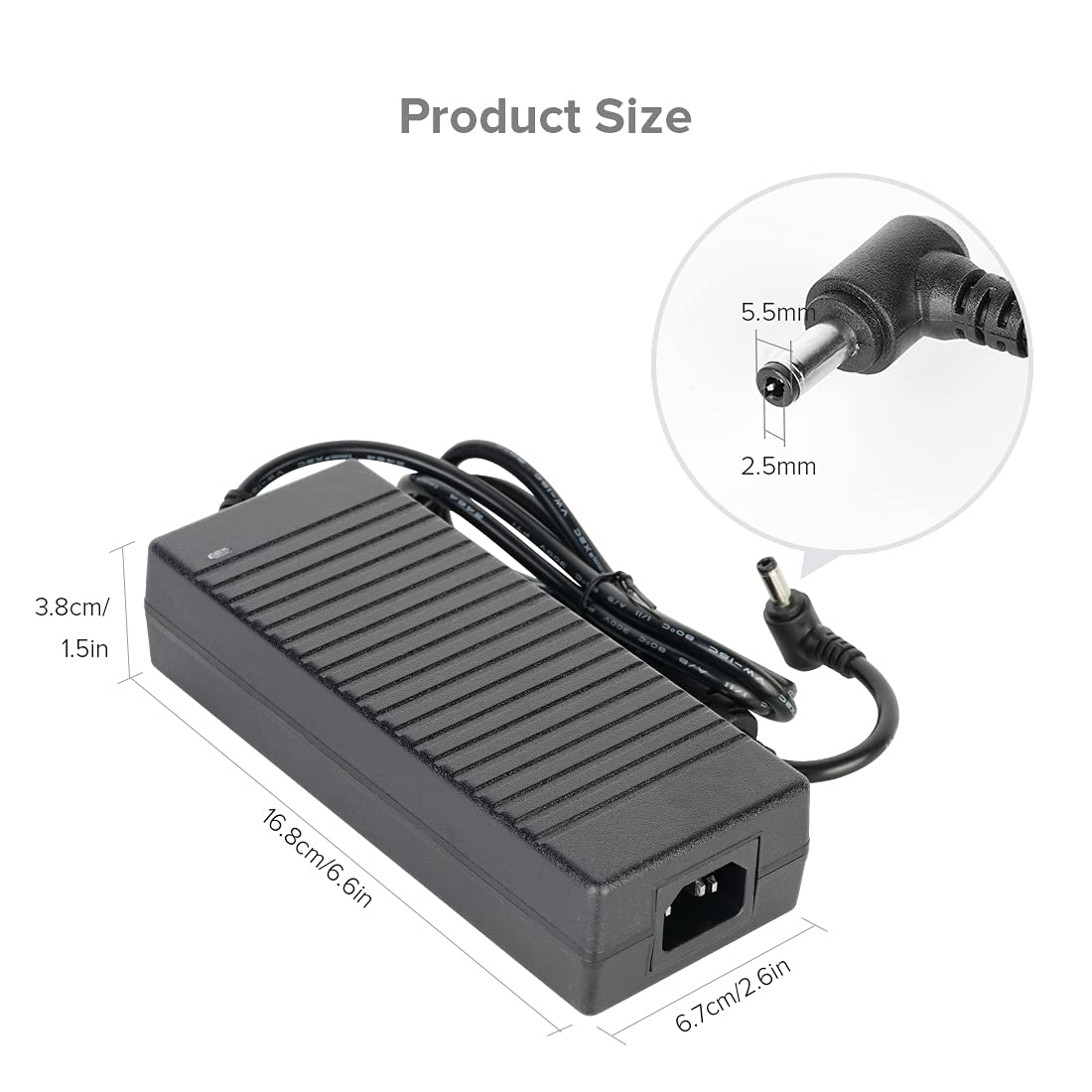
Image 4.1: Product dimensions and DC jack size (5.5x2.1mm) for compatibility verification.

Image 4.2: Illustration of two connection methods: direct plug-in and using the included female DC barrel connector for custom wiring.
5. Operating Instructions
Once properly set up, the power supply operates automatically. It is a non-dimmable power adapter.
- Ensure the power supply is placed in a well-ventilated area to prevent overheating.
- The indicator light on the power supply confirms it is receiving power and operating.
- To disconnect power, unplug the AC input cable from the wall outlet first, then disconnect the DC output from your device.
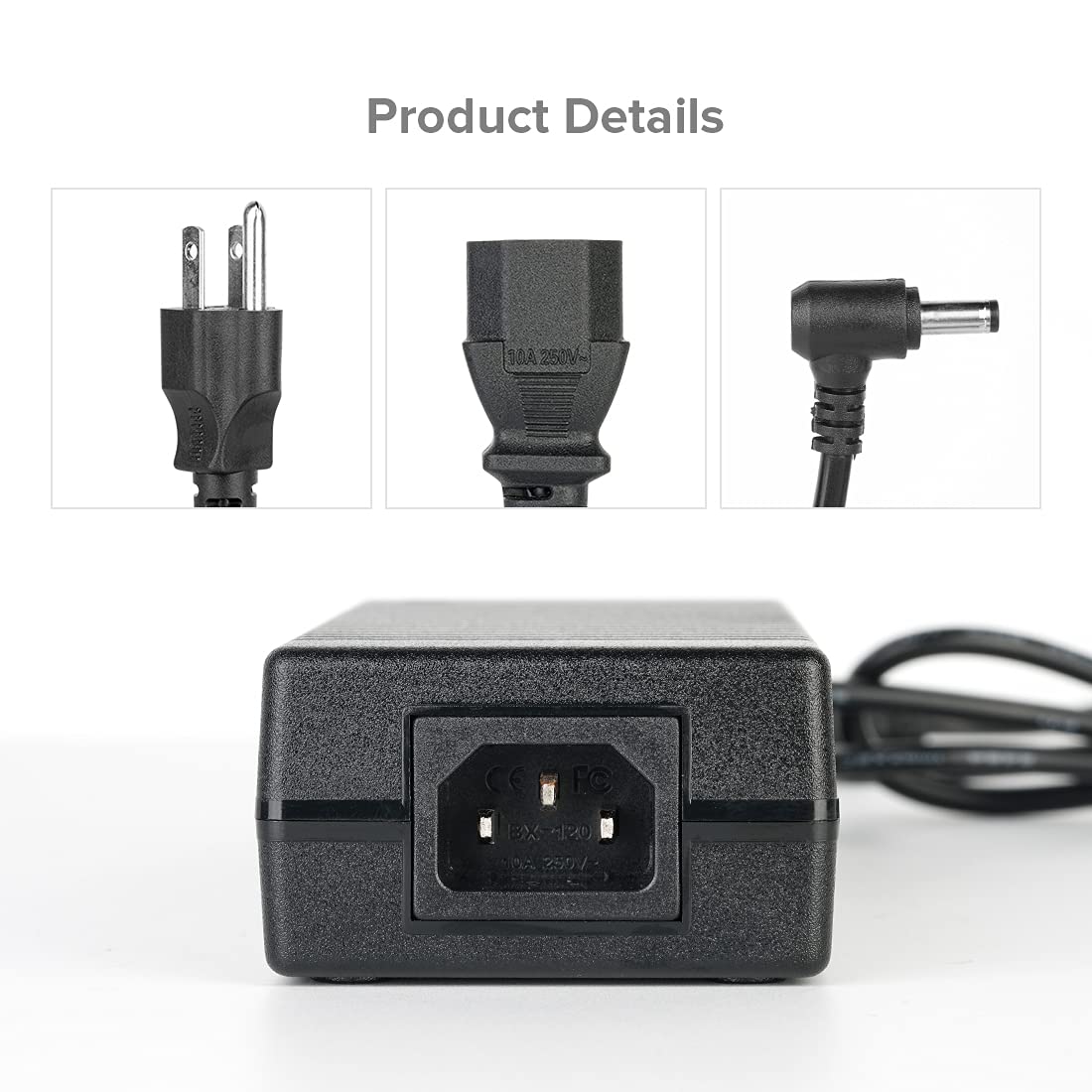
Image 5.1: The power supply connected and providing power to a device.
6. Maintenance
To ensure the longevity and optimal performance of your power supply, follow these maintenance guidelines:
- Cleaning: Disconnect the power supply from all power sources before cleaning. Use a soft, dry cloth to wipe the exterior. Do not use liquid cleaners or aerosols.
- Storage: Store the power supply in a cool, dry place away from direct sunlight and extreme temperatures when not in use.
- Inspection: Periodically inspect the power cords and connectors for any signs of damage. If any damage is found, discontinue use and replace the unit.
- Ventilation: Ensure the power supply's ventilation slots are not blocked during operation to prevent overheating.
7. Troubleshooting
If you encounter issues with your power supply, refer to the following common problems and solutions:
| Problem | Possible Cause | Solution |
|---|---|---|
| No power output / Indicator light off | Power outlet not active, loose connection, faulty unit. | Check wall outlet with another device. Ensure all cables are securely connected. If issue persists, the unit may be faulty. |
| Device not powering on or flickering | Incompatible voltage/wattage, device fault, overloaded power supply. | Verify your device requires 12V DC and its wattage is ≤120W. Reduce the load if multiple devices are connected. Test with another compatible device. |
| Power supply feels hot | Normal operation under load, poor ventilation, excessive load. | Ensure adequate ventilation around the power supply. Reduce the connected load if it consistently feels excessively hot. The unit has over-temperature protection. |
| DC plug does not fit | Incorrect DC jack size. | This power supply uses a 5.5x2.1mm DC plug. Verify your device's input jack size. |
If troubleshooting steps do not resolve the issue, please contact BTF-LIGHTING customer support.
8. Specifications
| Specification | Detail |
|---|---|
| Brand | BTF-LIGHTING |
| Model Number | QZT-12010000 |
| Input Voltage | 100-240V AC |
| Output Voltage | 12V DC |
| Amperage | 10 Amps |
| Wattage | 120 Watts (Max) |
| Connector Type | 5.5x2.1mm Barrel Connector |
| Power Source | Corded Electric |
| Material | Plastic |
| Color | Black |
| Certifications | CE, ETL, FCC, RoHS, UKCA |
| Indoor/Outdoor Use | Indoor Use Only (IP30) |
9. Warranty and Support
Warranty Information:
For detailed warranty information, please refer to the product packaging or contact BTF-LIGHTING customer support directly. Warranty terms may vary based on region and purchase date.
Customer Support:
If you have any questions, require assistance with product selection, setup, or encounter any issues not covered in this manual, please contact the BTF-LIGHTING support team. You can typically find contact information on the product packaging, the seller's website, or through your purchase platform.