
Introduction
The Retevis R114 headset is designed for two-way radio communication, offering passive noise cancellation for clear audio in various environments. This headset features a 2-pin connector, making it compatible with a range of radios including Retevis RT24, RT27, RT668, RT622, Baofeng UV-5R, and Kenwood models. It includes both Push-to-Talk (PTT) and Voice Operated Exchange (VOX) functions for flexible operation. The comfortable design with soft ear pads and an adjustable headband ensures suitability for extended use.
Product Features
- Passive Noise Reduction: Provides excellent noise reduction for private and clearer communication, protecting hearing from sound interference.
- PTT/VOX Switch: Easily switch between Push-to-Talk (PTT) for manual transmission and Voice Operated Exchange (VOX) for hands-free operation.
- Comfortable Design: Features soft, comfortable sponge earmuffs suitable for long-term wear and an adjustable headband for a secure fit.
- Durable Construction: Made from environmentally friendly ABS material with a durable polyurethane wire for longevity.
- Wide Compatibility: Compatible with most 2-pin two-way radios, including Retevis RT24, RT27, RT7, Baofeng BF-888s, UV-5R, and BF-88E.
Setup Instructions
1. Connecting the Headset
The Retevis R114 headset uses a standard 2-pin Kenwood-type connector. Ensure your radio has a compatible 2-pin port.
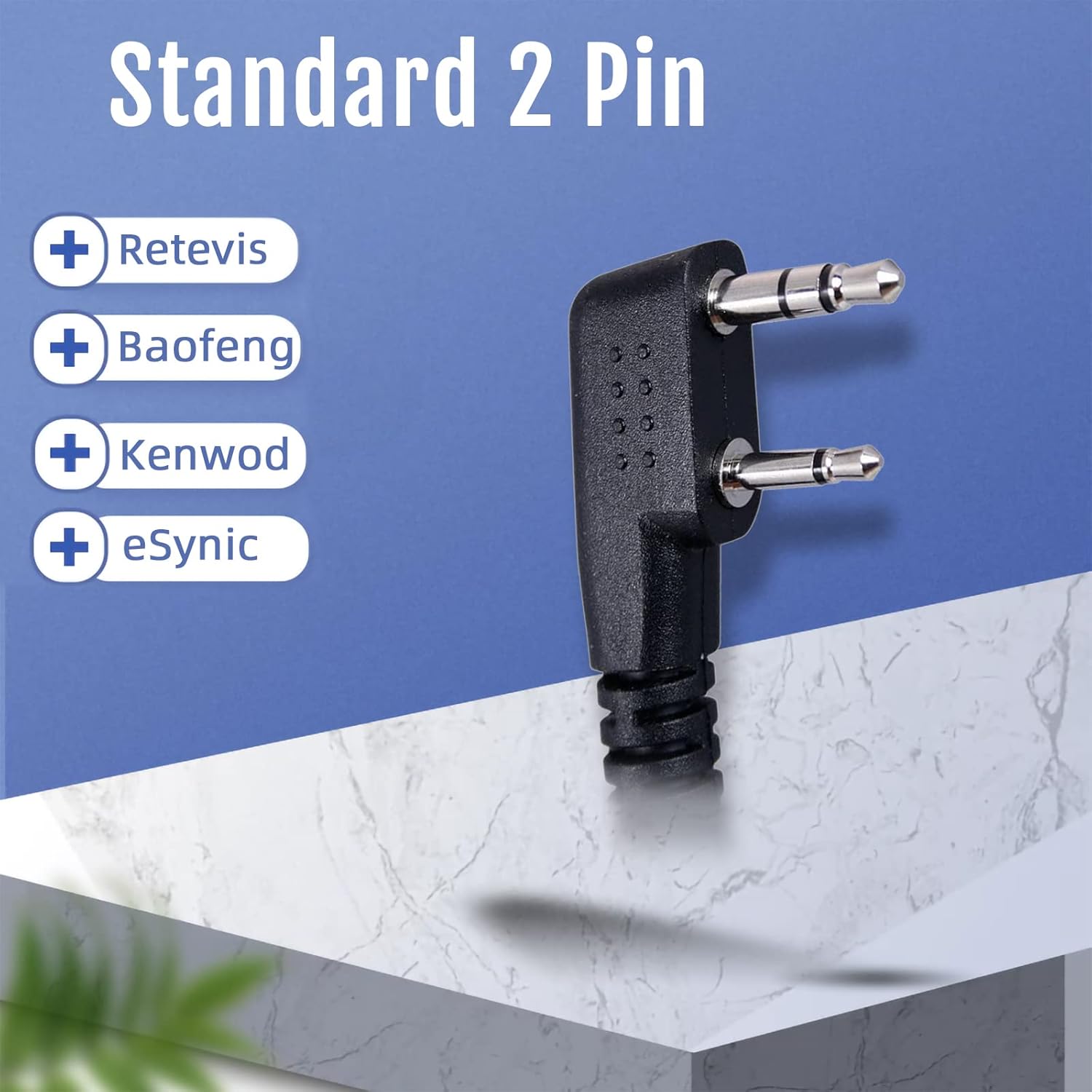
Image: The 2-pin connector, compatible with various radio brands.
Insert the 2-pin connector firmly into the corresponding ports on your two-way radio. The larger pin (3.5mm) goes into the audio jack, and the smaller pin (2.5mm) goes into the microphone jack.

Image: Proper insertion of the 2-pin connector into a radio.
2. Adjusting for Comfort
Adjust the headband to fit comfortably over your head. The headband is stretchable to accommodate different head sizes.

Image: The adjustable and stretchable headband for a comfortable fit.
Position the soft ear pads over your ears. These pads are designed for comfort during prolonged use and contribute to passive noise reduction.

Image: Soft ear pads for enhanced comfort.
3. Positioning the Microphone
The boom microphone can be rotated 160 degrees. Adjust it to the optimal position for clear voice transmission, typically near your mouth. You can rotate it up or down when not speaking.

Image: The 160-degree rotatable boom microphone.
A foam cover is provided for the microphone to reduce wind noise and improve audio clarity.

Image: Microphone with foam cover for improved audio.
Operating Instructions
1. PTT (Push-to-Talk) Mode
To transmit in PTT mode, press and hold the PTT button located on the cable. Speak into the microphone. Release the button to stop transmitting and listen for incoming communication.

Image: The PTT/VOX switch on the headset cable.
2. VOX (Voice Operated Exchange) Mode
To activate VOX mode, slide the switch on the cable to the VOX position. In this mode, you can speak directly into the microphone without pressing the PTT button. The radio will automatically transmit when it detects your voice, freeing your hands.
3. Passive Noise Cancellation
The headset's design and materials provide passive noise cancellation, reducing ambient noise for clearer reception and transmission. This feature is particularly beneficial in noisy environments.
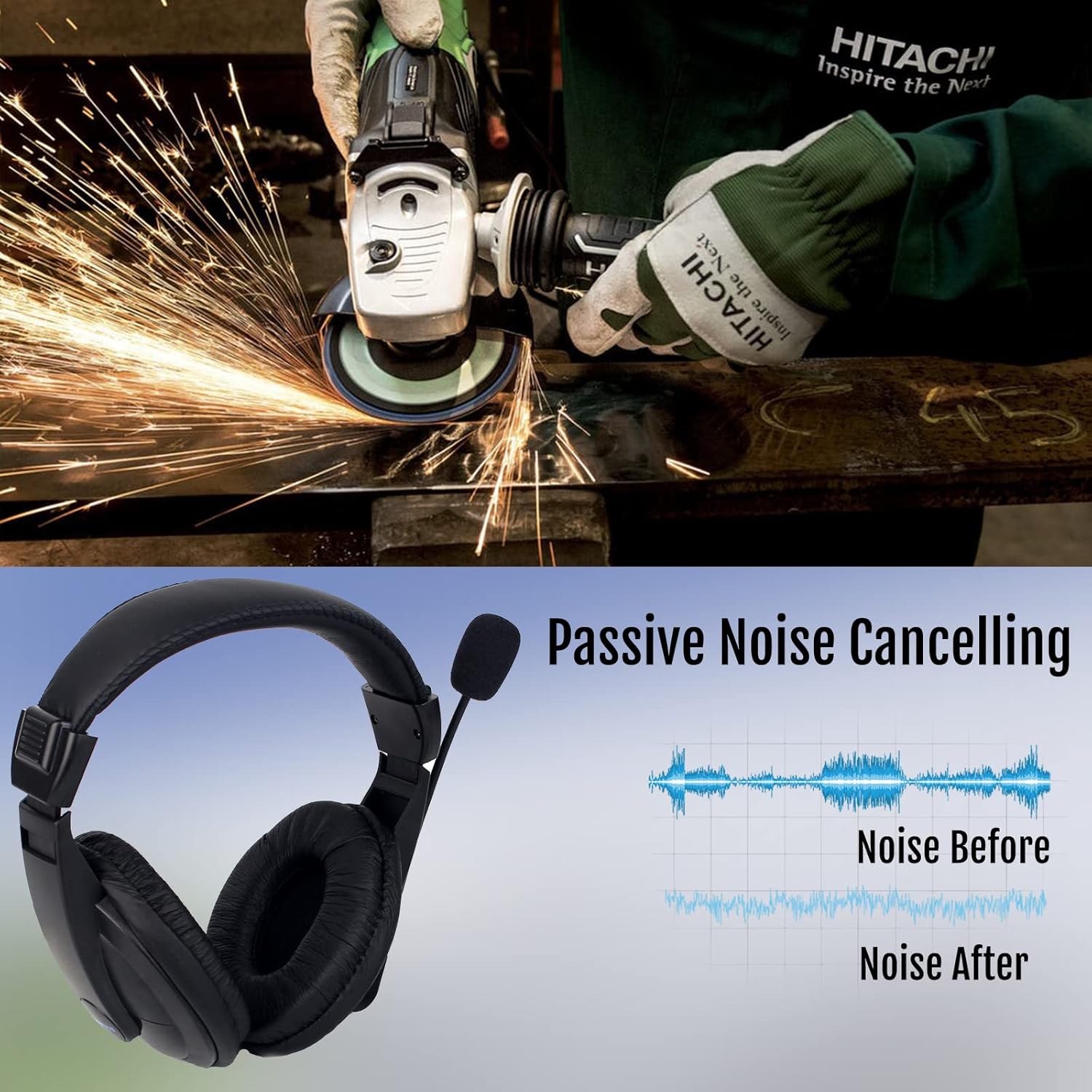
Image: Illustration of passive noise cancelling effectiveness.
Maintenance
1. Cleaning
- Wipe the headset surfaces with a soft, dry cloth.
- The sponge ear pads can be gently cleaned with a damp cloth and mild soap, then allowed to air dry completely before use.
- The microphone foam cover can be removed and gently hand-washed if necessary. Ensure it is completely dry before reattaching.
2. Storage
- Store the headset in a clean, dry place away from direct sunlight and extreme temperatures.
- Avoid tightly coiling the cable to prevent damage.
Troubleshooting
| Problem | Possible Cause | Solution |
|---|---|---|
| No audio from headset | Loose connection; Radio volume too low; Headset faulty. | Ensure the 2-pin connector is fully inserted. Increase radio volume. Test with another compatible radio or headset if possible. |
| Microphone not transmitting | PTT not pressed (in PTT mode); VOX sensitivity too low (in VOX mode); Microphone faulty. | Press PTT button firmly. Adjust VOX sensitivity on your radio (if available). Check microphone position. |
| Unclear or distorted audio | Loose connection; Radio interference; Microphone position. | Check connection. Move away from sources of electrical interference. Adjust microphone closer to mouth. |
| Headset not compatible with radio | Incorrect connector type. | The R114 uses a Kenwood 2-pin type connector. It is not compatible with Motorola, Midland, or other non-Kenwood 2-pin types. Verify your radio's connector type. |

Image: Connector compatibility guide.
Specifications
| Feature | Detail |
|---|---|
| Model Name | R114 |
| Item Model Number | EUC9044B |
| Connectivity Technology | Wired |
| Wireless Communication Technology | Radio Frequency |
| Connector Type | 2-pin (Kenwood type, 2.5mm and 3.5mm jacks) |
| Control Type | PTT/VOX Control |
| Noise Isolation | Passive Noise Reduction |
| Ear Placement | Over-Ear |
| Form Factor | Circum-Aural |
| Material | Sponge (ear pads), ABS (housing), Polyurethane (wire) |
| Item Weight | 191 Grams |
| Cable Length | Approx. 150 cm (59.05 inches) |
| Water Resistance Level | Not Waterproof |
| Included Components | Retevis R-114 Headset, Cable with 2-pin plug |
Warranty and Support
Warranty Information
Retevis offers a one-year warranty for accessories. Additionally, there is a 30-day return policy without requiring a specific reason.
Post-Warranty Service
Beyond the warranty period, maintenance services are still available. Buyers are responsible for any associated costs. For service inquiries, please contact Retevis customer support.
Customer Support
For any questions, issues, or support needs, please contact Retevis directly through Amazon. Responses are typically provided within 12 hours.
You can also visit the official Retevis store on Amazon for more information and products: Retevis Amazon Store


