
YI Kami-77010
Kami Wire-Free Outdoor Camera Instruction Manual
Model: Kami-77010
Product Overview
The Kami Wire-Free Outdoor Camera is a versatile and robust security solution designed for outdoor surveillance. It operates on rechargeable batteries, eliminating the need for external hubs or constant power connections, offering flexible placement options. This camera provides high-definition video recording, advanced motion detection, and two-way audio communication, ensuring comprehensive monitoring of your property.
Key features include:
- 100% Wire-Free Operation: Powered by rechargeable batteries for easy installation anywhere.
- Weather-Resistant Design: IP-65 rated for reliable performance in various weather conditions.
- Smart Home Integration: Compatible with Amazon Alexa and Google Assistant for voice control and live-feed viewing.
- Advanced PIR Motion Detection: Reduces false alarms by accurately detecting human and animal movement.
- Cloud Storage Option: Securely store video footage with an optional Cloud Service plan.
- 1080p HD Video: Provides clear and detailed video capture.
- Night Vision: Enhanced night vision for clear monitoring in low-light conditions.
- Two-Way Audio: Communicate with visitors or deter intruders remotely.
Package Contents
Verify that all components are present in the package:
- Kami Wire-Free Outdoor Camera
- Rechargeable Lithium Polymer Batteries (4 included)
- Mounting Bracket and Screws
- USB Charging Cable
- Quick Start Guide (This manual provides detailed instructions)
Setup Guide
1. Charging the Batteries
Before initial use, fully charge the included lithium polymer batteries. Insert the batteries into the camera or a compatible external charger. A full charge typically takes approximately 5 hours. The camera's indicator light will change to indicate a full charge.

Figure 1: Kami rechargeable batteries and charging station. Ensure batteries are fully charged before installation for optimal performance.
2. Downloading the App and Account Creation
Download the official Kami Home app from your smartphone's app store (iOS App Store or Google Play Store). Follow the on-screen instructions to create a new account or log in if you already have one.
3. Pairing the Camera
- Open the Kami Home app and tap the "+" icon to add a new device.
- Select "Kami Wire-Free Outdoor Camera" from the list of devices.
- Follow the in-app prompts to connect the camera to your Wi-Fi network. This typically involves scanning a QR code displayed on your phone screen with the camera lens.
- Ensure your Wi-Fi network is 2.4GHz, as the camera may not support 5GHz networks.
4. Mounting the Camera
Choose a suitable location for mounting the camera. Consider areas that provide a clear view of the desired monitoring zone and are within range of your Wi-Fi signal. The camera is weather-resistant (IP65 rated), making it suitable for outdoor use.
- Attach the mounting bracket to a wall or surface using the provided screws.
- Securely attach the camera to the mounting bracket. Adjust the camera angle to cover the desired area.
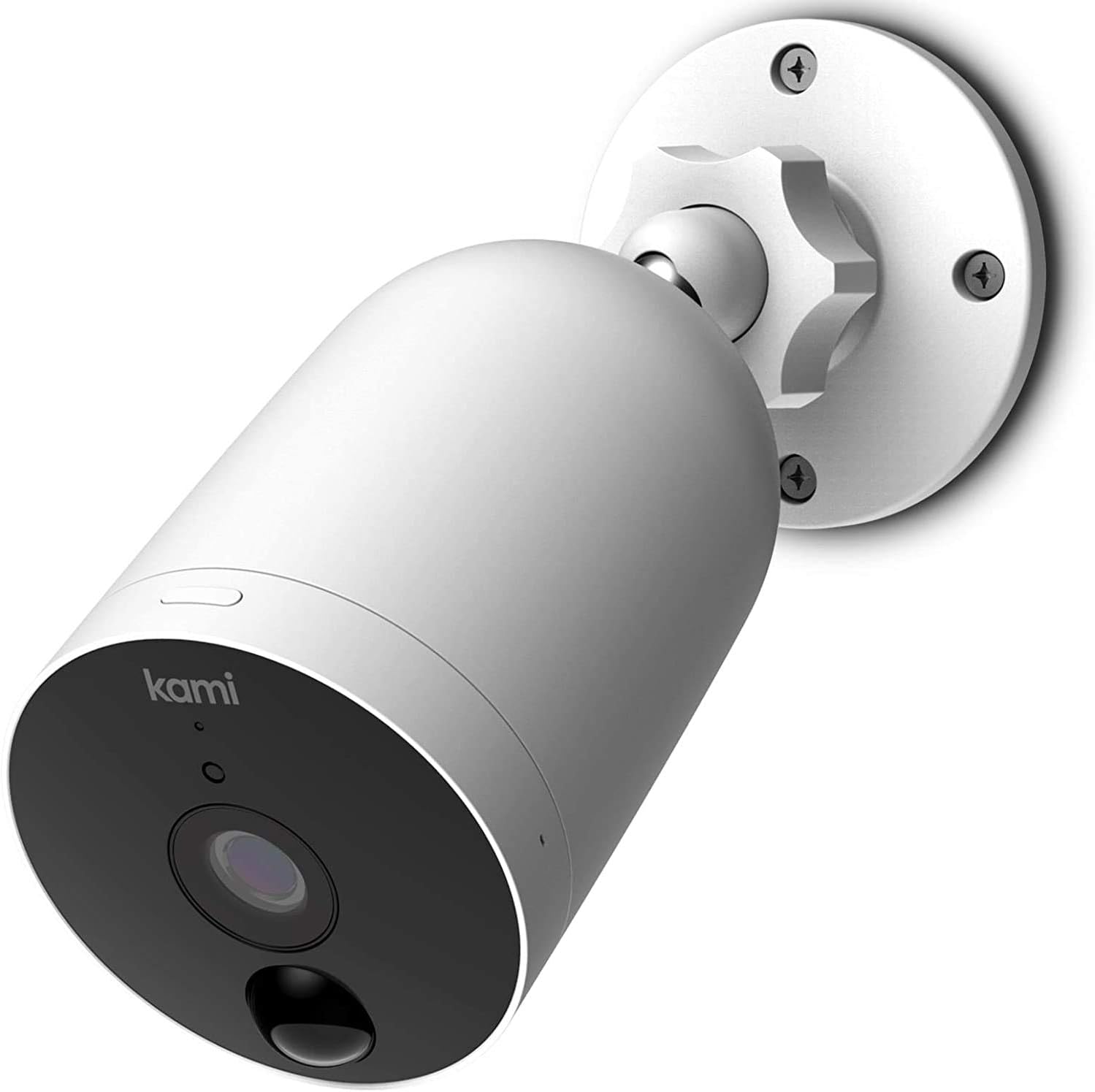
Figure 2: The Kami Wire-Free Outdoor Camera securely mounted on a wall, ready for surveillance.

Figure 3: The camera's wire-free design allows for flexible placement on various exterior surfaces.
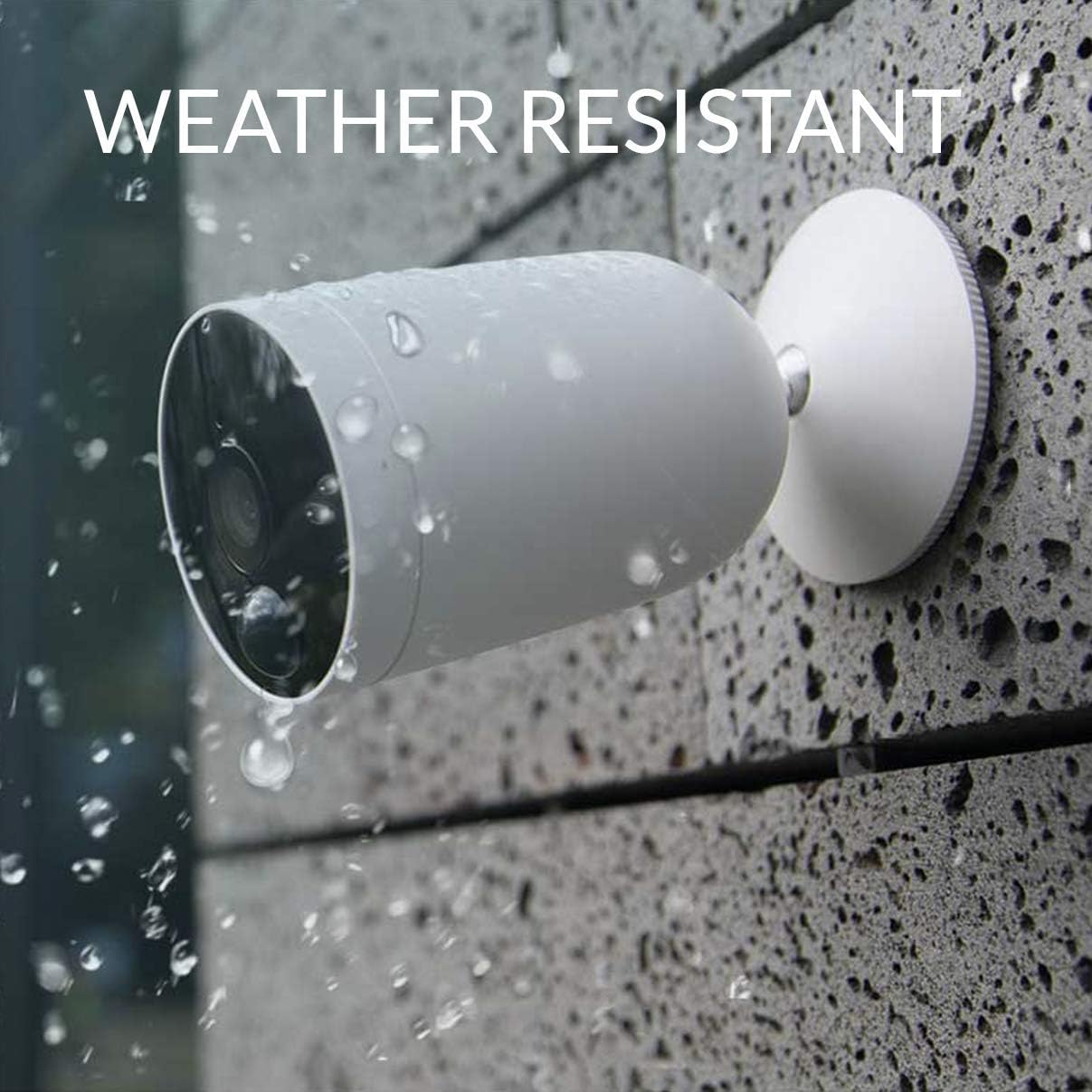
Figure 4: The camera is designed to withstand outdoor elements, featuring an IP65 weather-resistant rating.
Operating the Camera
Live View and Recording
Access the live video feed from your camera through the Kami Home app. You can initiate manual recordings or capture screenshots directly from the live view interface.

Figure 5: The camera provides crystal clear 1080p video quality during the day.

Figure 6: Enhanced night vision capabilities ensure clear visibility even in complete darkness.
Motion Detection and Alerts
The camera utilizes an advanced PIR (Passive Infrared) motion sensor to detect movement. When motion is detected, the camera will begin recording and send an alert notification to your smartphone. You can adjust the sensitivity of the motion detection and set specific activity zones within the app to minimize false alarms.
Two-Way Audio
Use the two-way audio feature to communicate through the camera. This is useful for speaking with visitors, delivery personnel, or deterring unwanted guests. Activate the microphone and speaker functions within the Kami Home app.

Figure 7: Utilize the two-way audio feature to communicate with individuals at your door.
Cloud Storage and Local Storage
The Kami Wire-Free Outdoor Camera supports both cloud storage (via an optional subscription) and local storage using a microSD card (not included). Cloud storage ensures your footage is backed up securely, even if the camera is tampered with. For local storage, insert a compatible microSD card into the camera's designated slot.

Figure 8: Secure your video recordings with the optional Kami Cloud service.
Smart Home Integration
Integrate your Kami camera with Amazon Alexa or Google Assistant. Once linked, you can use voice commands to view the live feed on compatible smart displays (e.g., Echo Show, Google Nest Hub).
- "Alexa, show me the front door camera."
- "Hey Google, show me the backyard camera."
Maintenance
Battery Management
The camera's battery life can last up to 2 months depending on usage and settings. Monitor the battery level through the Kami Home app. When the battery is low, remove the camera from its mount and recharge the batteries using the provided USB cable or an external charger. Ensure the camera is powered off during charging.
Cleaning the Camera
Periodically clean the camera lens and body with a soft, damp cloth. Avoid using harsh chemicals or abrasive materials that could damage the lens or casing. Ensure the camera is powered off before cleaning.
Firmware Updates
Regularly check for firmware updates through the Kami Home app. Updates often include performance improvements, bug fixes, and new features. Follow the in-app instructions to perform firmware updates. Ensure the camera has sufficient battery life before starting an update.
Troubleshooting
| Problem | Possible Cause | Solution |
|---|---|---|
| Camera not connecting to Wi-Fi | Incorrect Wi-Fi password; Camera too far from router; 5GHz Wi-Fi network; Router firewall settings. | Verify Wi-Fi password. Move camera closer to router. Ensure router is broadcasting 2.4GHz Wi-Fi. Check router settings for any restrictions. Restart router and camera. |
| Poor video quality | Weak Wi-Fi signal; Dirty lens; Low light conditions. | Improve Wi-Fi signal strength. Clean the camera lens. Ensure adequate lighting or rely on night vision. |
| Motion alerts are too frequent/infrequent | Motion detection sensitivity too high/low; Incorrect activity zone settings. | Adjust motion detection sensitivity in the app. Refine activity zones to focus on relevant areas. |
| Battery drains quickly | Frequent motion detection; Cold weather; Continuous live view. | Reduce motion detection sensitivity or frequency. Battery performance can be affected by extreme cold. Minimize continuous live viewing. |
| Two-way audio not working | Microphone/speaker permissions not granted; Volume too low; Network issues. | Check app permissions for microphone and speaker. Increase volume in app. Ensure stable network connection. |
Specifications
| Feature | Detail |
|---|---|
| Model Number | Kami-77010 |
| Video Resolution | 1080p HD |
| Power Source | Battery Powered (4 Lithium Polymer batteries included) |
| Battery Life | Up to 2 months (depending on usage) |
| Connectivity | Wi-Fi (2.4GHz) |
| Weather Resistance | IP65 Rated |
| Operating Temperature | 14°F to 122°F (-10°C to 50°C) |
| Motion Detection | PIR (Passive Infrared) Sensor |
| Audio | Two-Way Audio |
| Storage Options | Cloud Storage (optional subscription), MicroSD Card (not included) |
| Dimensions (L x W x H) | 7.6 x 5.5 x 4 inches |
| Item Weight | 1.98 pounds |
Warranty Information
YI Technology provides a limited warranty for the Kami Wire-Free Outdoor Camera. For detailed warranty terms and conditions, please refer to the warranty card included with your product or visit the official YI Technology website. Keep your proof of purchase for warranty claims.
Customer Support
For technical assistance, product inquiries, or support, please contact YI Technology customer service through the following channels:
- Online Support: Visit the official YI Technology support website for FAQs, troubleshooting guides, and contact forms.
- In-App Support: Access support options directly within the Kami Home application.
Please have your product model number (Kami-77010) and purchase information ready when contacting support.
Related documentsKami-77010


Ask a question about this manual
Ask about setup, troubleshooting, compatibility, parts, safety, or missing instructions. Manuals+ will review the question and use this page’s manual context to help answer it.