
Introduction
Welcome to the Denali Pure Refrigerator Air Filter user manual. This document provides essential information for the proper installation and maintenance of your new air filter. The Denali Pure air filter is designed to replace specific refrigerator air filters, ensuring fresh air circulation within your appliance.
Product Overview
The Denali Pure Refrigerator Air Filter is a rectangular filter designed to fit compatible refrigerator models. It helps to reduce odors and maintain air quality inside your refrigerator.

Image: Top view of the Denali Pure Refrigerator Air Filter, illustrating its design with a white outer frame and black filter media.

Image: Angled view of the Denali Pure Refrigerator Air Filter, showcasing its compact and rectangular form factor.
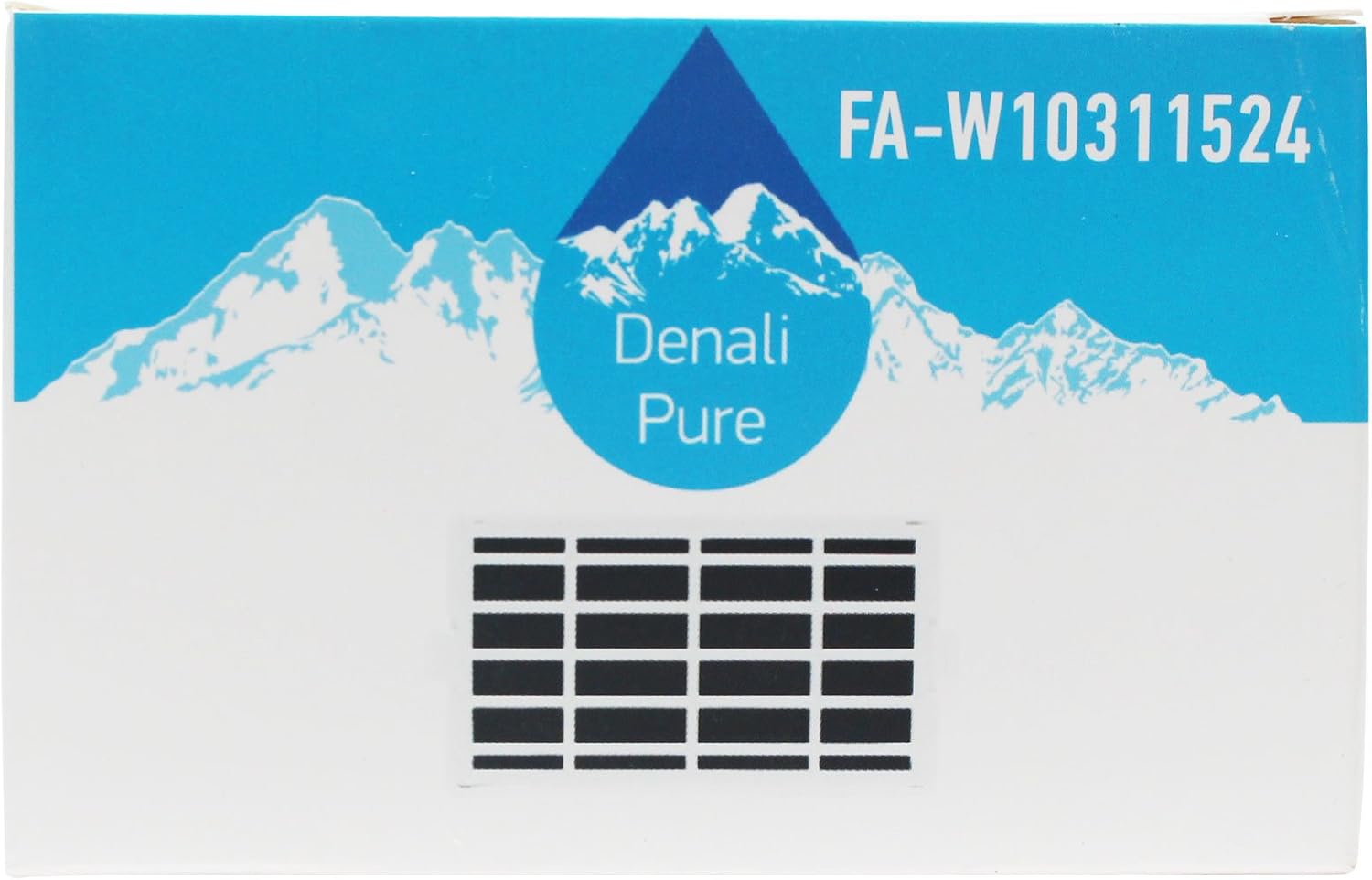
Image: Product packaging for the Denali Pure Refrigerator Air Filter, displaying the brand logo and model number FA-W10311524.
Compatibility
This Denali Pure air filter is a replacement part compatible with refrigerators that use the W10311524 and AIR1 filter models. It is also compatible with KitchenAid KRMF706ESS00 refrigerators. Please verify your refrigerator's existing filter model number to ensure compatibility before installation.
Installation (Setup)
Follow these steps to install your new Denali Pure Refrigerator Air Filter:
Step 1: Locate the Filter Compartment
Refer to your refrigerator's owner's manual to locate the air filter compartment. This is typically found inside the fresh food section, often near the top or rear wall.
Step 2: Remove the Old Filter
Open the filter compartment cover. Depending on your refrigerator model, you may need to press a tab, twist, or pull to release the old filter. Carefully remove the used filter and dispose of it properly.
Step 3: Install the New Filter
Unpack the new Denali Pure air filter. Insert the new filter into the compartment, ensuring it is oriented correctly. The filter should slide in smoothly and click into place if applicable. Close the filter compartment cover securely.
Step 4: Reset the Filter Indicator (if applicable)
Some refrigerators have a filter change indicator light. Consult your refrigerator's manual for instructions on how to reset this indicator after installing a new air filter. This usually involves pressing and holding a specific button for a few seconds.
Maintenance
To ensure optimal performance and air quality, regular maintenance of your air filter is essential:
- Replacement Frequency: It is recommended to replace the refrigerator air filter every 6 months.
- Signs of a Clogged Filter: If you notice persistent odors in your refrigerator, it may be an indication that the air filter needs to be replaced sooner.
Specifications
| Brand | Denali Pure |
| Part Number | FA-W10311524-DL112 |
| Item Model Number | FA-W10311524-DL112 |
| Shape | Rectangular |
| UPC | 754672931376 |
| Unit Count | 1 |
| Number of Items | 1 |
| Compatibility | Replaces W10311524, AIR1, compatible with KitchenAid KRMF706ESS00 |
Troubleshooting
If you encounter any issues, consider the following:
- Odors Persist After Replacement:
- Ensure the new filter is installed correctly and the compartment cover is sealed.
- Check for any spoiled food items within the refrigerator that might be causing the odor.
- Clean the interior of the refrigerator thoroughly.
- Filter Does Not Fit:
- Double-check the model number of your refrigerator and the replacement filter to ensure compatibility.
- Contact Denali Pure customer support if you believe you have received the incorrect part.
Warranty and Support
This product is covered by a warranty offered solely by Denali Pure. For warranty claims or technical support, please contact Denali Pure directly. This product is not affiliated with any OEM brands and is not covered under any warranties offered by the original manufacturers.