
1. Product Overview
The KAWADA Nanoblock LED Display Base (Model NB026) is designed to illuminate your Nanoblock and Paper Nano creations. It features internal LEDs that cycle through various colors, providing a dynamic display for your models. The base includes a brick plate surface for direct attachment of Nanoblock pieces.
This product is suitable for users aged 8 years and older.
2. Package Contents
- 1 x Nanoblock LED Display Base
3. Important Safety Information
- Recommended for ages 8 to 18 years.
- Requires 2 AAA batteries (not included).
- Do not mix old and new batteries.
- Do not mix alkaline, standard (carbon-zinc), or rechargeable (nickel-cadmium) batteries.
- Ensure proper battery polarity (+/-).
- Remove batteries if the product is not used for an extended period.
- Keep small parts away from young children to prevent choking hazards.
4. Setup
4.1 Powering the Display Base
The LED Display Base can be powered by either 2 AAA batteries or a USB port.
- Using AAA Batteries:
- Locate the battery compartment on the underside of the display base.
- Open the compartment cover.
- Insert 2 new AAA batteries, ensuring correct polarity.
- Close the battery compartment cover securely.
- Using a USB Port:
- Connect a compatible USB cable (not included) to the USB port on the side of the display base.
- Plug the other end of the USB cable into a powered USB port (e.g., computer, USB wall adapter).
4.2 Placing Your Nanoblock Creation
The top surface of the display base features a brick plate, allowing you to directly build or place your Nanoblock creations onto it for a secure display.
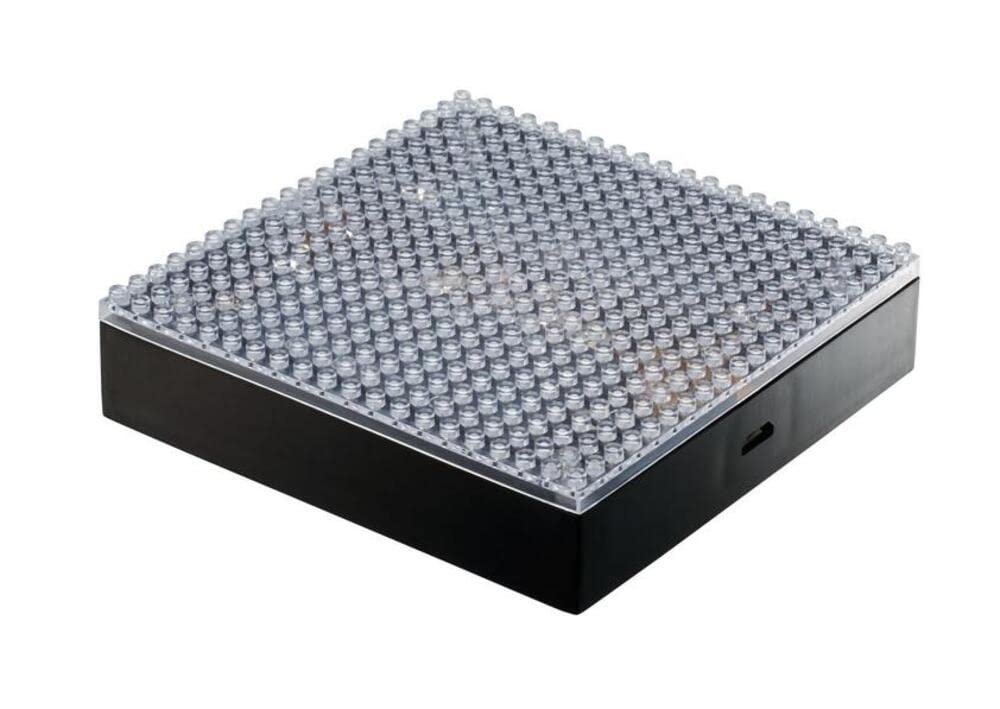
Image: The Nanoblock LED Display Base with a blue light, ready for a Nanoblock creation.
5. Operating Instructions
5.1 Power On/Off
Locate the On/Off switch on the side of the display base. Flip the switch to the "On" position to activate the LEDs, and to the "Off" position to turn them off.
5.2 LED Color Cycling
Once powered on, the internal LEDs will automatically cycle through a sequence of red, green, blue, and white colors, providing a vibrant and changing illumination for your Nanoblock model.
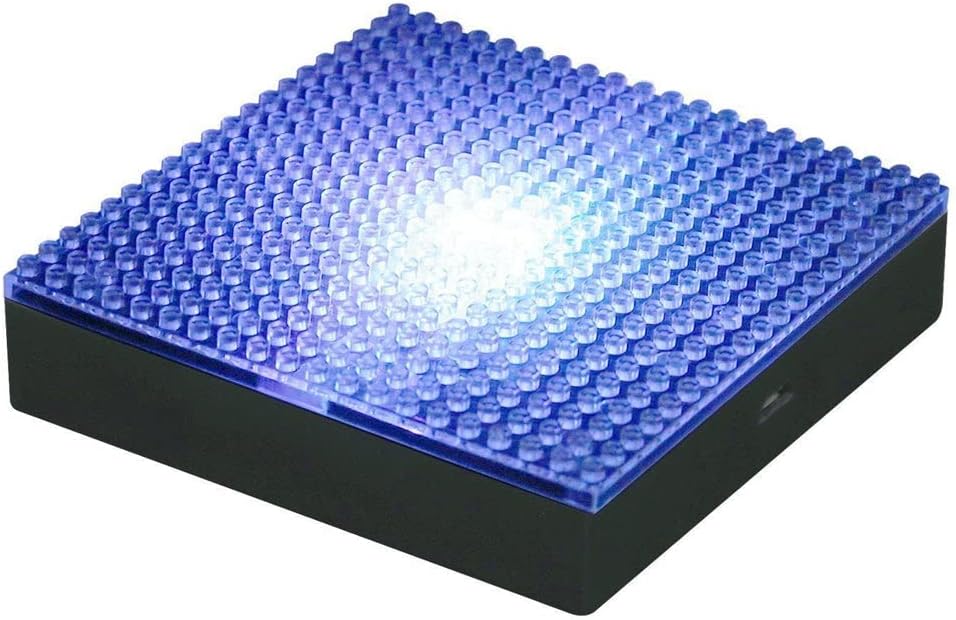
Image: The Nanoblock LED Display Base illuminated with a green light.

Image: The Nanoblock LED Display Base illuminated with a purple light.
6. Maintenance
- To clean the display base, gently wipe it with a soft, dry cloth.
- Do not use abrasive cleaners or solvents, as these may damage the surface.
- Ensure the device is turned off and disconnected from any power source before cleaning.
7. Troubleshooting
- LEDs are not lighting up:
- Check if the On/Off switch is in the "On" position.
- If using batteries, ensure they are correctly inserted with proper polarity and are not depleted. Replace with new batteries if necessary.
- If using USB power, ensure the USB cable is securely connected to both the base and a powered USB port.
- Intermittent light:
- Check battery connections for looseness.
- Ensure USB cable is not loose or damaged.
8. Specifications
| Feature | Detail |
|---|---|
| Model Number | NB026 |
| Product Dimensions | 4 x 4 x 1 inches |
| Item Weight | 3.84 ounces |
| Power Source | 2 AAA batteries (not included) or USB port |
| LED Colors | Red, Green, Blue, White (cycling) |
| Recommended Age | 8 - 18 years |
| Manufacturer | Schylling |
9. Visual Guide
9.1 Product Images

Image: Angled view of the Nanoblock LED Display Base, showing the blue illumination.
Image: Angled view of the Nanoblock LED Display Base, showing the green illumination.
Image: Angled view of the Nanoblock LED Display Base, showing the purple illumination.
9.2 Official Product Video
Video: Product Overview Video for the Nanoblock LED Display Base, demonstrating its features and use.