
Introduction
This manual provides detailed instructions for the Nettech NTR-001 Replacement Remote Control, designed for use with most Panasonic TV models. It covers setup, operation, and maintenance to ensure optimal performance. This remote is compatible with various Panasonic TV models, including TC46PGT24, TCP42G25, TCP46G25, TCP50G20, TCP50G25, N2QAYB000485, N2QAYB000100, N2QAYB000221, N2QAYB00048, and many others. Please note, this remote is not designed for Panasonic DVD players.
Setup
Battery Installation
- Locate the battery compartment on the back of the remote control.
- Slide the battery compartment cover downwards to open it.
- Insert two AAA batteries, ensuring correct polarity (+ and - terminals match the indicators inside the compartment).
- Slide the battery compartment cover back into place until it clicks securely.
Initial Use
The Nettech NTR-001 remote control is designed to work immediately with most Panasonic TVs right out of the box after inserting the batteries. No additional programming is typically required for basic TV functions.
Operating Instructions
Familiarize yourself with the buttons and their functions:

Figure 1: Front view of the Nettech NTR-001 remote control.
- Power Button (●): Turns the TV on or off.
- INPUT / TV / AV: Selects the input source (e.g., HDMI 1, AV, TV).
- APPS / HOME / INTERNET / MENU / OPTION / GUIDE / EXIT: Accesses various smart TV features, menus, and navigation options.
- Directional Pad (Up, Down, Left, Right) & OK Button: Navigates through menus and confirms selections.
- RETURN: Goes back to the previous screen or menu.
- Volume Up/Down (+/-): Adjusts the TV volume.
- Channel Up/Down (CH ▲/▼): Changes TV channels.
- Number Pad (0-9): Directly enters channel numbers.
- LAST: Returns to the previously viewed channel.
- Playback Controls (Rewind, Play/Pause, Fast Forward): Controls media playback.
- 3D: Activates or deactivates 3D mode on compatible TVs.
- VIERA Link: Accesses Panasonic's VIERA Link functions for connected devices.
- WAKEUP / CC / FAV / OFF-TIMER / CD/V / I/II: Provides access to specific functions like Closed Captioning, Favorite channels, Off-timer, and other specialized controls.
- LCD LED / LEARN: These buttons may offer advanced functions or learning capabilities for specific TV models. Refer to your TV's manual for details on 'LEARN' functionality if applicable.
Features
- Broad Compatibility: Designed for most Panasonic TV models, including Viera Link, HDTV, 3D, LCD, and LED TVs.
- Instant Operation: Works immediately out of the box with most Panasonic TVs after battery insertion.
- Convenient Hotkeys: Includes dedicated buttons for 3D, VIERA Link, and customizable options for quick access to popular Panasonic Smart TV functions.
Product Overview
The front of the remote control, displaying all primary function buttons and navigation pad.

An angled perspective of the remote, highlighting its ergonomic design and button layout.
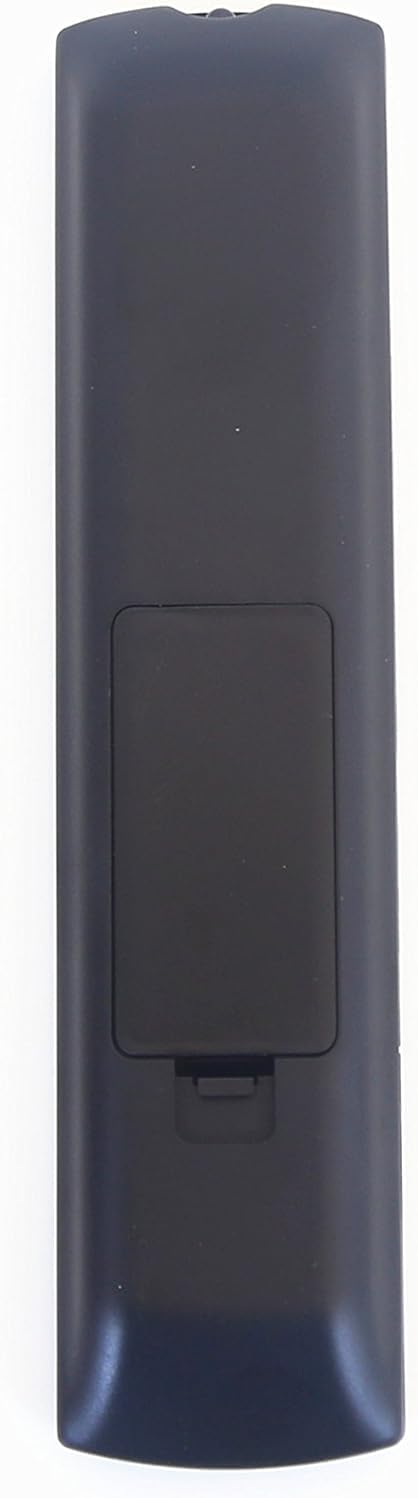
The rear side of the remote, showing the battery compartment cover.

A different angled view, providing a comprehensive look at the remote's profile.
Troubleshooting
Remote Not Responding
- Check Batteries: Ensure fresh AAA batteries are inserted with correct polarity.
- Line of Sight: Make sure there is a clear line of sight between the remote and the TV's infrared sensor. Obstructions can block the signal.
- Remote Reset: Remove batteries, press all buttons a few times to discharge any residual power, then reinsert batteries.
- TV Sensor: Verify that the TV's infrared sensor is not blocked or dirty.
Specifications
| Brand | Nettech |
| Model Number | NTR-001 |
| Product Dimensions | 3 x 3 x 3 inches |
| Item Weight | 3.04 ounces |
| Compatible Devices | Television |
| Special Feature | No Programming Required |
| Color | Black |
Warranty and Support
Nettech provides a 1-year warranty for this replacement remote control. If you encounter any issues or are not satisfied with your purchase, please refer to the seller's contact information for support.