
1. Product Overview
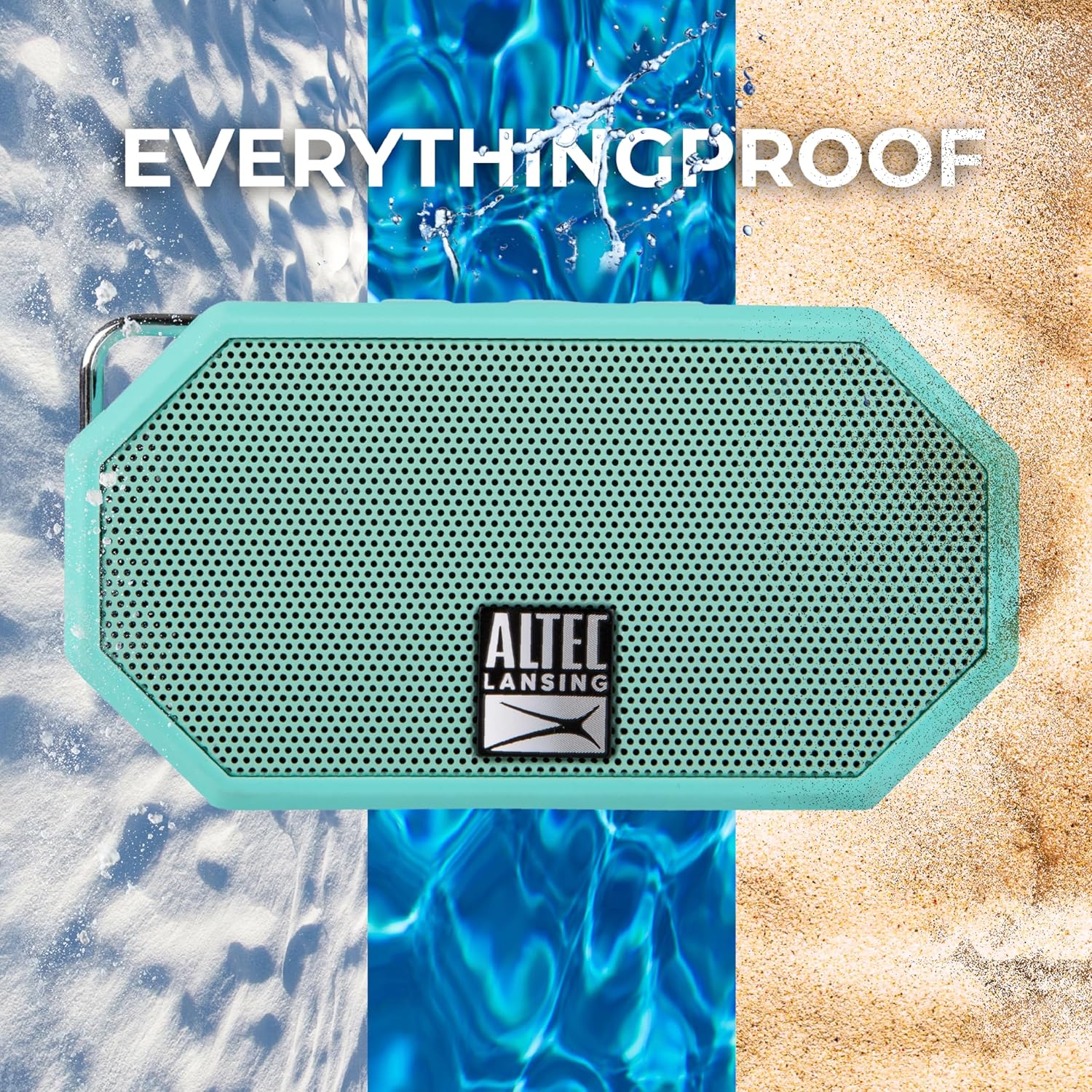
The Altec Lansing Mini H2O IMW257 is a compact, portable, and waterproof Bluetooth speaker designed for versatile use in various environments. Its robust construction and IP67 rating ensure durability against water, dust, and shock, making it ideal for outdoor activities. The speaker features clear audio output, easy Bluetooth connectivity, and a built-in carabiner for convenient portability.

2. Package Contents
- Altec Mini H2O Bluetooth Waterproof Speaker (Mint)
- USB Charging Cable
- Carabiner Clip
3. Controls and Indicators
The speaker features intuitive controls located on the top panel and essential ports protected by a rubber flap.

3.1. Top Panel Controls
- Power Button: Press and hold to power the speaker on or off.
- Volume Down (-): Press to decrease volume. Hold to skip to the previous track.
- Voice Assistant Button: Press to activate your device's voice assistant.
- Volume Up (+): Press to increase volume. Hold to skip to the next track.
- LED Light Button: Press to cycle through different LED lighting modes.
3.2. Ports
The charging and auxiliary input ports are located under a protective rubber flap on the side of the speaker to maintain its waterproof integrity.
- DC IN Port: For charging the speaker using the provided USB cable.
- AUX IN Port: For connecting devices via a 3.5mm audio cable (not included).
4. Setup
4.1. Charging the Speaker
- Open the protective rubber flap on the side of the speaker.
- Connect the small end of the provided USB charging cable to the DC IN port on the speaker.
- Connect the larger end of the USB cable to a USB power adapter (not included) or a computer's USB port.
- The charging indicator light will illuminate. A full charge takes approximately 6 hours and provides up to 6 hours of playtime.
- Once charging is complete, securely close the rubber flap to maintain waterproof integrity.
4.2. Bluetooth Pairing
- Press and hold the Power Button on the speaker to turn it on. The speaker will enter Bluetooth pairing mode, indicated by a blinking blue LED light.
- On your mobile device (smartphone, tablet, etc.), enable Bluetooth and search for available devices.
- Select "Mini H2O" from the list of available devices.
- Once successfully paired, the speaker will emit an audible confirmation tone, and the blue LED light will remain solid.
5. Operating Instructions
5.1. Audio Playback
- Play/Pause: Press the Power Button once to play or pause audio.
- Volume Adjustment: Press the Volume Up (+) or Volume Down (-) buttons to adjust the playback volume.
- Skip Tracks: Hold the Volume Up (+) button to skip to the next track. Hold the Volume Down (-) button to skip to the previous track.
5.2. Voice Assistant
- Press the Voice Assistant button to activate your paired device's voice assistant (e.g., Siri, Google Assistant).
5.3. LED Lighting Modes
- Press the LED Light button to cycle through various lighting effects.
5.4. Portability
The integrated carabiner clip allows for easy attachment to backpacks, belt loops, or other gear, keeping your hands free while on the go.

6. Maintenance
- Cleaning: Wipe the speaker with a soft, damp cloth. Avoid using harsh chemicals or abrasive cleaners.
- Waterproof Care: Always ensure the protective rubber flap covering the charging and AUX IN ports is securely closed when the speaker is exposed to water or moisture.
- Storage: Store the speaker in a cool, dry place when not in use.
7. Troubleshooting
- Speaker Not Discoverable:
- Hold down the Volume Up (+) and Volume Down (-) buttons simultaneously for a few seconds until the lights in the grill flash to reset the speaker.
- Turn Bluetooth off on your device, then turn the speaker off.
- Wait approximately 30 seconds, then turn Bluetooth on your device, and then turn the speaker on.
- Re-attempt pairing.
- Muffled or Low-Quality Sound:
- Disconnect the speaker from your Bluetooth device.
- Reset the speaker by holding down the Volume Up (+) and Volume Down (-) buttons simultaneously for a few seconds.
- Reconnect to your Bluetooth device.
8. Specifications
| Feature | Specification |
|---|---|
| Model Name | Mini H2O |
| Item Model Number | IMW257-MNT-GRP |
| Brand | Altec Lansing |
| Material | Plastic Or Lightweight Metal |
| Speaker Type | Outdoor |
| Special Feature | Wireless |
| Product Dimensions | 1"D x 4.2"W x 2.5"H |
| Item Weight | 5.87 ounces |
| Is Waterproof | True (IP67 Certified) |
| Water Resistance Level | Waterproof |
| Maximum Range | 30 Feet (10 Meters) |
| Power Source | Battery Powered (1 Lithium Ion battery included) |
| Charging Time | 6 Hours |
| Wireless Communication Technology | Bluetooth |
| Audio Output Mode | Stereo |
| UPC | 021331487612 |
9. Warranty and Support
The Altec Lansing Mini H2O speaker comes with a Limited Warranty. For detailed warranty information, product support, or to explore other Altec Lansing products, please visit the official Altec Lansing Store.