1. Introduction
This manual provides essential instructions for the safe and effective use of your Workman IC2000 CB Radio Power Cord. This heavy-duty 2-pin power cord is designed specifically for ICOM CB radios, featuring 10-gauge wire and two 10-amp fuse holders for reliable power delivery.
2. Safety Information
- Always ensure the power source is turned off before connecting or disconnecting the power cord.
- Verify correct polarity when connecting to your radio and power source. Incorrect polarity can damage your equipment.
- Do not exceed the specified current rating of the fuses (10 Amps).
- Keep the cord away from heat sources, sharp objects, and moving parts.
- If the cord becomes damaged, discontinue use immediately and replace it.
3. Package Contents
- 1x Workman IC2000 CB Radio Power Cord (Heavy Duty 2-Pin)
- 2x Inline Fuse Holders (pre-installed)
- 2x 10 Amp Fuses (pre-installed)

Image 1: The Workman IC2000 CB Radio Power Cord, shown coiled. It features red and black 10-gauge wires, two inline fuse holders, and a 2-pin connector designed for ICOM CB radios.
4. Setup Instructions
- Prepare Power Source: Ensure your vehicle's ignition or external power supply is turned off.
- Identify Connections: The power cord has a 2-pin connector for the radio and bare wire ends for the power source. The red wire is positive (+), and the black wire is negative (-).
- Connect to Radio: Carefully plug the 2-pin connector into the corresponding power input port on your ICOM CB radio. Ensure a secure fit.
- Connect to Power Source:
- Connect the red wire (positive) to a fused 12V DC positive terminal on your vehicle's electrical system or power supply.
- Connect the black wire (negative) to a suitable ground point on your vehicle's chassis or the negative terminal of your power supply.
Important: Always double-check polarity before applying power. Incorrect wiring can cause severe damage to your radio and vehicle's electrical system.
- Secure Wiring: Route the power cord safely, away from moving parts, sharp edges, and excessive heat. Use cable ties if necessary to prevent snagging or accidental disconnection.
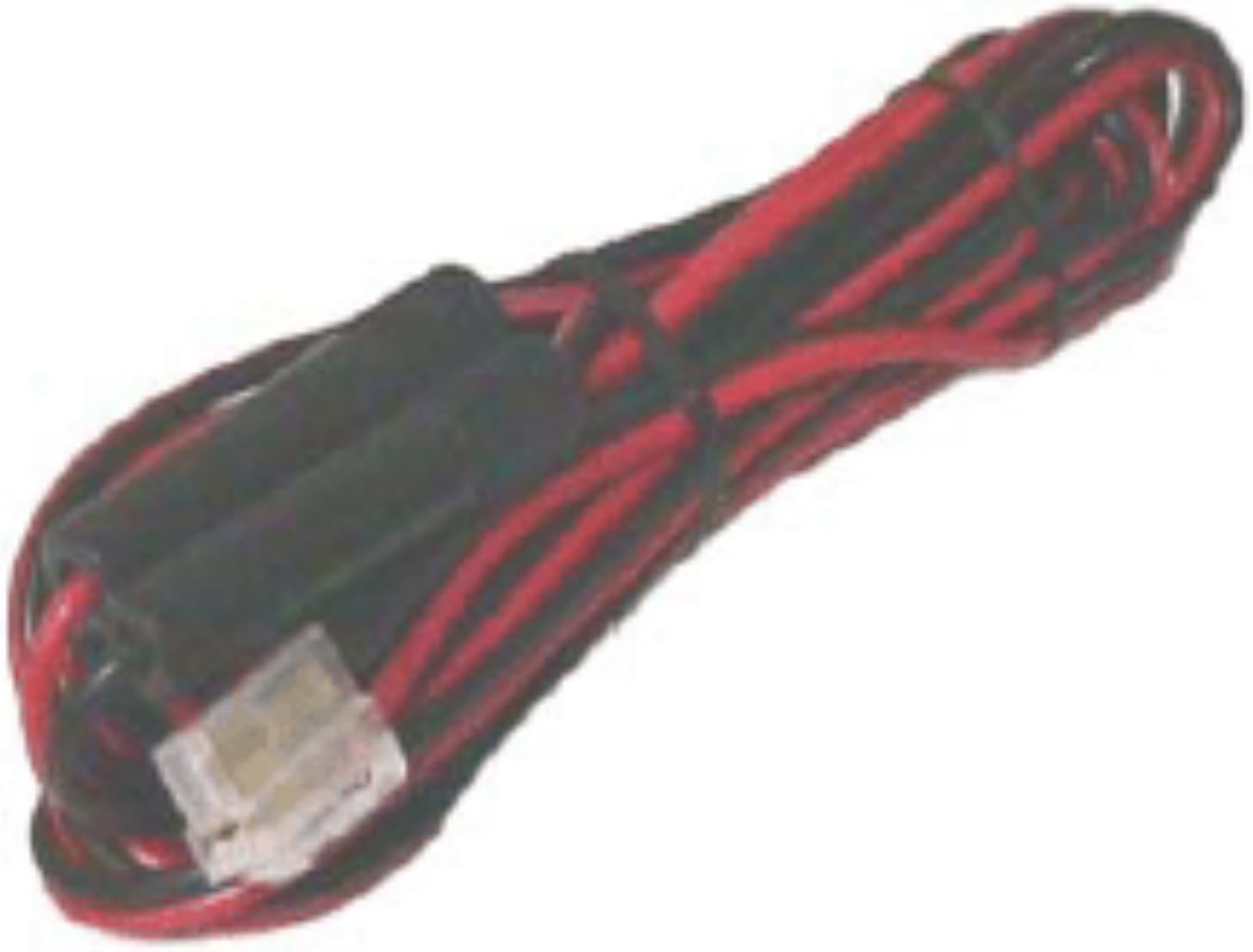
Image 2: A close-up view of the Workman IC2000 CB Radio Power Cord, highlighting the 2-pin connector and the inline fuse holders. The red and black wires are clearly visible, indicating positive and negative terminals.
5. Operating Instructions
Once the Workman IC2000 CB Radio Power Cord is correctly installed and connected to your ICOM CB radio and a suitable 12V DC power source, you can power on your radio according to its specific operating instructions. The power cord simply provides the necessary electrical connection.
Ensure that the radio's power switch is in the OFF position before turning on the main power source. After the main power is stable, switch on your CB radio.
6. Maintenance
- Regular Inspection: Periodically inspect the power cord for any signs of wear, fraying, cuts, or damage to the insulation.
- Fuse Replacement: The power cord includes two inline 10-amp fuses. If your radio loses power unexpectedly, check these fuses.
- Turn off all power to the radio and disconnect the power cord from the source.
- Unscrew the cap of the fuse holder.
- Remove the old fuse and replace it with a new 10-amp fuse of the same type.
- Securely screw the cap back onto the fuse holder.
- Reconnect power and test.
- Cleaning: Keep the cord and connectors clean and free of dust or debris. Use a dry, soft cloth for cleaning.
7. Troubleshooting
| Problem | Possible Cause | Solution |
|---|---|---|
| Radio does not power on. | No power from source, blown fuse, incorrect wiring, loose connection. |
|
| Cord appears damaged. | Physical wear or damage. | Discontinue use immediately and replace the power cord. Do not attempt to repair damaged wiring. |
8. Specifications
- Brand: Workman
- Model Number: 4350445836
- Compatible Devices: Radios using standard 2-pin T plug (specifically ICOM CB radios)
- Wire Gauge: 10 Gauge
- Fuse Type: Inline, 10 Amp (x2)
- Color: Black/Red
- Product Dimensions: Approximately 6 x 6 x 6 inches (packaged)
- Item Weight: Approximately 10.8 ounces
- Water Resistance Level: Water Resistant (Note: Not waterproof. Avoid submersion.)
9. Warranty and Support
For warranty information or technical support regarding your Workman IC2000 CB Radio Power Cord, please refer to the documentation provided with your purchase or contact Workman customer service directly. Keep your proof of purchase for warranty claims.
Note: This manual is for informational purposes only. Workman is not responsible for any damage or injury caused by improper installation or use of this product.


