LEFON Multifunction Digital FM Radio Media Speaker MP3 Music Player
Model: Y618 Radio
Introduction
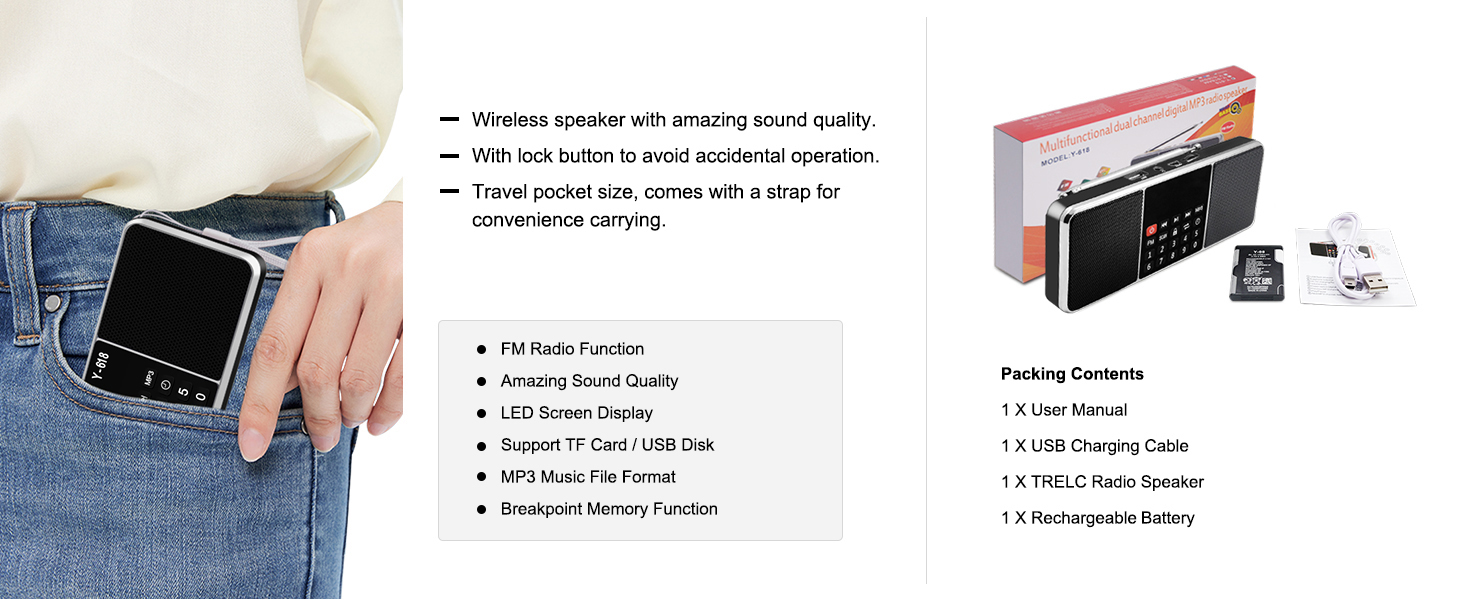
This manual provides detailed instructions for the operation and maintenance of your LEFON Multifunction Digital FM Radio Media Speaker. This device combines an FM radio, MP3 music player, and speaker into a compact, portable unit, supporting various audio sources including TF cards, USB drives, and AUX input. Please read this manual thoroughly before use to ensure proper functionality and longevity of your device.

The LEFON Multifunction Digital FM Radio Media Speaker, showcasing its front panel with LED display, control buttons, and dual speakers.
Product Features
- FM Radio Function: Enjoy clear reception of FM radio stations with an extendable antenna.
- Superior Sound Quality: Equipped with dual speakers for rich and clear stereo sound.
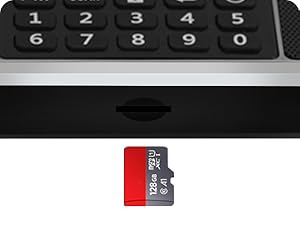
- MP3 Music Player: Supports playback from TF (Micro SD) cards and USB flash drives.
- AUX Input: Connect external audio devices via the 3.5mm AUX jack.
- LED Screen Display: Large, easy-to-read LED screen for displaying frequency, track information, and time.
- Rechargeable Battery: Built-in 1200mAh Li-ion battery provides 6-12 hours of playtime.
- Timing Shutdown Function: Set an auto-off timer for convenient use, especially for falling asleep.
- Compact and Portable: Lightweight design with a strap for easy carrying.

Illustration of the dual speaker system providing stereo surround sound.

An exploded view demonstrating the internal components of the speaker for superior sound.
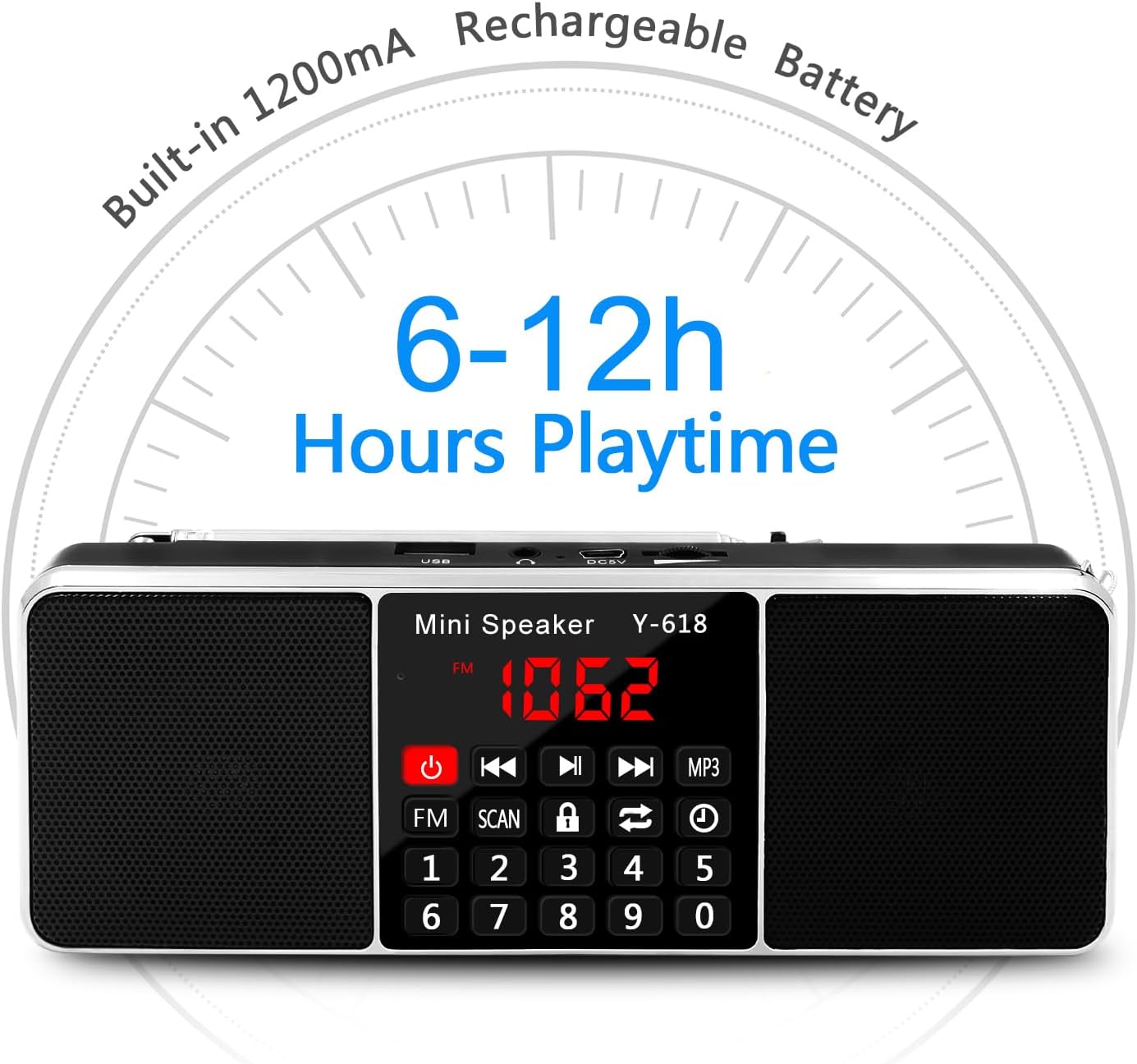
Visual representation of the built-in 1200mAh rechargeable battery, offering 6-12 hours of playtime.
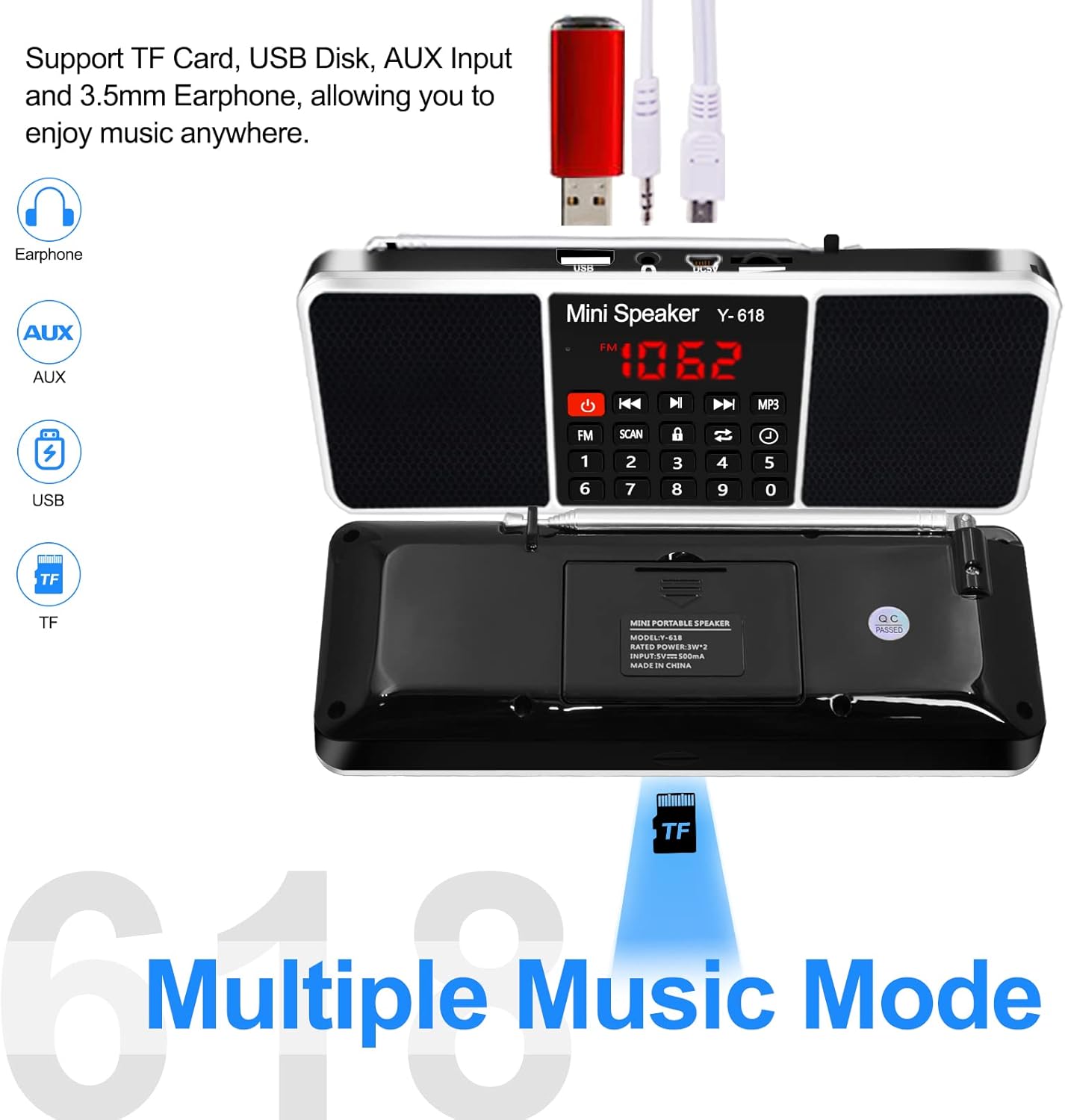
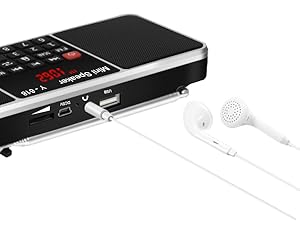
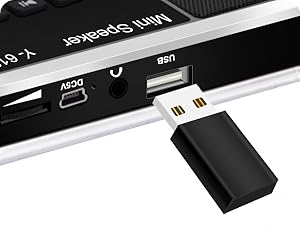
Diagram showing support for TF Card, USB Disk, AUX Input, and 3.5mm Earphone connectivity.
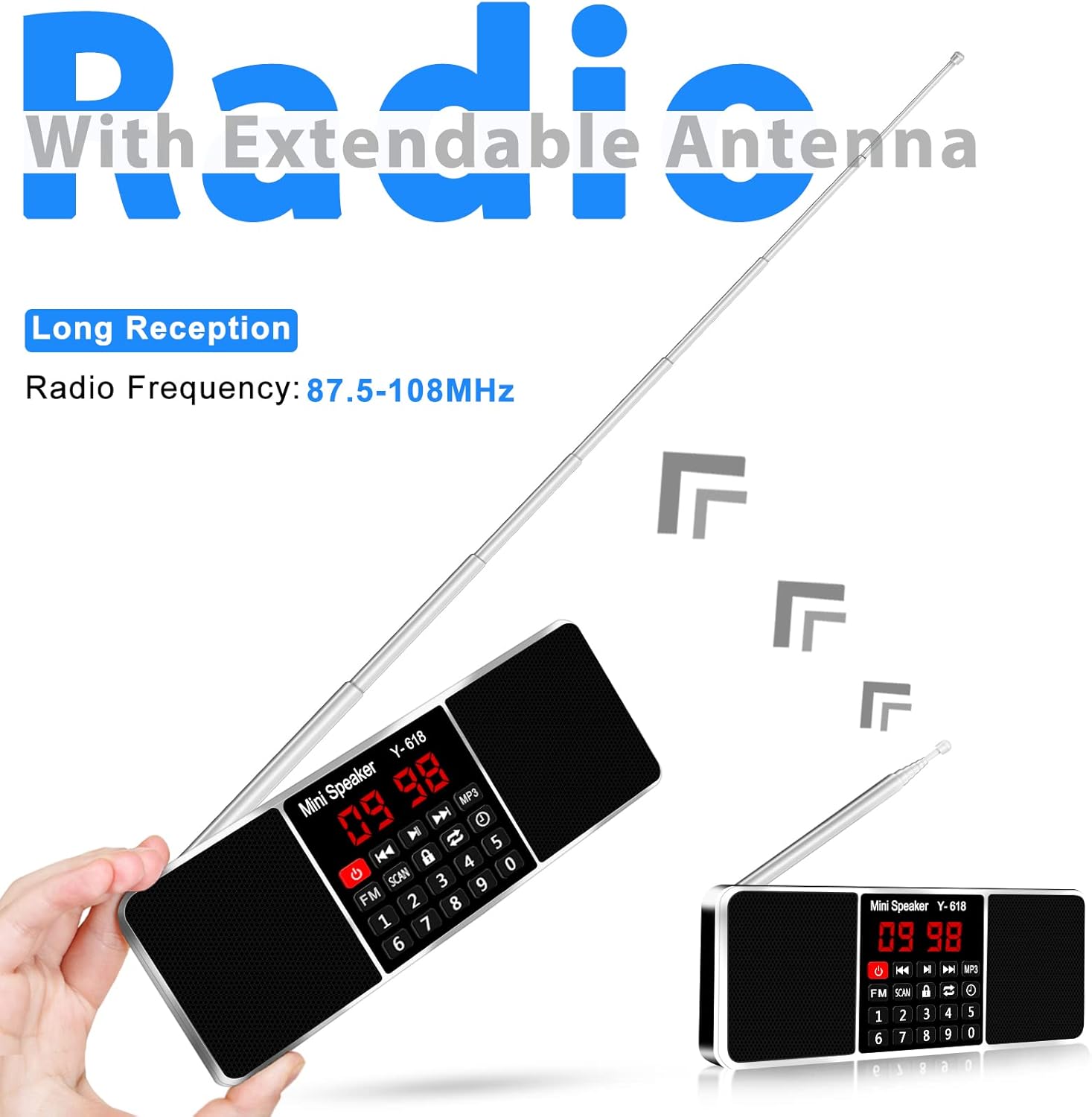
The device with its extendable antenna, highlighting its long reception capabilities for FM radio.
Close-up of the large LED screen display, convenient for use at night.
Setup
Charging the Battery
The device comes with a built-in rechargeable Li-ion battery. Before first use, fully charge the battery.
- Connect the provided USB cable to the DC5V port on the speaker.
- Connect the other end of the USB cable to a 5V/1A USB power adapter (not included) or a computer USB port.
- The charging indicator light will illuminate during charging and change color or turn off when charging is complete.
Note: A full charge typically takes a few hours. Battery life varies depending on volume level and usage.
The radio connected to a laptop via USB for charging.
Operating Instructions
Power On/Off
- Press and hold the Power button (
 ) to turn the device on or off.
Volume Control
- Use the dedicated volume up (+) and volume down (-) buttons to adjust the audio level.
FM Radio Operation
- Switch to FM Mode: Press the FM button to switch to FM radio mode. The LED display will show the current FM frequency.
- Auto-Scan and Store Stations: Press and hold the SCAN button (
 ) for approximately 3 seconds. The radio will automatically scan for available FM stations and store them as presets. The frequency numbers on the display will jump during scanning. Do not perform other operations during this process.
 - Manual Tuning/Preset Selection: Use the number pad (0-9) to directly input a frequency or a preset station number. Alternatively, use the Previous/Next track buttons to cycle through stored stations or fine-tune the frequency.
- Antenna Adjustment: Extend the telescopic antenna fully for optimal FM reception. Adjust its angle and position if reception is weak.
MP3 Music Player Operation (TF Card / USB Drive)
- Insert Media: Insert a TF (Micro SD) card or a USB flash drive containing MP3 audio files into the respective slot. The device will automatically switch to MP3 playback mode.
- Play/Pause: Press the Play/Pause button to start or pause playback.
- Next/Previous Track: Press the Next Track or Previous Track buttons to skip between songs.
- Repeat/Shuffle: Press the Repeat/Shuffle button (
 ) to cycle through playback modes (e.g., repeat one, repeat all, shuffle).
Close-up of the TF (Micro SD) card slot.

A USB flash drive inserted into the USB port for MP3 playback.
AUX Input
- Connect an external audio device (e.g., smartphone, tablet) to the AUX input jack using a 3.5mm audio cable (not included). The speaker will automatically switch to AUX mode.
- Control playback and volume from the connected external device.
Earphones connected to the 3.5mm audio jack for private listening.
Timing Shutdown Function (Sleep Timer)
- Press the Timer button () repeatedly to cycle through available sleep timer settings (e.g., 15 minutes, 30 minutes, 60 minutes, up to 240 minutes).
- The device will automatically turn off after the selected time period.
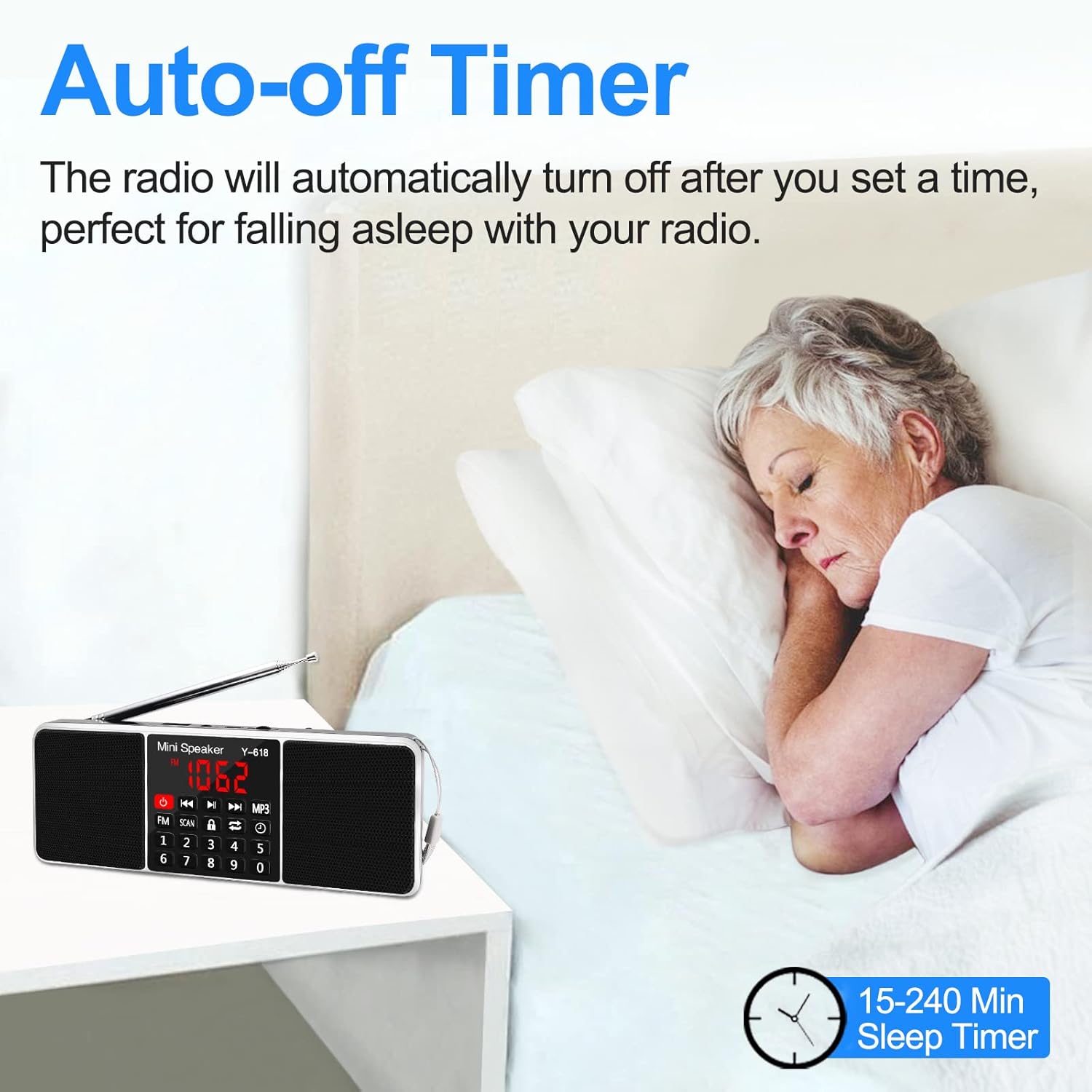
The auto-off timer feature, ideal for falling asleep while listening to the radio.
Lock Function
- Press the Lock button (
 ) to lock the buttons and prevent accidental operation. Press it again to unlock.
Maintenance
- Cleaning: Use a soft, dry cloth to clean the surface of the device. Do not use abrasive cleaners or solvents.
- Storage: When not in use for extended periods, store the device in a cool, dry place away from direct sunlight and extreme temperatures.
- Battery Care: To prolong battery life, avoid fully discharging the battery frequently. Charge the device regularly, even if not in use.
- Antenna: Handle the telescopic antenna with care to prevent bending or breaking.
Troubleshooting
If you encounter issues with your device, please refer to the following common solutions:
- Weak Radio Signals:
- Antenna: Try adjusting the antenna's length and angle for better reception.
- Batteries: Weak batteries can affect signal strength. Ensure the radio is fully charged.
- Tuning: Manually tune the radio slightly above or below the desired frequency to see if the signal improves.
- Location: Move the radio to a different location, preferably near a window or higher up, to improve signal reception. Avoid placing the radio near electronic devices that might cause interference.
- Cannot Play Songs from USB Drive / TF Card:
- File Format: Ensure the audio files are in MP3 format.
- USB/TF Card Condition: The USB port or TF card slot may be damaged or dirty. Try cleaning the port/slot or using a different USB drive/TF card to rule out issues with the current one.
- Unable to Charge:
- Please ensure you are using a 5V/1A adapter for charging. Check the USB cable for damage and try a different cable if necessary.
- How to Auto-Scan FM Channels:
- Press the FM button to change to FM radio mode. The symbol "FM" will appear on the display screen.
- Completely pull out the radio antenna, then long press the SCAN button for over 3 seconds. The numbers on the display screen will jump up quickly from 87.5, indicating auto-scanning. Do not perform any other operations during this time.
- After 2-3 minutes, the product will finish scanning at 108.0. Once scanning is complete, it will automatically play the first channel found.

Visual representation of common troubleshooting steps for the radio.
Specifications
| Feature | Detail |
|---|---|
| Model Number | Y618 Radio |
| Product Dimensions | 6.93 x 2.58 x 0.98 inches (17.6 x 6.55 x 2.49 cm) |
| Item Weight | 7.8 ounces (220 Grams) |
| Connectivity Technology | USB |
| Tuner Technology | FM |
| Radio Bands Supported | FM (87.5-108 MHz) |
| Power Source | Battery Powered (Rechargeable Li-ion Battery) |
| Included Components | USB cable, Rechargeable Li-ion Battery |
| Manufacturer | LEFON |
| Country of Origin | China |
Warranty and Support
For warranty information and customer support, please refer to the product packaging or contact the retailer where you purchased the device. Keep your purchase receipt as proof of purchase for any warranty claims.


