
Introduction
Thank you for choosing the Mystim Sizzling Simon Personal Vibrator with E-Stim Black Edition. This manual provides essential information for the safe and effective use, maintenance, and care of your device. Please read it thoroughly before first use and retain it for future reference.
Important Safety Information
WARNING: Failure to follow these safety instructions could result in injury or damage to the product.
- This device is intended for adult use only.
- Consult a healthcare professional before use if you have any medical conditions, especially heart conditions, epilepsy, or if you are pregnant.
- Do not use on broken, irritated, or sensitive skin. Discontinue use immediately if you experience any discomfort or adverse reactions.
- Keep out of reach of children.
- Use only water-based lubricants with this product. Oil-based lubricants can damage the silicone material.
- Ensure the charging port is completely dry before connecting the charging cable.
- Do not immerse the device in water for extended periods, despite its waterproof design.
- Do not attempt to disassemble or modify the device. This will void the warranty.
- Dispose of the device and its battery responsibly according to local regulations.
Package Contents
Please check that all items are present in your package:
- Mystim Sizzling Simon Personal Vibrator with E-Stim
- USB Charging Cable
- Instruction Manual (this document)
- Storage Case

Image: The Mystim Sizzling Simon vibrator shown alongside its product packaging, indicating the contents.
Product Features
- Dual Functionality: Combines vibration and E-Stim (electrical stimulation) in one device.
- Rechargeable Battery: Equipped with a long-lasting lithium-ion battery.
- Powerful Motors: Features two extra-strong motors for intense sensations.
- Vibration Programs: 8 distinct vibration programs with 5 intensity levels each.
- E-Stim Programs: 5 E-Stim programs with 10 intensity levels each.
- Premium Material: Made from 100% medical-grade platinum silicone.
- Waterproof Design: Suitable for use in wet environments.
- Quiet Operation: Engineered for extremely quiet performance.
- Warranty: Includes a 1-year manufacturer's warranty.

Image: An illustration highlighting the main features of the Sizzling Simon, including vibration and E-Stim, rechargeable battery, dual motors, multiple programs, silicone material, waterproofing, and quiet operation.
Setup
Charging the Device
- Locate the charging port on the device. This is typically found near the control panel.
- Ensure the charging port is clean and completely dry before connecting the USB charging cable.
- Connect the small end of the USB cable to the device's charging port and the larger end to a standard USB power adapter (not included) or a computer's USB port.
- The indicator light on the device will illuminate or flash to show that it is charging. Refer to the indicator light section in the Operating Instructions for specific charging status indications.
- A full charge may take several hours. Disconnect the charger once the device is fully charged.

Image: A detailed view of the Sizzling Simon, highlighting the discreet charging port located near the control panel.
First Use
Before the first use, fully charge the device. Clean the device thoroughly as described in the Maintenance section. It is recommended to familiarize yourself with the controls and functions before intimate use.
Operating Instructions
Control Panel Overview
The device features an intuitive control panel. Familiarize yourself with the buttons:

Image: A diagram illustrating the control panel, clearly labeling the E-Stim control buttons (top section) and Vibration control buttons (bottom section), separated by a central function display light band.
- Power Button (Central Circle): Press and hold to turn the device ON/OFF. A short press cycles through vibration programs when vibration is active, or E-Stim programs when E-Stim is active.
- Vibration Controls (+/-): Located below the central circle. Use '+' to increase vibration intensity and '-' to decrease it.
- E-Stim Controls (+/-): Located above the central circle. Use '+' to increase E-Stim intensity and '-' to decrease it.
- Function Display Light Band: The central light band indicates active functions and intensity levels.
Using Vibration
- Press and hold the central Power Button to turn the device ON. The device will typically start in a default vibration mode.
- Press the '+' button in the Vibration Control section to increase the vibration intensity. There are 5 intensity levels.
- Press the '-' button in the Vibration Control section to decrease the vibration intensity.
- To cycle through the 8 vibration programs, short press the central Power Button while vibration is active.
Using E-Stim
The E-Stim function uses conductive surfaces on the device. Ensure these surfaces are in contact with the skin for the E-Stim to be effective.

Image: An illustration highlighting the specific areas on the Sizzling Simon that serve as conductive surfaces for the E-Stim function, marked in pink.
- With the device ON, press the '+' button in the E-Stim Control section to activate and increase the E-Stim intensity. There are 10 intensity levels.
- Press the '-' button in the E-Stim Control section to decrease the E-Stim intensity.
- To cycle through the 5 E-Stim programs, short press the central Power Button while E-Stim is active.
Combined Use
The vibration and E-Stim functions can be used independently or simultaneously. Adjust each function's intensity and program separately using their respective control buttons.
Turning Off the Device
Press and hold the central Power Button until the device turns off.
Maintenance
Cleaning
- Always clean the device before and after each use.
- Wash the device with warm water and a mild, toy-safe soap or a specialized toy cleaner.
- Rinse thoroughly with clean water.
- Pat dry with a lint-free cloth or allow to air dry completely before storing.
- Do not use cleaners containing alcohol, petroleum, or acetone, as these can damage the silicone.
Storage
- Store the device in a clean, dry, and cool place, away from direct sunlight and extreme temperatures.
- Use the provided storage case to protect the device from dust and damage.
- Keep the device separate from other toys made of different materials to prevent material degradation.
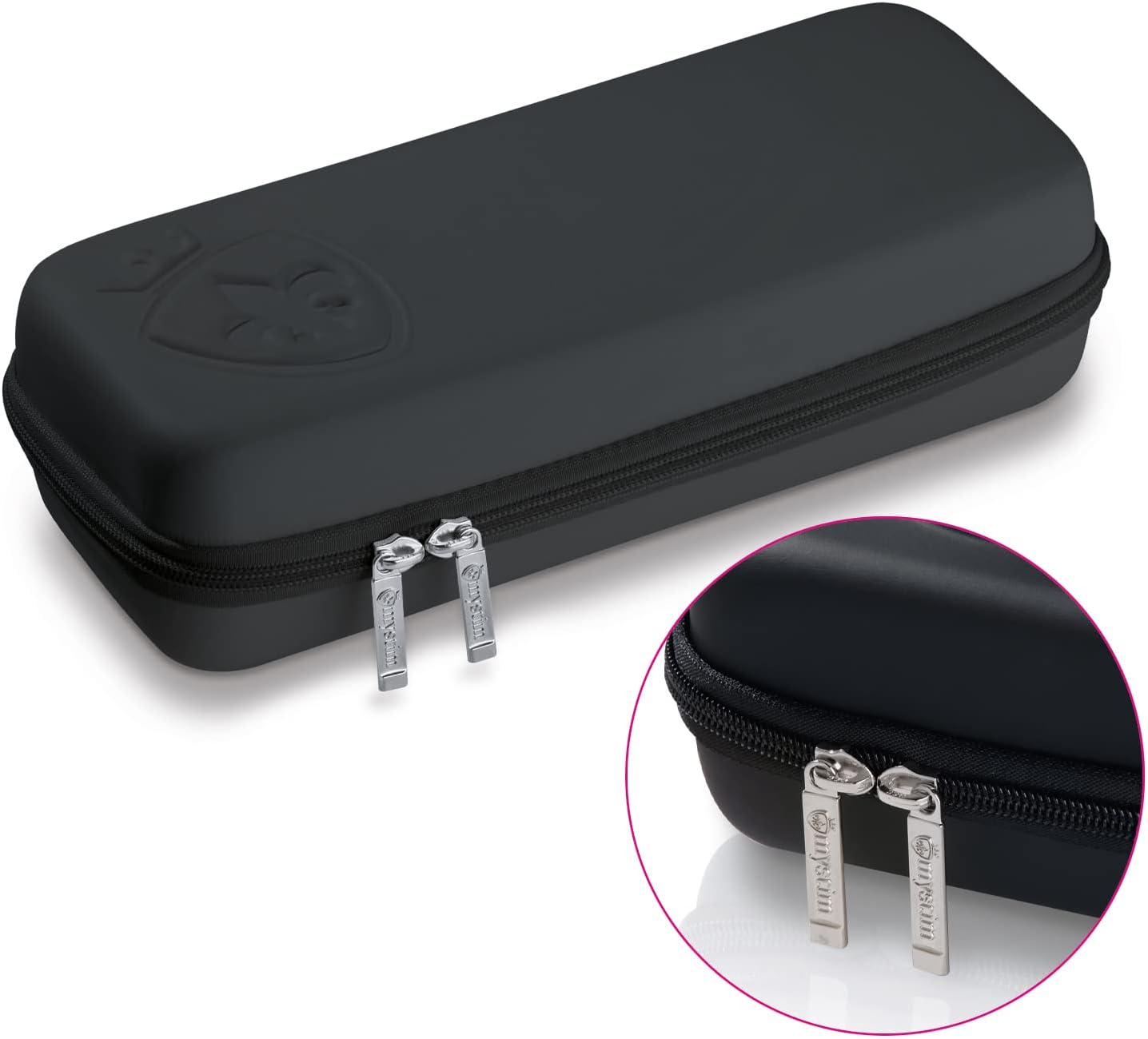
Image: The durable black zippered storage case designed to protect and store the Sizzling Simon vibrator.
Troubleshooting
| Problem | Possible Cause | Solution |
|---|---|---|
| Device does not turn on. | Battery is depleted. | Charge the device fully. |
| Device does not charge. | Charging cable is not properly connected or is faulty. Charging port is wet. | Ensure the cable is securely connected and the port is dry. Try a different USB port or cable. |
| Vibration/E-Stim is weak or inconsistent. | Low battery. Incorrect program/intensity setting. E-Stim conductive surfaces not in full contact. | Recharge the device. Adjust intensity levels and programs. Ensure proper contact with conductive surfaces for E-Stim. |
| Device turns off unexpectedly. | Low battery. | Charge the device fully. |
If you encounter issues not listed here or if the problem persists, please contact Mystim customer support for assistance.
Specifications
- Model: 5856450000
- Material: Medical-grade Platinum Silicone
- Dimensions (Overall): Approximately 29.5 x 13 x 8 cm
- Device Length: Approximately 27 cm
- Insertable Length: Approximately 17 cm
- Max Width: Approximately 4.0 cm
- Weight: Approximately 100 g
- Battery: Rechargeable Lithium-ion
- Waterproof: Yes
- Manufacturer: Mystim GmbH
- ASIN: B01A92SPUU

Image: A measurement diagram indicating the total length (27 cm), insertable length (17 cm), and maximum width (4.0 cm) of the Sizzling Simon vibrator.
Warranty and Support
Manufacturer's Warranty
The Mystim Sizzling Simon Personal Vibrator with E-Stim comes with a 1-year manufacturer's warranty from the date of purchase. This warranty covers defects in materials and workmanship under normal use. It does not cover damage caused by misuse, accidents, unauthorized modifications, or normal wear and tear. Please retain your proof of purchase for warranty claims.
Customer Support
For technical assistance, troubleshooting, or warranty inquiries, please contact Mystim customer support. Refer to the Mystim official website for the most current contact information.