
1. Introduction
This manual provides essential information for the safe and effective operation of your Hantek DSO5102P Digital Storage Oscilloscope. Please read this manual thoroughly before using the device and keep it for future reference. The Hantek DSO5102P is a 100MHz, 1GSa/s, 2-channel digital storage oscilloscope featuring a 7-inch TFT display.
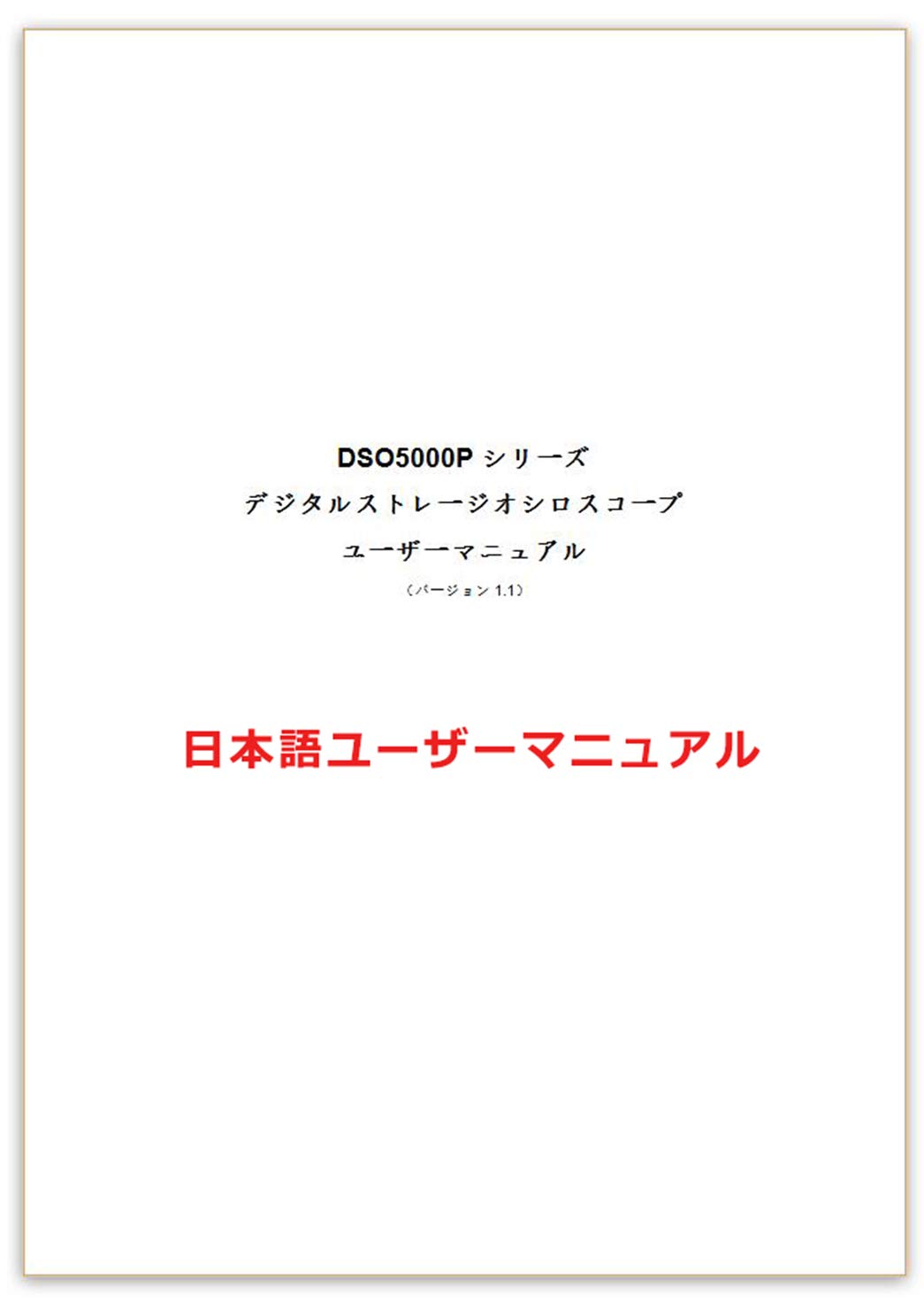
Figure 1.1: User Manual Cover for Hantek DSO5102P.
2. Product Overview
The Hantek DSO5102P is designed for precise waveform analysis in various electronic applications. It offers a wide range of features for signal measurement and analysis.

Figure 2.1: Hantek DSO5102P Oscilloscope and its standard accessories, including probes and power cable.
Key Features:
- 100 MHz Bandwidth
- 1 GSa/s Real-time Sample Rate
- 2 Channels
- 7-inch TFT LCD Display with 800x480 resolution
- 40K Record Length
- USB Host and Device Connectivity

Figure 2.2: Front view of the Hantek DSO5102P, illustrating its primary specifications.
3. Setup
3.1 Unpacking and Inspection
Carefully unpack the oscilloscope and all accessories. Inspect the device for any signs of damage during transit. If any damage is found, contact your supplier immediately.
3.2 Power Connection
- Ensure the power switch on the oscilloscope is in the OFF position.
- Connect the provided power cord to the AC input on the rear panel of the oscilloscope.
- Plug the other end of the power cord into a grounded AC power outlet.
3.3 Probe Connection and Compensation
- Connect the probe to one of the input channels (CH1 or CH2) on the front panel.
- Attach the probe ground clip to the oscilloscope's ground terminal.
- Turn on the oscilloscope.
- Connect the probe tip to the probe compensation output terminal (usually a square wave signal).
- Adjust the probe compensation trimmer until a flat-top square wave is displayed on the screen. This ensures accurate measurements.

Figure 3.1: Front panel layout with input channels and controls.
4. Operating Instructions
4.1 Basic Operation
- Power On/Off: Press the power button on the front panel to turn the device on or off.
- Auto Set: Press the AUTO SET button to automatically adjust vertical, horizontal, and trigger settings for a stable waveform display.
- Vertical Controls: Use the VOLTS/DIV knobs for CH1 and CH2 to adjust the vertical scale (voltage per division). Use the POSITION knobs to move the waveform vertically.
- Horizontal Controls: Use the SEC/DIV knob to adjust the horizontal scale (time per division). Use the POSITION knob to move the waveform horizontally.
- Trigger Controls: Adjust the LEVEL knob to set the trigger threshold. Use the TRIGGER MENU button to access trigger settings (Edge, Pulse, Video, Slope, Alternate).
4.2 Measurement Functions
The DSO5102P offers various automatic measurement functions. Press the MEASURE button to display a menu of available measurements. Use the function keys (F1-F5) to select desired parameters such as Vpp, Vmax, Vmin, Freq, Period, Rise Time, Fall Time, etc.
4.3 Saving and Recalling Waveforms
To save a waveform, press the SAVE/RECALL button. Select the desired save location (internal memory or USB drive) and format. To recall a saved waveform, navigate to the RECALL menu and select the file.
5. Maintenance
5.1 Cleaning
Regularly clean the exterior of the oscilloscope with a soft, damp cloth. Do not use abrasive cleaners or solvents that could damage the casing or screen. Ensure the device is powered off and unplugged before cleaning.
5.2 Storage
When not in use for extended periods, store the oscilloscope in a dry, dust-free environment. Protect it from extreme temperatures and humidity. It is recommended to keep the original packaging for safe storage and transport.
5.3 Calibration
For optimal performance, periodic calibration by qualified personnel is recommended. Refer to the full service manual or contact Hantek support for calibration procedures and intervals.
6. Troubleshooting
This section addresses common issues you might encounter with your Hantek DSO5102P. If the problem persists after following these steps, contact customer support.
| Problem | Possible Cause | Solution |
|---|---|---|
| No display after power on | Power cord not connected; Power switch off; Internal fault | Check power cord connection; Ensure power switch is ON; Contact support if problem persists |
| Unstable waveform | Incorrect trigger settings; Probe compensation issue; Signal too noisy | Adjust trigger level/mode; Perform probe compensation; Use signal averaging or filtering |
| No waveform displayed | Probe not connected; Channel turned off; Vertical scale too high/low | Connect probe correctly; Ensure channel is ON; Adjust VOLTS/DIV knob |
| USB device not recognized | Faulty USB drive; Incorrect file system; USB port issue | Try another USB drive; Ensure USB drive is FAT32 formatted; Contact support |
7. Specifications
The following table details the technical specifications of the Hantek DSO5102P Digital Storage Oscilloscope.

Figure 7.1: Detailed specifications of the DSO5102P.
| Feature | Specification |
|---|---|
| Model Number | DSO5102P |
| Bandwidth | 100 MHz |
| Channels | 2 |
| Real-time Sample Rate | 1 GSa/s |
| Display | 7-inch TFT LCD, 800x480 |
| Record Length | 40K |
| Product Weight | 3.34 Kilograms |
| Product Dimensions (LxWxH) | 31 x 11 x 14 cm |
| Batteries Included | No |
| Discontinued by Manufacturer | No |
8. Warranty and Support
For warranty information, technical support, or service inquiries, please refer to the documentation provided with your purchase or visit the official Hantek website. Keep your purchase receipt as proof of purchase for warranty claims.


