
Introduction
Thank you for purchasing the Rockville RXA-T1 1500W 2-Channel Car Amplifier. This manual provides essential information for the proper installation, operation, and maintenance of your amplifier. Please read it thoroughly to ensure optimal performance and safety.

Image: The Rockville RXA-T1 1500W 2-Channel Car Amplifier, showcasing its sleek design and connection terminals.
Safety Instructions
Always observe the following basic safety precautions when installing and operating your amplifier:
- Disconnect the vehicle's negative battery terminal before starting any installation.
- Ensure proper grounding for the amplifier.
- Use appropriate gauge wiring for power, ground, and speakers as specified in this manual.
- Avoid running wires near sharp edges or moving parts.
- Protect all wiring from pinching or damage.
- Do not mount the amplifier in locations exposed to direct sunlight, excessive heat, or moisture.
- If you are unsure about any part of the installation process, consult a professional car audio installer.
Key Features
- High Power Output: 1500W peak power and 370W Dyno-Certified RMS in a compact 2-channel Class A/B amplifier.
- Advanced MOSFET Power Supply: High-speed MOSFET power supply and studio-grade bipolar transistors for reliable, stable performance.
- Premium Audiophile Components: Built with ELNA brand capacitors and differential circuitry for pure sound quality.
- Customizable Sound Control: Fully adjustable 12dB bass EQ, low-pass, and high-pass filters for precise sound tuning.
- Smart Auto Turn-On & Protection: High-level input with auto-start function and IC-controlled protection circuitry for easy setup and long-term reliability.
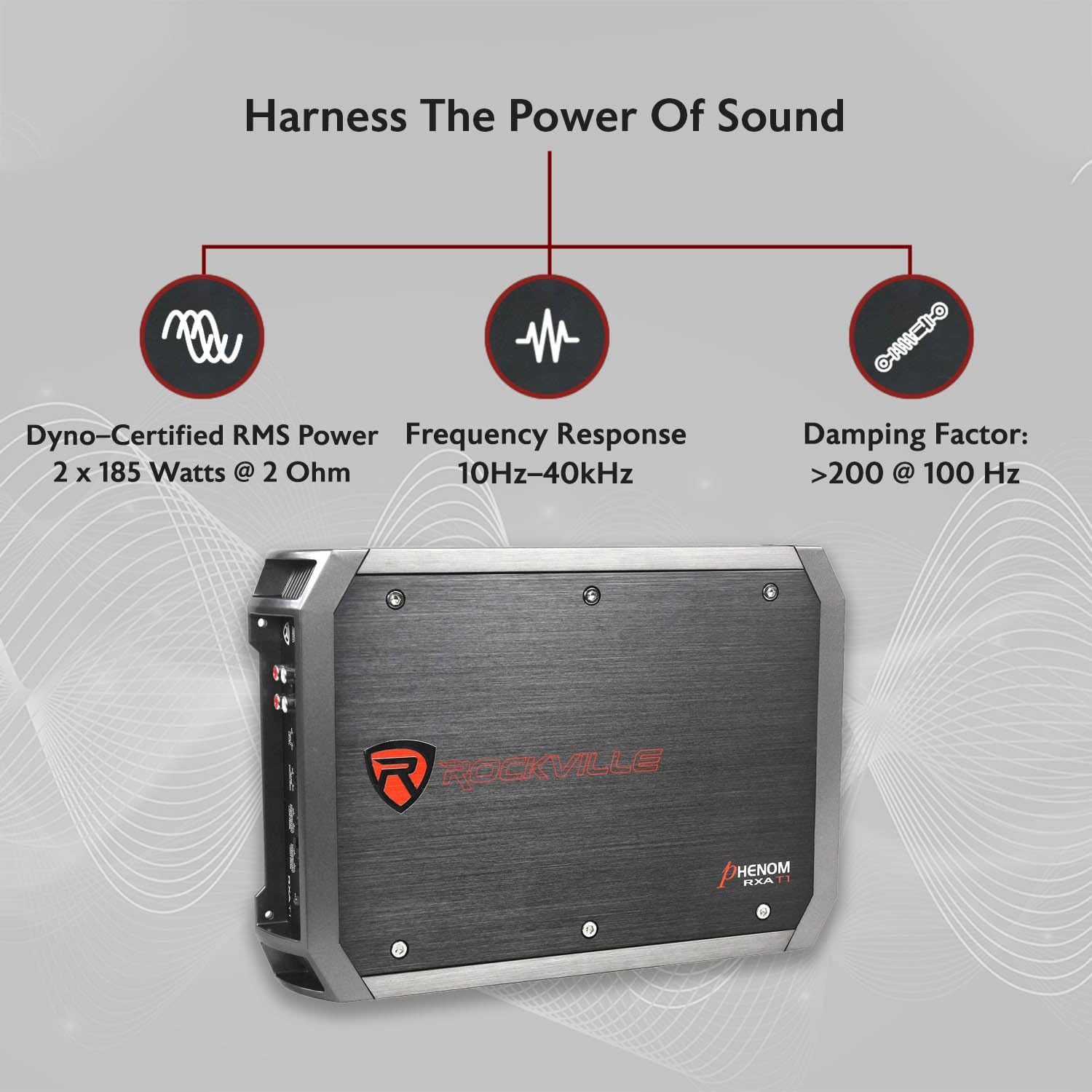
Image: A diagram illustrating key performance metrics: Dyno-Certified RMS Power (2 x 185 Watts @ 2 Ohm), Frequency Response (10Hz-40kHz), and Damping Factor (>200 @ 100 Hz).
What's in the Box
- Rockville RXA-T1 Amplifier
- High Level Input Wire
- Fuse
- Mounting Screws
- User Manual (this document)
Setup and Installation
1. Wiring Connections Overview
Proper wiring is crucial for the performance and safety of your amplifier. Refer to the diagrams below for correct connections.

Image: An illustration highlighting key features and connection points on the amplifier, such as RCA outputs, bass equalizer, fuse, and auto turn-on.
2. Power and Ground Connections
Connect the amplifier to your vehicle's electrical system using appropriate gauge wiring. A 4-gauge wire is recommended for power and ground connections.
- +12V (Power): Connect this terminal to the positive (+) terminal of your car battery via an in-line fuse holder (not included, but essential for safety).
- GND (Ground): Connect this terminal to a clean, unpainted metal surface on the vehicle's chassis. Ensure a solid, low-resistance connection.
- REM (Remote Turn-On): Connect this to the remote output of your head unit. This wire turns the amplifier on and off with your stereo. If using high-level inputs, the auto-start function may eliminate the need for this connection.

Image: The rear panel of the amplifier, detailing the power input (+12V), ground (GND), remote turn-on (REM) terminals, and the 50A fuse. Speaker output terminals are also visible.
3. Audio Input Connections
The RXA-T1 offers both RCA (low-level) and high-level input options.
- RCA Inputs (Low-Level): Connect RCA cables from your head unit's pre-amp outputs to the amplifier's CH1 and CH2 RCA inputs.
- High-Level Inputs: If your head unit does not have RCA outputs, use the supplied high-level input wire harness. Connect the speaker wires from your head unit to the corresponding wires on the harness, then plug the harness into the amplifier's high-level input port. The amplifier features an auto-start circuit for high-level inputs.
4. Speaker Connections
Connect your speakers to the amplifier's speaker terminals. The RXA-T1 is a 2-channel amplifier and can be configured for stereo or bridged mono operation.
- Stereo Mode (2-Channel): Connect one speaker to CH1 (+) and CH1 (-), and another speaker to CH2 (+) and CH2 (-). Ensure the speaker impedance is 2 ohms or higher per channel.
- Bridged Mode (1-Channel): For a single subwoofer, connect the positive (+) lead of the subwoofer to CH1 (+) and the negative (-) lead to CH2 (-). The minimum impedance for bridged operation is 4 ohms.

Image: A graphic detailing the amplifier's power output specifications: RMS power at 2 Ohm (185W x 2), 4 Ohm (125W x 2), and 4 Ohm Bridged (370W x 1). Peak power ratings are also shown.
Operating the Amplifier
Once installed, adjust the amplifier settings for optimal sound performance.

Image: The amplifier's control panel, illustrating the input level, bass equalizer, and crossover frequency adjustments for both low-pass and high-pass filters.
1. Gain Control (Input Level)
The gain control matches the amplifier's input sensitivity to the output of your head unit. Start with the gain set to minimum. Gradually increase the gain until you hear slight distortion, then back it off slightly. Avoid setting the gain too high, as this can lead to clipping and speaker damage.
2. Crossover Settings
The RXA-T1 features adjustable low-pass (LPF) and high-pass (HPF) filters.
- LPF (Low-Pass Filter): Used for subwoofers. This filter allows frequencies below the set point to pass through, blocking higher frequencies. Adjust to match your subwoofer's characteristics, typically between 80Hz and 120Hz.
- HPF (High-Pass Filter): Used for full-range speakers. This filter allows frequencies above the set point to pass through, blocking lower frequencies that speakers cannot reproduce effectively. Adjust to protect your speakers from damaging low frequencies, typically between 80Hz and 150Hz.
- FULL: Bypasses both LPF and HPF, allowing the full frequency range to pass.
3. Bass Equalizer (Bass EQ)
The 12dB bass EQ allows you to boost low frequencies. Use this control sparingly to avoid distortion and potential damage to speakers. Start with it at minimum and adjust to your preference.

Image: The top panel of the amplifier, accompanied by text explaining that its MOSFET power supply minimizes energy loss and provides fast switching for robust performance at elevated temperatures.
Maintenance
To ensure the longevity and optimal performance of your RXA-T1 amplifier, follow these maintenance guidelines:
- Cleaning: Periodically wipe the amplifier's exterior with a soft, dry cloth. Avoid using harsh chemicals or abrasive cleaners.
- Ventilation: Ensure the amplifier's cooling fins are free from dust and debris to maintain proper heat dissipation. Do not obstruct airflow around the unit.
- Connections: Regularly check all power, ground, remote, and speaker connections to ensure they are secure and free from corrosion. Loose connections can lead to poor performance or damage.
- Fuse Replacement: If the fuse blows, replace it only with a fuse of the same type and rating (50A). Using an incorrect fuse can cause serious damage or fire.
Troubleshooting
If you experience issues with your amplifier, consult the following table before contacting technical support.
| Problem | Possible Cause | Solution |
|---|---|---|
| No Power / Amplifier Not Turning On |
|
|
| No Sound Output |
|
|
| Distorted Sound |
|
|
| Amplifier Overheating / Protection Mode |
|
|
Specifications
| Brand | Rockville |
| Model Number | RXA-T1 |
| Number of Channels | 2 |
| Output Power (RMS) |
|
| Peak Power |
|
| Frequency Response | 10Hz - 40kHz |
| Damping Factor | >200 @ 100 Hz |
| Bass EQ | Adjustable 12dB |
| Fuse Rating | 50A |
| Minimum Supply Voltage | 8 Volts |
| Maximum Supply Voltage | 8 Volts (DC) |
| Dimensions (L x W x H) | 17 x 10.5 x 4 inches |
| Item Weight | 7.78 pounds |
| Specification Met | CEA-2006 |

Image: A detailed view of the amplifier, emphasizing the ELNA brand audiophile capacitors, known for high conductivity and reduced signal distortion.
Warranty and Support
The Rockville RXA-T1 amplifier comes with a 1-Year Warranty from the date of purchase. This warranty covers manufacturing defects and ensures your product performs as expected under normal use.
For technical assistance, troubleshooting, or warranty claims, please contact Rockville customer support. Have your product model number (RXA-T1) and proof of purchase ready when you call or email.
You can find contact information on the official Rockville website or through your retailer.


